
Choose a Machine
Buying guidance for aluminum cutting equipment: application fit, automation scope, drawing requirements and sample acceptance.
Browse by Topic
Guides in This Topic
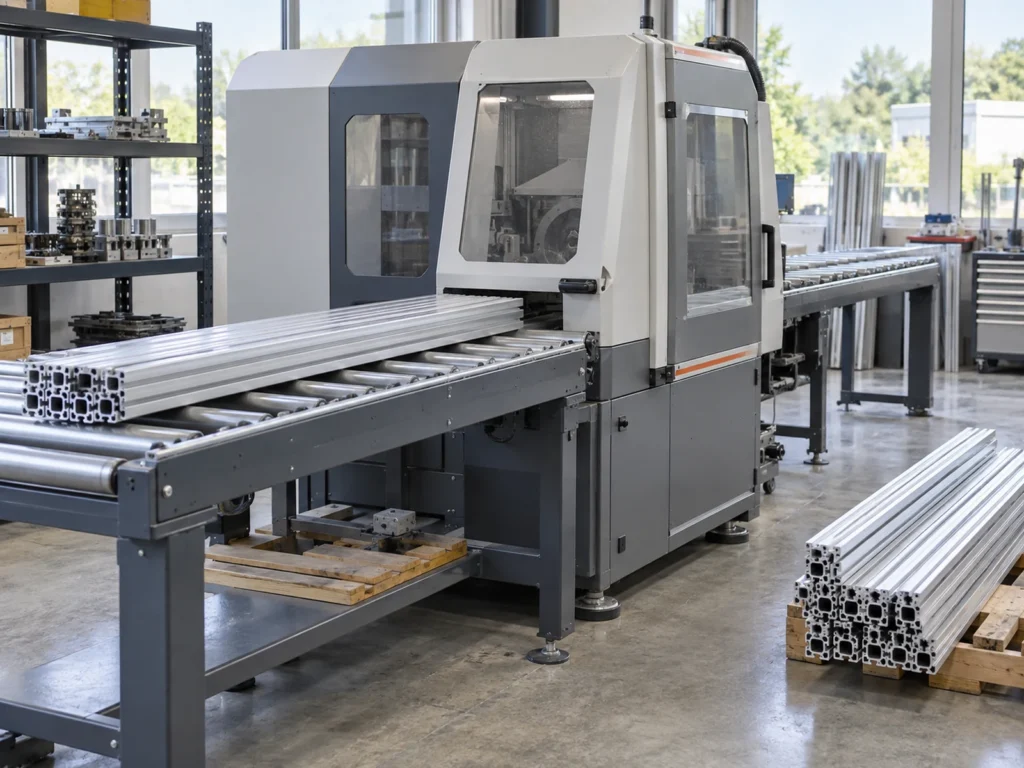
Aluminum Saw Stock Staging Rack: Specify the Warehouse-to-Feed Interface
A saw quotation can describe feed stroke and cycle automation yet leave one daily question unanswered: where does the next accepted bundle wait, and who moves it from that position onto the feed? An aluminum saw stock staging rack is a purchase decision about this warehouse-to-feed interface, not simply a shelf beside the machine. Define…
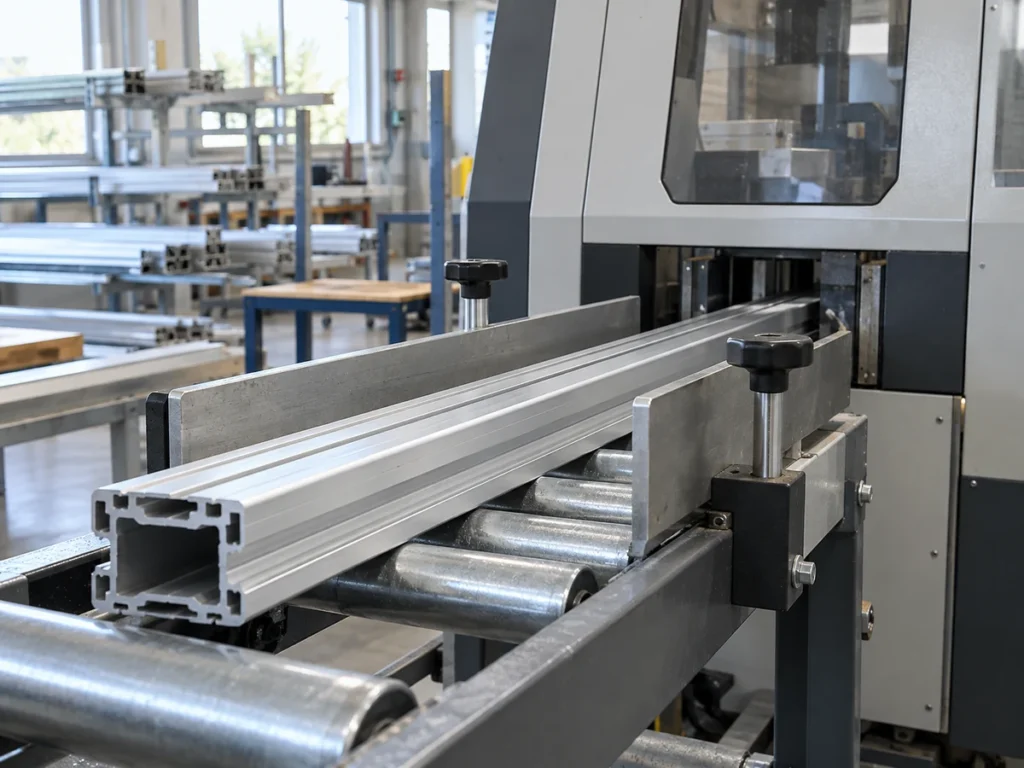
Aluminum Saw Infeed Side Guides: Define the Datum, Adjustment and Changeover Test
Side guides at a saw infeed seem simple until a new extrusion, a different surface finish, or a longer stock length reaches the machine. For a buyer, the useful question is not merely whether an aluminum saw has side guides. It is which face establishes the lateral reference, where that reference begins and ends, how…
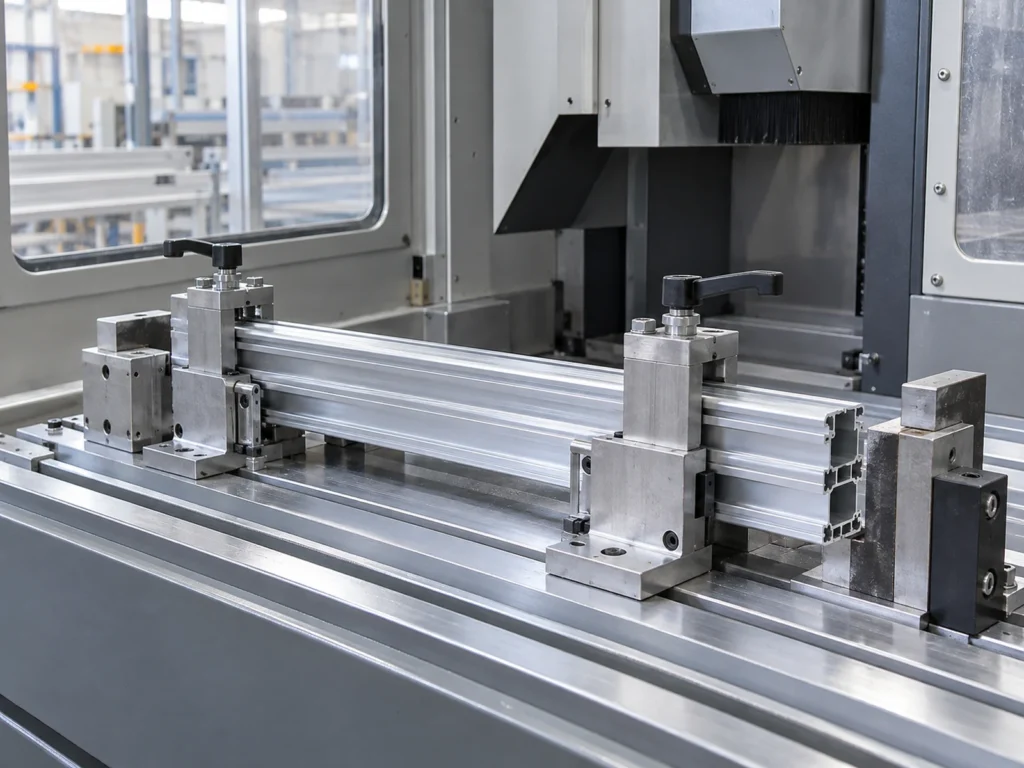
Multi-Cavity Aluminum Extrusion Clamping: A Fixture RFQ and Acceptance Plan
Multi-cavity aluminum extrusion clamping deserves its own line in a saw RFQ when one purchase must cut several hollow or webbed profiles. A drawing may give the nominal envelope, yet it does not decide which face becomes the locating datum, where the stock is supported, or how the clamp avoids distorting a wall before the…
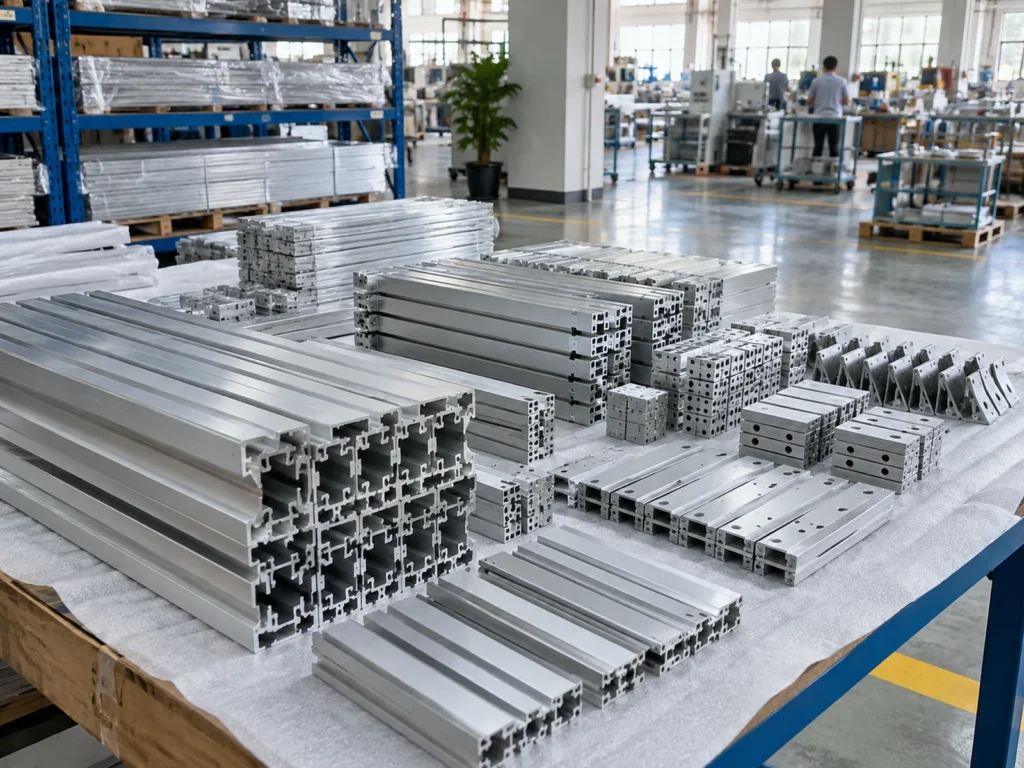
Aluminum Saw Trial Sample Shipment: Preserve the Buying Evidence
Aluminum saw trial sample shipment can decide whether a buyer trusts a supplier's cutting proposal. The machine may have produced a useful trial set, but a carton of unmarked pieces gives the buyer no reliable way to connect each part to the drawing, stock condition, setting, or measurement record that was discussed. Before arranging a…
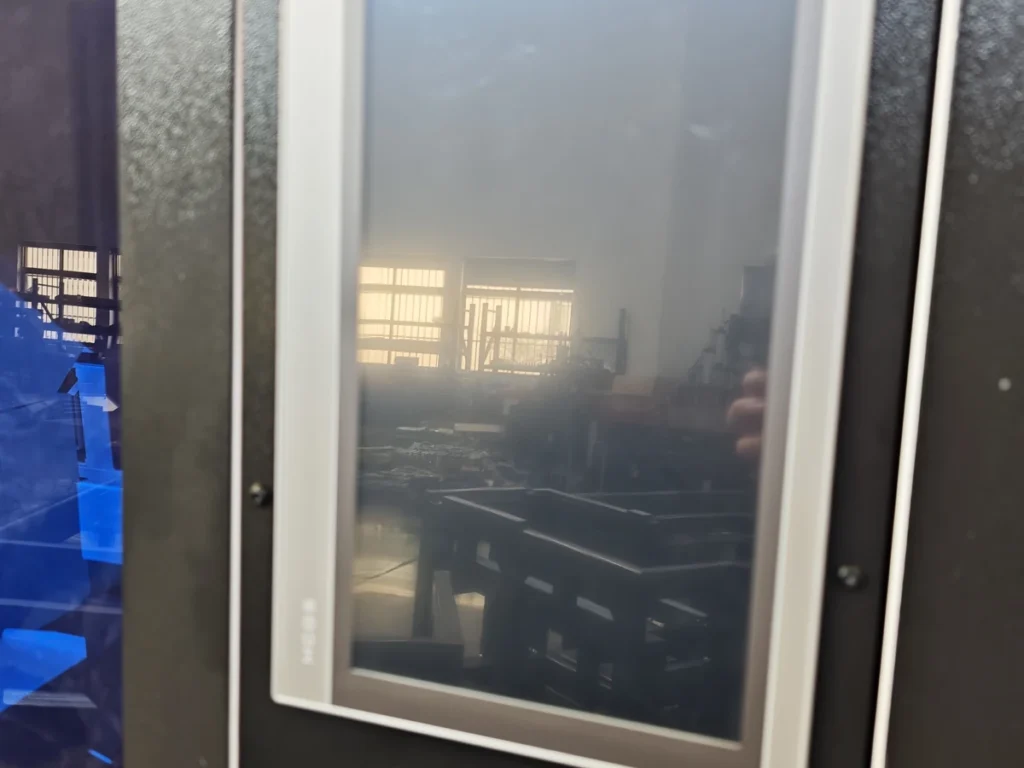
Aluminum Saw HMI Readability: Specify Glare, Status and Acceptance Checks
Aluminum saw HMI readability is a purchase and acceptance question, not a specification-sheet number. A supplier may quote a touchscreen with a stated pixel count, while the buyer still cannot tell whether an operator can read the active job, units, machine state or a message at the installed station. Define the information that must be…
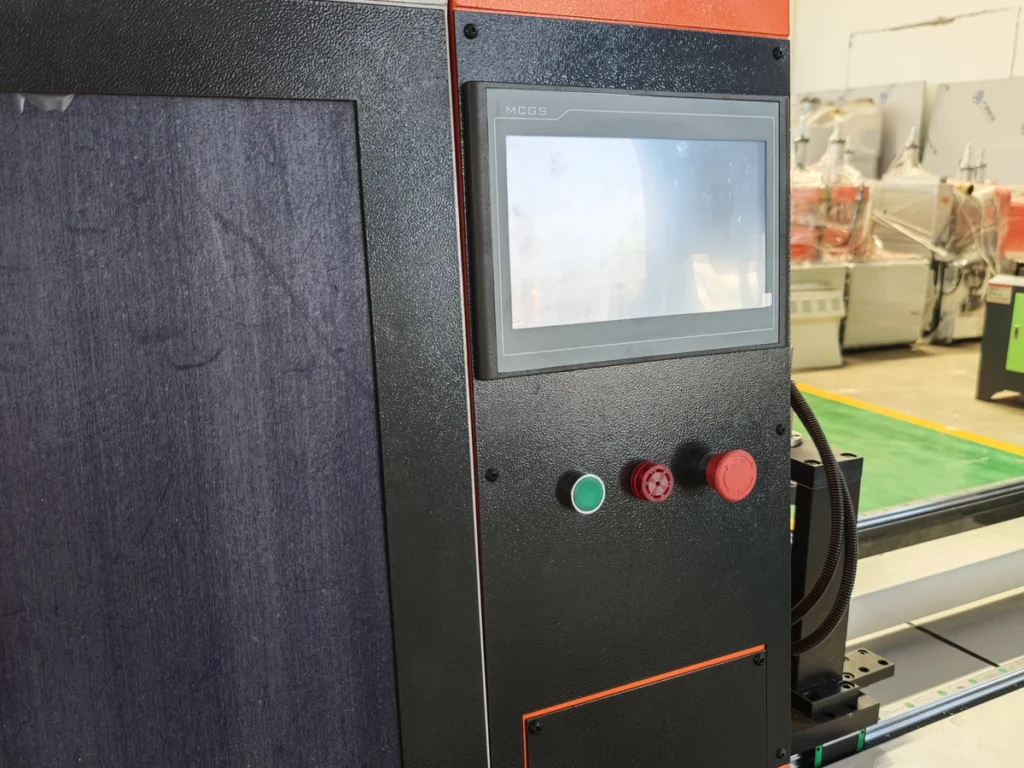
Aluminum Saw HMI User Roles: Specify Permissions and Account Handover
Aluminum saw HMI user roles can become a costly ambiguity after installation. A quotation may show a touch panel yet say nothing about who may load a job, edit a stored program, acknowledge an alarm, change service settings or remove an account when a person leaves. The purchasing question is not whether a panel looks…
ALUMINUM CUTTING MACHINE QUOTE
Which Machine Fits?
What Will It Cost?
Tell us what you need to cut. We’ll confirm the details with you, recommend a machine and prepare a quote.
- A machine for your partsWe review your aluminum material, size and cutting needs.
- Machine proposal and pricingSee the recommended machine, included equipment and price.
- Help with your cutting problemDiscuss burrs, material waste, slow cutting or too much manual work.
Want to check the cut before ordering?Ask about a sample-cutting test for your material.
Start with just 2 detailsYour WhatsApp / phone number + email address.
No model or drawing needed to get started.
Prefer to chat?
Chat on WhatsAppSend Your Inquiry
WhatsApp / phone and email are required. Your name or company, cutting details and drawings are optional.
We’ll use your details to respond to your inquiry. Privacy Policy