
Aluminum saw HMI user roles can become a costly ambiguity after installation. A quotation may show a touch panel yet say nothing about who may load a job, edit a stored program, acknowledge an alarm, change service settings or remove an account when a person leaves. The purchasing question is not whether a panel looks modern. It is which actions the quoted control system actually supports, who is allowed to perform each action, and what evidence the supplier will hand over.
Use this guide to build a role-and-action schedule for one proposed machine configuration. Treat every capability as a question until the supplier confirms it in writing and demonstrates it on the offered controller. A user-role menu is separate from physical guarding, hazardous-energy isolation and your site’s work authorization; software permission never substitutes for those protections.
Start with actions, not job titles
Write down the actions your production team needs at the machine: choose a released job, enter or edit a length, change a feed setting, confirm a first piece, acknowledge a message, view a production record, export a program, restore a backup and open a service page. Some actions may not exist on the offered HMI, and some may be controlled outside it. Ask the supplier to mark each as available, unavailable or subject to a quoted option.
Only then assign an owner. For example, an operator might select an approved program, a setter might change setup values under a release process, and maintenance might need diagnostic access. Those are example responsibilities, not claims about any Jiurun machine or a recommended universal permission scheme. The buyer must approve the actual separation for its own shifts, training and risk assessment.
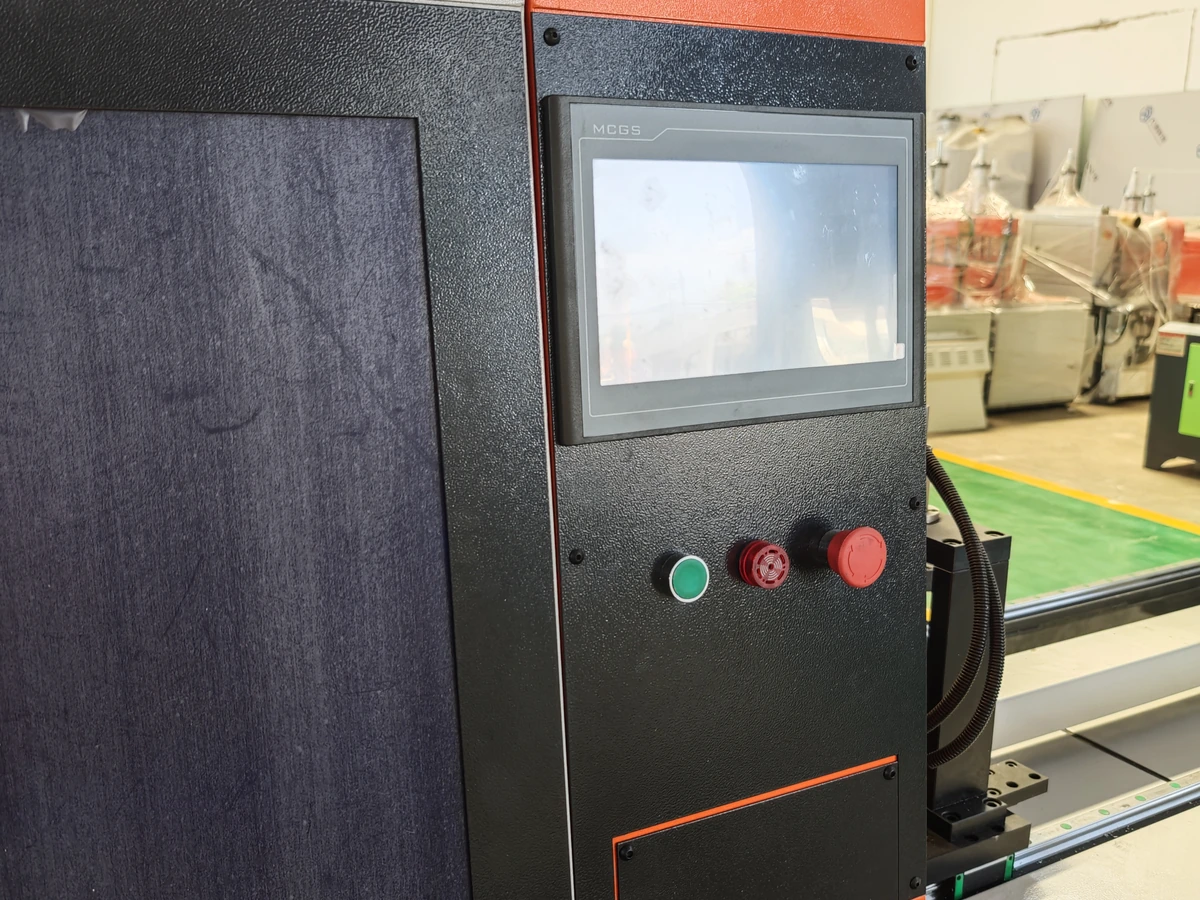
Make a permission matrix part of the RFQ
A useful matrix has one row per action and columns for the proposed role, access method, approval owner, record produced and acceptance evidence. Include the boundary between viewing information and changing it. “Operator access” alone is too broad: the supplier may interpret it as basic start/stop operation while the buyer assumes program editing is included. Record the exact screen, parameter group or workflow where a right applies.
Ask whether the quoted controller supports named users, shared roles, local accounts, central identity, a service account, automatic logoff or an audit trail. Do not assume any of these exists. If a feature is absent, agree a procedural control and identify its owner. If a feature is optional, ask for its price, license, installation scope and acceptance demonstration. A lockable enclosure or a physical key is a separate control to describe rather than silently treating it as HMI user management.
For a platform example, Siemens WinCC Unified documentation on HMI roles distinguishes users, roles and function rights, including configurable user-defined roles. This illustrates why an RFQ should name the desired function rights. It does not identify the controller supplied with a Jiurun saw or prove that the quoted machine has Siemens software or any particular account feature.
Separate local operation from engineering and service access
Ask where each access route starts. A local HMI, an engineering workstation, a removable file and remote support may have different authentication and approval paths. If a supplier proposes remote service, ask who initiates the session, who approves it, what actions are available, how access is ended and which records remain with the buyer. Do not infer remote access from a network port or from an illustration of a computer beside a machine.
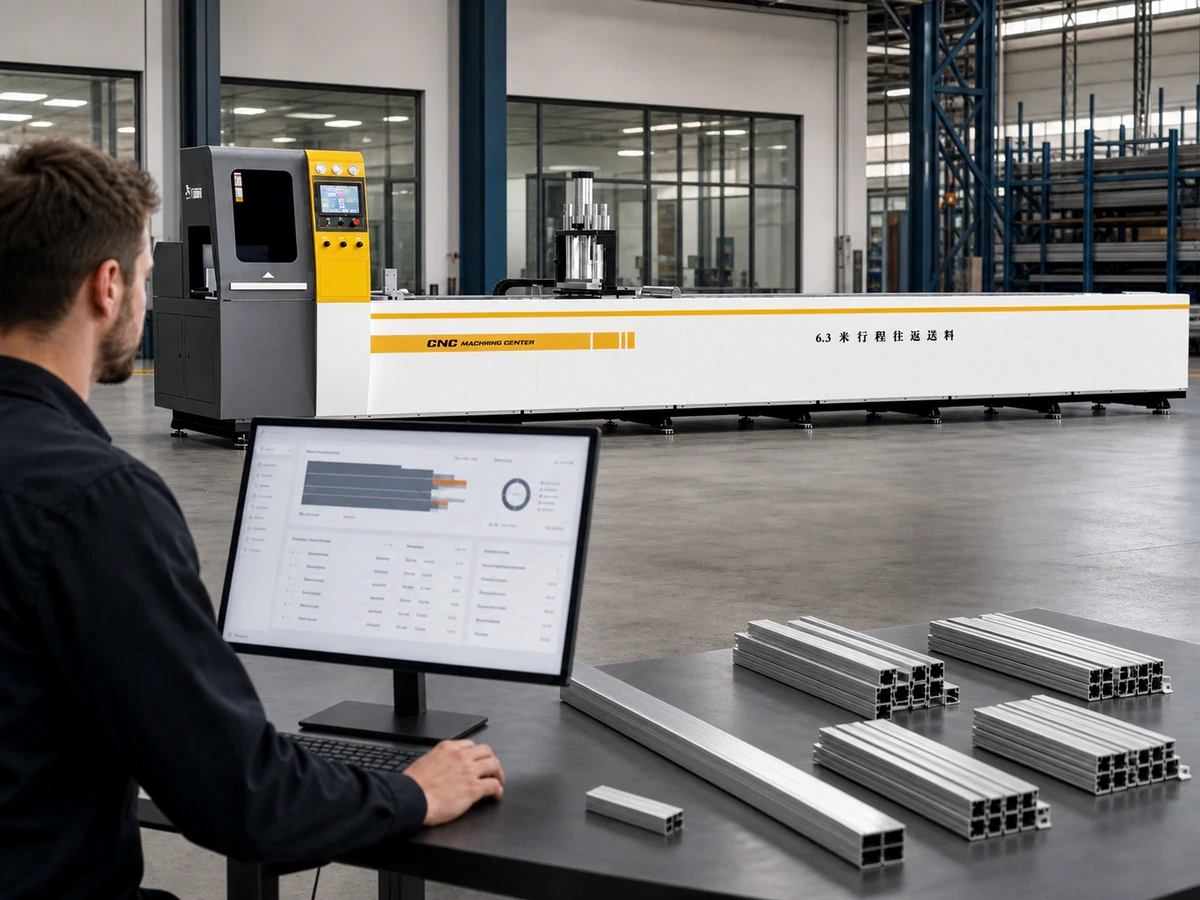
Keep the role schedule tied to program change approval. A person allowed to edit a value is not automatically authorized to release production using it. State who checks the first piece, who records the approved revision and who can restore the last accepted program. If a supplier cannot demonstrate a software restriction, the buyer can still define a manual approval and record, but that workaround must be explicit in the operating plan.
Specify account handover and removal
Before acceptance, request a handover list of accounts and roles included in the delivered configuration, the party that owns each account, the method for adding and removing users, and the documented recovery route if the authorized administrator is unavailable. Do not ask a supplier to email reusable passwords in the article’s RFQ; agree a secure handover channel with your own IT and site policies. The buyer should know which vendor or service access remains after handover and how it can be disabled or time limited when the service visit ends.
Account handover has a human side. Identify who trains new operators, who approves a role change, who reviews access after a shift or staffing change, and where the current role matrix is stored. If shared logins are unavoidable on the offered system, write down the resulting attribution limit and the compensating shift record. Do not describe an audit log as individual proof when multiple people use one credential.

Demonstrate allowed and denied actions at acceptance
Ask the supplier to demonstrate representative accounts on the actual delivered or quoted control configuration. The test should show an authorized user performing a nonhazardous representative screen action and a lower-rights user being denied the protected action. Agree in advance which screens and records will be captured. A photograph of a login page alone does not show that the intended function rights work; a statement that “password protection is available” does not define its scope.
Include a safe account-change exercise: add a test user, assign the approved role, verify the visible rights, sign out, remove the test user and verify that access is gone. If that workflow is unavailable or controlled by the OEM, record the limitation and the response path. Any live-machine test must follow site safety procedures and the manufacturer’s instructions; the RFQ is an acceptance checklist, not a procedure for bypassing safeguards.
Test role boundaries alongside alarm ownership and restart decisions. A user who may acknowledge a message may still lack authority to diagnose a fault or release a restart. Ask for those steps to be distinguished in the quoted operating and service documentation.
Seven questions to send with the quotation request
- Which exact HMI and control configuration is quoted, including software or license options relevant to user access?
- Which actions are view-only, editable, approvable or service-only on that configuration?
- Can accounts be named individually, and how are roles assigned, changed, disabled and recovered?
- What local, workstation, file-transfer and remote access routes exist, and who authorizes each one?
- Which events, edits or logins are recorded, who can export the record, and what attribution limits apply?
- What account list, role matrix, administrator handover and training material will be delivered?
- Which allowed-action, denied-action and account-removal demonstrations will be shown at acceptance?
Ask the supplier to answer against the same controller revision, option list and acceptance scenario. If the response varies by model or configuration, keep the differences separate rather than combining them into a generic claim. Compare the answer with your HMI language needs and shift handover record; a translated label, a saved program and a user permission are three different deliverables.
Decide with a documented gap list
Accept a proposal when the supplier has identified the quoted access functions, demonstrated the critical role boundaries and handed over a workable account-owner process. If a requested software control is unavailable, decide whether an explicit procedural control is acceptable before purchase and record who will maintain it. Keep unsupported rights and unpriced options open in the gap list rather than marking them “included.”
For an aluminum saw HMI user roles review on your actual work, send the proposed controller configuration, action matrix, shift responsibilities and acceptance questions through the JiurunCut contact page. Ask for a configuration-specific reply; the illustrations and general video below do not establish any supplied feature.
General equipment video
The following video is from the Jiurun Machinery YouTube channel and has been viewed as a general machine-operation illustration. It does not demonstrate the HMI user roles, accounts, access rights, software, model configuration, customer, trial cut or performance discussed above.