
Aluminum saw HMI readability is a purchase and acceptance question, not a specification-sheet number. A supplier may quote a touchscreen with a stated pixel count, while the buyer still cannot tell whether an operator can read the active job, units, machine state or a message at the installed station. Define the information that must be read, the position and lighting in which it must be read, and the evidence the supplier will show on the offered controller.
This guide helps a buyer write that requirement into an RFQ. It does not prescribe a universal font size, lighting level or screen technology, and it does not claim that any pictured machine has a particular HMI function. The employer and supplier still need a site-specific risk assessment and the machine’s actual operating instructions.
Start with the decision the operator must make
List the screen information that changes a production decision: the selected job or program identity, the displayed length and units, the current mode, a cycle-ready or stopped state, an alarm or advisory message, and the status of a requested change. Decide which items are needed at the control station and which may be checked in a separate record. A readable decorative home screen is not evidence that the critical setup or fault screen is readable.
Ask the supplier for screenshots or a supervised demonstration of the actual quoted HMI pages. Mark each required item as present, absent or optional. If a machine relies on a separate physical indicator rather than an HMI page, record that distinction. This is a content-and-task schedule, not a claim about the default screens on any Jiurun saw.
Define viewing positions and shop lighting
Specify where the operator will stand when checking each item. The normal setting position, material-loading position and a safe stop or restart review point can have different viewing angles. Record whether the screen is expected to be read through a guard window, from beside a stock support, or only from the local control station. Keep this distinct from the broader operator sightline into the cutting area; seeing the work zone does not prove that text on a panel can be read.
Lighting changes with the installation. Windows, high-bay lamps and the orientation of the screen can create reflections; a screen facing a bright opening may behave differently from the same screen in a dim factory demo. The UK Health and Safety Executive’s human-factors lighting guidance discusses contrast, colour, glare and reflections from display screens. It is general workplace guidance, not an aluminum-saw certification or a specified illumination value for this machine. Use it to frame questions, then agree a representative test at the buyer’s site.

In the RFQ, describe representative light conditions rather than promising an arbitrary brightness result. Ask whether the quoted mounting angle, hood, surface treatment or adjustable display settings are included, optional or unavailable. If the buyer proposes a shade or relocation, request a drawing and check that it does not obstruct access, guarding, controls or maintenance. A photo taken with the screen off cannot settle the question.
Check information hierarchy, not just pixels
A high pixel count says little about the actual page layout. Ask whether the selected job identifier and units are visible without opening a hidden menu, whether similar status messages are distinguishable, and whether the operator can read a complete alarm message before making a response decision. Test a long realistic part or program name so truncation and scrolling become visible. Where a message uses colour, ask what text, symbol or other cue also carries its meaning; the purchasing record should not depend on a colour swatch alone.
Separate page legibility from translation. The existing HMI language guide covers whether the delivered language exists and who approves the translated terms. This RFQ addresses whether the approved words, numbers and states can be read under actual operating conditions. The buyer should verify both on the same offered controller revision.
For an alarm, compare the full text, priority cue and action owner with the alarm response schedule. A flashing icon without an agreed message or response path is not a complete acceptance result. Conversely, a readable message does not prove that a guard, interlock or safety function works.
Separate touchscreen pages from physical controls
Many stations combine a display with pushbuttons, indicators or an emergency-stop device. Write separate checks for each. An operator might read a program value on the screen, use a labeled physical control for a routine action, and follow a different safe procedure for an emergency. Do not infer that a touch target replaces a physical control, or that a visible button label confirms the HMI’s software state.

Ask for a page map showing where each specified value appears, a control list showing physical labels, and a demonstration of the navigation path between them. Note whether gloves, protective equipment or a fixed viewing posture are part of normal work, but do not assume touchscreen suitability from a brochure photograph. Agree an observed test with the actual staff roles that will use the machine; HMI access permissions may determine which pages each person is allowed to see.
Write an acceptance test that can fail clearly
For factory acceptance, ask the supplier to show the quoted HMI with the required pages populated by representative job identifiers, values, units and message lengths. Record the controller revision, software language, active page and any display setting used. Have a buyer representative identify the selected job, the state and the requested action without prompting. Capture a photo or screen record that includes the whole page and the observed conditions; do not treat a cropped marketing image as the record.
Site acceptance should repeat the checks at the installed control position under agreed normal lighting. Include the daytime and shift conditions that actually matter to the buyer, if they differ. A failed item needs a disposition: adjust a confirmed setting, modify an agreed mounting or lighting item, revise a page under a documented change, or accept an explicit procedural workaround with an owner. Retest the affected page after the change. Avoid reaching around guarding or creating a hazardous machine condition merely to stage a readability test.
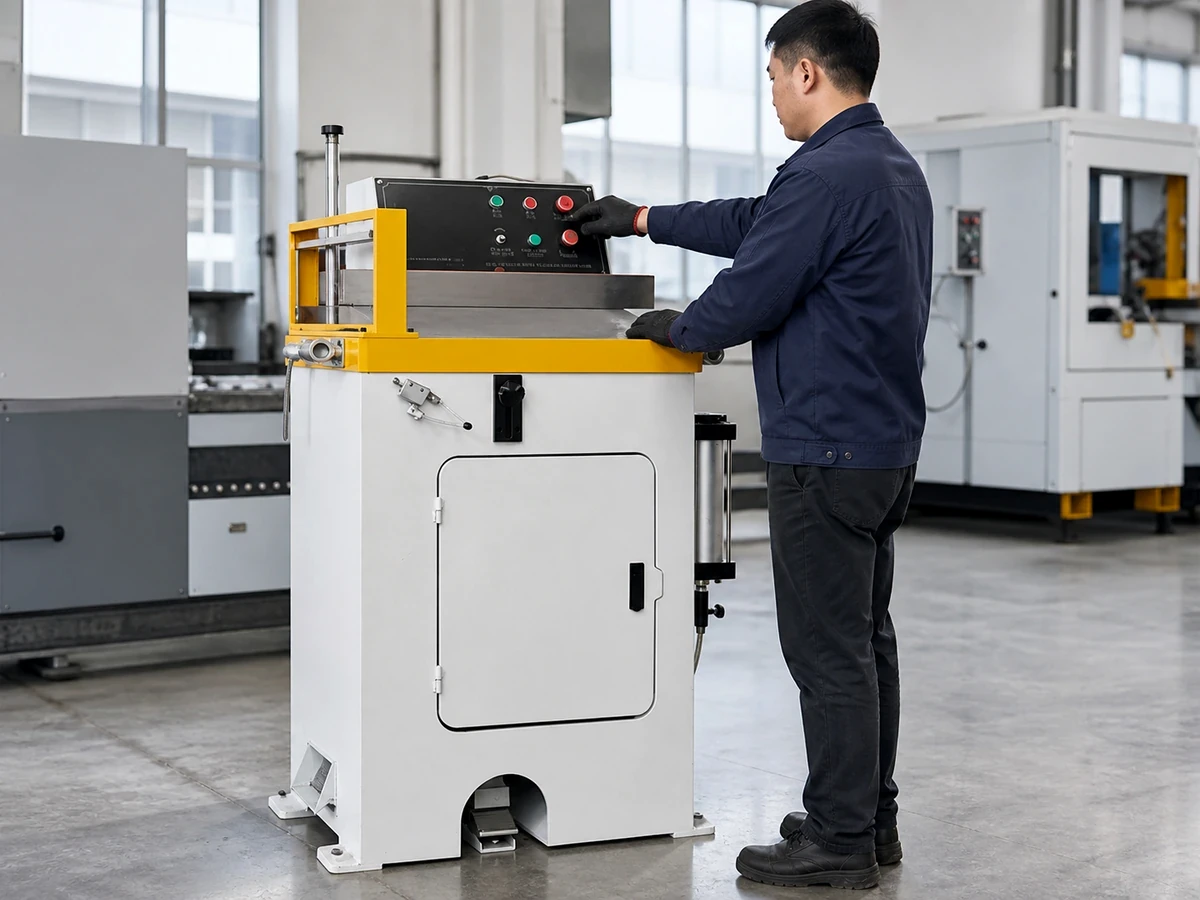
Keep evidence tied to the exact offered hardware and software. A supplier may show a different controller in another video or product family; ask which observation applies to the quoted machine. A brightness setting, protective film, language pack or custom page should be recorded as included, optional or buyer-supplied. The decision is whether the complete delivered station meets the agreed reading tasks, not whether one component has an attractive specification.
Seven RFQ questions to copy
- Which exact HMI, mounting position, software revision and language are included in this quotation?
- Which job, unit, mode, state and alarm fields must be read at each named operator position?
- What powered-screen evidence can be shown for the actual pages, including long identifiers and messages?
- Which factory and installed light conditions will be represented, and how will glare or reflection be recorded?
- Which display settings, shades, mounting changes or page changes are included, optional or unavailable?
- How are physical control labels and HMI page states checked separately, including the relevant user role?
- Who witnesses the factory and site tests, records failures, approves remedies and signs the final retest?
Send these questions with the machine layout, expected operator positions, lighting description, preferred language, representative job names and a short list of decision-critical messages. Ask the supplier to answer against one named configuration and to flag every unconfirmed function. If screen readability cannot be demonstrated before order, agree the later test, acceptance consequence and responsibility in writing.
For a configuration-specific aluminum saw HMI readability review, use the JiurunCut contact page to share your station layout, actual viewing tasks and test conditions. Request a reply tied to the offered equipment rather than treating the illustrations below as proof.
General equipment video
The following video is from the Jiurun Machinery YouTube channel. We viewed it as general aluminum-saw equipment footage. It does not test screen glare, HMI readability, a page layout, model configuration, customer installation, trial cut or performance.