
Aluminum saw loading is the step that presents new stock to the cutting process. Manual loading and automatic loading describe who or what performs that step. They do not, by themselves, define whether the subsequent positioning and cutting cycle is automatic.
Compare five things: the exact loading scope, job mix, profile handling, accepted batch output and downstream handoff. Ask the supplier to describe the complete proposed configuration. An automatic saw label alone does not establish an automatic bar-loading magazine.
Name the step being automated
- Loading, feeding, cutting and unloading are separate activities.
- A loading magazine needs review for the actual profile mix.
- Judge the complete batch, including replenishment and collection.
On this page
1. Define the aluminum saw loading scope
Start with a simple process map. Show how stock reaches the machine, how it is presented for feeding, how the saw positions and cuts it, and how finished pieces leave the process. Identify the proposed equipment at each stage.
Manual stock loading can coexist with automatic material positioning and cutting. Conversely, an automatic loading arrangement does not establish that every downstream handling or inspection activity is automatic. Describe the complete route instead of applying one label to the whole job.
| Step | Question to confirm |
|---|---|
| Loading | How does a new bar reach the feed position? |
| Feeding | How is that bar advanced to the next cut? |
| Cutting | Which programmed or controlled actions make the cut? |
| Unloading | How is each piece removed and collected? |
For a documented configuration example, Emmegi’s Automatica ER page describes an automatic cutting cycle with an N/C bar feeder while listing the automatic bar-loading magazine and unloading unit as options. This illustrates the distinction; it is not a JiurunCut feature claim.
Keep the quoted options beside the process map. If a magazine, stock rack, conveyor or collection unit is required for the proposed solution, confirm that it is included. Ask for an arrangement drawing of the actual configuration.
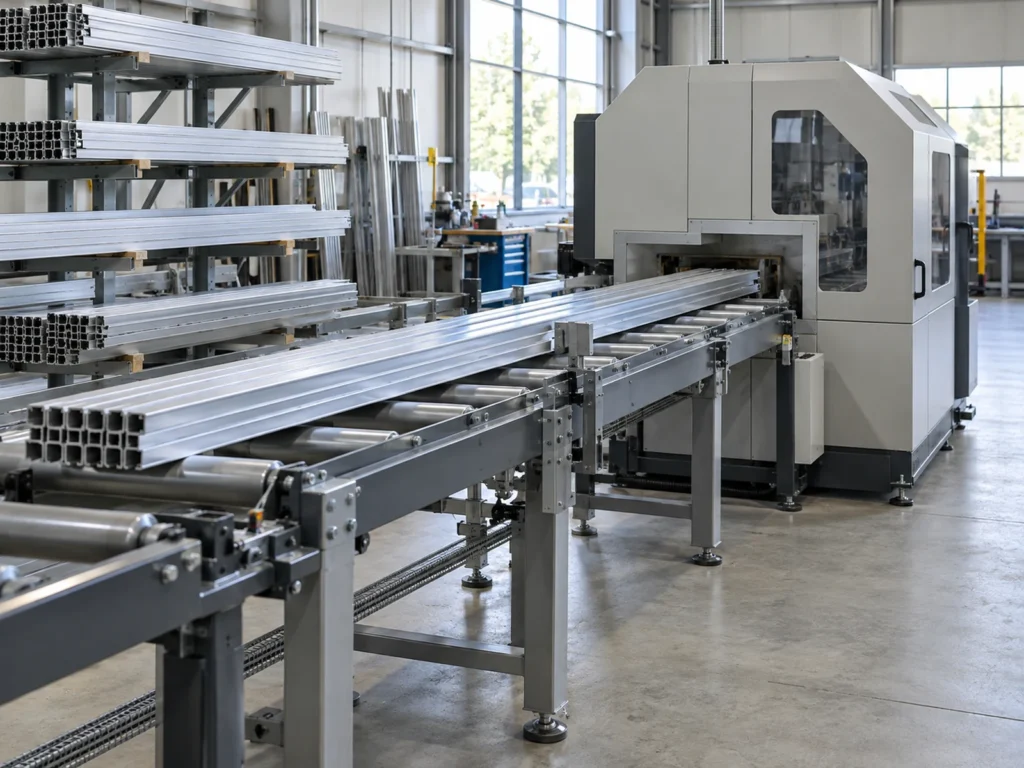
2. Describe the real job mix before choosing loading equipment
Provide the profile families, incoming stock lengths and batch sizes that occur in the job. Separate a long run of one section from frequent small orders involving several sections. A single demonstration batch may represent only one of those situations.
Show how often material identity, section, finish or orientation changes. Include the shortest and longest purchased stock where relevant. Ask the supplier how the proposed arrangement accommodates that range.
If a magazine can hold several bars, confirm the permitted mix and loading conditions. Do not assume it can accept arbitrary sections in any sequence. State whether your inquiry concerns one repeated section, mixed profiles or separate job groups.
Keep the changeover plan alongside the loading plan. A magazine’s capacity and the process needed to switch profile families are different questions. Both can affect how a mixed-order batch proceeds.
3. Review profile orientation, support and surface condition
Send the section drawing and identify how the profile needs to be presented. Show asymmetrical features, projecting flanges and any visible surfaces that require protection. Let the supplier review the proposed contacts and transfer arrangement.
Incoming straightness and dimensional variation belong in this discussion. The stock straightness guide explains why a nominal section drawing does not describe every physical bar arriving at the process.
A roller conveyor can provide support without proving that it loads successive bars automatically. A stock rack beside a saw is not necessarily a machine loading magazine. Ask for a demonstrated transfer sequence and the applicable stock conditions.
For bundled material, confirm whether the proposed process handles individual bars or an approved group. A picture of several profiles together does not prove simultaneous cutting capability. The bundle-cutting guide provides the separate review questions.
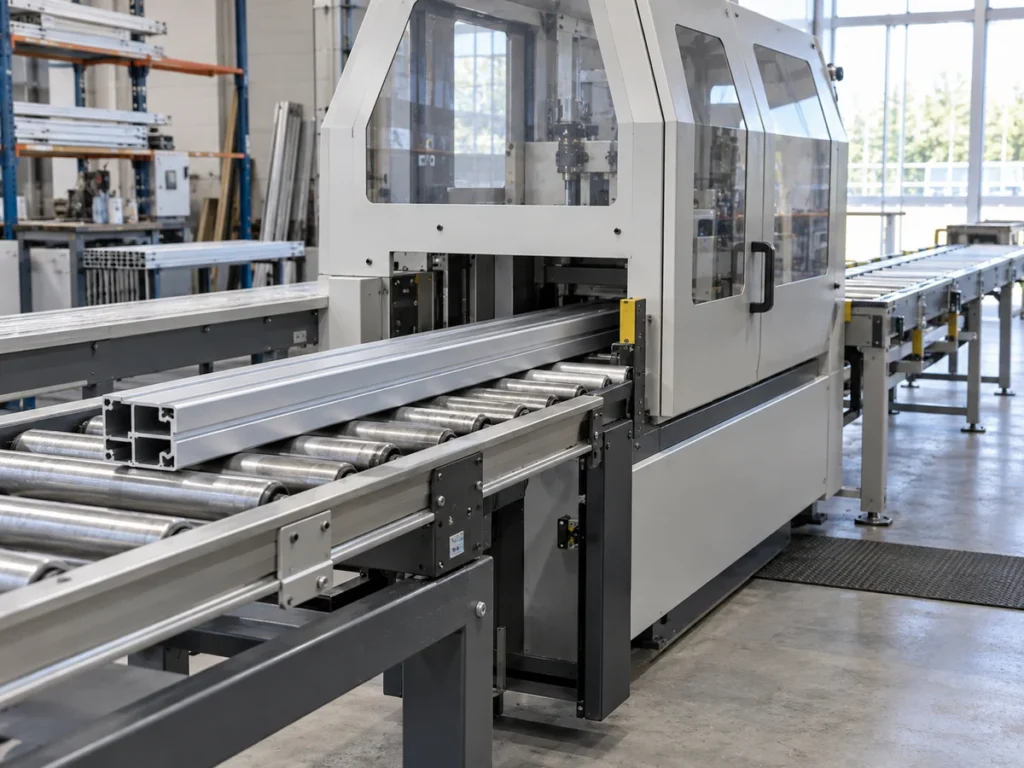
4. Compare accepted batch output using the same job
Define the full observation period and what it includes. Keep stock replenishment, setup changes, cutting, collection and inspection treatment visible. Compare like jobs under stated conditions rather than using unrelated demonstration clips.
A magazine may allow several bars to be presented before replenishment. Its quoted capacity does not, by itself, establish the number of accepted parts, the replenishment frequency for your job or the required operator attendance.
Request the relevant observations from a representative trial. Record the tested stock and configuration, the batch duration and the accepted-part count. Keep held or unmeasured pieces separately identified.
Use the cycle-time and output guide for the comparison. If the saw waits for stock, record that delay. If collection or inspection pauses the batch, record that too; do not assign every delay to the loading step.
Compare costs through the cost-per-accepted-part guide. Include the proposed equipment and the observed work needed around it. This article provides no universal labor reduction, payback period or unattended-running claim.
5. Check collection, sorting and the next operation
Map where each finished piece goes after the cut. Define the required part identity, surface protection and next-operation grouping. A faster stock-loading stage is only one part of that route.
Confirm the finished lengths and profiles that the proposed collection arrangement supports. Include the shortest pieces as well as the longest. A loading magazine’s supported bar length does not define the unloading unit’s supported part range.
Keep sorting and release status visible. The traceability guide explains why a collected piece still needs its identity and inspection status. Automatic movement does not replace that information.
For finished surfaces, review the contacts during collection and transport. The packaging guide covers the subsequent handoff. Confirm the actual protection method for the product rather than treating a generic storage photo as an approved process.
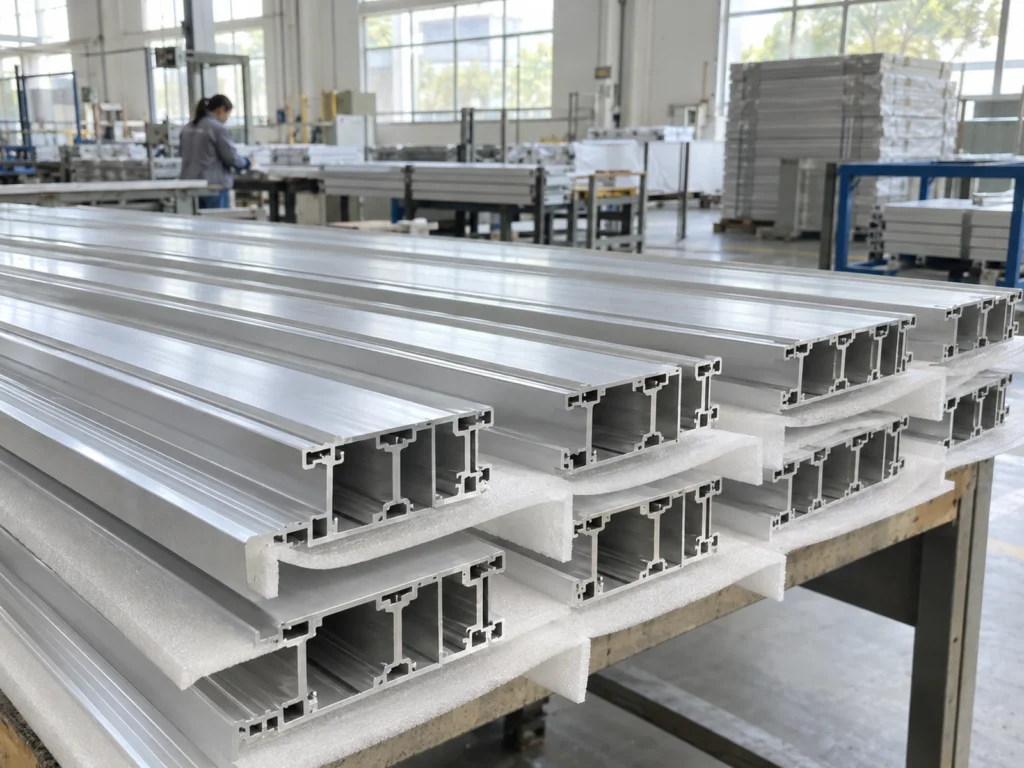
A mixed-job example: piece count is not loading count
Illustrative job list: order A requires 60 accepted pieces from one section; order B requires 12 accepted pieces from a different section. The total requirement is 72 accepted pieces. These invented quantities describe no production result.
Those quantities do not tell you how many bars need to be loaded. Determine the bar requirement through the actual finished lengths, kerf, end preparation and usable remaining stock. Review each profile group separately.
They also do not determine magazine replenishments. That calculation requires the actual bar requirement and the confirmed capacity for those bars. Keep profile changes and any restrictions on mixed loading in the plan.
A useful trial includes the agreed transition from A to B, not just the repeated cutting of A. Record the material preparation and collection involved. This makes the loading comparison relevant to the buyer’s real mix.
Prepare a clear loading-system inquiry
Send the section drawings, stock-length range, finished-part list, order mix and surface requirements. Describe the current loading and collection work that you want reviewed. Include the receiving-site layout and available handling arrangements.
Ask the supplier to name the proposed loading method, included options, supported profile conditions and collection method. Request a representative demonstration plan. The factory acceptance checklist helps record the configuration and evidence.
Review the JiurunCut machine range, then send your material and workflow information for a configuration-specific review. Choose the arrangement through the job requirements and demonstrated evidence rather than a general automation label.
Common questions
Does an automatic saw always load bars automatically?
No. Automatic feeding and cutting can be separate from stock loading. Confirm the bar-loading equipment included in the proposed configuration.
Does a roller conveyor prove automatic loading?
No. It can provide support or material movement within an arrangement. Confirm how successive bars enter the feed position and which equipment performs that transfer.
Is a larger magazine always the better choice?
Review its supported profiles, the actual order mix, replenishment and downstream handoff. Capacity alone does not establish accepted output or suitability for a mixed-profile job.
Can I calculate labor savings from the brochure?
Use observed work for a defined representative batch and the proposed configuration. Keep setup, replenishment, collection and inspection visible. A general automation description supplies no verified labor-saving result.