
An aluminum saw can display a fault and still leave the production team unsure what to do next. A useful aluminum saw alarm response specification connects each important message to a safe first action, the person who owns the decision, and the evidence needed before cutting resumes. Buyers should ask for that chain during quotation and acceptance, rather than assuming that a screen label alone is an operating procedure.
This guide is an RFQ and acceptance framework for industrial aluminum cutting equipment. It does not describe the alarm logic, interlocks, or safety performance of a particular Jiurun machine. The supplier must identify the exact quoted configuration and its actual messages, guards and operating instructions.
Why a fault message needs an agreed response
An alarm may point to a feed interruption, a clamping condition, a guard state, a drive issue, or a supporting service. Those examples are questions to investigate, not a list of faults proven on any model. If a message merely says “error,” the operator may be forced to guess whether to stop, inspect from outside a guarded area, call maintenance, or wait for a supervisor. Ambiguity can cause repeated resets and poor handovers.
General alarm-management guidance from the UK Health and Safety Executive says an alarm should direct attention to a condition requiring timely assessment or action and should guide an operator response. That guidance concerns human factors in process industries; it is a useful questioning lens here, not a claim that any saw or quotation complies with a standard. See the HSE alarm-management guidance.
Seven checks for the aluminum saw alarm response RFQ
1. Name the condition in language an operator can distinguish
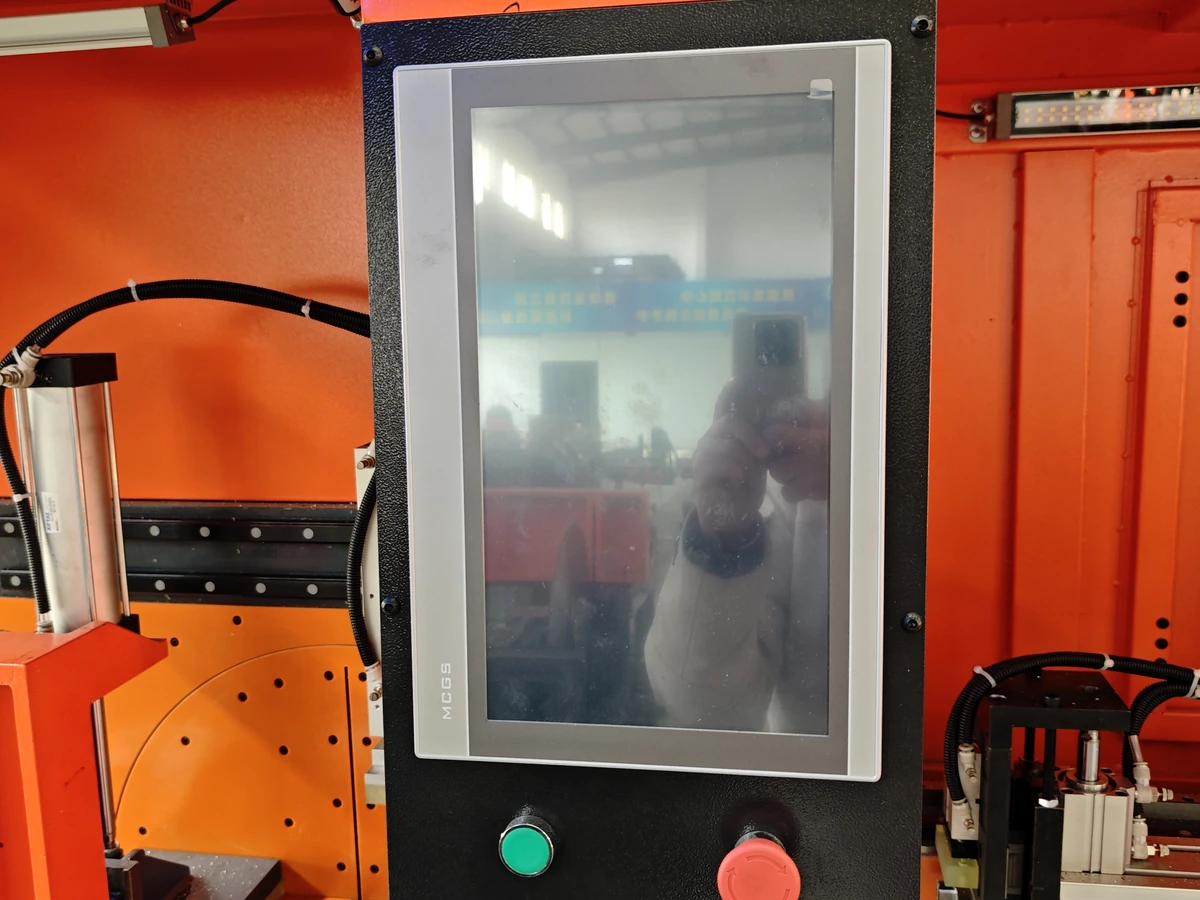
Ask the supplier for representative message text from the actual proposed controller and software version. A helpful message should distinguish a condition from a generic stop state, identify the relevant station or device where possible, and avoid implying a diagnosis that the machine cannot confirm. Request a screenshot or approved message list for the quoted configuration; do not infer wording from marketing photos. If local language is important, specify who approves translations, abbreviations and terminology. The language requirement is separate from the broader HMI language purchase checks.
2. Separate warning, stop, and protective action
For each priority condition, ask what the operator can observe, what the control system does, and which actions are prohibited until assessment. A warning that permits a controlled finish is different from a stop that requires an immediate handover. The RFQ should ask for the supplier’s actual sequence and applicable instructions; buyers should not prescribe a reset sequence from a generic article. Emergency stops and guard-related functions require configuration-specific safety review.
3. Specify the first safe operator action
A response card should say where to read the message, whether the operator should keep clear of moving equipment, and when to call an authorized person. Inspection, isolation and access steps must follow the equipment manual and site procedure. Do not ask production staff to defeat a guard, repeatedly reset an unexplained fault, or reach into a cutting area to “clear” an alarm. If a suspected jam is involved, use the distinct jam-clearance decision and the actual machine instructions rather than treating every fault as a jam.
4. Assign decision ownership before restart
Define which messages an operator may acknowledge, which require maintenance diagnosis, and which require a supervisor or safety authority before release. “Acknowledged” should mean the message was seen; it should not silently mean that the underlying condition is resolved or that production is approved. Ask how a shift change preserves the owner, open issue and current equipment state. The record and release boundary is explored separately in the shift-handover guide.
5. Decide what evidence to keep
Ask whether the proposed HMI records an alarm code, message, time, machine state and acknowledgment event, and how those records are accessed. Do not assume that any of these features are included. A simple manual log may be necessary if electronic history is outside the quotation. The minimum useful handover record identifies the message, the affected job or batch, who was notified, what was checked under the authorized procedure, and who approved the next step. Avoid copying sensitive employee data into a public example.
6. Define a controlled restart decision
After the cause is identified and the equipment is made ready under the supplier and site instructions, specify what must be checked before the first production cut. The answer may include the guard state, tooling or stock condition, job program, part reference and disposition of any interrupted piece. Which checks apply depends on the real fault and configuration. A fault reset, a cleared display and a machine-ready indicator are not by themselves evidence that the previous workpiece meets drawing requirements. Power interruption has its own scope in the power-loss recovery guide.
7. Test representative scenarios during acceptance
Agree in advance which harmless, supplier-approved conditions can be demonstrated, who conducts them, and what the buyer will observe. A useful acceptance record compares the actual message, screen location, machine response, permitted action, responsibility and restart record with the agreed schedule. Do not induce unsafe faults or bypass protection for a demonstration. If the supplier cannot show a condition safely, agree another form of configuration-specific evidence, such as the approved manual, a controller screen record, or a witnessed explanation. Mark any untested item as unverified rather than filling the gap with a generic video.

Copy this alarm-response schedule into the RFQ
Ask the supplier to complete one row for each agreed condition: condition and message; proposed machine and software version; what the machine does; what the operator may do; who diagnoses; who approves restart; log or evidence available; and acceptance method. Include a column for assumptions and quotation exclusions. A response of “standard alarms included” is too broad to compare unless the vendor supplies the actual list and its decision logic.
Keep this schedule separate from a general maintenance plan. Condition monitoring concerns trends and maintenance decisions; an alarm-response schedule addresses what a person does when a particular message appears. The two may share information, but they answer different buying questions.
General equipment video
The following video is from the Jiurun Machinery YouTube channel and shows general enclosed aluminum cutting equipment. It is an equipment-view example only. It does not show or verify the alarm messages, software, model configuration, customer, material, test cut, response sequence, safety function or performance discussed in this article.
What to send for a useful supplier answer
Send the stock drawing and condition, intended job flow, staffing and shift arrangement, preferred HMI language, existing site escalation rules, and the messages you most need to distinguish. Ask the supplier to identify the actual quoted machine, controller/software version, options, documents and safe acceptance method. If a feature is optional, request a separate quotation line and a clear statement of what the base offer omits.
Use the JiurunCut contact page to share your drawing and the completed schedule. We can discuss suitable aluminum cutting equipment and ask for configuration-specific evidence. Final operating instructions, risk assessment and acceptance criteria must be agreed for the actual machine and site.