
An alarm appears near the end of a cutting shift. By the next morning, the message is gone from the active screen. Can maintenance still retrieve the event that explains when the stop occurred and what the operator acknowledged? Aluminum saw alarm history retention is a purchase requirement when that record will be used for diagnosis, handover or a quality hold. Ask the supplier to demonstrate the record on the exact quoted control, then agree how long it remains available and who can export it.
This is a buyer’s test plan, not a description of a Jiurun controller. Alarm logging, storage, permissions and export can differ by machine and software configuration. An image of a screen or a general machine video cannot establish those functions.
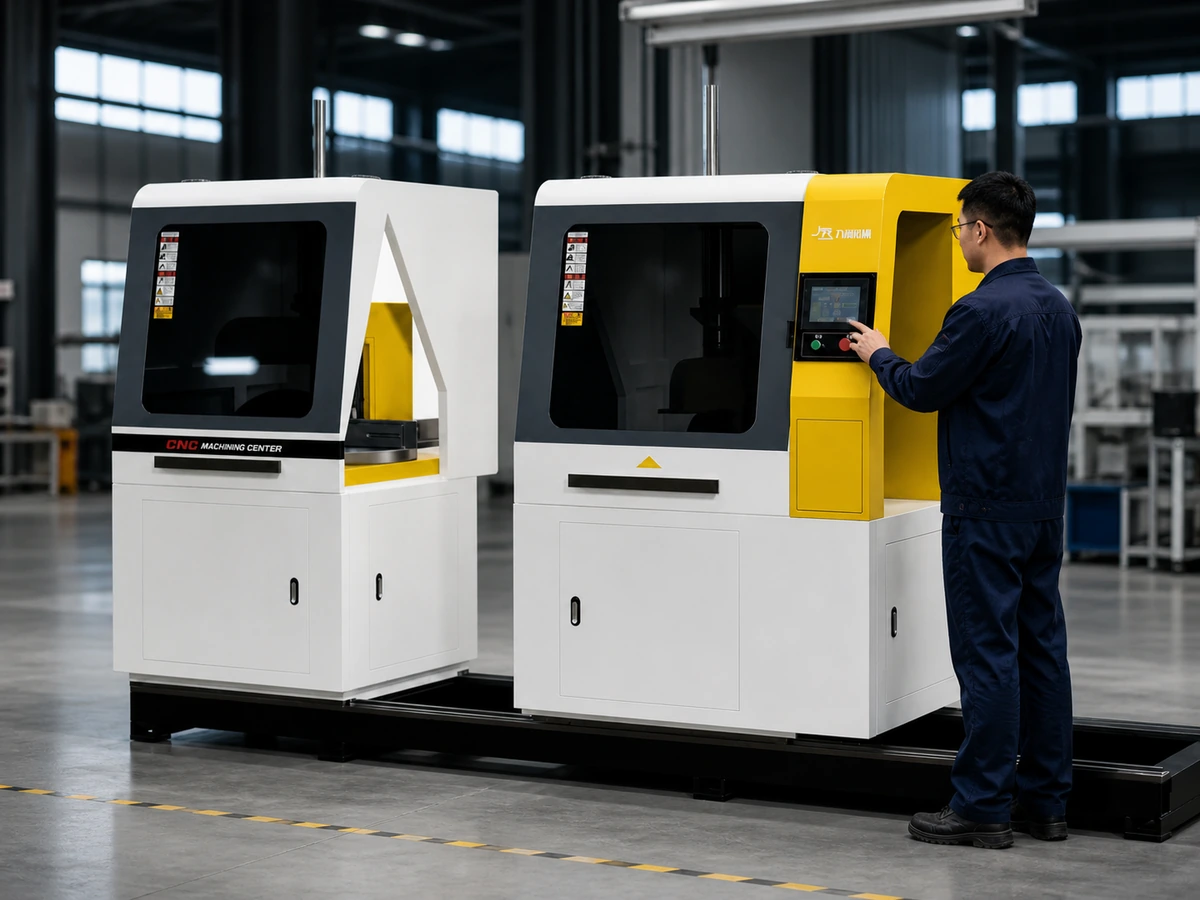
Aluminum saw alarm history retention starts with the record
“Alarm history” may mean a list on the HMI, a controller event buffer, a database archive or a file exported to a computer. Those are different deliverables. Ask the supplier to identify the source of each record and show which events it contains. A useful test set includes an event becoming active, a cleared condition and an acknowledgment. The actual control may record a different set of states; have the supplier show its real fields rather than assuming a standard layout.
For each entry, request the event code and readable text, source device, state change, time basis and any acknowledgment field that the proposed system actually supports. Link the machine identity and software version to the demonstration. The separate alarm timestamp guide explains how to check the time source; this purchase test asks whether the underlying entry remains retrievable at all.
Make the retention claim testable
Ask for the configured limit in a form the buyer can test: number of records, storage size, time period, or a documented combination. Then ask what happens when the limit is reached. Does the system stop logging, warn, rotate segments or overwrite its oldest entries? Where are backups stored, and are they included in the quotation? An HMI that shows yesterday’s alarms during a short demonstration does not answer what a busy production month will do to the oldest record.
These are real design choices in industrial HMI products, not universal saw features. Siemens’ WinCC Unified documentation describes alarm-log storage location, size and segments. Its log events guidance describes circular logging that can replace older data. Rockwell Automation also documents a circular alarm-history buffer and export capability for a specific FactoryTalk View ME release in its FactoryTalk View ME technical paper. None of those documents identifies the controller on a Jiurun machine. They show why the RFQ must name the actual offered system.
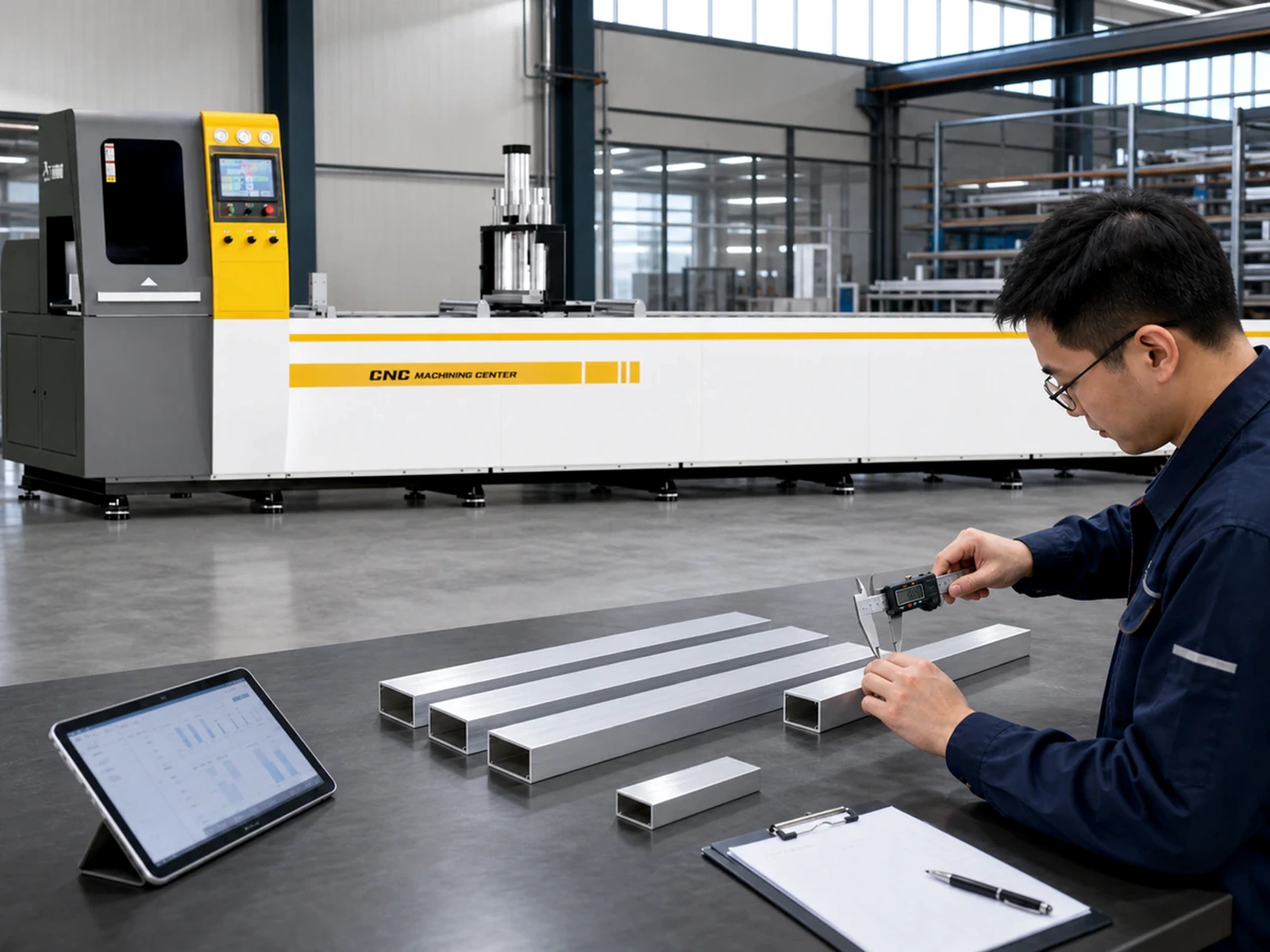
Follow one approved event beyond the shift
Use one harmless event that the OEM approves for an acceptance demonstration. Record its time and code outside the HMI, then let the supplier show how it appears in the active view and the saved history. After an ordinary acknowledgment, verify that the historic entry still has the agreed fields. Repeat the retrieval after a planned logout or shift change. If the buyer needs evidence after a power cycle, schedule that step under the supplier’s safe shutdown procedure and record the result. Never create a safety fault or bypass a guard to make a test entry.
- Before: identify the machine, software version, configured archive and available space.
- During: note the event code, displayed state and reference time without changing a clock.
- After: reopen the history under the agreed user role, find the same entry and export it.
- Review: compare the exported file with the screen and the separately recorded event. Note missing fields, changed order or a failed export.
Keep this test separate from the alarm response schedule, which addresses who acts and how a restart is released. A retained event helps the investigation; it does not authorize a restart or prove that a cut part meets its drawing.
Agree how the record leaves the machine
Ask the supplier to perform the export with the user role the buyer will actually receive. Identify whether the file goes to removable storage, a local PC, a server or a support portal; who provides that destination; and how the file is named. Check whether the chosen export includes the full history or only the visible filtered rows. The export should be opened on a separate computer so the buyer can check character encoding, columns and dates. Retain the original file and document any later transformation for service analysis.
For one specific HMI platform, Siemens documents an export button and destination settings; another Siemens guide notes that an unavailable central-log connection can limit what is exported. Those are configuration-specific examples. Your acceptance record should say what the proposed saw actually delivered, including any dependence on a server or removable medium.
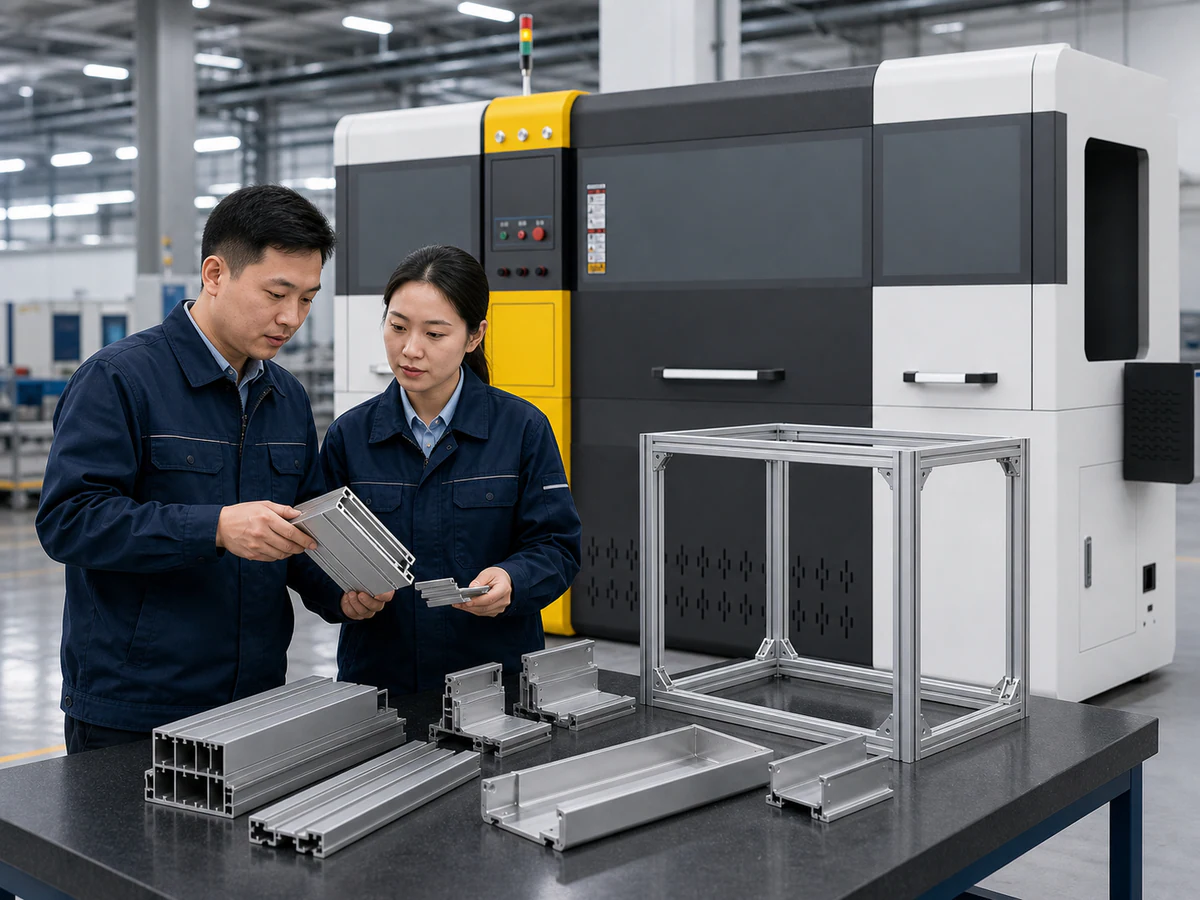
Put six answers on the quotation
Request a short signed schedule for the exact machine and software offer. It should name: (1) the device that creates the record; (2) the states and fields saved; (3) the configured capacity and behavior at its limit; (4) what survives a normal restart, power loss and service replacement; (5) the export route, format and user permission; and (6) the witnessed retrieval method. Mark an untested answer as unverified. If an archive, license, storage device, server or training step is optional, put it on a separate quotation line with its owner.
The buyer can then compare offers on a concrete outcome: whether the team can retrieve an intact event when the next shift needs it. Ask the supplier to demonstrate that outcome during acceptance and record the file path and observer. The broader HMI user-role guide helps define who may access the function; the retention schedule specifies what that person can recover.
Video: related cutting equipment
The Jiurun Machinery video below shows an automatic aluminum cutting machine and its feed path. It is a related equipment view only. It does not demonstrate alarm logging, archive capacity, export, the configuration offered in a quotation, a customer project or a performance result.
Send a retrieval question with your saw inquiry
Send JiurunCut the intended machine duty, shift pattern, people who need fault records, required retention window and site rules for exporting files. Ask which alarm-history functions are included in the proposed control and request a witnessed retrieval and export plan. Contact JiurunCut with that schedule and your profile drawing. The written offer should identify the actual control, options and limits before you rely on its history for diagnosis or release decisions.