
Aluminum saw software updates can look like a small service item on a quotation. For the buyer, the important question is whether a changed controller, HMI, or connected software still produces the accepted cut parts and leaves a clear record of what was approved. An update promised before shipment or during the first year is useful only when the supplier identifies its scope, the responsible people, the interruption window, and the evidence needed to release the saw back to production.
This is a procurement and acceptance checklist. It is not an instruction to install code, alter machine safeguards, or update a specific JiurunCut model. The actual functions, versions, access method, and service entitlement must be confirmed in the quotation for the exact machine.
Aluminum saw software updates: identify the machine baseline
Ask the supplier to list the delivered machine identity and the software-bearing elements in the offered configuration. A controller program, operator screen, drive parameter set, production-management application, and optional remote-support tool are different things. A statement that “the software will be updated” does not tell you which one will change. Record the current and proposed version or configuration identifier, the reason for the change, the affected functions, and the supplier’s evidence that the proposed package is intended for this exact equipment arrangement.
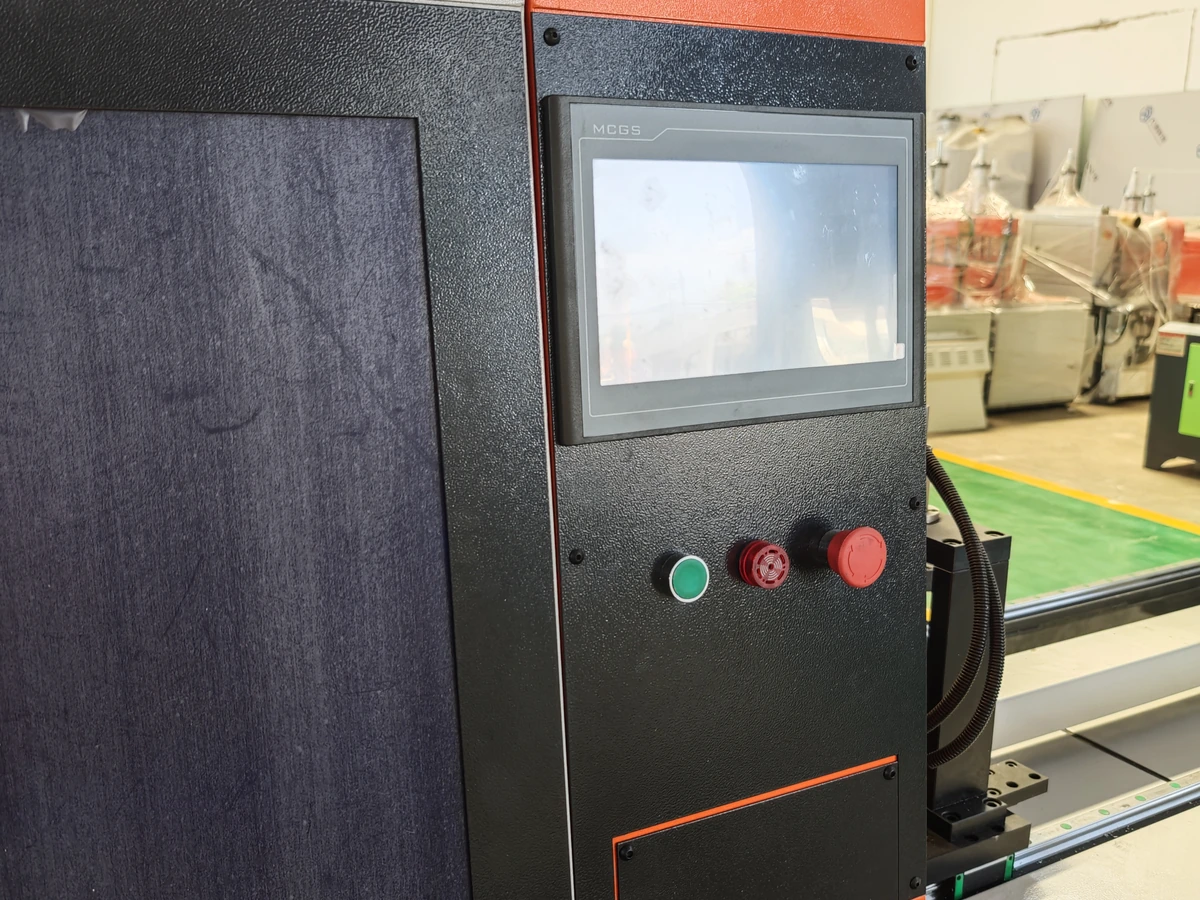
Do not infer a software version from a photograph of the control station. The image below shows an operator interface and physical controls; the display is not a version record or a claim about the controller in the machine you will receive. Ask for the actual version screen or signed configuration record for your serial-numbered unit.
Separate a patch, a feature change, and a new software purchase
A security correction, fault fix, recipe change, new interface, and major workflow module may have different prices and acceptance work. Ask whether the quoted update is included in the original machine scope, a support agreement, or a separate change order. Confirm any required license, hardware, network access, commissioning visit, travel, backup, and test material. A buyer should also ask whether the supplier will provide a later correction if the new version does not pass the agreed checks. These are commercial questions; the quotation, rather than a generic description of “free updates,” should answer them.
Keep this decision distinct from buying a whole order-to-result production software system and from checking the scope of a software license. Here the decision concerns a change to an identified machine after its baseline has been agreed.
Define the approval path before anyone changes the baseline
Put a named supplier contact and a named buyer approver on the change record. The supplier should explain what will be changed, what will remain as delivered, which existing jobs or stored settings might be affected, and which activities require the machine to be unavailable. The buyer should identify the production owner, maintenance or controls specialist, and quality person who must agree on the test and release. If the change touches a safety-related function, ask the competent supplier and site safety specialists to define the required validation. A simple successful screen startup is not evidence that a safety function has been assessed.
For industrial control systems, NIST’s Guide to Operational Technology Security highlights the need to consider reliability and safety when planning updates, including testing and validation before production deployment. NIST’s patch-management planning guide treats identifying, acquiring, installing, and verifying an update as separate activities. These are general references for a buyer’s questions, not evidence that any particular saw has a specific update mechanism.
Agree what must be preserved and how recovery will be judged
Before the supplier starts, ask what machine configuration, job data, recipes, and relevant records can be preserved, who makes the backup, where it is kept, and who can authorize a restore. A backup file alone is not a return-to-production plan. The parties need a decision route if installation fails, a new function behaves differently, or the earlier state cannot be restored without further supplier work. Set the permitted downtime and the condition for postponing the change rather than testing on a committed production order.
The NIST OT backup quick-start overview recommends linking backups to change management and testing recovery. For machine-specific recovery questions, also use our CNC aluminum saw backup checklist. Neither source substitutes for the supplier’s written recovery procedure for the quoted control system.
Recheck the accepted cutting job, not just the startup screen
Choose a small but representative set of approved orders before the update. It should cover the part families, profile orientations, lengths, angles, feeding modes, and job-change conditions that actually motivated the purchase. Preserve the drawing revision, incoming stock identity, program or recipe identity, blade and clamp arrangement, acceptance criteria, and pre-change results. If the supplier changes any of these during the trial, mark that condition clearly; otherwise a good cut cannot be attributed to the software change alone.
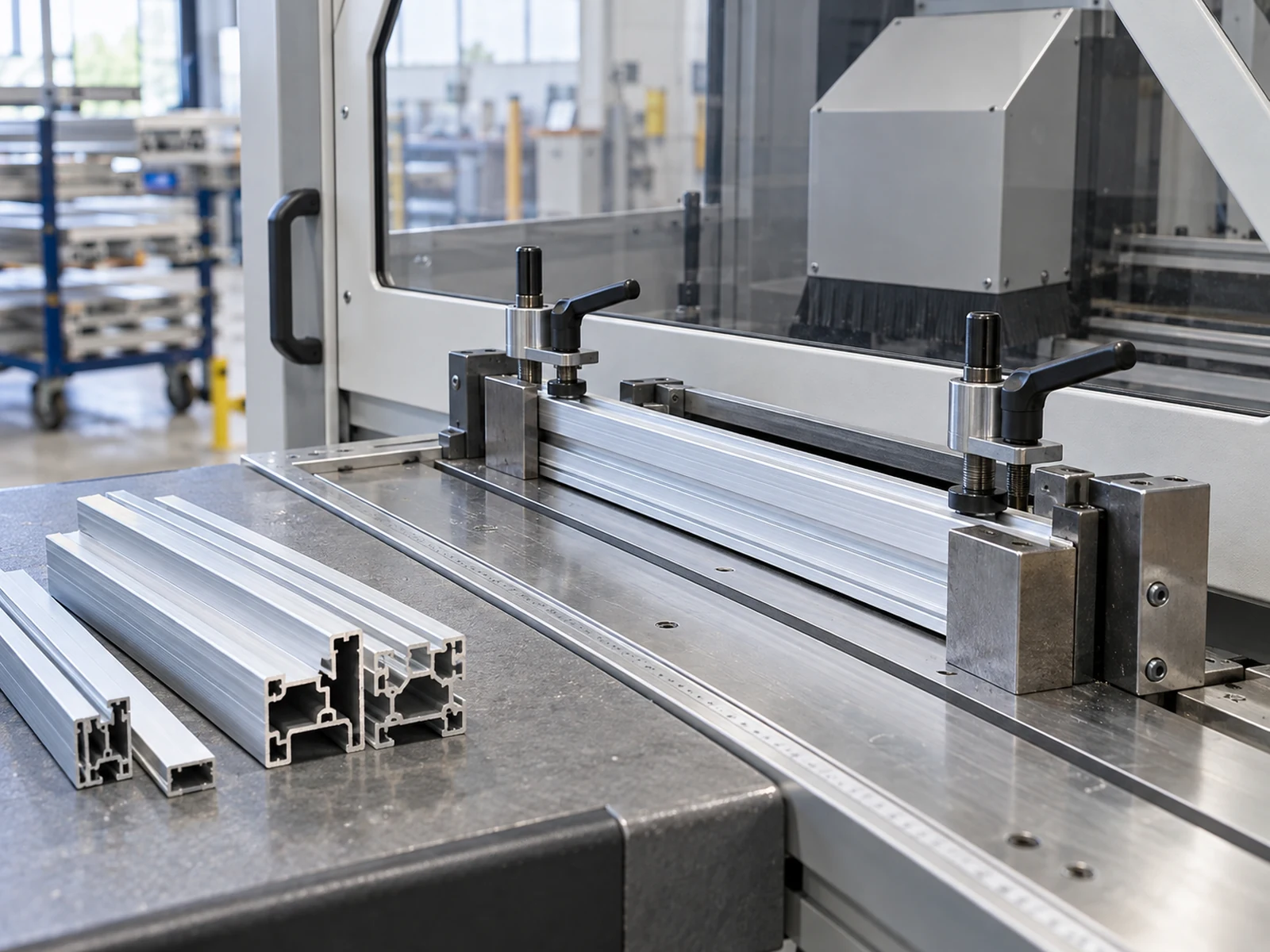
After the update, verify the agreed workflow with the same released inputs where practical: load the approved job, inspect the displayed values, execute the authorized trial under the supplier’s safe procedure, identify each sample, and compare the agreed cut features. Check any data handoff or label output only if it is included in the quotation. Record anomalies, retests, and the person who decides whether each issue blocks shipment or production. The photograph below shows stock positioned at a guarded saw for a possible trial; it is an illustrative setup scene, not evidence of a software-update test.
For sample quantity and repeatability questions, the separate buyer-witnessed saw-trial guide explains how to set a test matrix without assuming that one good piece proves every operating condition.
Keep measurements and release decisions traceable
The release record should connect the machine identity, old and new version identifiers, approved change note, trial job and material, measurement method, individual results, open defects, and final decision. A check mark saying “software updated” does not show whether the finished pieces still meet the drawing. If the test reveals a discrepancy, retain the actual sample and method, then decide whether the issue belongs to the program, stock, blade, clamping, measurement, or another changed condition. Avoid calling a part conforming merely because the display reports no alarm.

Agree whether an unresolved item is a shipment hold, a site-acceptance item, or an accepted limitation with written ownership. The factory-versus-site acceptance guide helps separate what can be demonstrated before dispatch from what depends on the installed production environment. Do not defer an essential safety or cut-quality decision simply because the final site test is later.
Questions to send with the quotation
- Which exact machine, controller, screen, application, and version will change?
- What prompted the update, and which cut functions or records could be affected?
- Who supplies, approves, installs, tests, and documents the change?
- What license, access, backup, downtime, travel, and test material are included in the price?
- Which released parts and workflow conditions will be compared before and after?
- What evidence closes a failed check, and who authorizes return to production?
If the supplier cannot answer these questions for the actual offered configuration, keep the update scope open in the RFQ. Contact JiurunCut with the approved profiles, cut drawings, expected job mix, and your current control-system questions. We can discuss the quoted saw configuration and an appropriate acceptance trial; any update capability and service commitment must be confirmed in the final offer.
General equipment video
The following video is from the Jiurun Machinery YouTube channel and shows general JR-455Q aluminum saw equipment footage. It does not demonstrate a software update, the controller or version in your quotation, your material, a customer trial, or performance after a change.