
An aluminum saw job traveler should identify which stock is allowed to become which cut parts, under which drawing and cut-list revision, and who may release the result. A machine quotation can promise a program library or printed labels without proving that this chain survives a real change of stock, program, shift or disposition. Buyers should specify the handoffs and test them with one representative job.
Featured image: an illustrative production-list review scene, not a customer job traveler or signed release record.
Here, “traveler” means the paper or digital record that accompanies a production order from preparation through cutting and release. It is a useful purchasing concept, not a claim that every saw has a built-in traveler. In a manufacturing activity model, the U.S. National Institute of Standards and Technology describes a process traveler as carrying material, sequence, testing and responsibility information with an order. A separate NIST discussion describes work orders and routing sheets as ways to identify parts, quantities and operations. Those are general manufacturing references; the actual fields and controls must fit your factory. See NIST IR 6516 and NIST IR 6058.
Why specify an aluminum saw job traveler before buying?
A cut list alone tells an operator what to make. It may not say which bundle was issued, whether the drawing changed after nesting, how the first part was checked, or whether a suspect pallet is held. A stock label alone identifies material but does not authorize a particular revision. A machine program can store settings without recording the quality decision. The aluminum saw job traveler connects these separate records and makes a mistaken handoff visible before good and suspect parts are mixed.
For a buyer, the question is not “Does the saw have traceability?” Ask instead: What must the operator see before cutting, what must be recorded during the run, and what record allows the next station to accept these parts? Define whether the traveler is a signed paper sheet, a manufacturing execution system record, a barcode-supported workflow, or a deliberate combination. Do not buy an interface merely because a brochure lists one.
1. Start with one unambiguous job identity
Give each released cutting job a unique order or traveler number and tie it to part number, drawing revision, required quantity, profile identity and the agreed delivery or assembly destination. Show the unit of measure for lengths and angles, and make clear whether a field describes nominal input stock, a saw setting or finished-part acceptance. Avoid assuming that a machine’s feed-position display proves finished-part accuracy.
If a job contains several profile families, decide whether each needs a separate traveler, line item or child lot. A useful preflight question is whether an operator can identify the correct stock and current drawing without consulting someone’s memory. If the answer depends on an informal message, the release boundary is too weak.
2. Link incoming stock to the released cut list
At the warehouse-to-saw handoff, record the issued stock lot, profile designation, alloy and temper when those are relevant to the order, bundle or pallet ID, available lengths and any material-document reference your quality system requires. Check these against the released job before the first bar enters the saw. If a second lot is introduced mid-run, define whether it creates a new sublot or a recorded change within the same traveler.
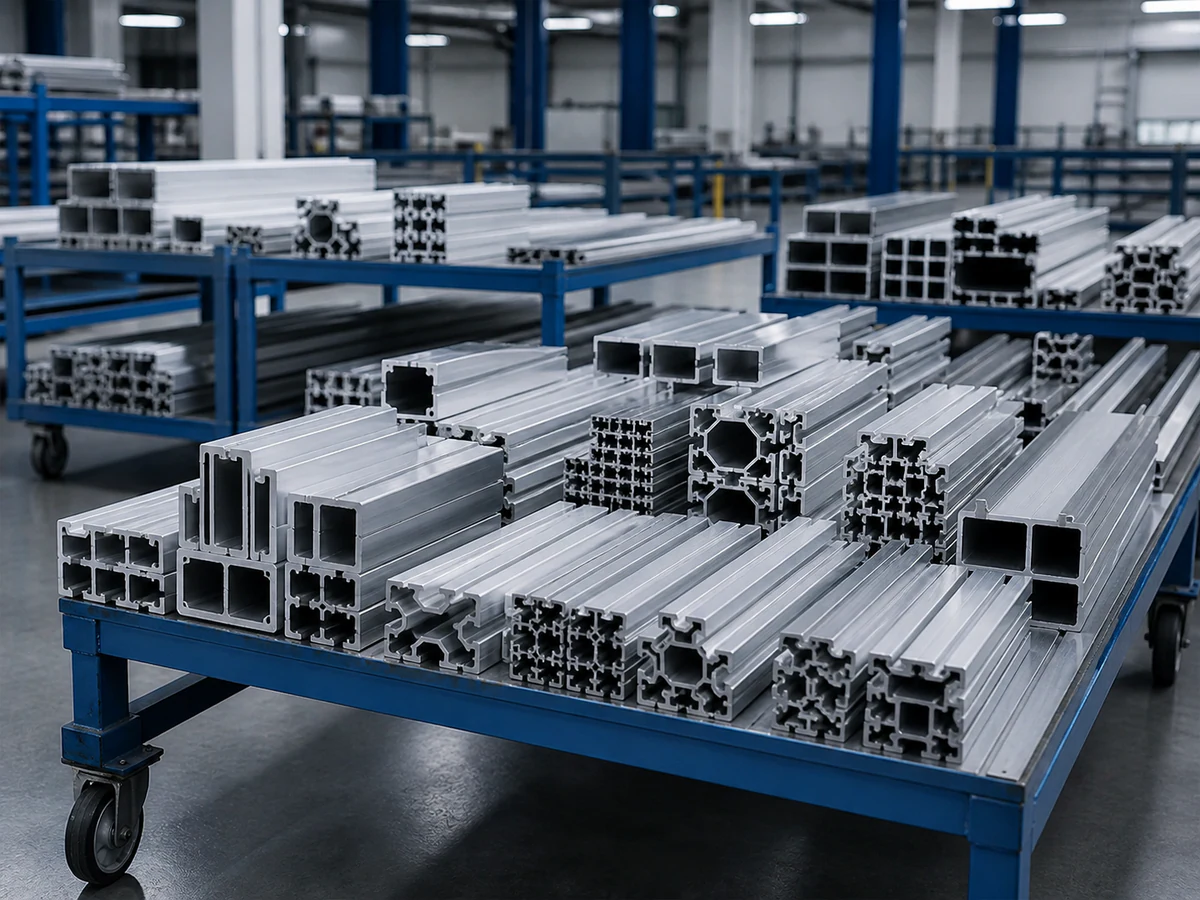
For physical staging requirements, use the related aluminum saw stock staging rack checklist. The traveler decision here is narrower: which identity is captured at issue, who checks it, and what happens when the label is missing or inconsistent.
3. Control the cut-list and program revision
Specify who releases the cut list, where the approved revision is displayed, and how its part lengths, quantities, angles, tolerances and orientation notes map to the machine job. State whether the operator may edit values at the saw. If edits are allowed, define the approval and record needed before parts are released. A saved program name is not enough if two revisions share the same informal label.
In the request for quotation, present a realistic change: an engineering drawing revision arrives after some parts have been cut. Ask the supplier to demonstrate how the old job is stopped, what remains physically identified, how the new program is approved, and how the traveler distinguishes old and new output. This is a workflow acceptance test, not a promise that software alone prevents every human mistake. Our separate program change control guide covers program approval in more depth.
4. Record setup and first-off checks at the right boundary
Before a batch proceeds, define the checks that actually govern your parts: profile support and clamping, blade and feed setup where applicable, cut length, angle, squareness, burr or surface condition, and the measurement method. The drawing and quality plan should decide the limits. The traveler should point to the approved method and capture the result, date, operator or inspector, and disposition of the first-off piece. If a check fails, record the containment and restart decision instead of overwriting the failed result.
Ask whether the supplier’s proposed controls can present the job ID and relevant setup information at the saw without forcing the operator to retype a long part description. If the answer requires a separate scanner, printer, network or software license, show those items in the scope and acceptance plan. Do not infer them from a photo of a display.
5. Keep quantities and physical containers aligned
During production, distinguish planned quantity, completed quantity, scrap, rework and held quantity. Define the container or pallet ID that moves with each released group. A barcode can reduce transcription work, but a barcode with no controlled destination merely moves an ambiguous number faster. When parts from two revisions or stock lots must remain separate, the traveler and physical container rule should say so explicitly.

For a mixed-family order, test one deliberate mismatch: scan or enter the wrong profile, place a part in the wrong container, or attempt to complete more pieces than the authorized line. Ask what the operator sees, what can be corrected, and which exception remains in the record. A supplier should describe the exact proposed configuration; the buyer should judge it against the factory’s real process.
6. Make hold, rework and release decisions explicit
A traveler is only useful if a failed first-off or suspect batch can be separated from good output. Define who may place a hold, which container IDs are affected, what inspection or rework is required, and who may release the parts to the next operation. Do not use a single “completed” flag to mean both cut and accepted. Include a path for partial release when the quality system allows it, with the quantities and approvals visible.
The cut-part hold and release checklist develops that decision. The traveler should carry or link to the disposition rather than claiming that the saw itself makes the quality judgment.
7. Test the complete route in the acceptance trial
Bring a mock but realistic work order to the supplier demonstration: two similar profiles, a current drawing, a cut list, a small batch, a mid-run stock change, and one deliberate hold. Ask the supplier to walk through job release, stock issue, program selection, first-off measurement, part/container identification, exception handling and final release. Preserve the resulting sample records for evaluation. The trial should show what is native to the quoted saw, what depends on your existing systems, and what is manual.
Ask these seven questions in the RFQ:
- What is the unique job identity, and where does the operator see it?
- Which fields connect stock lot, profile, drawing revision and cut-list line?
- Who approves a program or cut-list change, and what old output is isolated?
- What first-off and in-process checks can be captured or referenced?
- How are planned, good, scrap, rework and held quantities separated?
- How does each physical container retain its job and lot identity?
- What record, signature or system event releases parts downstream?
The following short clip shows general Jiurun saw and feed equipment footage. It is an equipment example only; it does not demonstrate a job traveler, the stock or profile in this article, a quoted model configuration, a customer job, a trial cut or any performance result.
What to send with the saw RFQ
Send the supplier one redacted representative order, the current cut list and drawing revision, stock/lot identification rules, required inspection points, sample container labels, your hold/release decision path, and the systems that must exchange data. State which steps may remain manual. Ask for a responsibility matrix covering the saw supplier, software integrator and your production and quality teams. Then compare quotations on the witnessed end-to-end route, not on the presence of a “traceability” checkbox.
Need a saw quotation that fits your order handoff? Share a representative profile, cut-list line, batch size and the records your next station needs through JiurunCut’s contact page. We can discuss the cutting equipment scope and the acceptance questions to take back to your team; any specific integration or performance commitment belongs in the confirmed quotation and test plan.