
An aluminum saw infeed roller appears stationary while an aluminum extrusion advances toward the saw. That observation deserves attention, but it does not yet identify a failed bearing. The profile might not touch that roller; a free-turning roller might be dragging; or a powered roller might have lost its drive. This is a diagnostic scenario, not a reported Jiurun machine failure. If an aluminum saw infeed roller is not turning, establish which of those three conditions exists before changing feed settings or ordering parts.
The distinction matters because each route calls for different evidence and a different owner. Adjusting a saw program cannot repair a seized support bearing. Replacing a good roller cannot correct a height mismatch that leaves it unloaded. A driven-roller fault may belong to the conveyor or its controls rather than to the saw itself. Keep the affected stock and accepted-part records together while the responsible technician investigates under the exact equipment instructions.
First ask whether the stock actually touches the roller
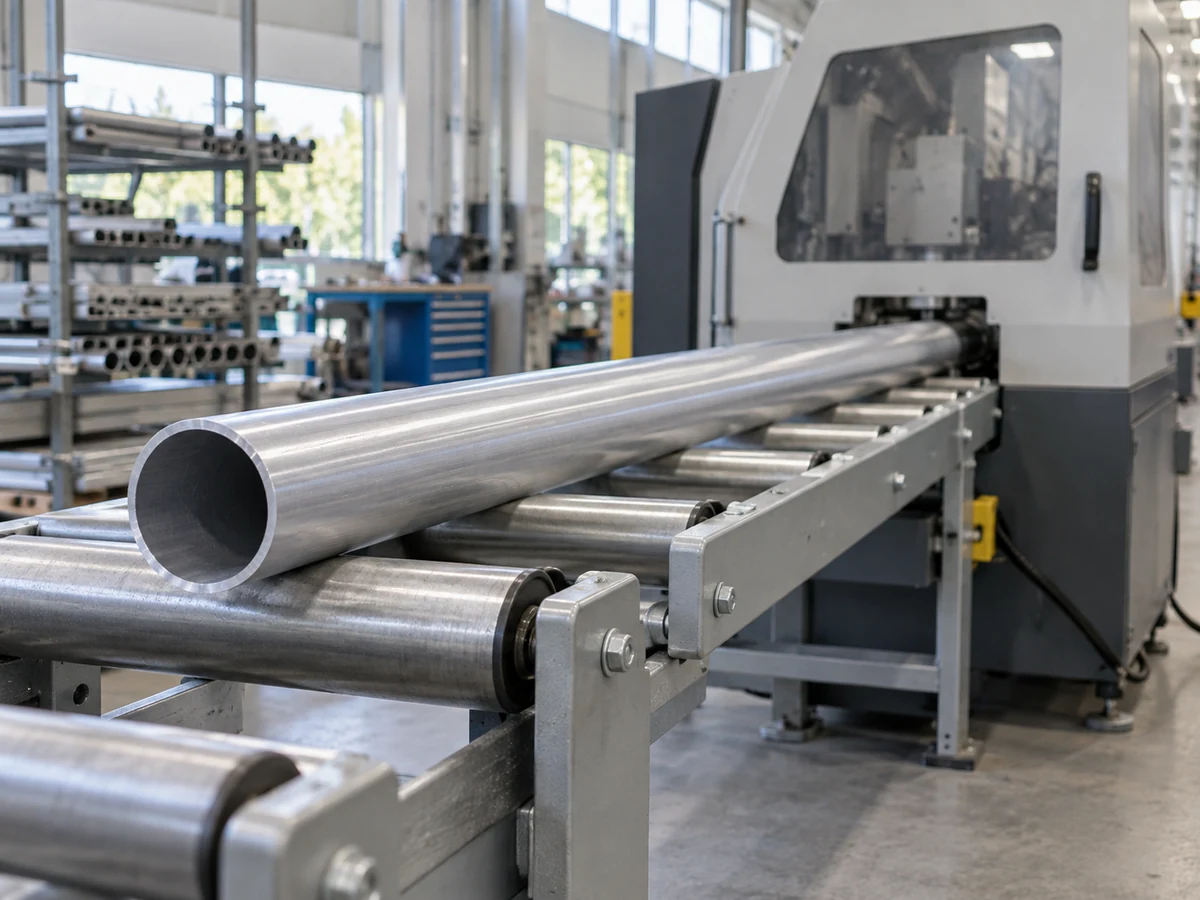
Identify the roller by location: upstream support table, a saw-integrated feed unit, side guide, or outfeed. Record whether it is intended to be free-turning or powered. An external roller table and a saw feeder may be supplied by different parties. Do not infer the drive design from a photo or from the fact that other rollers are moving. The current drawing, equipment identification and supplier documentation should decide the boundary.
Observe the production path from the approved guarded position, without reaching into moving equipment. Note the profile section and orientation, the span between supports, where the leading end is, and whether the section bows or twists. A stationary roller under a visibly raised portion of stock may simply be out of contact. Compare its height and contact plane with neighboring rollers only through the installed machine’s authorized inspection method. The earlier infeed roller height guide addresses commissioning of that contact plane; this article addresses a new stopped-rotation symptom on an installed line.
- No contact: the stock passes above the roller or touches it only intermittently. Preserve the observed position and stock geometry; do not call the bearing seized.
- Contact with drag: the stock slides over a roller that should rotate freely, or the roller turns irregularly. Stop the process and have an authorized person inspect for obstruction, damage and bearing condition.
- Powered roller not driving: the roller should be driven but does not follow a valid command. Check the drive and control evidence with the equipment supplier before replacing the roller tube.
Separate a contact problem from a bearing problem
A contact mark is evidence that the section reached the roller, not proof that the roller rotated. Compare the incoming finish with the same face after a controlled pass. A new longitudinal scuff may point to sliding contact, but it can also arise at a guide, clamp or outfeed. Trace the mark by location before assigning it to the stationary roller. The infeed scuffing guide explains how to localize marks along the path.
If the roller is contacted and motion is abnormal, the machine must first be brought to a safe, isolated condition under the manufacturer’s procedure. A qualified technician can then inspect accessible obstructions, mounting, surface damage, true running, noise and the resistance of the unloaded roller using the applicable equipment instructions. Do not hand-spin, clean, pry or lubricate a moving roller. Do not assume that every bearing is relubricatable: Interroll’s roller-conveyor manual describes bearings in that particular module as lifetime-lubricated and calls for checks of roller running behavior, damage and bearing noise. That is general component guidance, not a Jiurun maintenance interval.
Bearing drag is a hypothesis when the roller is difficult to rotate in its approved isolated inspection, has abnormal noise or play, or runs unusually hot. SKF’s bearing troubleshooting guide lists heat, noise, vibration, shaft movement and excessive turning torque as symptoms that require diagnosis. Any one symptom can have several causes. Record the exact assembly and observations for the supplier; do not diagnose bearing failure from a single temperature reading or a visible scratch.
If it is powered, follow the drive path instead
A powered roller can remain stationary even when its bearings are serviceable. Have the supplier identify the drive source, belt or chain route if fitted, connection, command and fault indication for that specific unit. A roller that is not being commanded, a broken transmission element and a damaged motor are different faults. Interroll’s 24 V conveyor troubleshooting table separately lists foreign objects, drive-belt faults, control-board faults, motor connection and RollerDrive faults. It is an example of why a stopped powered roller does not automatically call for a new bearing; its specific parts and values must not be transferred to another machine.
Do not bypass guards or interlocks to watch a drive component. If the supplier needs a running observation, agree an authorized test method for the exact installed system. If the conveyor and saw have separate controls, capture the time of the stop and the corresponding machine state so that both suppliers can review the same event. A photograph of the roller at rest after shutdown cannot establish what it did during feed.
Preserve the cut trial before changing the line
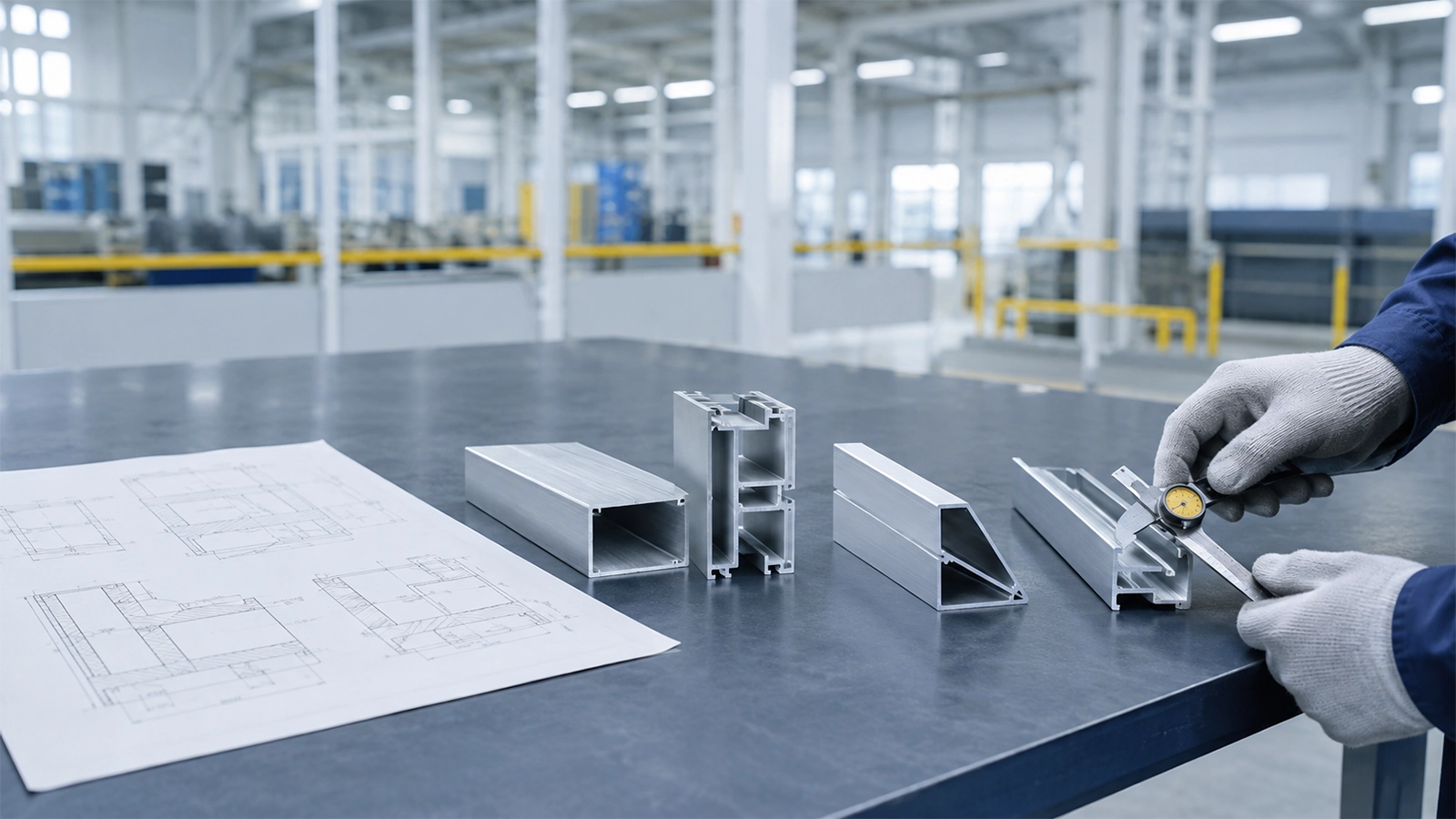
A roller fault can affect handling without necessarily changing a measured cut length. It may also contribute to variable stock presentation on a long, flexible profile. Neither outcome should be assumed. Keep a small, labeled set of incoming and after-pass samples, note which faces were permitted to contact the support path, and measure the accepted dimensions using the released drawing. If the stock is finished or coated, record surface marks separately from cut-face quality.
- Mark the exact roller position, section orientation, stock length range and whether it is free-turning or powered.
- Record what was visible during a normal pass and during the abnormal event: stock contact, neighbor rotation, noise, slip or alarm.
- Retain the relevant machine and support-table identification, drawing revision, maintenance history and inspection record.
- After an authorized correction, witness a representative feed and cut with the actual stock families, then inspect the agreed surfaces and cut dimensions.
The comparison should use the same accepted part definition before and after correction. If the line handles both rectangular extrusion and round tube, one specimen may not represent the other: contact geometry, rolling tendency and orientation change. That is a reason to define a small representative set, not a reason to invent a universal roller pressure or feed-speed setting.
What the equipment video can and cannot answer
The Jiurun channel video below shows a JR-455CNC aluminum cutting machine and its general feed and control context. It is useful for discussing where stock enters a saw. It does not show a roller fault, bearing inspection, the support table pictured here or evidence of the performance of the configuration you may be buying. Confirm the actual infeed equipment and drive scope with the supplier.
Turn the observation into a useful supplier decision
If you are evaluating a new saw line, ask for a support-path drawing that identifies roller type, ownership, safe access and the stock families used for acceptance. If you are fixing an installed line, the immediate decision is whether it needs contact-plane correction, obstruction removal, drive repair or a roller assembly service. The diagnosis comes before the spare order. The roller replacement guide covers the later question of part identity and serviceability once replacement is justified.
A quotation should specify the exact roller assembly or support module, its relation to the saw, the expected stock envelope and the documented acceptance method. Do not accept a catalog roller diameter as proof that it supports the actual profile throughout the stroke. Ask which party provides the guard-safe inspection procedure and which party verifies the cut after service. A line can pass an unloaded spin check while still failing to support the long profile that prompted the complaint.
Send evidence that lets the right party respond
For a Jiurun equipment inquiry, send the machine or proposed model identification, a sketch of the full infeed and outfeed path, the suspect roller’s position, the aluminum section drawing, stock length and finish, and a description of when rotation stopped. State whether the roller is free-turning or driven if that is documented; otherwise ask Jiurun and the table supplier to identify it. Include safe, stopped-condition photos and the accepted-part criteria. Ask for a machine-specific inspection and correction plan, plus a witnessed feed-and-cut acceptance. Do not send an unsupported claim that a bearing has seized. Contact Jiurun with that evidence so the equipment boundary can be checked before a replacement or new-saw quote is finalized.