
An aluminum saw HMI replacement is more than buying a touchscreen with the same diagonal size. The human-machine interface may carry the machine’s screens, alarm messages, recipes, user permissions and communication settings. A new panel that lights up but cannot run the approved project or show the right machine states does not restore production. This buyer checklist defines the information, responsibility and acceptance evidence to request before ordering a replacement.

Identify the failed function before choosing a panel
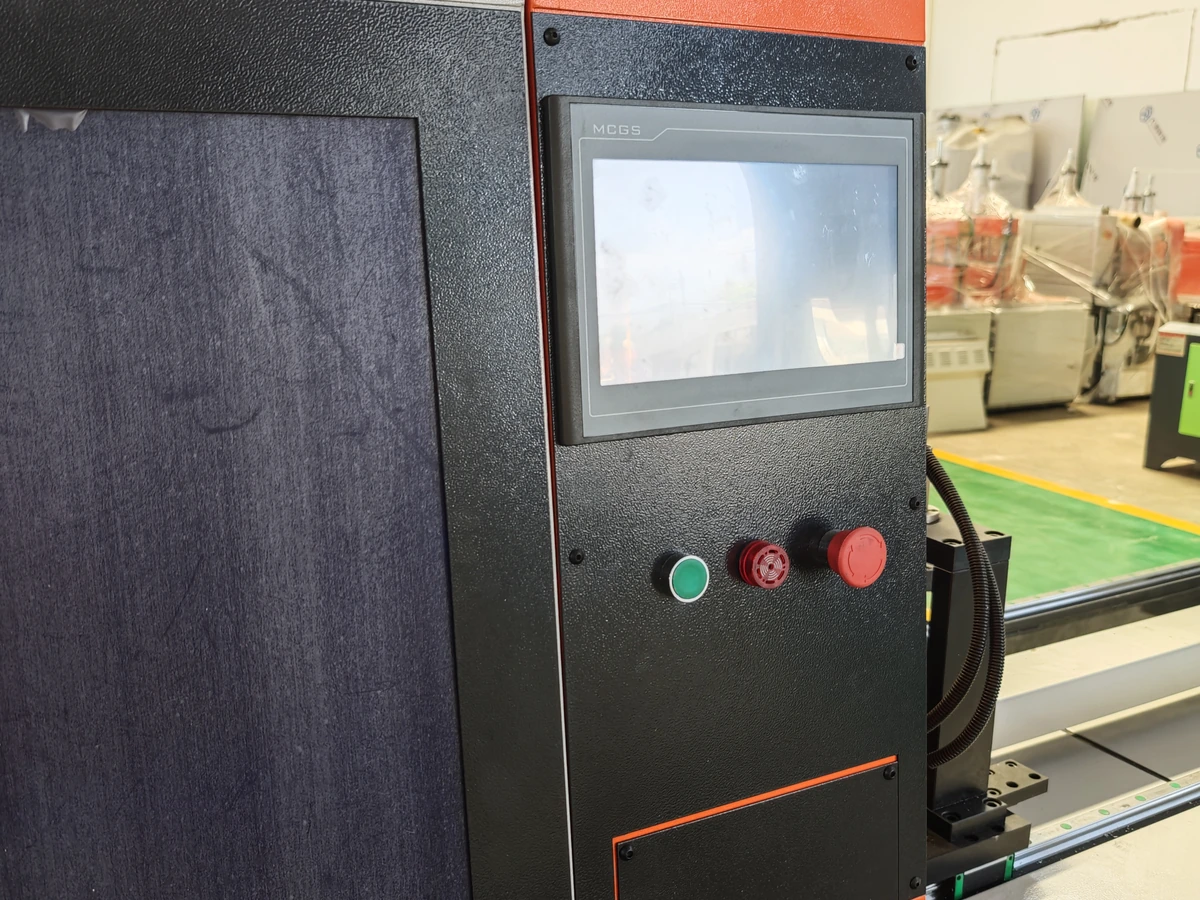
Start with the actual machine model and serial number, the panel’s complete nameplate, supply and port labels, screen dimensions, mounting cutout, and the symptom seen by the operator. Is the display dark, is touch input unreliable, are alarms missing, or has communication with the controller stopped? Ask qualified service personnel to establish whether the fault is in the panel, its power supply, wiring, controller, project file or network. A blank screen alone is not proof that the HMI hardware must be replaced. Keep the machine out of production until the site’s authorized service and restart process is complete.
Photograph the installed screen and its surrounding controls under the approved safe-access procedure. Record what the current panel shows during a known normal cycle, including language, alarms, recipe selection, axis status and any manual or automatic mode indications. Do not infer that the display itself implements a safety function: the actual machine drawings and control design must establish where each function resides.
Aluminum saw HMI replacement: match hardware and project together
Ask the seller to identify the exact existing panel model and hardware revision, the proposed replacement part number, the supported firmware and runtime versions, communication interface, supply requirements, connectors, mountings and environmental suitability. The screen’s physical fit is one check; project and controller compatibility are separate checks. A look-alike panel may need a new project build, altered connections, an adapter, or new licensing. Price those changes explicitly instead of treating them as free accessories to the hardware.
Manufacturer documentation illustrates why this distinction matters. Siemens’ HMI device-change guidance calls for checking compatibility information, adapting connections or screens when required, transferring stored data and compiling/loading the runtime project. It is an example of a platform-specific migration path, not evidence that a pictured Jiurun saw uses Siemens hardware. A Rockwell PanelView migration guide likewise separates replacement-terminal selection from qualification of the converted runtime application. Do not apply either vendor’s procedure to a different installed panel without the correct device documentation and qualified integrator.
Find the recoverable project before authorizing the purchase
Request the latest controlled HMI project source, the actual running version, the runtime file if applicable, supported engineering software, licenses, access rights and a backup of recipes and user data where those are stored. Identify who owns each record and whether the backup can be read and restored to the proposed panel. A file labeled backup is not sufficient if its version, completeness or restore route has never been checked. Our CNC saw backup guide covers the broader recovery questions; an HMI replacement quotation should name the panel-specific files and owners.
Ask who will preserve the current data before work and who will hold the final version afterward. Changing hardware or runtime may affect stored data. Siemens’ backup and restore guidance limits restoration of project data to devices configured with the same configuration software; its Unified Basic Panels overview also ties restore and project transfer to compatible device and software versions. These are cautions to verify the actual platform, not universal HMI operating instructions.
Separate a panel swap from a control-system change
Ask each bidder to classify the offer as an exact approved spare, a supported successor with a documented conversion path, or a wider controls redesign. For the latter two, list each changed screen, tag, alarm, recipe, user role, communication connection and drawing revision. Say who will review unsupported objects or functions. Define whether the machine builder, a drive or controller supplier, and the local service team must each approve part of the work. A low component price can hide engineering, downtime and validation costs.
The quote should identify which functions remain controlled elsewhere in the machine. Do not promise that changing an HMI preserves every interlock, safety function or motion sequence. Require the integrator to inspect the real architecture and demonstrate the relevant functions after installation. Our HMI user-role checklist and software-change guide provide adjacent questions, but this article concerns replacement-part compatibility and a complete return-to-production decision.
Put service, data and acceptance ownership in writing
Before ordering, name the party responsible for fault diagnosis, exact-part approval, safe electrical work, project conversion, backup and restore, controller communication, screen review, operator handover, safety validation and production release. Agree the work window, available machine access, support response and fallback if the proposed panel or project cannot be loaded. Ask for lead time and price for the panel, software work, installation and validation as separate lines. If the old panel is obsolete, request the supported service route and spare strategy rather than an unsupported equivalent.
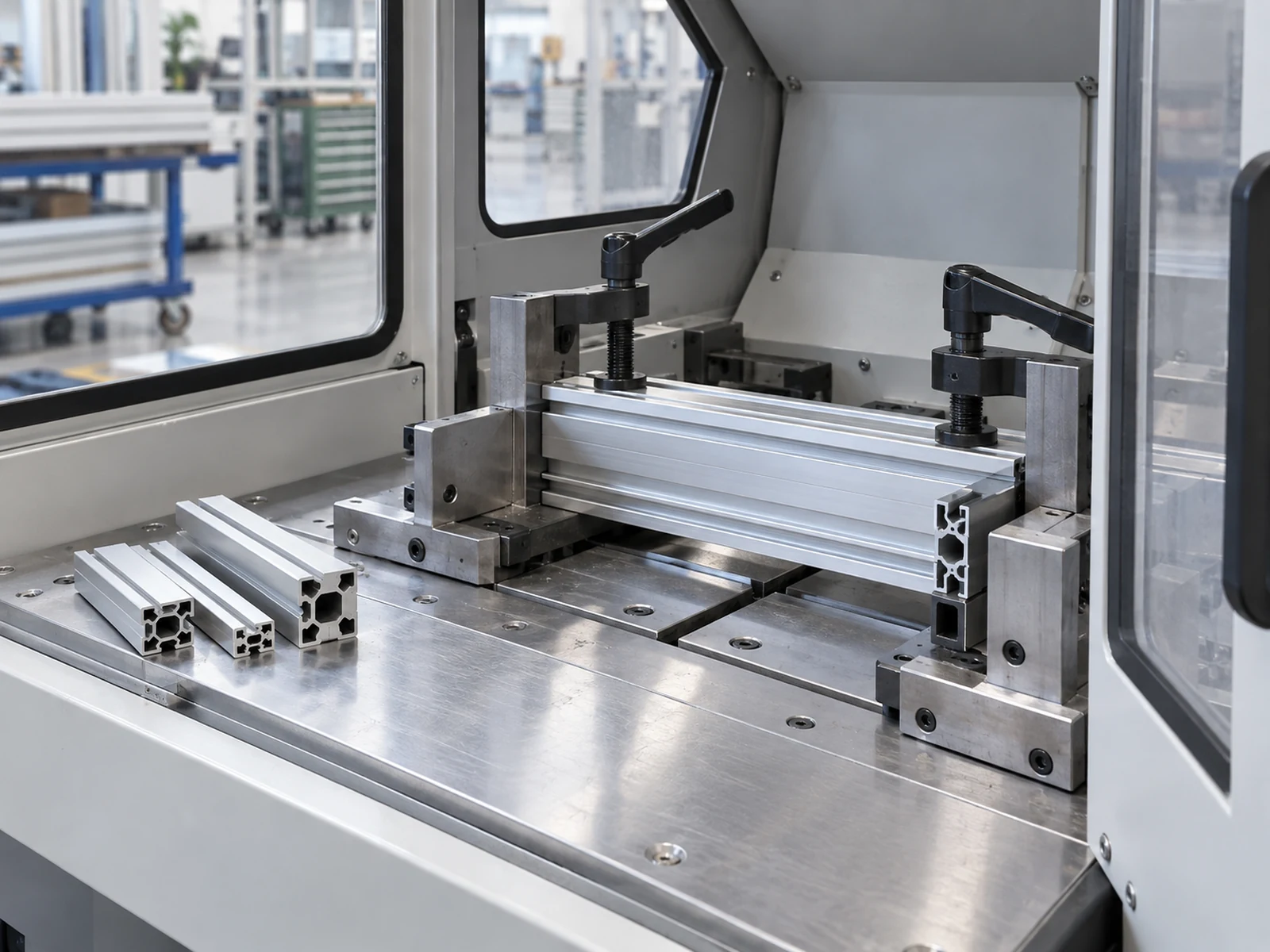
Commissioning evidence should include the installed part identity, the approved project and runtime versions, a controlled final backup, updated drawings and a record of exceptions. The authorized team should check that displayed alarms, mode indicators, recipe choices, user access, start/stop requests and controller communications behave as intended for that machine. The production team should then run a representative guarded cut program on agreed stock, assess the first accepted part and repeat the relevant cycle. A screen that responds to touch is not proof that the cut meets drawing or delivery requirements. Do not substitute a feed-axis specification for finished-part accuracy.
Send one complete HMI replacement RFQ
- Machine and symptom: model, serial, current panel label, fault description, alarm history and qualified diagnostic result.
- Hardware boundary: installed panel dimensions, supply, ports, mounting, environmental conditions and proposed exact or approved successor part.
- Project boundary: source/runtime files, engineering software, licenses, recipes, users, backup status and responsible owner.
- Integration boundary: controller connections, functions to remap, drawings to revise and any unsupported items.
- Release boundary: site access, qualified service roles, test stock, drawing, accepted-part criteria, fallback and final handover records.
For an aluminum saw HMI replacement RFQ, ask bidders to return a marked compatibility matrix and a list of assumptions, exclusions and unresolved data gaps. Compare the cost and time to reach accepted production, not merely the price of the glass-fronted device. If no trustworthy project or diagnostic record exists, price the investigation first and do not pretend a spare panel alone resolves the problem.
Video: general saw operation only
The video below is from the Jiurun Machinery YouTube channel. It shows general automatic saw feeding and machine operation. It is equipment-flow context only: it does not identify the panel in either photo, prove a specific HMI configuration, document a replacement, customer job, service trial or performance.
Ask Jiurun for a documented recovery route
If an aluminum saw HMI replacement or assessment is needed on a Jiurun machine, contact Jiurun with the machine and panel labels, symptoms, backup status, controls drawings and required production window. Request a written compatibility and responsibility statement plus an accepted-cut release plan. The route must be based on the actual installed hardware and project, with qualified service personnel making the technical decisions.