
An aluminum saw cell simulation is useful only when it answers a purchase decision. A moving 3D machine can make a proposed line look convincing while concealing the assumptions that determine whether accepted parts can actually leave the cell. Before paying for a model or using one to compare quotations, specify the jobs, boundaries, evidence and deliverables that would change your choice. This guide treats simulation as a decision study for an industrial aluminum cutting workflow. It does not claim that JiurunCut supplies a simulation service or that an animation certifies any saw configuration.
Start with a question such as: for the approved mix of extrusion lengths and cut-part orders, does a compact saw with manual replenishment meet the required handoff, or is a longer infeed and different loading method justified? If the question is only whether a machine fits in a drawing, a scaled layout may be enough. A flow model becomes useful when queues, shift patterns, changeovers, people and stock movement could change the answer.
Aluminum saw cell simulation: define the decision first
State the alternatives in terms a buyer can order. Record the current or proposed saw, upstream stock storage, loader or operator task, outfeed collection, reject route and downstream receiver. Define what each alternative changes. A comparison between two saws is misleading if one scenario silently receives extra operators, more buffer space or different incoming stock. Agree a common job mix and acceptance measure first, then allow each supplier to show its proposed arrangement against that same basis.
For a useful request, name the decision owner, the options to compare, the output that matters, and the threshold at which a different purchase would be justified. Do not use a modeled throughput figure alone as a purchase guarantee. The actual machine, material, program and cut quality still require a separate trial and agreed acceptance method.
Fix the physical boundary and trace every input
The model should show where an extrusion enters the study and where an accepted cut part leaves it. A saw-only cycle time omits fetching a bar, separating profiles, loading, clamping, clearing a finished piece, handling short remnants and moving the accepted kit. Specify whether the outfeed receiver can take each part immediately or whether a buffer blocks the saw. If another team owns that buffer, ask them to sign off its capacity and handoff rule.
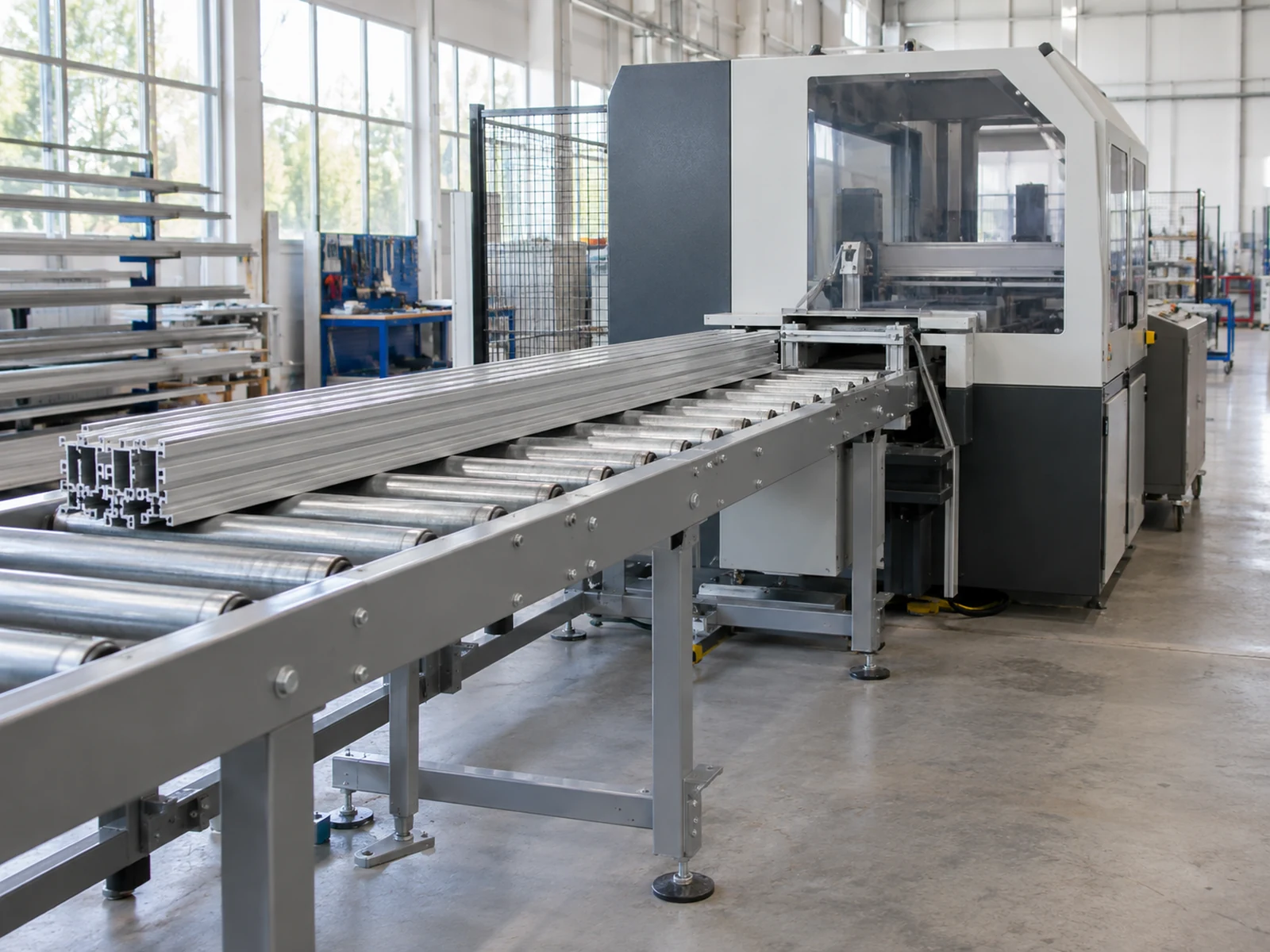
Build an input register with a source, date, owner and confidence note for each field. Include the released part mix and lengths, stock form and length range, batch size, nesting or cut-list rule, changeover sequence, actual handling steps, operator availability, planned pauses, outfeed capacity and downstream pickup rule. Separate measured values from supplier estimates and planning assumptions. A blank cell is an open question, not permission to insert a convenient default.
| Input | Source to request | Question if unavailable |
|---|---|---|
| Order and part mix | Released orders or a representative schedule | Which products and peaks must the decision cover? |
| Stock and cut-list route | Approved extrusion drawing and cutting list | Which bar lengths, orientations and remnants are real? |
| Machine and handling times | Observed trial or documented proposal | Which steps are measured and which are estimates? |
| Outfeed and receiver | Site layout and receiving-team agreement | When can a finished part actually leave the cell? |
| People and availability | Shift plan, task map and maintenance plan | Can the proposed operator perform simultaneous tasks? |
Autodesk’s material-flow tutorial distinguishes products, stations and routings when analyzing a factory layout. Use that as a modeling concept, not as evidence that any particular JiurunCut saw reaches a stated output. Our infeed layout guide covers the physical site questions that should feed the model.
Test variation, not only the easiest run
A single average cycle is a fragile basis for capital spending. Ask for at least a representative normal mix and a challenging but credible mix: frequent length changes, longer stock, smaller batches or a downstream pickup delay. Identify which conditions are observed and which are sensitivities. If a modeled jam, failure or replenishment pause has no real evidence behind its frequency, label the case as exploratory rather than presenting it as a forecast.
Keep setup, automatic feed, actual saw cut, unloading, inspection and movement as separate events. This makes it possible to see whether faster cutting would matter when a worker or outfeed is already the bottleneck. It also prevents a positioning or feeding repeatability claim from being mistaken for finished-part dimensional accuracy. The latter needs an agreed measurement method and physical sample evidence.
Compare alternatives on the same release rule
Ask the modeler to run the baseline and each proposed cell under the same accepted-part definition. An output should count only after the modeled receiver has taken a usable part; starting a cut is not a completed order. Compare accepted pieces or kits by period, queue length and waiting location, labor task occupancy, stock and remnant movement, and space used by infeed and outfeed. Request the spread across runs or scenarios where variation matters, not merely one polished animation or one optimum number.
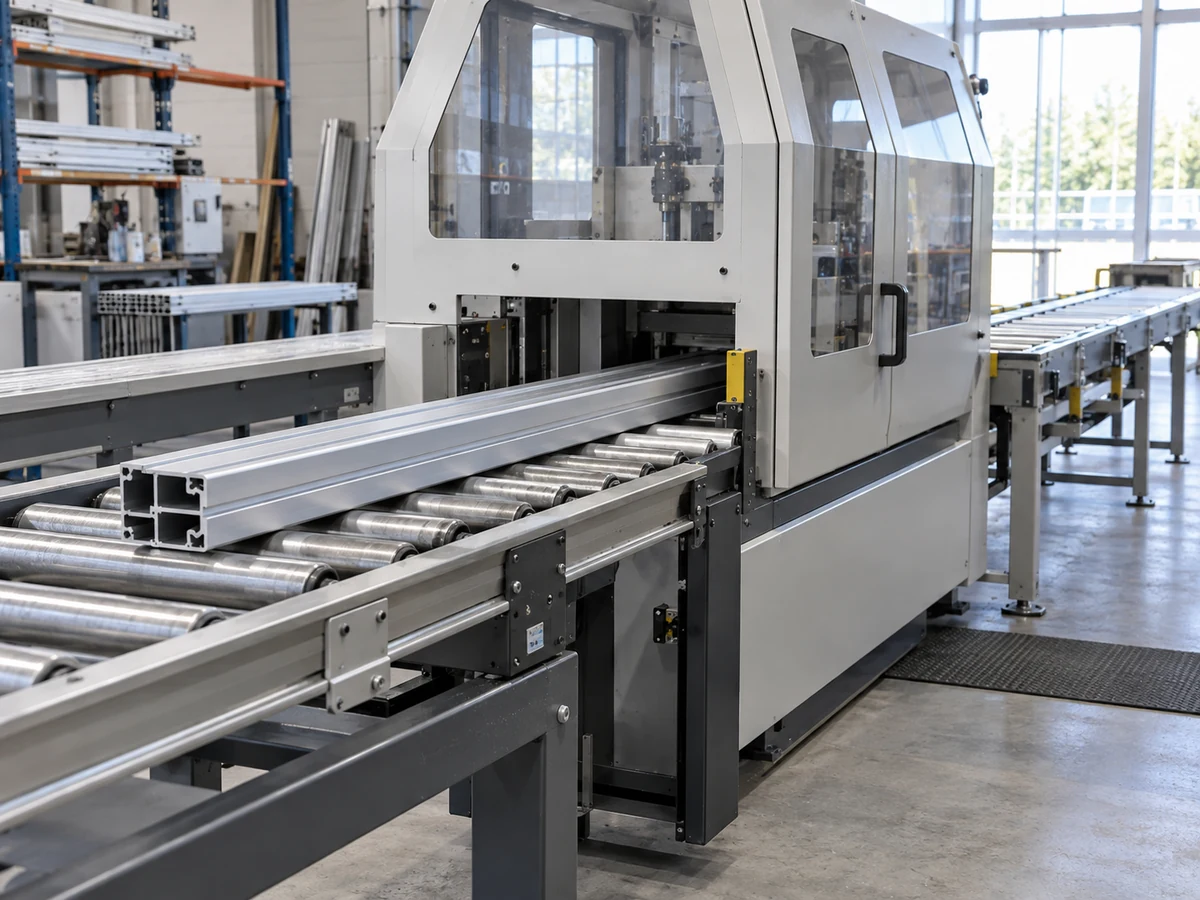
For example, a longer bed may reduce the number of stock replenishments while increasing footprint and part travel. An automatic loader may keep the saw supplied but move the constraint to piece collection. Those are questions to test, not predicted outcomes for a JiurunCut model. If scenario B appears better, require a trace showing which assumption caused the improvement and whether that assumption is contractually included in the quoted equipment and site work.
Our outfeed buffer guide explains the receiving handoff; the long-bed versus compact comparison gives a separate physical-flow decision to test. Neither page replaces model validation for your own plant.
Validate the model against reality before trusting the ranking
Verification asks whether the model follows its stated logic; validation asks whether it represents the operation closely enough for the intended decision. Request a walk-through of event rules and a comparison with an observed baseline: a real sequence of stock arrival, loading, cutting, collection and pauses. Reconcile material counts at every boundary. If the modeled baseline cannot explain a known observed queue or operator conflict, investigate that discrepancy before comparing new equipment.

NIST’s work on manufacturing digital twins emphasizes verification, validation and uncertainty for credible results. The more modest lesson for a saw-cell study is practical: retain input provenance, state the model’s purpose, and show how uncertainty affects the decision. A model calibrated on another plant or another part mix is not automatically valid here. Physical trial results and machine-specific safety review remain separate acceptance gates.
Specify deliverables that survive the presentation
Before ordering a simulation study, define who receives the editable model, what software or viewer is needed, and whether the buyer may rerun it after a layout or job-mix change. Request a dated input register, process map, layout version, scenario definitions, assumptions and exclusions, run settings, output tables, sensitivity results, validation notes and unresolved decisions. Have the supplier identify each option’s quoted equipment and each buyer-supplied resource. If the study ends with a video only, the purchasing team cannot reproduce or challenge its conclusion.
Autodesk describes factory simulation as a way to explore material flow, bottlenecks and what-if scenarios before physical changes. That general capability does not remove the need to test the specific saw, profile, guards and finished-part requirements. Put the model revision and its accepted assumptions into the RFQ or technical appendix; keep a change log when a supplier substitutes a loader, saw, buffer or staffing level.
Use a decision gate, not a cinematic sign-off
At review, ask four questions. Do all compared options use the same approved job mix? Can each important input be traced to evidence or a named assumption? Does the model explain the current operation within the decision’s tolerance? Would the preferred option remain preferred when the uncertain inputs move within a plausible range? If any answer is no, record what additional observation or supplier detail would resolve it.
The output of this gate can be “choose option A,” “request a revised proposal,” or “do a physical trial before choosing.” A model can prioritize what to test; it cannot prove a cut face, a finished length, guard adequacy or machine reliability by itself. Ask suppliers to state what was simulated, what was measured on actual equipment and what remains unverified.
General equipment video
The Jiurun Machinery video below shows general aluminum-cutting equipment in operation. It is included only to orient a reader to the kind of machine and feed path that a study might describe. It is not footage of this simulation study, a validated model, the pictured media-library scenes, a customer job or proof of any stated capacity, configuration or cut performance.
Buyer questions
Do I need 3D simulation to buy an aluminum saw?
Not always. If the choice can be resolved with a scaled layout, a documented cut trial and a straightforward capacity calculation, those may be more proportionate. Model the cell when interacting queues, labor and material routes could change which investment is justified.
Can an animation prove the quoted saw meets my target output?
No. It expresses the entered logic and assumptions. Ask for the underlying data, scenario results and a physical acceptance plan on the actual configuration and representative material.
Who should own the assumptions?
The buyer should approve the job mix and site constraints; each supplier should identify its equipment and claimed capabilities; the modeler should document transformations, estimates and limitations. Assign a named owner to every unresolved input before using the ranking to place an order.
For a machine discussion with JiurunCut, send the profile drawing and cut list together with stock lengths, shift mix, site layout, loading and outfeed route. Ask for a configuration-specific proposal and trial plan. If you are commissioning a simulation separately, attach its input register and the exact purchase decision it is meant to support.