
Choose an automatic multi-angle aluminum cutting machine by checking the angle changes, profile handling and finished joints in your regular production. It is worth reviewing when recurring frame or corner parts require repeated angle settings, and those settings take time or create inconsistent results. Confirm how the proposed machine will feed, hold, cut and release your actual profiles before choosing a configuration.
Three things to remember
- Look at the work repeated across a normal batch, including angle changes and handling.
- Keep the joint, length reference, profile direction and clamping arrangement together.
- Check a sequence of finished parts and a representative frame before agreeing on acceptance.
On this page
When is automatic multi-angle cutting worth considering?
Review a normal production batch. How many different end angles do you cut? How often does an operator reset the angle, turn the profile or check the first piece again? Which of those steps slows the next operation?
An automatic multi-angle aluminum cutting machine is a useful direction to investigate when:
- The same angled parts return in regular orders.
- Several lengths or angle combinations repeat within a part family.
- Manual angle changes interrupt production or require repeated first-piece checks.
- Frame assembly is affected by inconsistent end geometry or mixed left- and right-handed parts.
For occasional angled work, ask how the extra automation would be used. If the batch is mainly straight cuts, explain that too. The buying decision should reflect your actual mix of work and the operator tasks the proposed setup can remove.
Start with the finished joint
A joint drawing shows how the cut pieces need to meet. Use it to explain the cut direction, mating faces and profile orientation. A datum is the reference face or edge used for measurement. Mark it so the machine review and the finished-part inspection use the same reference.
| Drawing detail | What to make clear |
|---|---|
| Angle reference | Which faces define the finished angle and which end receives the cut |
| Finished length | Whether the length follows the long point, short point or another stated reference |
| Profile direction and mirrored parts | Which way the profile faces and how left- and right-handed pieces differ |
| Mating and visible faces | Which faces must meet, locate the assembly or remain free from unacceptable marks |
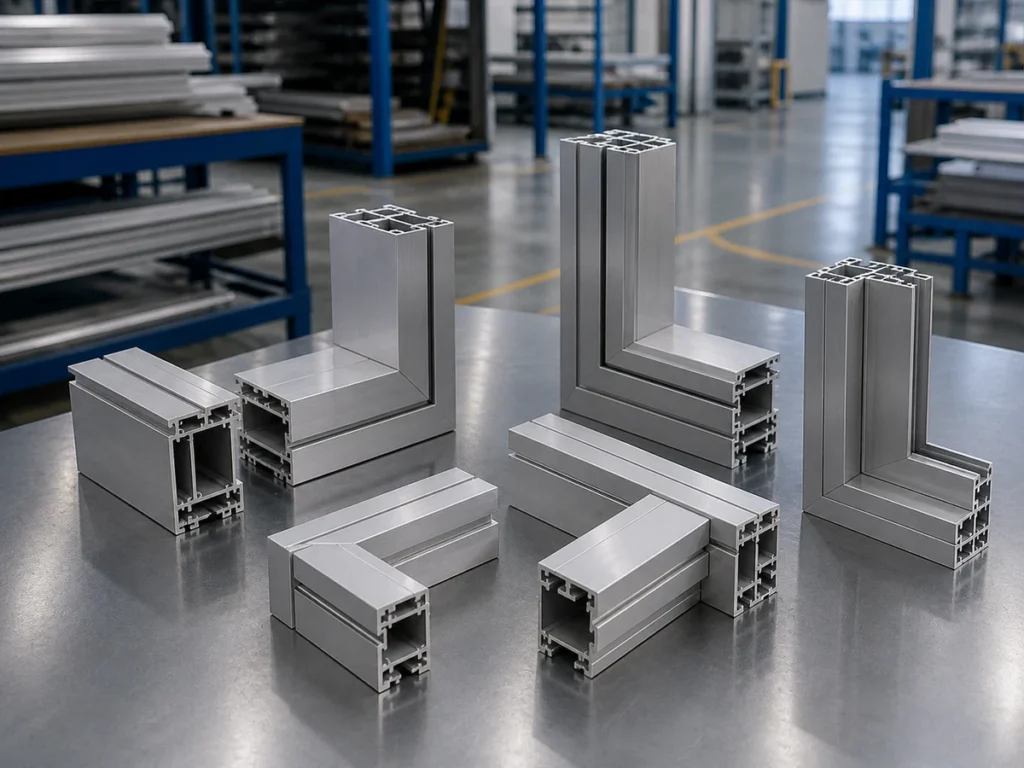
The angle of the assembled joint does not, by itself, tell you the setting shown on a particular machine. Ask the supplier to relate the drawing to the proposed cutting position. A marked photo or sketch can help explain the question; use the agreed drawing for final acceptance.
For more detail on inside and outside lengths, see our finished-length datum guide.
Check profile fit at every required angle
A stated angle range is only one part of the fit check. The cross-section, wall thickness, cut position and fixture all matter. A fixture is the arrangement that supports and holds the profile.
Ask the supplier to review the profile at each required cutting position, including the most demanding angle in your list. Separate maximum height and width figures do not establish a full rectangular cutting envelope, and capacity quoted for one position should not be assumed at every angle.
- Where will the profile rest, and which face will establish its position?
- Where will the clamps touch thin walls, ribs or open sections?
- Will the proposed arrangement hold both mirrored versions of the part?
- How will long stock and short finished pieces be supported?
- Which contacts could mark an anodized, coated or other visible face?
Include the infeed path and collection area in this review. Parts need to remain supported, protected and identifiable after the blade has finished the cut. Changes to supports, clamps or guards must follow the approved machine setup procedure.
Define what the automatic cycle includes
Ask the supplier to walk through one complete batch, from loading stock to collecting the finished pieces. Identify who performs each step: loading, feeding, positioning, clamping, changing the angle, cutting and unloading.
Then review a changeover. Can the next job use the same fixture? Does anyone need to turn the profile, change a support or make a manual adjustment? Which program and first-piece checks are needed before production continues?
These questions make an output estimate more useful. Discuss the time for the whole batch, including loading, angle changes and handling. A short cutting demonstration alone cannot establish your factory’s production rate.
Watch: JR-550CNC Fully Automatic Angle Saw
Jiurun machinery channel: automatic angle-saw demonstration. Use it to discuss your required setup.
Check repeated parts and frame fit
Discuss whether sample cutting is suitable for your project. If a trial is agreed, choose parts that represent your normal work and the angles or profile features that challenge the setup.
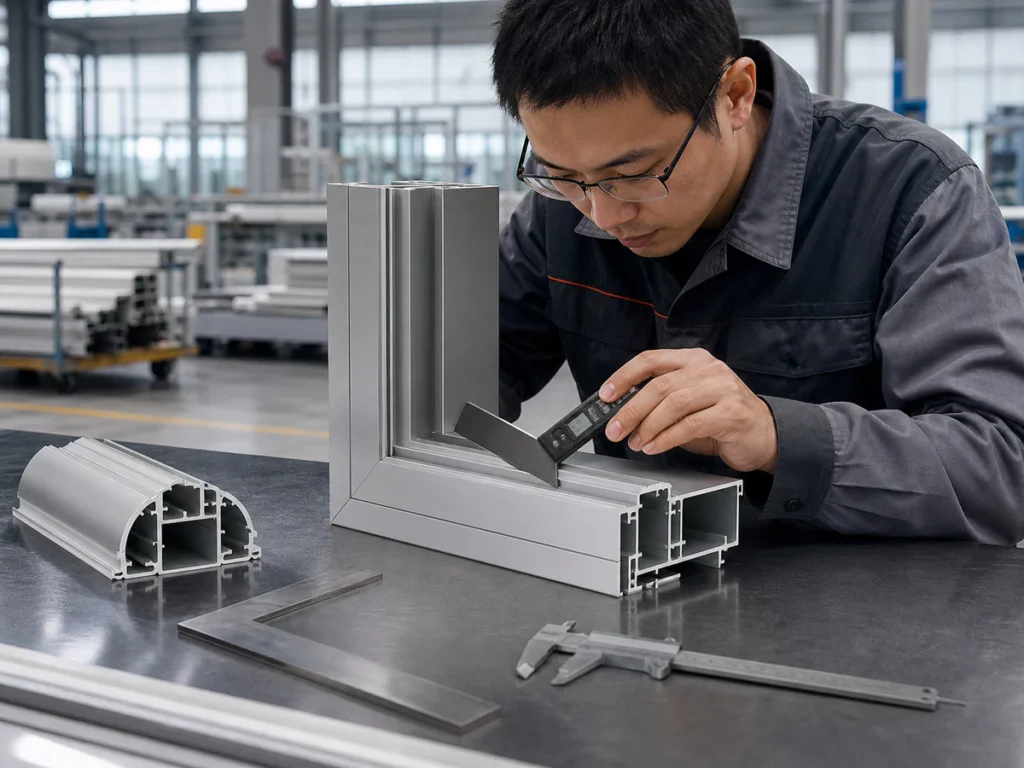
Measure finished length and angle separately against the agreed drawing. Record the part identity, drawing version, fixture and inspection method. Check a sequence of pieces so the discussion includes consistency across the run.
For frame members, also assemble a representative joint or frame. Look at how the mating faces meet, whether the seams align and whether the correct left- and right-handed parts locate as intended. Check visible surfaces after normal handling. An assembly check adds useful evidence alongside the dimensions required by the drawing.
If a frame does not fit, keep the individual length, angle and orientation results with the assembly observations. They help separate a cutting question from a part-identification or assembly question. Our sample-cutting checklist covers how to agree and record a trial.
Compare the confirmed machine configuration
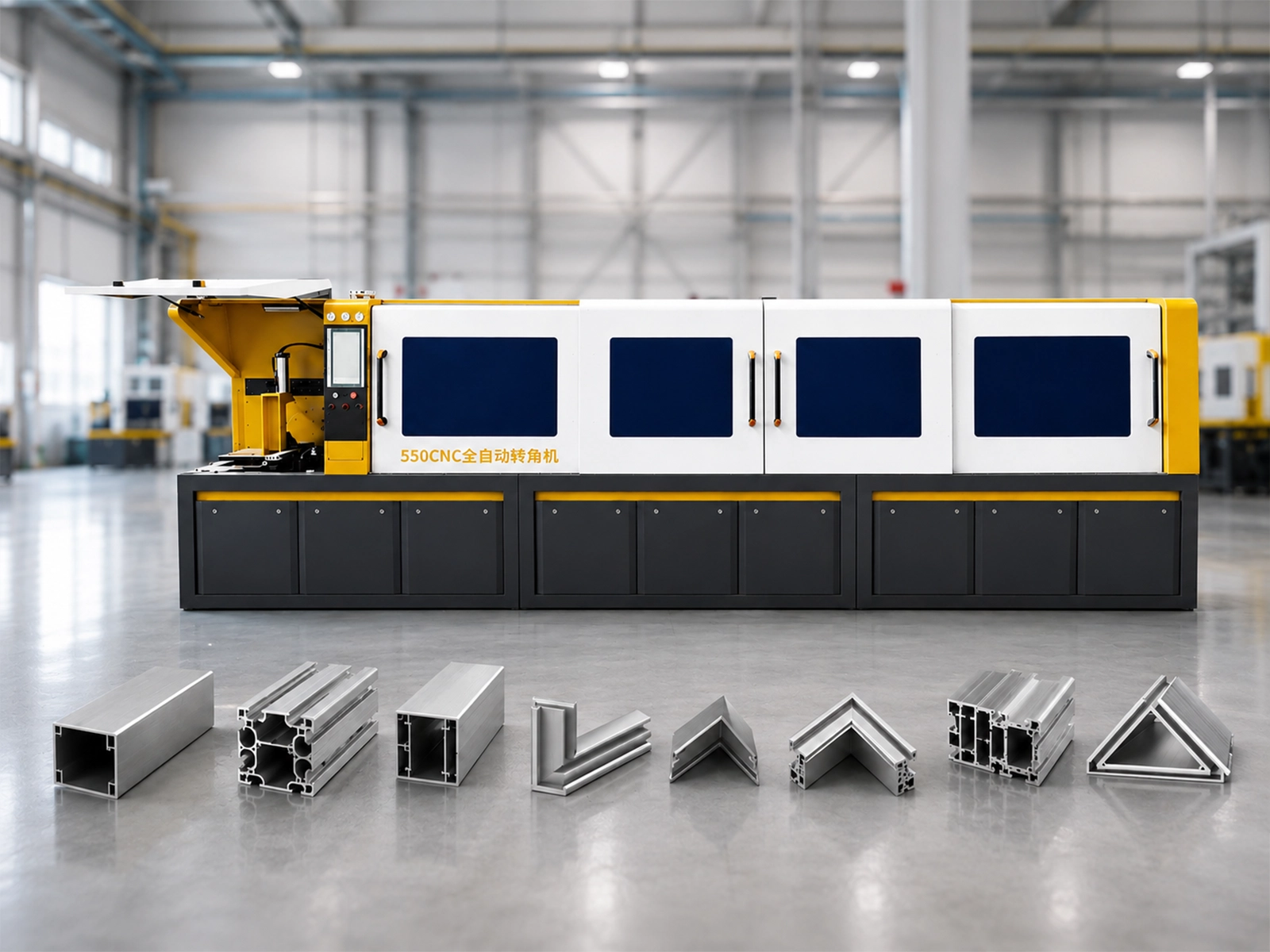
The JR-550CNC-CORNER automatic multi-angle aluminum cutting machine is one JiurunCut option to review for recurring programmed angle work. Its feeding, clamping and usable cutting capacity should be reviewed against your part family.
Keep the exact model, machine layout, current specification and quoted equipment together. Similar model names or the same number of controlled axes do not establish the same cutting capability. Ask which movements are controlled and how they produce the ends shown on your drawing.
Check which supports, fixtures, feed and discharge equipment, blade and chip-collection equipment are included. Request the service scope and any costs in the quotation, including installation, training, technical support and spare-parts arrangements relevant to your location.
For the wider purchasing comparison, including other machine types and total process cost, use How to Choose an Aluminum Cutting Machine.
Start with the information you have
You do not need a complete technical brief to begin. Send a drawing or a clear photo of the profile or assembled part if you have one, and tell us what you want to improve.
Useful details include the required angles, finished lengths, approximate quantities, wall thickness and any problem with frame fit or surface marks. Mark unknown items as pending. We can discuss the missing details, whether a sample trial would help and the equipment and service scope to quote.
Discuss your multi-angle cutting job with JiurunCut.
Automatic multi-angle aluminum cutting machine: buyer questions
Does a programmed angle prove the finished part is acceptable?
No. Measure the finished part from the agreed reference and check the relevant joint. The displayed setting alone does not establish the finished result.
Can an automatic straight-cutting machine also make these angled parts?
Do not assume it can. Ask the supplier to confirm the required cutting directions, profile support and clamping for the exact configuration being offered.
Can I start with a photo instead of a drawing?
Yes. A photo and a short description can start the discussion. Dimensions, angle references and acceptance requirements can then be clarified before a machine configuration is agreed.
Sources and scope
Machine identity and configuration context: Jiurun machinery brochure, physical PDF page 13, and the JR-550CNC-CORNER product page. This guide provides buying questions rather than machine settings or guaranteed performance. Confirm the current specification, application and acceptance requirements for the proposed equipment.
For drawing-reference resources, the Aluminum Association’s extrusion drawing publication describes a uniform approach to preparing profile drawings. The linked page offers a paid reference; this guide does not reproduce it or claim compliance with it. Use the drawing requirements agreed for your project.