
PLC vs CNC control is best reviewed by naming the functions the machine must perform. PLC means programmable logic controller; CNC means computer numerical control. The two can work together in one control system, so their names alone do not decide which aluminum-cutting machine meets your job.
Ask the machine supplier to describe the offered configuration, motion functions, job preparation and support responsibilities. Then check the complete cutting task with representative material and an agreed inspection plan.
On this page
PLC vs CNC control: the functions can coexist
Siemens describes its SINUMERIK ONE CNC system as including an integrated SIMATIC PLC. That is a manufacturer-specific example of CNC and machine-automation functions in one architecture. It shows why the quotation question is more useful than a simple choice between two acronyms.
Beckhoff’s TwinCAT NCI introduction describes numerical control for interpolated path movements, with an integrated PLC and an interface between those functions. Its TC1270 documentation also describes a CNC core combined with TwinCAT PLC software on an industrial PC.
These examples do not establish which controller is installed in a JiurunCut machine. They also do not make one vendor’s software functions available on every machine called PLC-controlled or CNC-controlled. Request the actual identities and supplied options.
For purchasing, ask which system handles the approved machine sequence and which functions generate or coordinate the required movement. Have the supplier connect that explanation to the delivered configuration. Keep any separate safety-function review with the responsible qualified team.
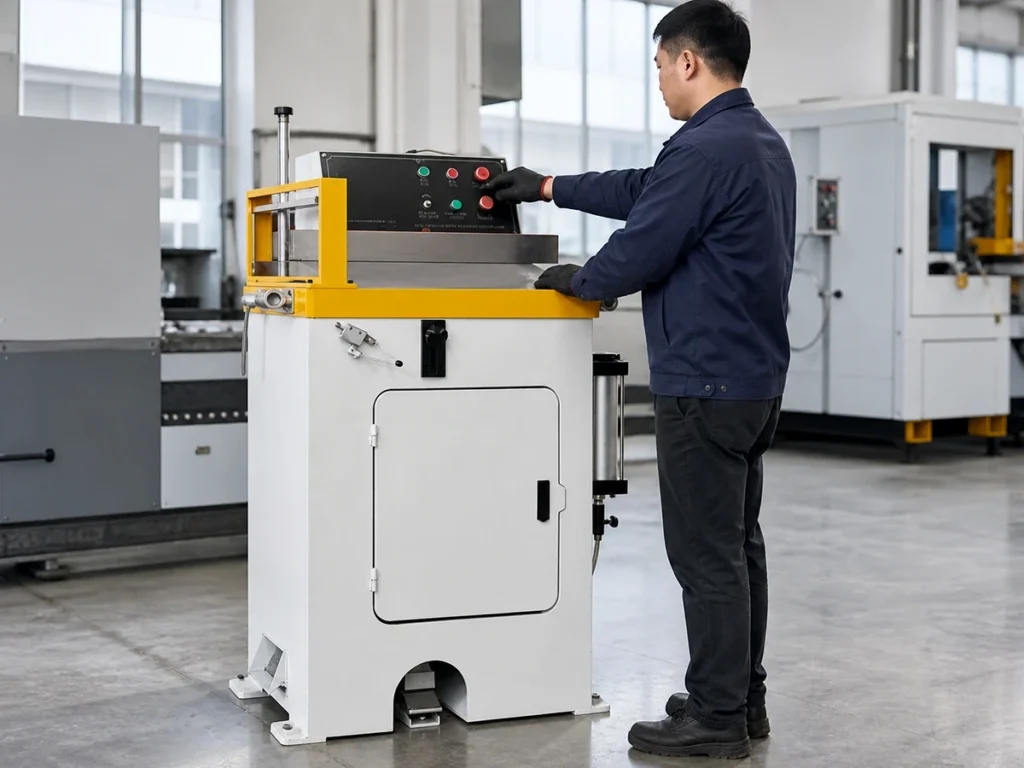
Map the functions your job requires
Write the required task in everyday production terms first. Identify the incoming aluminum section, stock condition, cut list and condition expected at collection. Separate the required output from possible future options.
Ask which offered functions prepare jobs, position material, coordinate the cutting sequence and retain production information. Name the function and its configuration reference rather than writing “fully automatic” as a substitute for the list.
Keep the operator interface in the explanation. A touch screen is where users may enter or view information; its presence does not identify every control function behind it. Ask which fields, records and languages are actually provided.
Also identify external equipment included in the offer. A loader, collector or another process station may have its own controls and interfaces. Record who supplies the connection and who verifies the complete agreed sequence.
Our CNC saw versus machining center guide addresses a different boundary: the physical operations completed by the equipment. A control description does not supply a drilling tool or another process absent from the quotation.
Positioning or coordinated paths?
List each required movement before comparing control packages. Moving a feeder to a specified position is not the same description as coordinating a tool along a defined path. The machine supplier should identify the motion functions needed for the actual job.
Beckhoff’s NCI documentation uses interpolation to describe path movement and identifies both dedicated NC-program and PLC-library routes for that product. This is evidence that the software arrangement matters. It is not a rule that a PLC can never participate in motion control.
Ask which movements are controlled, how they relate to the part requirement and which options are included. Do not derive the installed capability from a vendor’s maximum axis count or a different machine’s demonstration.
Keep the controller and motor-control package connected in the configuration record. The stepper versus servo guide covers that component comparison. A named motor technology does not identify the whole machine-control architecture.
Where the job only needs cut-to-length positioning, explain that confirmed scope. If future coordinated processing is planned, request it as a defined option with its own application review. Avoid silently changing today’s purchase into an unverified future capability.
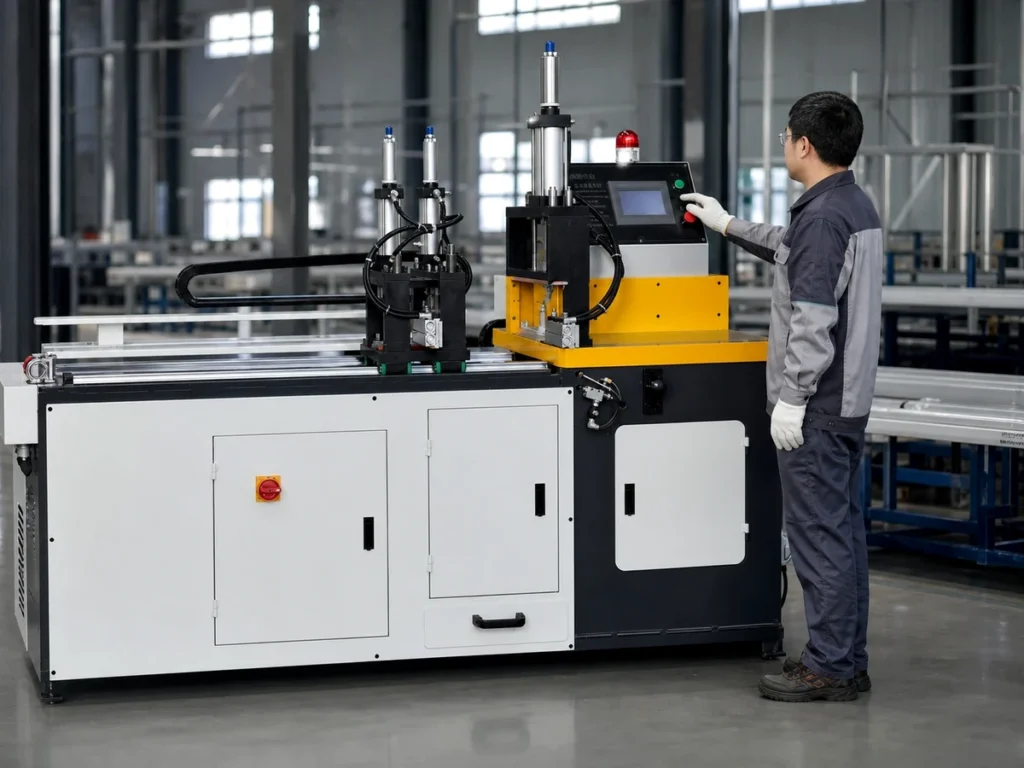
Review how approved jobs reach the machine
Ask how the current drawing and released cut list become machine job information. Is preparation performed on the interface, in identified external software or through a configured import? Record the actual supported route.
A CNC label does not promise direct import of every CAD file, spreadsheet or nesting output. Request the formats and fields included in the quoted software. Have the supplier demonstrate the agreed workflow with representative data.
Keep the production job separate from the machine’s underlying control program. A changed part length, a revised job file and a change to installed automation software are different changes. Ask who is authorized to make each kind and how its approved status is recorded.
For a demonstration, preserve the input identity and the resulting job reference. Confirm how quantities, orientations and part identifiers remain connected to the drawing. A successful file transfer alone does not document the cut result.
Read two fictional offers by function
Imagine Offer A says “PLC control with a length-entry screen.” Offer B says “CNC control with optional offline job preparation.” These are invented quotation entries, not JiurunCut specifications or statements about real suppliers.
The descriptions are too short to rank. Ask both suppliers to explain the same required cutting job. Offer B’s optional software must not be counted as included until the quotation identifies it that way.
| Document entry | Information still required |
|---|---|
| Length-entry screen | Supported job fields, revision identity and supplied preparation workflow. |
| Optional offline software | Included licence, supported data formats and connection scope. |
| Both control labels | Actual motion functions, complete task demonstration and support package. |
If both proposals are revised to describe the same confirmed task, compare their supplied functions and evidence. Keep exclusions and options visible. Neither acronym automatically closes the acceptance review.
Keep control evidence and part evidence separate
A controller description can establish a named component or offered software function. A machine demonstration can show an agreed sequence. A finished-part inspection answers the drawing requirements. Keep those records separately labeled.
Use representative aluminum material and the approved drawing for the cutting review. Record the machine configuration, job identity and inspection scope. Ask the supplier to distinguish movements shown without material from actual cutting results.
If production output matters, define the observed start and finish events and count the relevant accepted parts. Do not turn a controller processing-speed claim into a machine-output prediction. The surrounding handling and inspection belong in the agreed evaluation.
Report an unavailable function as unresolved. A similar interface screen or a supplier’s statement about a different machine should not be entered as successful evidence for the offered configuration.
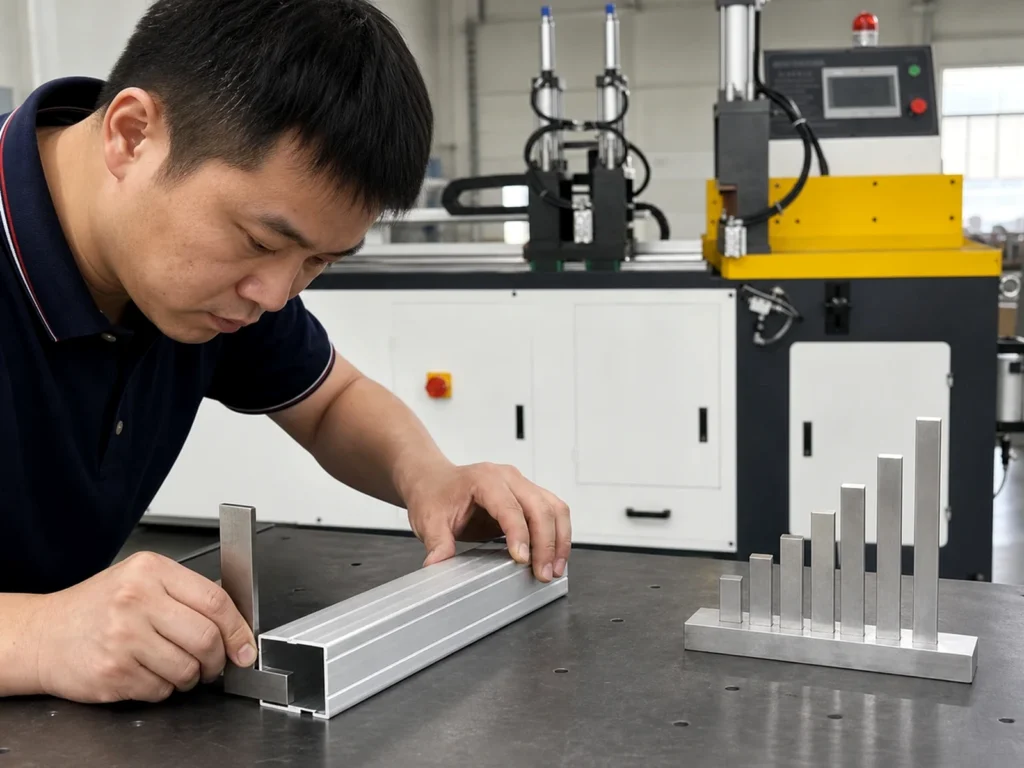
Record the installed version and support scope
Keep controller identity, software version, supplied licences and interface documents with the handover package. Ask the supplier to state the approved process for configuration records and any required backups.
Identify who supports job preparation and who supports the machine’s control system. These responsibilities may involve different people. Confirm the supplied assistance and training scope before delivery.
Our CNC aluminum saw training guide helps organize that handover. Have the manufacturer and site’s responsible team define authorized tasks; this article provides no programming, reset or fault-recovery procedure.
Contact JiurunCut with the section drawing, representative cut list and required job workflow. Request an explanation of the quoted controls and confirm the functions supplied for that configuration.
Buyer questions
Can a CNC system contain a PLC?
Yes. The Siemens and Beckhoff examples cited here combine those functions. Confirm the architecture of the actual offered machine.
Does a touch screen prove CNC capability?
Request the installed motion and job functions. The visible interface alone does not identify the complete control package.
Does a faster controller guarantee faster cutting?
Review the complete task with agreed material, handling and accepted-part criteria. A component performance statement has a narrower scope.
Manufacturer references
Siemens SINUMERIK ONE illustrates an integrated PLC in a CNC system. Beckhoff’s NCI introduction and TC1270 reference describe their identified software arrangements. The quotation entries are original examples, not vendor ratings.