
Circumscribing circle diameter describes the smallest circle that can enclose an aluminum extrusion’s complete cross-section. Buyers use it to explain profile size during an extrusion inquiry. It belongs beside the section drawing, with the units and revision clearly identified.
The circle does not tell the whole purchasing story. A wide open section, a hollow section and a multi-chamber section still need their own manufacturing review. Once the extrusion is selected, the cutting supplier needs a separate review of how the actual profile will sit, clamp and feed.
On this page
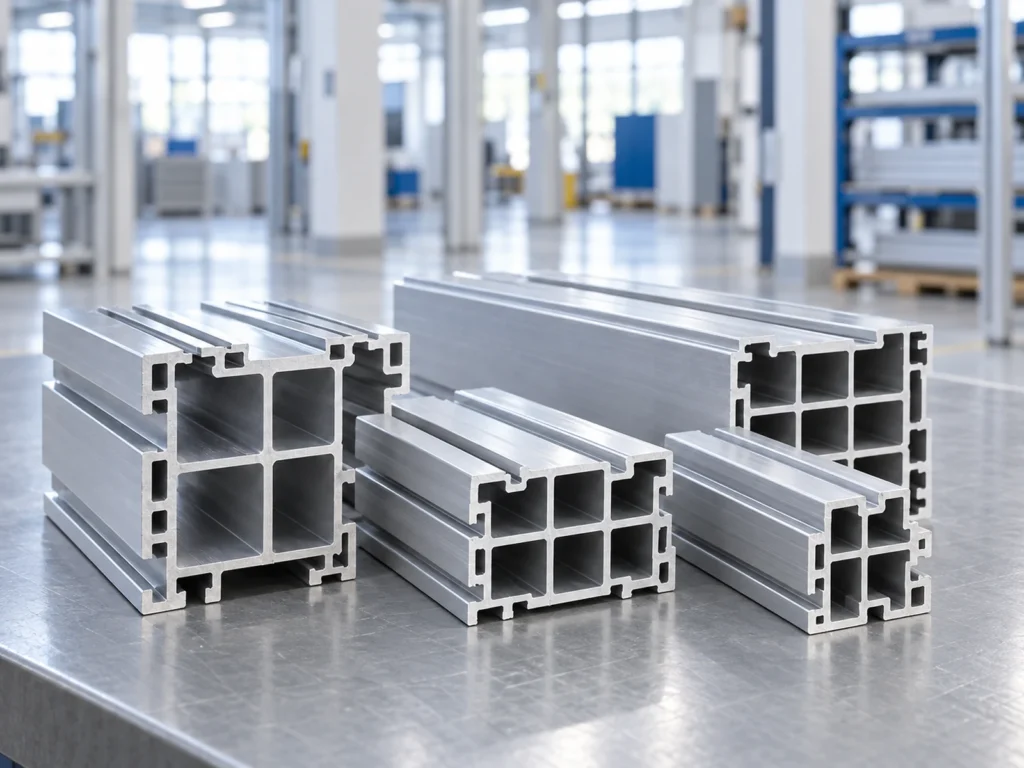
What circumscribing circle diameter means
The Australian Aluminium Council’s December 2023 extrusion manual defines the circle around the complete section. The manual also treats shape, alloy, tolerances and surface finish as related design considerations.
This gives the RFQ a useful size reference. It does not replace the profile outline or settle every design question. A diameter copied from a different section is not evidence that the revised drawing can be produced on the same basis.
Think of the circle as one item in the drawing package. The supplier should be able to identify which section it belongs to and what other requirements accompany it. That makes an early feasibility discussion easier to follow.
Four checks before sending the extrusion inquiry
1. Include the whole section outline
Show every external projection, lip and flange in the drawing. A cropped screenshot of the main body can leave the supplier discussing a different envelope from the one you intend to purchase.
Provide a dimensioned cross-section and, when requested, an agreed CAD file. Use a readable view that separates the external outline from internal walls and cavities. Record the drawing number in the email as well as on the attachment.
For a revised profile, identify the changed area. A short note such as “external lip revised; see revision C” gives the supplier a clear starting point without asking them to discover the change through visual comparison.
2. State the units and revision
Put the unit beside the circle dimension. Keep it consistent with the drawing package or explain any conversion. A bare number copied between an inch-based inquiry and a metric spreadsheet creates an avoidable ambiguity.
Use one current revision for the section, the commercial inquiry and the sample request. If an earlier quote used a previous outline, ask whether the new design changes its basis. Keep the answer with the updated quotation.
Our drawing and cut-list revision guide explains how to carry that identity into later production documents.
3. Describe the profile beyond the circle
List the required alloy and temper, finish, important features and delivered length. Mark the interfaces that must fit another part. Attach requirements that affect acceptance instead of leaving them in a separate conversation.
A circle dimension can remain the same while the internal layout changes. For example, adding a cavity or changing a wall can create a new design question even when the external envelope looks familiar.
Use the multi-chamber cutting guide when the section has several internal compartments. Confirm the linked drawing with the supplier before treating any general guide as a production requirement.
4. Ask for profile-specific confirmation
Ask the extrusion supplier to respond against the attached drawing, including any proposed changes or exceptions. Request an explanation when a capability table appears to use a different definition or size description.
Capral’s extrusion capability page lists log diameter, section weight, customer length and circumscribing-circle information separately. It also distinguishes solid and hollow capability entries. The headings help explain why a single diameter should not become the entire specification.
Keep a general capability statement separate from acceptance of your exact section. A clear reply should identify the drawing reviewed and any conditions still awaiting agreement.
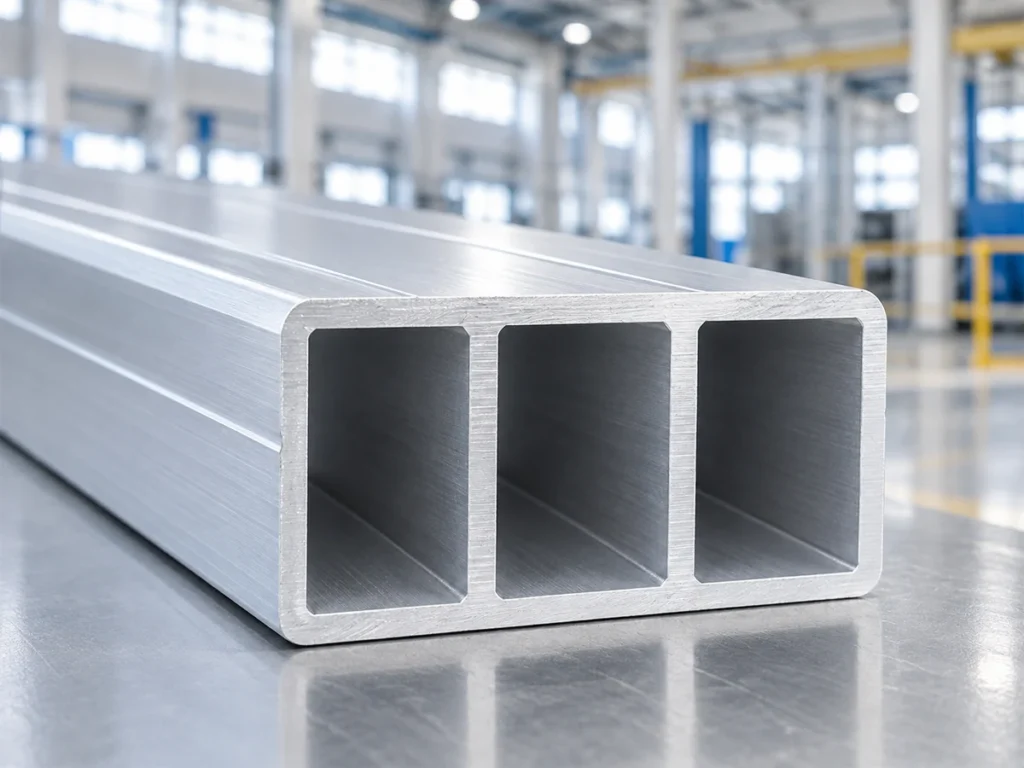
Keep the dimension names separate
Use clear labels in the request. These descriptions answer different questions and should not share an unlabeled spreadsheet column.
| Dimension or description | What to clarify |
|---|---|
| Profile width and height | The named directions and the complete external outline in the drawing. |
| Circumscribing circle diameter | The enclosing-circle reference for that specific cross-section. |
| Extrusion log diameter | The supplier’s production input description; keep it separate from the profile envelope. |
| Saw cutting capacity | The machine’s ability to handle the actual profile in its proposed cutting orientation. |
Read the supplier’s reply as a drawing decision
Suppose one quotation refers to an older section file while another names the latest revision. Before comparing prices, ask both suppliers to confirm the same outline and delivery scope. This is a hypothetical inquiry issue, not a report of a JiurunCut customer order.
Record proposed profile changes in the drawing process. Do not turn an informal comment about a lip, wall or cavity into an approved feature by copying it into the purchase order.
Agree the sample approval scope and the treatment of any drawing exceptions. If tooling or order quantity needs discussion, keep that beside the custom extrusion MOQ inquiry.
Prepare the cutting handoff separately
Send the cutting supplier the confirmed section drawing, stock length, finished-part drawing and quantity mix. Identify the intended orientation, surface protection and finished-length datum. Include representative stock when a practical review is needed.
For a tall or asymmetric profile, show which face supports the stock and which surfaces may be contacted. Request a review of feeding, clamping and collection for the actual part rather than selecting a saw from the circle reference alone.
Use the cutting machine RFQ checklist to assemble those inputs. Send JiurunCut your drawing and cutting requirements for a discussion of the proposed setup.
Questions buyers ask
Is circumscribing circle diameter just profile width?
No. It describes an enclosing circle around the complete section. Keep width and height labeled in the drawing rather than substituting one of them for the circle reference.
Can the circle reference select a cutting machine?
It can accompany an inquiry, but the machine review needs the actual section, cutting orientation and job requirements. Ask the cutting supplier to assess those inputs together.
What should happen after the outline changes?
Update the drawing revision and confirm the circle reference. Ask the extrusion supplier to review the change, then pass the approved section identity into the cutting documents.
What is the simplest useful inquiry package?
A current dimensioned section, units, alloy and temper, finish, delivered length, quantity and clearly marked acceptance requirements. Include the circle reference where available and request confirmation against the attached drawing.