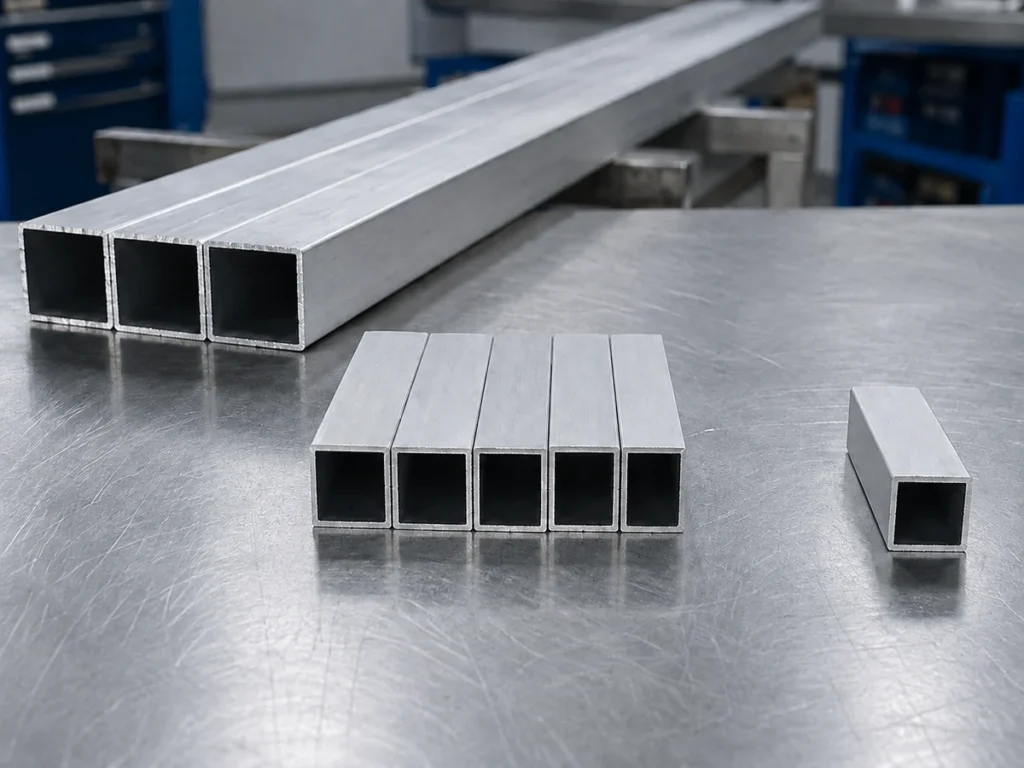
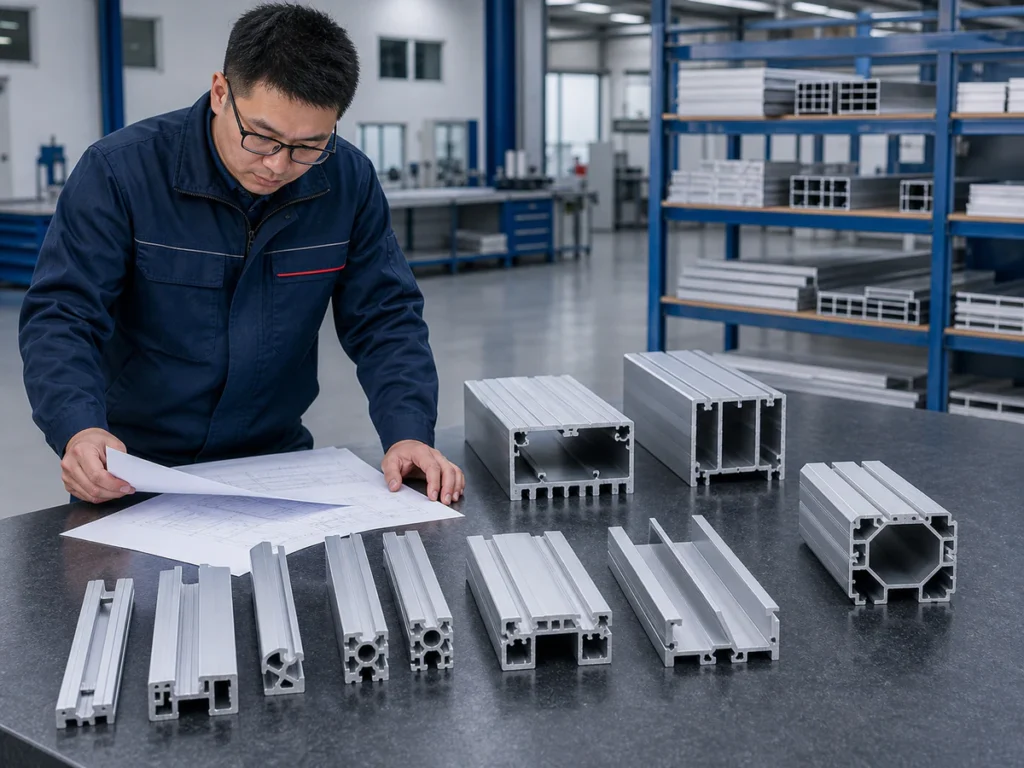
A useful aluminum cutting list identifies the profile, finished part, required length, angles and quantity on each row. Link those rows to the correct drawings and state units clearly. Keep customer requirements separate from planning assumptions such as stock lengths, blade-cut loss and trim, and label missing information instead of filling gaps with guesses.
Three things to remember
- Give each distinct part, section and orientation a clear row and reference.
- Separate finished-part requirements from stock and material-use assumptions.
- Check drawings, units, quantities and software compatibility before sending the file.
On this page
What should a cutting list explain beyond length?
Connect each finished piece to its section, material, drawing, quantity and inspection reference. Include available stock lengths and make angled parts easy to distinguish from straight lengths.
A well-organized spreadsheet lets the reader match a number to the correct part without searching through a long email. It does not need to be a perfect production database: record what is known and flag the gaps.
For material planning, kerf means the material removed across the saw cut's width. Trim is material intentionally removed to prepare or finish an end; account for it separately without counting the same kerf twice.
When should two requirements use separate rows?
Use one row for one consistent finished-part requirement. The same length on two different sections needs separate rows, as do mirrored parts with different orientations.
A datum is the face or edge used as the measurement reference. Include it when a length cannot be understood from the number alone.
| Suggested field | What to enter |
|---|---|
| Profile ID | A stable reference linked to the cross-section |
| Part ID / drawing revision | The finished component being requested |
| Material / condition | The actual specification, or “to be confirmed” |
| Stock length | Available incoming length for that profile |
| Finished dimension | Length and the edge or datum used |
| Cut angle / handedness | Drawing-defined angle and orientation |
| Quantity | Required accepted pieces |
| Surface / inspection note | Visible faces and acceptance references |

Put units in clear column headings. Avoid mixing numbers with and without unit text in the same column when the file will be processed.
How should the drawings connect to the spreadsheet?
The profile ID should lead to the correct cross-section, and the part reference to the drawing that defines its finished length, angle and assembly details. Simple filenames are fine when this relationship is unambiguous.
For frame kits, identify which members belong together. For architectural parts, include the joint and visible-face notes; for mixed industrial sections, identify which are intended for the same machine.
The drawing and list complement each other. Neither should force the reader to guess the missing geometry or production quantity.
What does a clear example row look like?
This is a format example, not a customer order, a machine-capacity statement or a production test.
| Profile ID | Part reference | Stock length | Finished length | Cut | Quantity |
|---|---|---|---|---|---|
| P-A | Part-A, Rev. 1 | 6,000 mm | 1,200 mm from Datum A | Straight, see drawing | 40 |
Here, Datum A is the measurement reference defined on the associated drawing. The row does not by itself specify support, holding, kerf, trim or every inspection limit.
Keep those inputs with the drawing or job notes. The example dimensions and quantity do not recommend a stock length or minimum batch.
Which entries are requirements and which are assumptions?
Accepted finished dimensions and quantities are requirements. Available stock, trim allowance, kerf accounting, permitted remnant reuse and grouping different lengths into one run are planning inputs that need clear labels.
Tolerance means the allowed variation in a finished size. Do not let an empty cell imply that any tolerance or material condition is acceptable.
Use separate columns or job notes for assumptions so changing one does not silently change the customer requirement. Mark unknown information as needing confirmation.
What production context belongs with the list?
State whether the list represents a single project, a repeating monthly mix, a sample run or a forecast. Explain profile-change frequency and how finished pieces are grouped for the next operation.
A quotation for one repeatedly cut length is not directly comparable to a quotation for frequent mixed jobs. Both can be sensible, but they describe different work.
For a production line, describe the upstream and downstream interfaces. For operator-loaded work, explain space constraints and who handles the material.
What should you check before sharing the file?
Look for inconsistent units, missing quantities, duplicate rows, old drawing revisions, unclear mirrored parts and profile references with no matching attachment.
Label samples and forecasts as such. Remove personal or unrelated confidential information that the application review does not need.
Sending an XLSX file does not establish that the machine imports it directly. Confirm file import, program preparation and any optimization function for the actual control and software.
What should the review help you decide?
Use the discussion to identify which profiles can be considered together and which need different fixtures, the support and holding arrangements around a part. Clarify stock handling, finished-part grouping and representative sample checks.
Keep material accounting explicit. The zero-tail and material-waste guide explains why kerf, trim and remaining stock should be separated.
You can begin with your available list and drawings. A useful first review identifies missing information before confirming a machine configuration, rather than pretending the gaps do not exist.
What else should you know?
Is a spreadsheet enough without drawings?
It can start a discussion, but the section, datum and finished geometry still need to be clear before configuration is confirmed.
Should every technical detail be filled in before contacting a supplier?
No. Send what is known and label the unknowns. Do not replace missing information with guessed values.
Does one file mean all profiles share a fixture?
No. A combined project list can still contain several support and clamping families.
Sources & Scope
- Jiurun machinery brochure supplied by the owner. 九润画册 PDF physical pages 6–19. Machine categories and configuration identity only; not test results or an operating manual.