
A used aluminum cutting machine needs review of its exact identity, present condition and suitability for your parts. Compare the complete package required at your site, including equipment, documentation, software, repairs, installation and support. Age and asking price alone do not establish the better purchase.
Use these seven checks when comparing a second-hand offer with a new-machine proposal. Keep confirmed evidence and unresolved questions visible in the same decision record.
Review the actual machine being offered
- Connect the listing, machine identity and included equipment.
- Request a qualified condition review and relevant part evidence.
- Compare the same installed scope, with uncertainties shown.
On this page
Check 1: identify the used aluminum cutting machine
Request the manufacturer, model, serial number, year reference and the actual configuration being offered. Match this information with the machine’s identification record and seller’s documents. Keep photographs of the offered unit separate from brochure illustrations.
Ask about known modifications, replaced components and control changes. The current machine may differ from the original catalog configuration. A model name alone does not establish every fitted option or a changed machine’s present capability.
Identify who is selling the machine, where it is located and which unit the proposal covers. Clarify the seller’s authority to supply it and the documents that will accompany the transfer. Resolve identity conflicts before treating different photos or records as evidence for one machine.
Use the exact identity when requesting technical support or parts information. Do not assume that a newer machine with a similar name shares the same control, components or instructions.
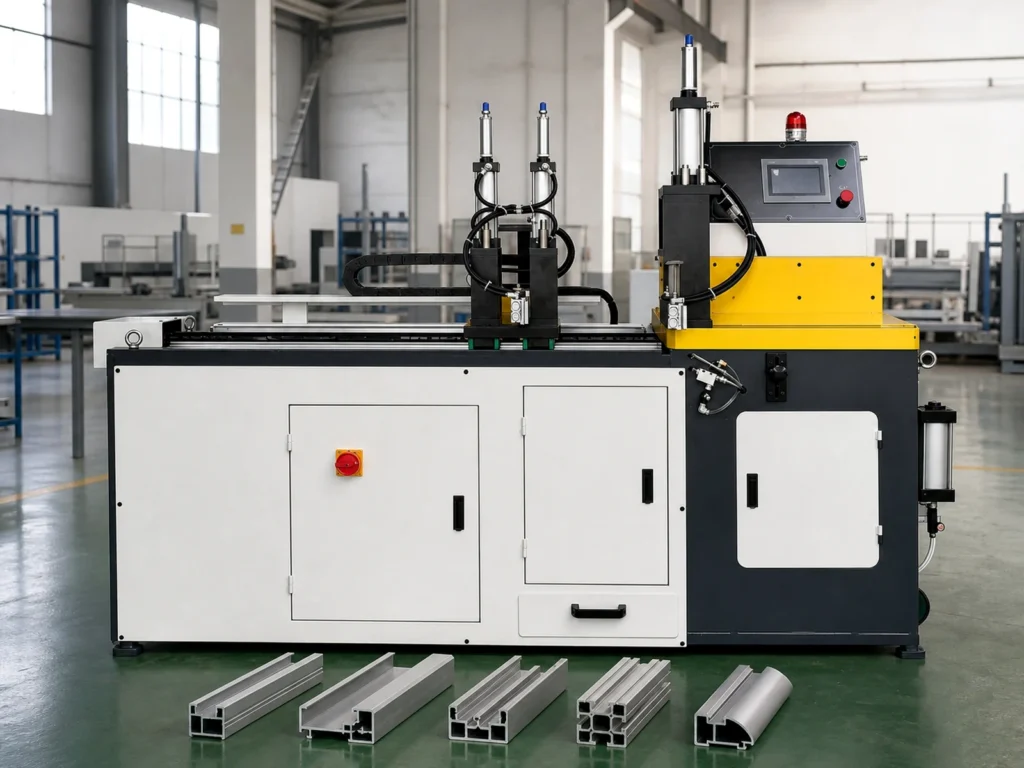
Check 2: review suitability for your actual cutting job
Provide current section and finished-part drawings, material condition, stock lengths, finished lengths, angles and quantities. Check the proposed configuration against those requirements instead of assuming that previous use proves suitability for a new job.
Review the actual capacity information for the relevant section and orientation. A blade diameter or nominal stock length does not establish the complete cutting envelope, handling arrangement or finished-part capability.
Ask what the seller has actually demonstrated and what remains untested. Use the capacity-diagram guide to keep geometry questions clear, then define representative evidence using the sample-cutting review checklist.
Give a new-machine supplier the same task. This makes the comparison about the required result and scope rather than an old catalog claim against an unrelated new configuration.
Check 3: request a qualified review of present condition
Request available service, repair and modification records. Ask which issues are known, which repairs are proposed before delivery and which condition checks have been completed. A freshly cleaned exterior cannot establish internal condition or remaining service life.
Have an appropriately qualified person assess the actual machine and relevant functions under an agreed scope. Keep the findings, limitations and proposed corrective work in a written report. This buyer guide is not a procedure for opening equipment, energizing an unknown machine or changing a safety function.
elumatec’s industrial machine-audit page describes expert evaluation of third-party used elumatec machines, including older models, with performance evaluation and valuation. It also describes a report on request. This is an example of a manufacturer’s documented audit service, not evidence that any offered machine has been audited or that the service covers other brands.
Separate an agreed technical review from a seller’s general claim that the machine “works.” Identify the tested functions, test conditions, parts and results. Retain unresolved findings instead of treating a successful startup as full acceptance.
If operation or safety status is uncertain, have the responsible specialist resolve it before use. A video can show an event; it does not certify the machine’s complete condition.
Check 4: review the controls and software handover
Record the controller and software versions supplied with the machine. Ask about required licenses, lawful transfer, operating documentation, language support and the recovery or backup provisions available to the receiving owner.
Clarify access needed for normal authorized use and support. Have the seller and relevant provider arrange the proper handover; do not assume that an account, subscription or service entitlement automatically follows the physical machine.
If your workflow needs cut-list import or an office-system connection, request evidence for the supplied version and configuration. Review the actual CSV or DXF workflow rather than assuming compatibility because the listing says CNC.
A replacement control can change the information needed for support. Record both the machine identity and the fitted control details, including the provider responsible for that configuration.
Check 5: list the equipment actually included
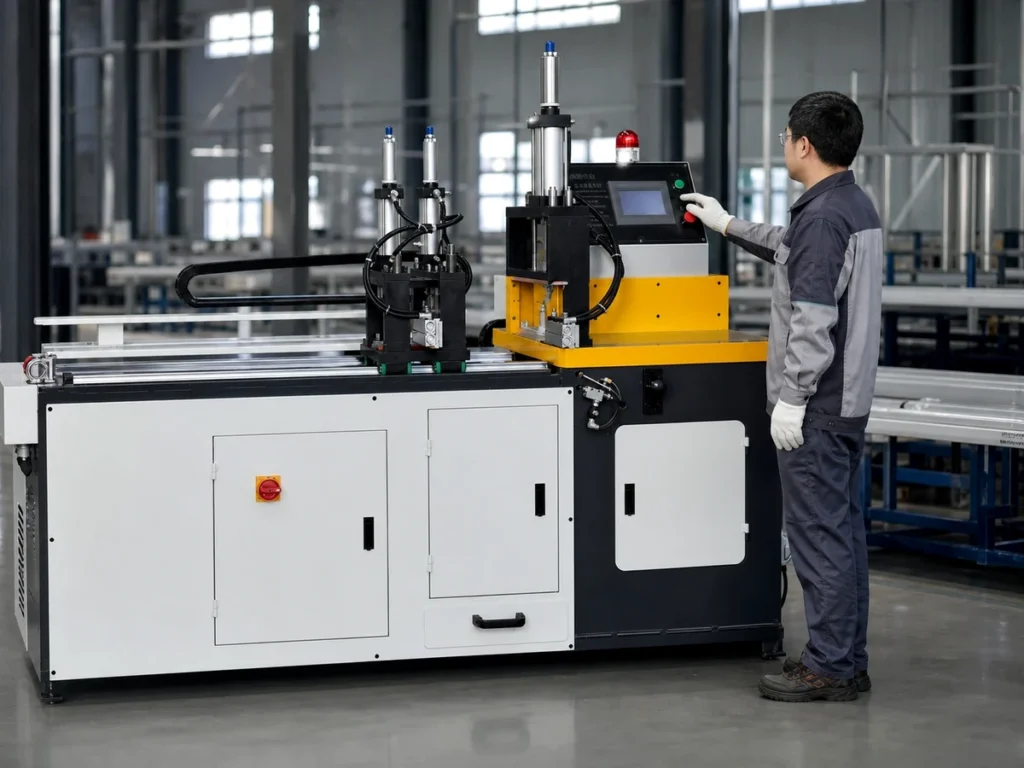
Compare the written package with the photographed setup. Identify the saw, stock supports, length-positioning equipment, collection provisions, tooling and accessories included in the sale. Mark equipment visible in the seller’s workshop but excluded from the transfer.
Ask which fixtures or part-specific provisions are needed for your sections. Do not assume that accessories used by the previous owner suit your profiles or that every catalog option is installed.
Clarify documentation, available drawings, operating instructions and service records. Record missing items and the proposed way to obtain them before assigning their cost or availability to the comparison.
Keep removal, loading, transport, unloading and site preparation responsibilities explicit. Use the installation planning guide to organize the receiving-site questions. Obtain the actual utility and handling requirements for the offered configuration.
Check 6: compare the complete cost scope
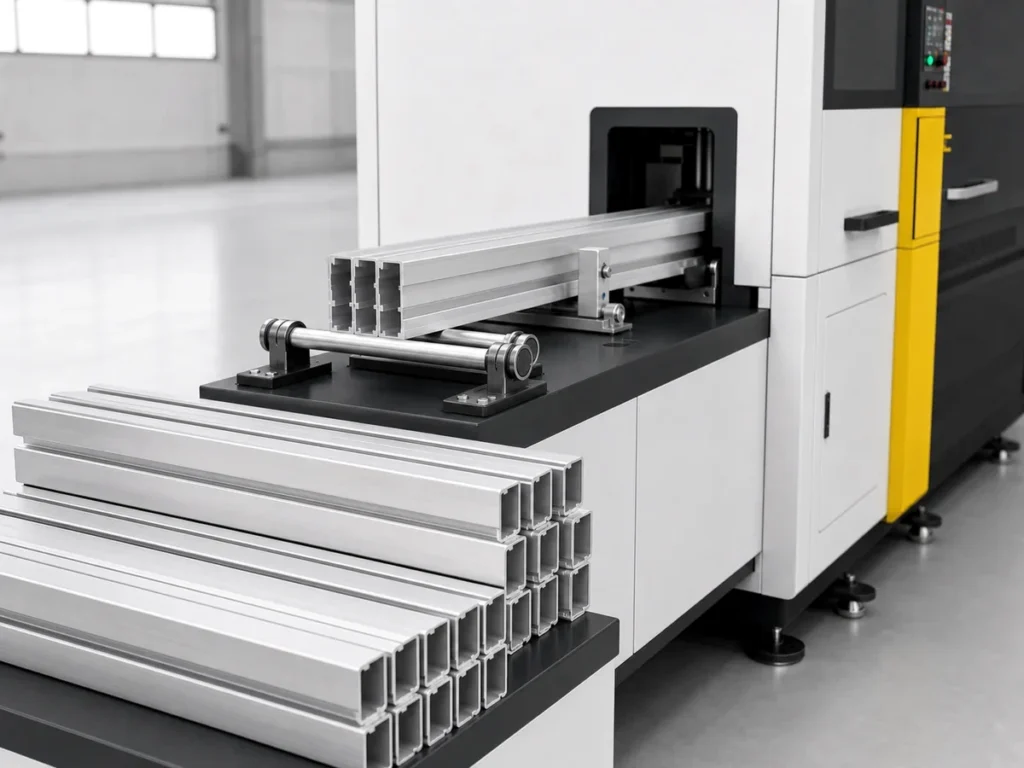
Use the same destination and required working scope for both offers. List purchase, assessment, agreed repairs, required accessories, transport, installation, software, training and other identified costs. Record each item’s quotation, responsibility and whether it remains unresolved.
Keep an unknown cost visible. A blank repair line does not mean that no repair is needed; a missing software quote does not establish a free transfer. Request clarification before presenting the comparison as complete.
For a fictional arithmetic example in one currency, an asking price of 8,000 plus 1,500 for quoted logistics and 2,500 for quoted repairs totals 12,000. If required software and commissioning remain unquoted, 12,000 is only the known subtotal.
These numbers are not market prices, a valuation or a forecast. They show why a low asking price cannot be compared directly with another offer covering a different scope. The remaining items may change the decision once they are defined.
| Cost status | How to show it |
|---|---|
| Included in the offer | Name the item and the documented scope. |
| Quoted separately | Show the amount and the party responsible. |
| Unresolved | Name the question; retain the missing amount. |
Keep timing uncertainty visible too. Confirm availability and completion steps rather than inferring production readiness from the machine’s physical location. Avoid assigning an unsupported downtime saving or payback period.
Check 7: confirm support and the receiving handover
Ask the relevant provider whether it supports the exact machine and configuration at your destination. Review parts availability, technical help, service arrangements and any proposed repairs or updates. A general manufacturer service page does not confirm support for a particular serial number.
For example, Emmegi’s UK branch page describes on-site installation, servicing and repairs, together with remote diagnostic and advisory services for its market. That published service scope illustrates questions to ask a provider. It does not establish that a used machine you are considering qualifies for any specific service or that JiurunCut supplies the same coverage.
Request written warranty or remedy terms where offered, including exclusions, responsible parties and the process for an issue. Review the actual agreement; do not assume that “used” means no support or that “new” means every future cost is covered.
Agree the documents, condition report, included equipment and checks that form the handover. Keep outstanding items and their owners visible. Use the same finished-part requirements for both used and new proposals.
Questions about a used aluminum cutting machine
Is a newer machine always the better purchase?
Age alone does not establish condition, job suitability, included scope or support. Compare the actual proposals and evidence for the required work.
Can a running video replace a condition report?
No. Treat it as evidence of the event visibly shown. Request a defined review of the relevant condition, functions and limitations.
Does the asking price represent the installed cost?
Only when all required scope is included and identified. Keep separately quoted and unresolved items visible in the comparison.
Compare a new JiurunCut proposal with your required job
Send JiurunCut your section and finished-part drawings, material condition, stock lengths and site requirements for a new-machine review. Compare the resulting proposal with the same working scope used for your second-hand offer.