
Sometimes two neighboring parts can share one angled separating cut. Whether that works depends on both end shapes, the profile’s orientation and the proposed saw setup. Send both drawings to Jiurun so the actual cutting pattern can be checked.
Can these two parts share one cut?
Send the two end drawings and mark the profile face that must keep its orientation.
What are shared miter cuts?
The term describes a proposed stock plan in which one angled cut finishes one part and creates the starting end of the next. These are consecutive pieces along a bar, before they reach frame assembly.
Keep both finished-part drawings beside the sketch. Show where each cut removes material, including any extra end trim or space between cuts. Ask the supplier to identify which cut makes each finished end.
Our straight-cut stock-pattern example uses different assumptions. Bring an angled sketch for these particular parts.
3 checks for proposed shared miter cuts
1. Do the neighboring ends need the same cut direction?
Mark the end of the first part and the starting end of the next part. Ask whether one cut could make both required shapes or whether they need two cuts. Similar part names or angle descriptions leave this question open.
Ask the supplier draw the cut or cuts on the stock sketch. With two cuts, mark which end each one makes and the material between them. Keep both part names beside their drawings so the plan remains tied to the correct members.
2. Which way must the groove or open face point?
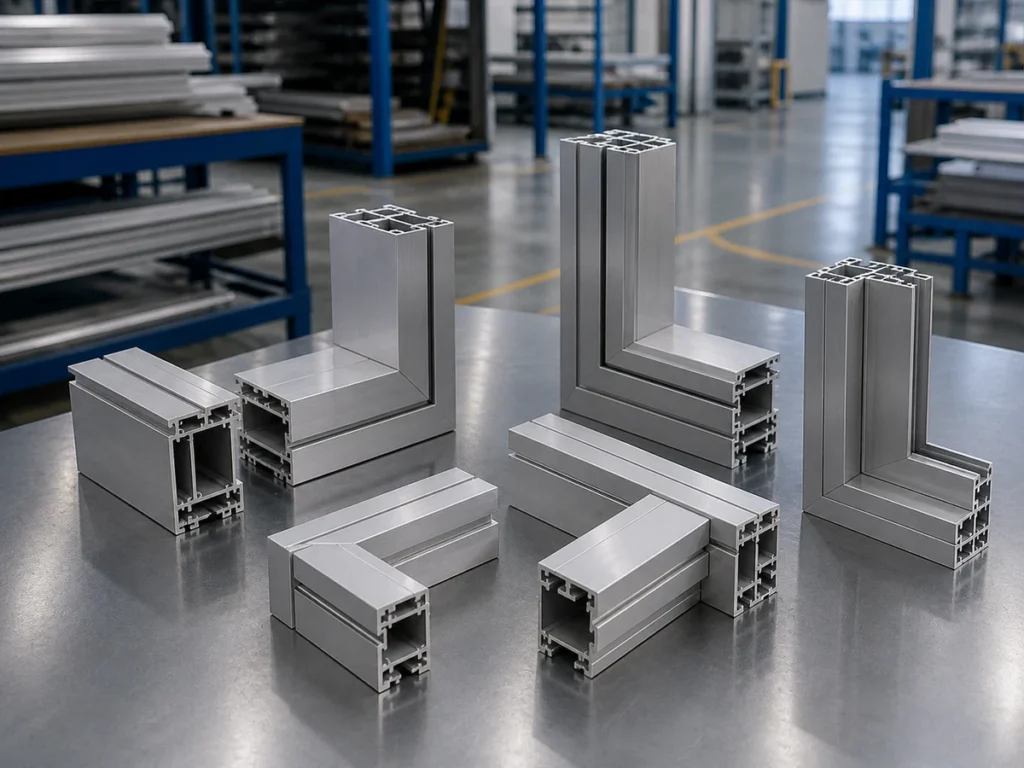
Choose a feature that makes the profile easy to recognize: a groove, lip, open face or visible surface. Show which way it must face on each finished part. Then compare that requirement with the proposed position along the bar.
If the plan requires a turn, ask the reviewer to show which way the groove faces afterward. Check that the part still fits its drawing and later assembly. Mark any uncertain position for review rather than changing the part to suit the plan.
Our miter-length guide covers the separate finished-length drawing question.
3. Does either end need extra trim?
Ask whether the incoming stock end needs trimming before the first part can be made. For the neighboring pair, ask whether the plan needs one cut or two cuts, and whether extra end trim is required.
Request a sketch showing the material removed by those cuts. Ask the supplier to explain any space between separate cuts. Keep these details with the proposed pattern before estimating how much stock the job will use.
Show us the two parts in your stock plan
Share a sketch showing the parts along the stock bar. Mark any turn, extra end trim or space between cuts that still needs review.
An illustrative pair: check which way the groove faces
Example: A factory orders two enclosure members from the same grooved profile. The planner places them consecutively along a bar and proposes one separating cut. Each finished member must keep the groove on the face shown by its drawing.
The supplier reviews a section view beside each member. If the apparent match requires turning a member so its groove faces the wrong way, the factory asks for a revised pattern. That sketch preserves both required parts and may show two cuts between them.
Ask the supplier to confirm the pattern with your actual parts.
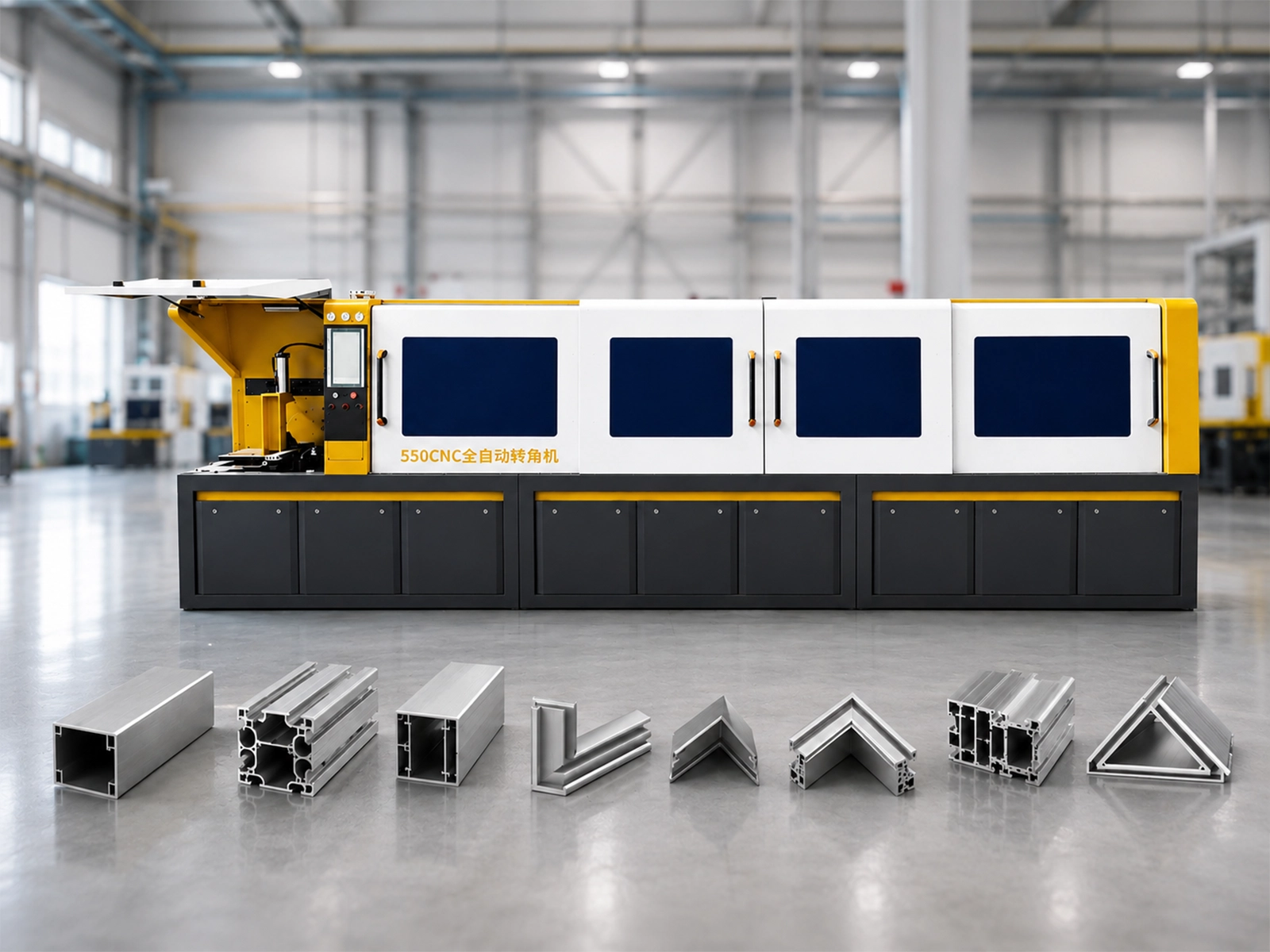
Watch: JR-550CNC Fully Automatic Angle Saw
Use this machine reference when discussing your proposed cutting pattern.
Review both parts on the machine being quoted
When discussing the JR-550CNC-CORNER automatic multi-angle aluminum cutting machine, bring the marked pair to the application review. Ask the supplier to explain how the proposed equipment would make these particular ends.
- Which cut makes each finished end?
- How is the required profile position maintained?
- What extra end trim or separate cutting is needed?
- How are the finished piece and remaining stock supported and handled?
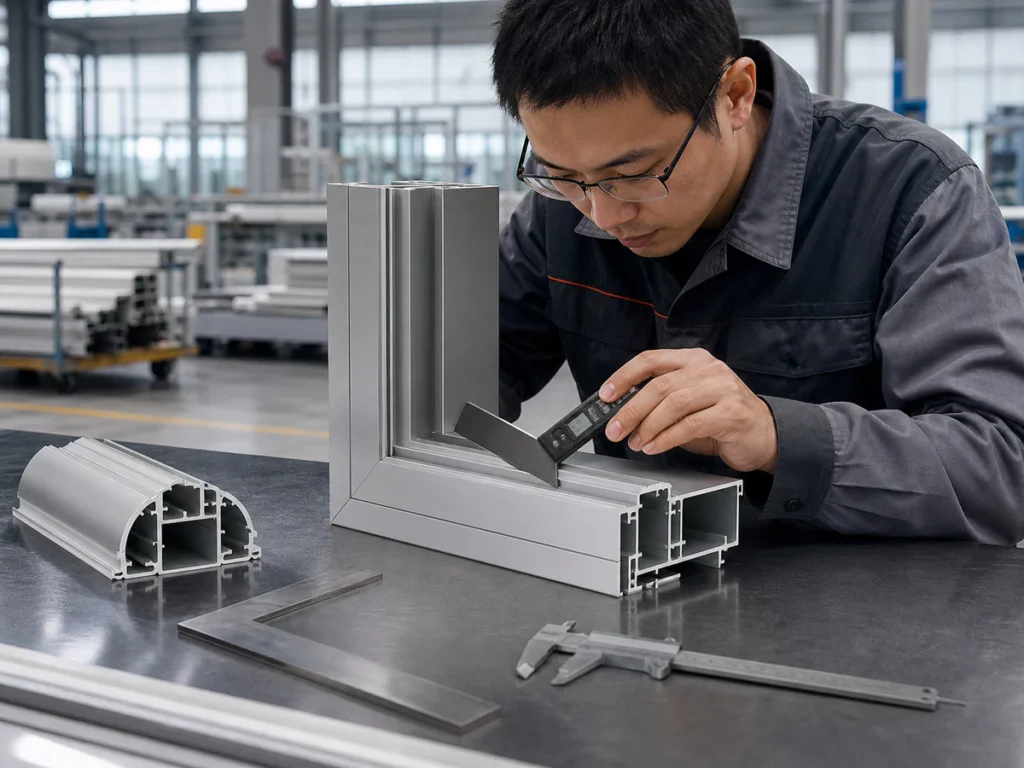
If a sample review is agreed, keep both neighboring pieces with the marked sketch. Check each end against its own drawing and identify the groove or other feature used to show orientation. Record any change to the pattern before using it in production planning.
Sources and the final configuration check
Boole & Partners’ OptiCut tutorial, printed pages 12 and 14, describes permitted profile rotations, angle matching that leads to one or two cutting lines, and settings for the order and separation of two lines. These software-planning concepts inform the questions above. Jiurun’s machinery catalog, physical PDF page 13, supplies JR-550CNC-CORNER identity and configuration context. Confirm the proposed pattern for the exact equipment quoted.
Discuss shared miter cuts with JiurunCut
Send the two neighboring parts and show which way the profile faces. Ask about the proposed cutting pattern and equipment.