
An aluminum saw program dry run can look reassuring on a screen and still leave the bar, fixture or released order unchecked. For an aluminum saw buyer, the useful question is not simply whether the controller has a “dry run” button. It is what the supplier can show before a production cut, which checks need a guarded physical trial, and who signs off the first acceptable part. Ask for this sequence during the RFQ and factory acceptance discussion so that a software check is not mistaken for proof of a finished component.
Define what an aluminum saw program dry run means on the quoted machine
Different suppliers use the phrase for different things: reviewing a stored recipe, stepping through displayed commands, simulating motion without a workpiece, or testing a cycle under a control-specific mode. None of these definitions should be assumed for a Jiurun model or for a machine offered by another supplier. Ask the vendor to name the exact model, controller, installed options and supported check mode in the quotation. Request a live demonstration on that configuration, with the supplier explaining what is disabled, what can still move, and which alarms remain active. If there is no dedicated mode, document the alternative review and guarded trial procedure instead of describing it as a feature.
Keep the first demonstration under the supplier’s normal operating and guarding procedures. A buyer should observe and record the result, not direct an operator to bypass an interlock or enter the cutting zone. OSHA’s machine-guarding safety considerations are a useful reminder that setup and operation still require appropriate guarding and trained people. Local site rules and the actual machine manual govern the demonstration.
Separate three approval gates before anyone calls a job ready
Gate 1: data review. Match the drawing revision, part number, profile family, stock length, quantity and cut orientation against the job file or controller entry. Identify which values are imported, which are typed locally, and which are selected from a stored recipe. A screenshot of one screen is not enough if another page holds an angle, compensation or batch count. The supplier should show how a responsible person reads the complete job back and how the accepted revision is identified. This gate catches communication and entry errors; it does not prove that the stock or fixture is correct.
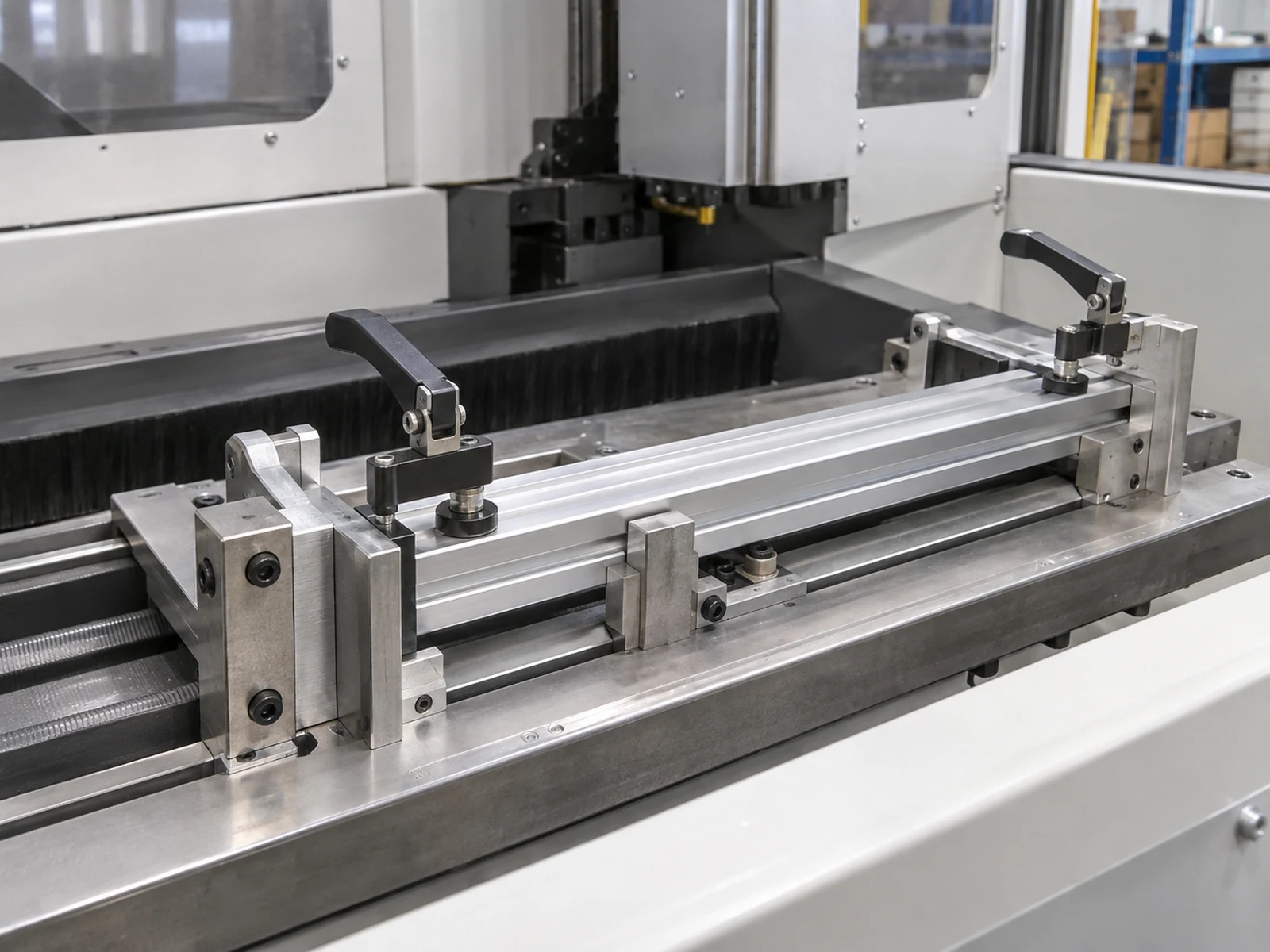
Gate 2: machine-state review. Confirm the actual material section, datum face, stop or feed position, clamp contact, support and discharge path against the approved setup. The person doing this must be trained and authorized under the site’s lockout and guarding procedure. If the quoted control has a program-test mode, ask what it checks and what it leaves untested. A screen-level check cannot establish how a thin wall deforms under clamping or how a long piece clears an outfeed rack. If the proposed sequence involves motion, only the supplier should demonstrate it under its documented safe operating method.
Gate 3: representative first-cut approval. Use agreed sample stock and record the first physical cut as a trial, not released production. Measure the specified cut length and the drawing-critical features with a method suitable for that feature, inspect the cut end and identify any required downstream deburring. Record acceptance, adjustment and retest decisions. A passed controller review does not replace this part-level evidence. Equally, one accepted part does not automatically validate every profile or revision in a mixed batch.
The existing article on keeping saw setup cuts out of released batches addresses material disposition. This article addresses the earlier buyer decision: what each program-check gate is allowed to approve, and what remains open until a real sample has been reviewed.
Ask what a controller check cannot see
A useful demonstration should state its blind spots. The controller may display the intended length or angle while the bar is seated against the wrong datum. A stored program may be correctly recalled while the wrong stock grade or cross-section is on the rack. An empty-path test may look orderly while a full-length extrusion needs additional support. An operator may have entered a revised dimension but not updated the released drawing. The procurement record should put each risk beside the physical or documentary check that resolves it.
In particular, ask the supplier to show how the machine and its operator respond to a mismatch between the displayed recipe and the actual setup. Do they stop for an explicit review, or does the buyer need to add a separate checklist to its work instructions? Ask who can edit a saved recipe, how a change is recorded, and what version the next shift will load. The related program change-control guide covers revision ownership and recovery in more detail; the dry-run acceptance sequence should point to that record rather than duplicate it.
Write the acceptance sequence into the RFQ
Ask each supplier to respond to the same five requests so quotations can be compared on evidence rather than labels:
- Identify the exact control and installed capability. State whether program test, step-through, simulation or read-only review is available on the quoted machine. Provide the manual section for the offered configuration and demonstrate the behavior. Do not accept a brochure for a different controller as proof.
- Show an example job transfer. Use a sample drawing and cut list supplied by the buyer. Trace the approved revision into the machine entry, including units, angle conventions, quantity and any trim or allowance rule. Mark fields that require manual input.
- Show the pre-cut check. Record what the controller displays, whether any motion occurs, what alarms or safeguards apply and what the test cannot verify. The vendor should run it with its own trained staff under its documented safe method.
- Show the guarded first-cut trial. Use representative stock and a documented setup. Identify the trial part, record measurement method and result, and keep it separate from released output until the buyer’s named approver accepts it.
- Show a revision and recovery case. Change one controlled dimension in a sample job, then demonstrate how the previous version is prevented from being mistaken for the current one. Record who may approve the changed program and when another first cut is required.
Give the supplier a small test matrix rather than an open-ended request for a video. For example, list a straight cut on the most common section, a second profile that changes clamping contact, and a revised dimension on one of those jobs. These are proposed acceptance scenarios, not claims that any particular saw can process every profile. Agree the exact material, drawing, tolerances and evaluation method before the test. If the supplier cannot demonstrate a requested check on the offered configuration, record that exception and decide whether an alternative manual control is acceptable.
Keep software evidence and part evidence in separate columns
One simple sign-off sheet can prevent a broad “passed” label from hiding an open issue. Use columns for the drawing revision, program identifier, entered settings, reviewed screen or report, actual stock and fixture, test mode used, first-cut sample ID, inspection result, approver and disposition. Mark an item “not demonstrated” when no observation exists. A dry-run screenshot belongs in the software-evidence column; the measured part belongs in the part-evidence column. Record the machine model and installed control beside both.
Do not turn feed positioning data into a finished-part accuracy promise. The cut piece is affected by material, fixturing, blade condition, thermal and measurement factors as well as feed behavior. If a supplier quotes a repeatability or positioning value, ask what it measures and under which test conditions. The buyer’s drawing acceptance still depends on actual parts inspected by an agreed method.

Use the video as equipment context, not test proof
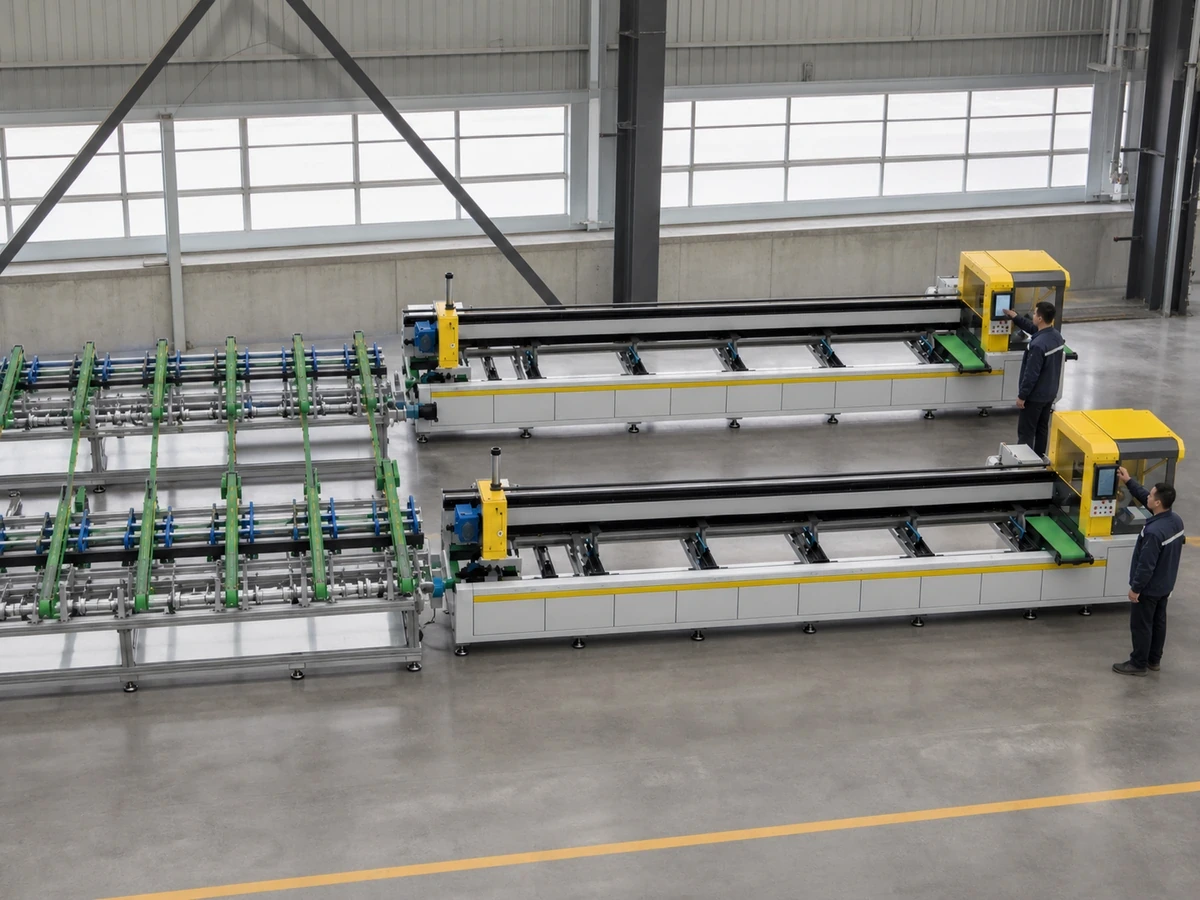
The channel video below shows general Jiurun equipment and a long infeed/roller arrangement. It is equipment context only. It does not document the program, controller options, material, customer, guarded dry-run, first-cut inspection or performance of the purchase being evaluated.
Decision rule for a buyer
Before ordering, get a written answer to two questions: “What can the offered configuration check before it cuts?” and “What evidence releases the first physical part?” If the answers mix screen review, motion check and part inspection into a single “dry run passed” claim, ask the supplier to split them. A buyer can then compare the offered control, required operator process and acceptance burden fairly. After installation, the same sequence becomes a starting point for site-specific work instructions and training, subject to the machine manual and local safety rules.
Planning a saw RFQ? Send Jiurun your drawing revision, profile cross-section, stock length, target cut list and acceptance method. Ask us to identify the proposed machine configuration, available program-check workflow and representative first-cut trial before you commit to a production release.