
Aluminum surface area is the area of the faces included in a stated geometric calculation. Before using that number in a finishing enquiry, identify the exact part, selected faces and square unit.
A model’s geometric total and the supplier’s agreed quotation scope need separate labels. The buyer should be able to see what was counted and how the finisher interpreted that information.
The worked example below uses an invented rectangular bar. It demonstrates arithmetic and document scope, with no actual component, finishing price or production result.
Keep four items beside every area value
- The part and drawing revision.
- The faces included in the calculation.
- The square unit and quantity basis.
- The supplier’s agreed quotation scope.
On this page
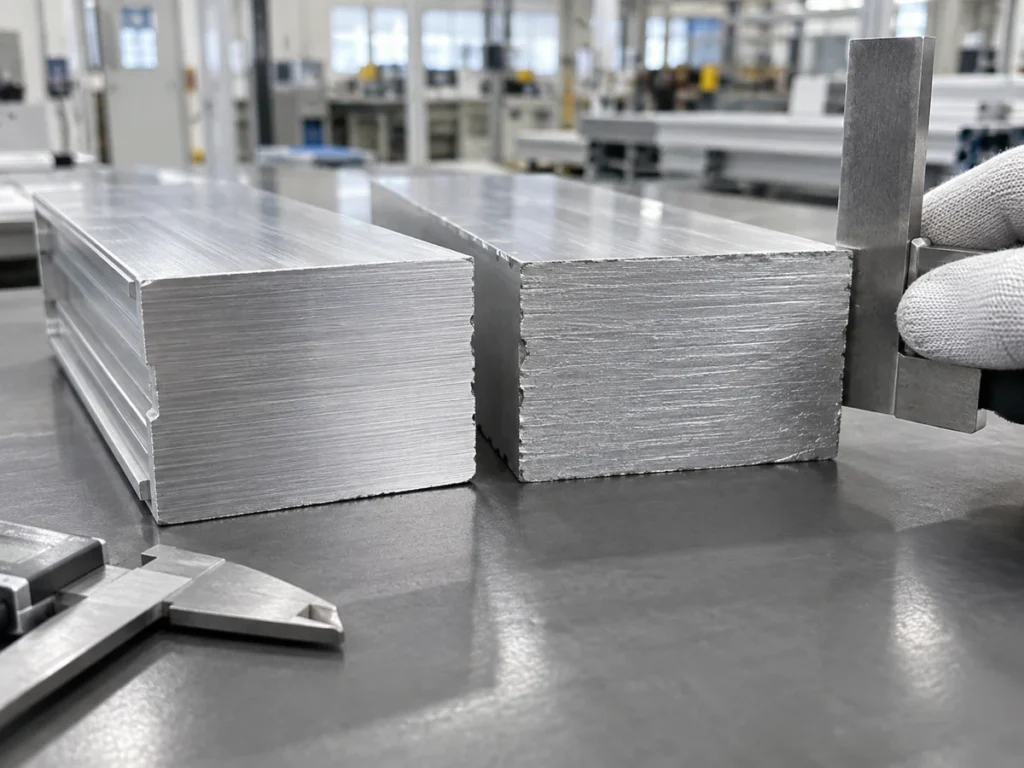
Check 1: identify the faces behind the aluminum surface area value
Onshape’s Measure Tool documentation explains that displayed measurements depend on selected entities. It identifies area as a surface quantity and describes total face area when multiple faces are selected.
For a document review, preserve the selected-face view with the reported value. A number without the selection record leaves the reader unsure which geometry was included.
Identify whether the record covers one face, a named group of faces or a whole-part geometric total. Use a marked view to make the distinction visible.
Keep the model version and part identity attached. If the model contains several similar items, name the item used for the calculation so another reviewer can reproduce the intended selection.
A finishing requirement can identify its own regions. Our powder-coating masking guide addresses the separate task of defining protected faces and boundaries.
Do not silently rename a total-area field as coated area. Ask the responsible designer and finisher to confirm the actual surfaces and agreed process scope.
A fictional bar: one face and all six faces give different totals
Assume an ideal solid rectangular bar measuring 100 mm long, 40 mm wide and 10 mm thick. This invented shape has six flat faces and no holes, chamfers, rounded edges or other features.
The area of one broad face is length multiplied by width: 100 × 40 = 4,000 mm². The opposite broad face has the same area.
Each long, narrow face has area 100 × 10 = 1,000 mm². Each end face has area 40 × 10 = 400 mm².
| Face group | Area of the pair |
|---|---|
| Two broad faces | 2 × 4,000 = 8,000 mm² |
| Two long, narrow faces | 2 × 1,000 = 2,000 mm² |
| Two end faces | 2 × 400 = 800 mm² |
The whole six-face total is 8,000 + 2,000 + 800 = 10,800 mm². The same result follows 2 × (100 × 40 + 100 × 10 + 40 × 10).
If an invented calculation includes only one broad face, its value is 4,000 mm². If it includes all six faces, its value is 10,800 mm². Neither field should be used without its face definition.
Both results are correct for their stated selections in this ideal shape. The difference is a scope difference, rather than evidence that one calculation contains an error.
Actual extrusions, panels and machined parts require their own geometry. This rectangular-bar formula should not replace the model or drawing review for a different shape.
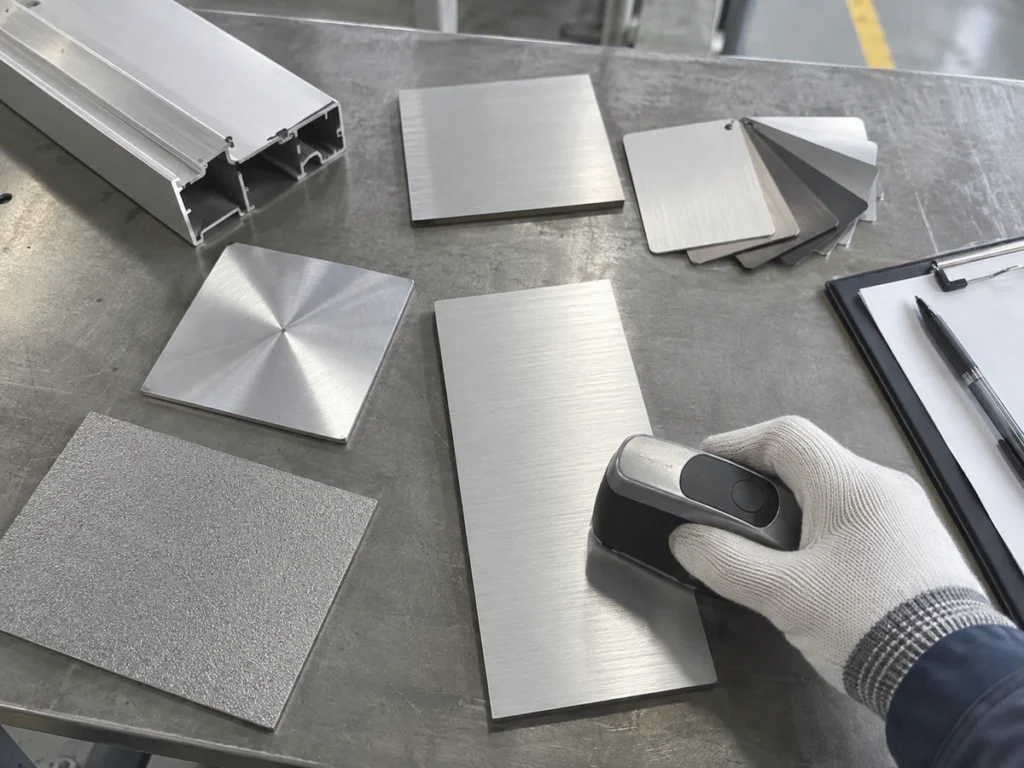
Check 2: convert the square unit explicitly
A millimetre is one thousandth of a metre. For area, that length conversion applies in both directions of the face: 1 mm² = 0.001 m × 0.001 m = 0.000001 m².
Therefore divide a square-millimetre value by 1,000,000 to express it in square metres. The invented six-face total becomes 10,800 ÷ 1,000,000 = 0.0108 m².
The invented one-face value becomes 4,000 ÷ 1,000,000 = 0.004 m². Keep each converted result beside its original value and selection label.
Write the square unit in the worksheet heading and in the supplier clarification. A bare decimal such as 0.0108 does not preserve the quantity definition.
Check which displayed precision was copied from a model. Onshape’s documentation distinguishes copying a maximum-precision result from copying a shortened value. Preserve the reported basis when the value is transferred into another record.
If a conversion or rounding rule is used for the enquiry, state it in the review. Do not add precision to a rounded source value by filling the worksheet with extra decimal places.
Check 3: distinguish one piece from the requested batch
Now invent a batch of 20 identical bars with the same ideal geometry. The quantity is part of the arithmetic example, rather than an actual order.
For all six faces of every bar, the total is 20 × 0.0108 = 0.216 m². For one broad face of every bar, it is 20 × 0.004 = 0.08 m².
Keep the per-piece calculation and batch multiplication in separate fields. That allows the reviewer to see whether a later change concerns geometry, selected faces or part quantity.
If a real request contains different lengths or versions, calculate the identified items separately before stating a combined enquiry total. Retain the schedule used to build the total.
Mass is a different model quantity. Our CAD mass-properties guide covers the information behind that separate report; an area field should remain labelled as area.
Check 4: agree what the finishing quotation actually covers
Send the part drawing, relevant model record and marked surface selection with the enquiry. Ask the finisher which scope it used in preparing its offer.
Identify the required finish and the regions to be treated or protected. Keep any exceptions visible in the supplier’s response rather than assuming the geometric total defines the process.
Ask the supplier to state its quantity and quotation basis. A calculated area alone does not determine a price or establish that every requested process is included.
Record the handling, masking, inspection and packaging items that belong to the actual offer. Let the supplier identify its included services and open questions.
For cut blanks, keep the stage of the geometry clear. The cutting-before-powder-coating guide helps organize that upstream handoff.
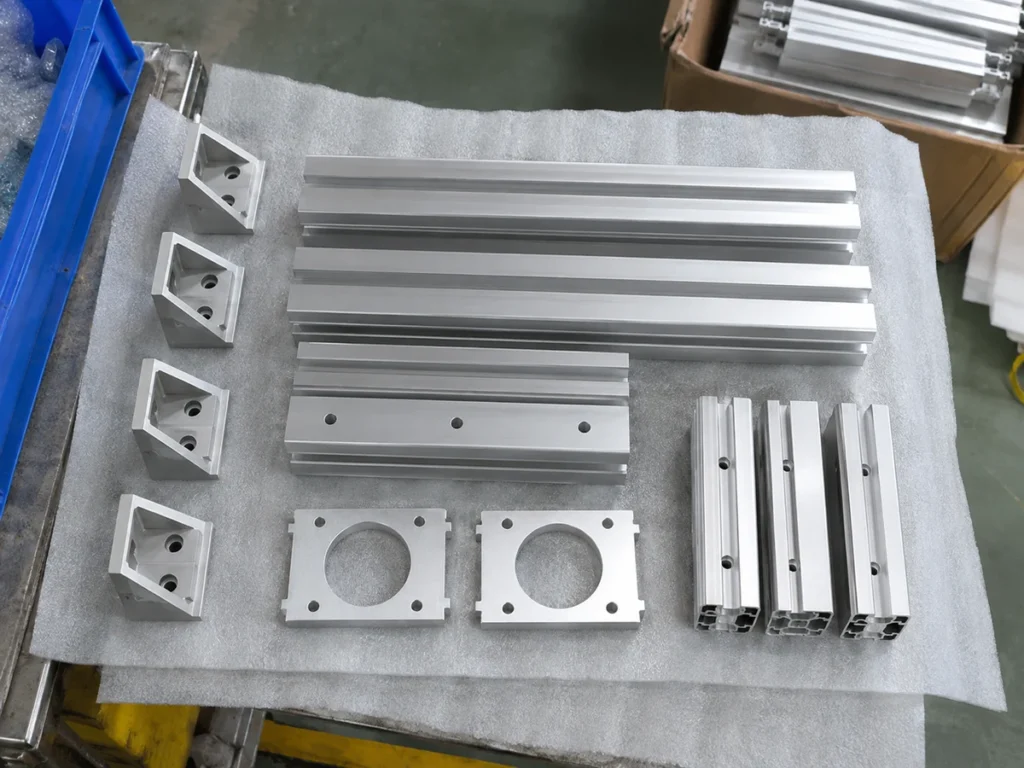
A short area record for the supplier review
Use one line for each identified part version: drawing revision, selected-face view, geometric area and unit, requested quantity, batch arithmetic and the finisher’s confirmed quotation scope.
When a drawing changes, review the affected calculation and scope together. Keep the revised response with the order so the purchasing and finishing teams use the same record.
Prepare clear blanks for the downstream finishing enquiry
Send JiurunCut your stock drawing, finished lengths and quantities. Include the relevant downstream requirements, and retain the aluminum surface area calculation with the parties reviewing the finishing scope.