
An aluminum saw video review is useful when a buyer cannot attend a demonstration in person. It works best when the recording connects a named machine configuration, identifiable stock, a visible cutting sequence and a separate measurement record. A polished clip can explain a process; it cannot, by itself, confirm that your production requirements have been met.
Before arranging an aluminum saw video review, decide which unanswered question the recording should resolve. You may need to see how the proposed setup holds a thin-wall profile, how cut pieces are identified, or which manual steps occur between cycles. Agree on those questions before filming so both teams can review the same evidence.
Table of Contents
1. Identify the job for your aluminum saw video review
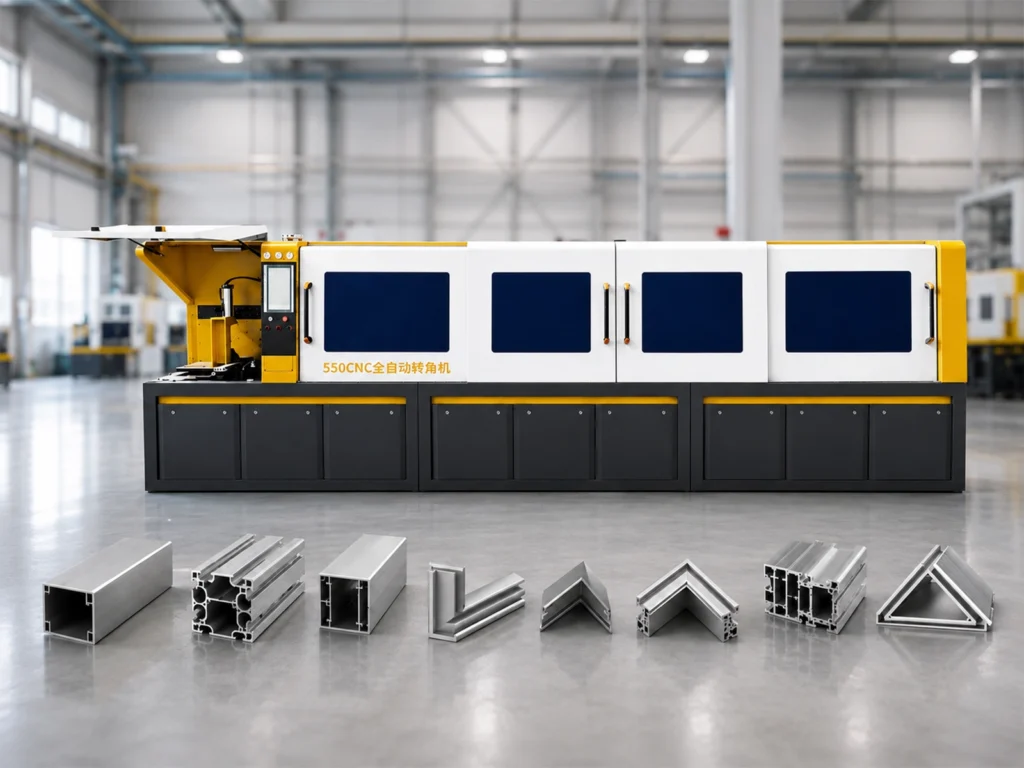
Start an aluminum saw video review with an opening record: recording date, proposed machine model, relevant accessories, stock identification and drawing revision. Ask the supplier to show the overall setup before moving to close-ups. A control screen alone may not show which feed system, supports or collection arrangement is fitted.
Give each stock item and finished piece a simple reference, such as stock A and pieces A-01 through A-05. Put those references in the accompanying file list and measurement sheet. They are examples of a labeling method, not a claim that five pieces are enough for acceptance. The sample quantity and acceptance criteria should be agreed separately.
If the demonstration uses substitute material, record the difference explicitly. A profile with another wall thickness or section shape may still help explain handling, but the observation should remain attached to that substitute. Do not silently treat an attractive result from a different job as evidence for your own part.
For a complete trial brief, use the aluminum sample cutting trial checklist. This article addresses the recording and review of that trial. It does not replace the agreed dimensional limits, test quantity or production acceptance procedure.
2. Keep the cutting sequence connected
A useful aluminum saw video review needs a wide view that follows the material through the relevant operation. Keep stock entry, holding, cutting and the movement of finished pieces identifiable. Where one camera cannot show every stage, provide a continuous overview plus labeled close-up clips that refer to the same pieces.
Ask for a visible transition from the completed cut to the labeled finished piece. If the footage jumps from machining to a tray of parts, the reviewer cannot confidently connect that tray to the operation shown. A simple file note can explain a deliberate break, such as a camera move or a stopped demonstration.
Editing is acceptable for an overview, provided the cuts are disclosed and the original recording remains available for review. Slow motion can help explain a movement; it cannot establish the elapsed time of an ordinary cycle. Similarly, a speeded-up compilation cannot support a throughput calculation unless the underlying timing and conditions are documented.
All recording should follow the supplier’s normal safe operating procedures. Trained personnel should choose safe camera positions and retain guards and protective measures. Do not ask an operator to reach into a running machine, remove protection or repeat an unsafe action merely to obtain a clearer shot.
During an aluminum saw video review, write down which transitions you could actually follow. Useful notes include “stock A stays identifiable until the first cut” or “the piece label is obscured before measurement.” These statements are more actionable than “the machine looks fast” because the supplier can address the exact missing view.
3. Link close-ups to a measurement record
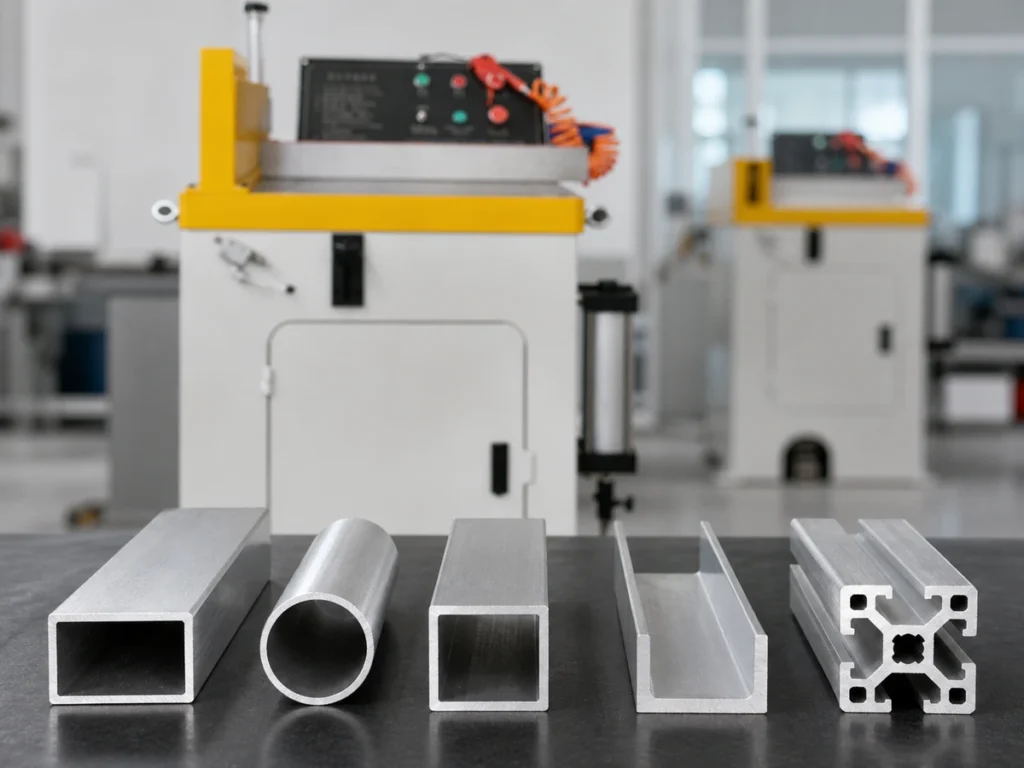
Close-ups help identify the feature being discussed, but reflections, focus and camera angle can hide small defects. Request a measurement record tied to the same part ID, drawing revision and feature reference. Where relevant, it should state the method, instrument, setup or datum, result and agreed limit.
Do not equate the number visible on a machine screen with a verified finished-part dimension. A commanded feed value and a measurement of the cut piece answer different questions. In an aluminum saw video review, ask the demonstrator to explain what each readout represents before comparing it with the drawing.
NIST explains measurement traceability through a documented calibration chain with associated uncertainty. Traceability alone does not establish fitness for a particular measurement task. A brief view of a caliper display is therefore not a substitute for the measurement evidence needed to judge your requirement.
For your aluminum saw video review, keep the numerical report separate from the recording index. The report contains the results; the index tells reviewers where the related feature or measurement setup appears. This avoids copying a visually rounded display into an inspection table without checking units, instrument resolution or the actual recorded result.
If the camera cannot show a measurement clearly, mark it as unresolved. The follow-up may be a clearer demonstration, the inspection record or a physical sample for your own inspection. An aluminum saw video review can reveal what evidence is missing without pretending to settle a tolerance question from pixels.
4. Show the manual steps around the cut
Ask for a view of the relevant work before and after the automatic cutting movement. Stock loading, support adjustment, part collection and job changeover can matter to the proposed workflow. Record which actions were shown, who performed them and whether the demonstration omitted any stage.
A short recording of repeated cuts may leave out the first setup or the transition to another job. If your buying question concerns frequent mixed orders, request a separately identified changeover example. Specify what you want to observe, such as a revised job selection or a changed fixture, rather than assuming a production shift will match a promotional clip.
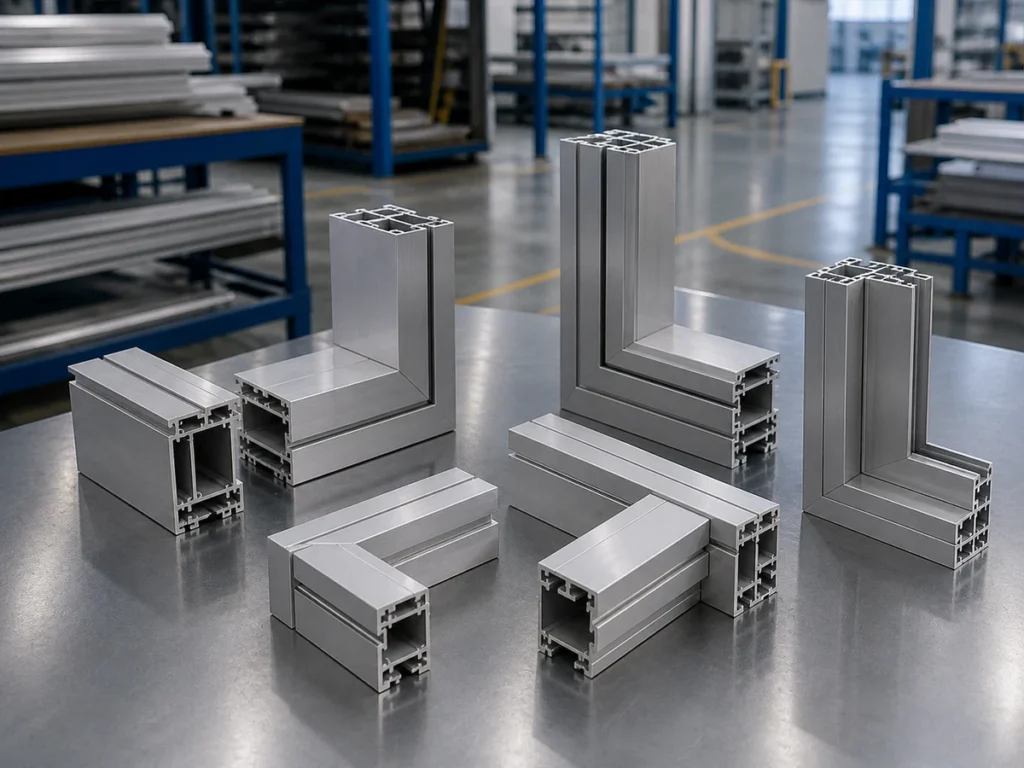
Use an aluminum saw video review to list these visible actions, not to invent a staffing or output promise. A recording with one person in view does not show every task during an entire shift. A few completed cuts do not establish sustained production output, maintenance needs or the performance of every material combination.
For reference, the following video is from the Jiurun Machinery channel and shows an aluminum cutting demonstration. It is a general process example. It is not a trial of your drawing, an agreed acceptance report or proof of every configuration mentioned in a proposal.
5. Keep a shot plan and a follow-up list
A compact shot plan makes an aluminum saw video review easier to repeat across supplier proposals. Use one row per question rather than collecting unconnected recordings. Agree on the required views in advance, then fill in the actual file names and timestamps after filming.
| Review question | Requested view | Related record |
|---|---|---|
| Which setup is shown? | Opening overview and configuration identification | Machine/accessory list and recording date |
| Which material was cut? | Stock reference and the relevant section | Material ID and drawing revision |
| Can the sequence be followed? | Continuous overview with labeled transitions | Raw file and notes about any breaks |
| Which piece was measured? | Part label, feature and measurement setup | Inspection result with method and units |
| What remains unanswered? | Missing view or separately requested follow-up | Question owner and next evidence needed |
Name the files for your aluminum saw video review consistently, for example job-reference_overview_date and job-reference_measurement_part-ID_date. Keep an index containing the file name, timestamp, part ID, observation and open question. These are suggested administrative fields; choose a format that both teams can maintain without losing the link to the original recording.
At the end of an aluminum saw video review, separate three outcomes: observed in this recording, supported by an accompanying record, and still unverified. “Part A-02 is shown being measured” belongs in the first group. “Reported length meets the agreed limit” requires the actual result and criterion. “Production output is confirmed” needs evidence beyond a short demonstration.
Keep the original files for each aluminum saw video review alongside the agreed requirements and the review version. When a supplier supplies a replacement clip, retain the earlier index and state which question the new recording addresses. That simple history prevents reviewers from comparing footage of different configurations without realizing that the underlying proposal changed.
Questions buyers often ask
Can a promotional video replace a drawing-specific trial? It can help explain the machine’s operation and prepare questions. It does not establish results for material, geometry or acceptance criteria that were not tested. An aluminum saw video review should state exactly which job the footage covers.
Must every clip be unedited? An edited summary is useful for orientation. Keep the raw sequence available when continuity or timing matters, and identify deliberate breaks. If files are too large, agree on a secure transfer method and an index rather than removing the context needed for review.
What should I send Jiurun before asking for a demonstration? Send the available drawing or dimensioned sketch, material and section details, the features you need to check, and a short list of desired camera views. If the drawing is not ready, start with the guide to an aluminum saw inquiry without CAD.
To prepare an aluminum saw video review for a proposed machine, send Jiurun your part requirements and review questions. The next step is to agree on the applicable configuration, demonstration scope and evidence needed. Keep unresolved points visible until the corresponding record or follow-up has been reviewed.