
Aluminum saw status light requirements are easy to under-specify. A supplier may quote a three-color lamp, while the buyer expects a reliable call for help, a visible fault location, and a signal that the next machine may accept parts. Those are different jobs. Before adding a beacon, stack light, or status output to a saw RFQ, define the operating states, the people who need to see them, and the acceptance test.
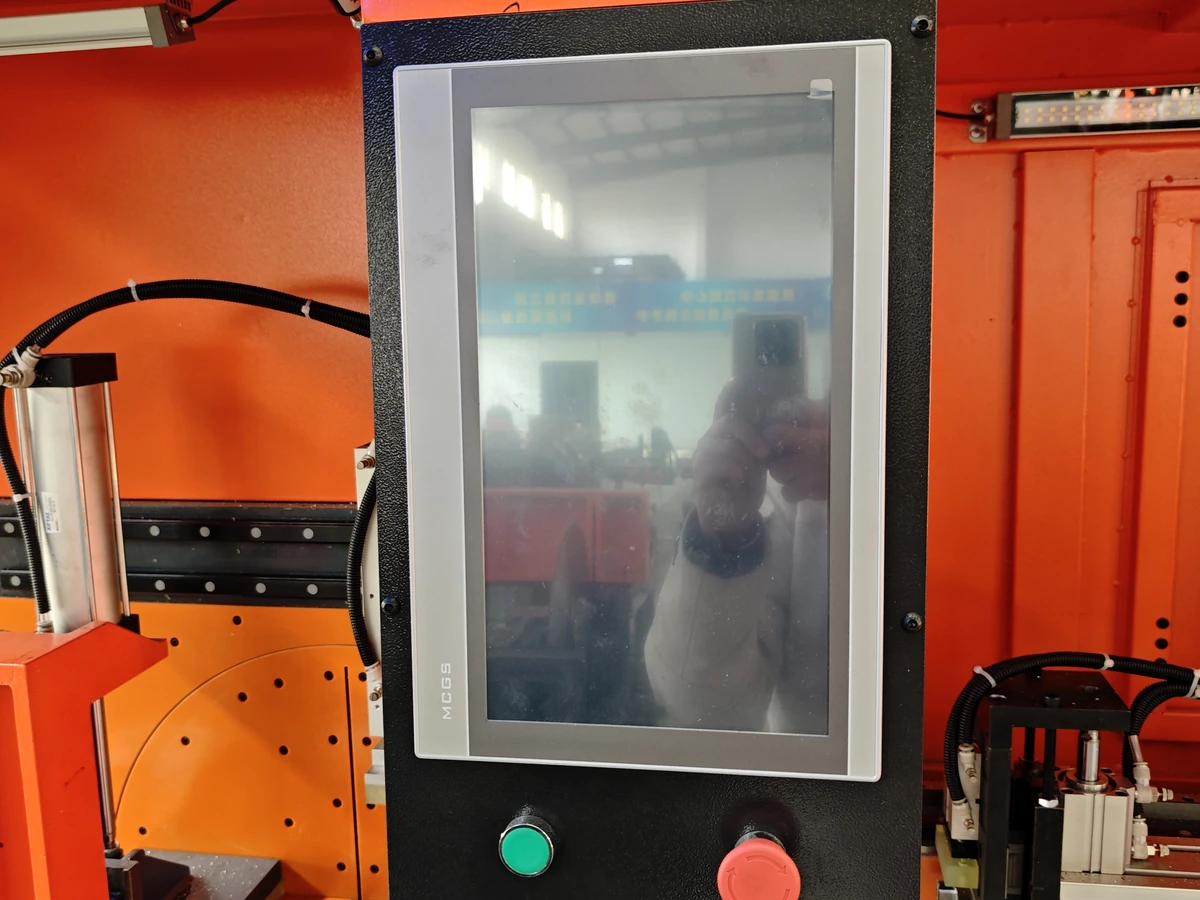
This is a purchasing and line-handoff checklist for factories cutting aluminum profiles, tubes, or bars. It is not a claim that a particular Jiurun model includes a tower light, network output, audible alarm, or line-control interface. Request confirmation against the exact machine and configuration being quoted. The featured machine photograph is related control-station context; it does not prove that any status-light option is installed.
First decide what the indication must do
A local light can help an operator notice a machine state from a distance. A line supervisor may also want a call for assistance or a way to distinguish a stopped saw from one that is waiting for stock. A downstream machine may need a handshake or a part-available signal. One colored lamp does not automatically perform all three jobs. A visual indication is also different from a production-data export; see our separate aluminum saw data-export RFQ guide if the requirement is a record for an ERP or MES.
Banner Engineering’s machine-status overview describes tower lights as visible communication of operating conditions and gives examples of different colors and audible requests. Those examples describe Banner’s products, not a Jiurun option or an agreed color code for your plant. Start with your own work sequence: who sees the signal, what decision they make, and how quickly they must distinguish one state from another.
1. Define states and priority before choosing colors
Write a state table in plain language. At minimum, decide what the lamp should show during power-off, power-on but not ready, ready to start, automatic cycle, normal waiting for the next stock or program, material shortage, operator assistance request, recoverable fault, and an emergency stop or guard-related stop. Your saw may use different internal states. The point is to map the states that actually exist in the proposed controller, not to assume a generic red-yellow-green legend applies.
For each row, specify the trigger, displayed color or pattern, whether sound is needed, who may acknowledge it, and what clears it. Then set a priority rule: if the machine is waiting for stock and a fault is active, which state wins? If a cycle finishes while an operator call remains active, does the call persist? Do not let a lower-priority “ready” indication hide a stop that requires action. Request the supplier’s proposed state table and revise it with your production and maintenance teams before approval.
Also distinguish a steady light from a flashing one in words. Ambient light, viewing distance, and color-vision differences can make color alone ambiguous. A pattern or local screen message can add meaning, but it must be documented and tested. The PATLITE signal-tower brochure illustrates that different operating modes can represent severity, setup change, and normal operation. It is an example of configurable indication, not a promised Jiurun control feature.
2. Specify the electrical or data boundary
Ask which actual controller state or contact drives each indication on the quoted saw. Is the status lamp supplied and wired at the factory, provided as a dry contact, or to be installed by a third party? If the buyer’s line controller needs to consume the same status, ask for a signal list, voltage or interface type, connector location, isolation requirements, and the intended behavior on cable loss or power failure. Record which company supplies each cable, gateway, enclosure, and program change.
A “run” signal can mean spindle enabled, automatic mode selected, cycle in progress, or a part actually cut. These are not interchangeable. A “fault” output might include only controller faults and omit stock shortages or operator pauses. Ask for a sample cause-and-effect table showing every proposed state and its physical output. If the exact model has no suitable output, the quote should say so and present a documented alternative, such as local-only indication or a separate line sensor where safe and appropriate.
3. Test visibility at the real workstation
Put the proposed indication on a layout, not just a brochure. Mark the saw operator position, loading station, unloading area, supervisor route, and any downstream handoff point. Ask whether the light is visible past guards, stock bundles, overhead cranes, shelving, and adjacent machines. Check the normal viewing direction and the height at which workers notice it without leaving their task. A lamp near the control cabinet may be useful for local setup yet invisible at the long-feed end.
Specify whether the proposed position needs a bracket, remote pole, or second indication. Consider glare and competing lights on the line. If an audible signal is requested, define where it must be heard and how nuisance alarms will be managed. The buyer should approve placement on the actual shop-floor layout and verify it after installation. For the operator’s direct screen and control visibility, use our separate operator sightline guide; a remote status light does not replace an accessible HMI.
4. Keep status indication separate from safety functions
A status lamp tells people what the controls report; it is not permission to enter a guarded area, defeat an interlock, clear a jam, or restart the saw. A green “ready” indication cannot establish that every hazardous motion is isolated. Emergency-stop, guard-interlock, and safe-access functions need their own verified design and instructions for the exact machine. Ask the supplier and the buyer’s competent safety personnel to document which signals are informational and which, if any, form part of a validated safety function.
Write the power-loss behavior explicitly. A dark lamp may mean power off, failed lamp, disconnected cable, or a controller state not mapped to any segment. If the plant would treat darkness as “safe,” redesign the message and operating rule. During maintenance, use the approved isolation and restart procedure rather than interpreting a lamp as proof of zero energy. Our guard-interlock restart checklist addresses that service handoff separately.
5. Run a witnessed state-change test
Use one representative aluminum profile job and the actual quoted controller setup. With the supplier and buyer present, move through the agreed state table using the approved operating procedure. Observe the lamp and any separate line signal at both the saw and receiving station. Record the trigger, displayed indication, delay if relevant, screen message, and clearing action. Do not invent a fault by bypassing a guard or creating an unsafe condition; the supplier should provide a safe test method for each state.
Test ordinary transitions that purchasing discussions often miss: no stock, a program waiting for confirmation, a completed cut with material still in the machine, an operator pause, a recoverable alarm, a restart after maintenance, and power restoration. If the light is also used as a line signal, verify that the downstream equipment receives the intended state and cannot confuse a “cut completed” indication with an accepted part. A visual demonstration from another machine is insufficient; the acceptance record should identify the serial number or proposed configuration actually tested.
Photograph the final position and retain the signed state table, wiring or I/O list, test record, and operator legend. If a state cannot be demonstrated before shipping, record it as an open acceptance item with a named owner and a site-test date. Avoid labeling the item “passed” on the strength of a brochure or simulated screen alone.
6. Quote ownership, support, and future changes
Separate the base saw from any optional lamp, bracket, sounder, extra output, control modification, line gateway, commissioning, and training. Ask who creates the state table, who approves the colors and patterns, who programs the controller, and who updates the drawing set. The supplier should state what is included on the actual offered model and which interfaces remain conditional on site engineering.
Plan for change. A new program, feeder, extraction system, or downstream station may add a state that the original lamp cannot express. Agree who may change the mapping, how the operator legend is revised, and how the acceptance test is repeated. If the buyer has multiple saws, a consistent plant legend may matter more than matching a vendor default. Compare proposals against the same state table and sightline test, not against the number of light segments advertised.
Send this aluminum saw status light RFQ packet
- Provide the saw model and quoted controller configuration, with the cut-part and line layout.
- List the exact states to display, their priority, color or pattern, sound, acknowledgment, and reset behavior.
- Identify every internal trigger, external output, interface, and power-loss or cable-loss behavior.
- Mark who must see each state and from which real work positions.
- Identify the separate safety functions and the qualified party responsible for their validation.
- Request a witnessed acceptance test, as-built documentation, training, and change-control owner.
The result should be a simple, unambiguous handoff: the right person sees the right state, understands what action is needed, and the line receives only the signal that was actually agreed. Send Jiurun your layout, state table, profile job, and interface questions so the team can confirm what is available for the specific proposed saw and what needs separate engineering. Do not rely on a generic light photograph as proof of that configuration.
Video context: The embedded video from Jiurun’s own channel shows a general aluminum saw equipment example, with a red signal lamp visible in some frames. The clip does not verify that lamp’s state mapping, a line interface, the quoted configuration, an actual buyer job, or an acceptance result.