
An aluminum saw PLC battery alarm is a reason to identify the controller and protect its recoverable settings before the next planned shutdown. The warning does not, by itself, tell you whether the cut program, recipes, clock, or retained values will be lost. Those outcomes depend on the installed controller, its memory medium, the machine builder’s design, and what the alarm actually monitors.
For a buyer or maintenance lead, the useful question is specific: what information must survive power-off on this saw, and how will the team prove it survived? Record the alarm before acknowledging it, keep the affected production lot identifiable, and arrange the assessment with the machine supplier or a qualified controls technician.
First identify the alarm’s source
Capture the exact message, code, time, machine serial number, controller and HMI part numbers, and current operating state. A screen may display an alarm originating from a PLC, a panel, a drive, or another connected device. Do not turn a generic “battery low” message into a replacement order until the source is known. Photograph the diagnostic screen and record whether the alert persists, changes after acknowledgement, or recurs on restart; do not clear history merely to make the display look normal.
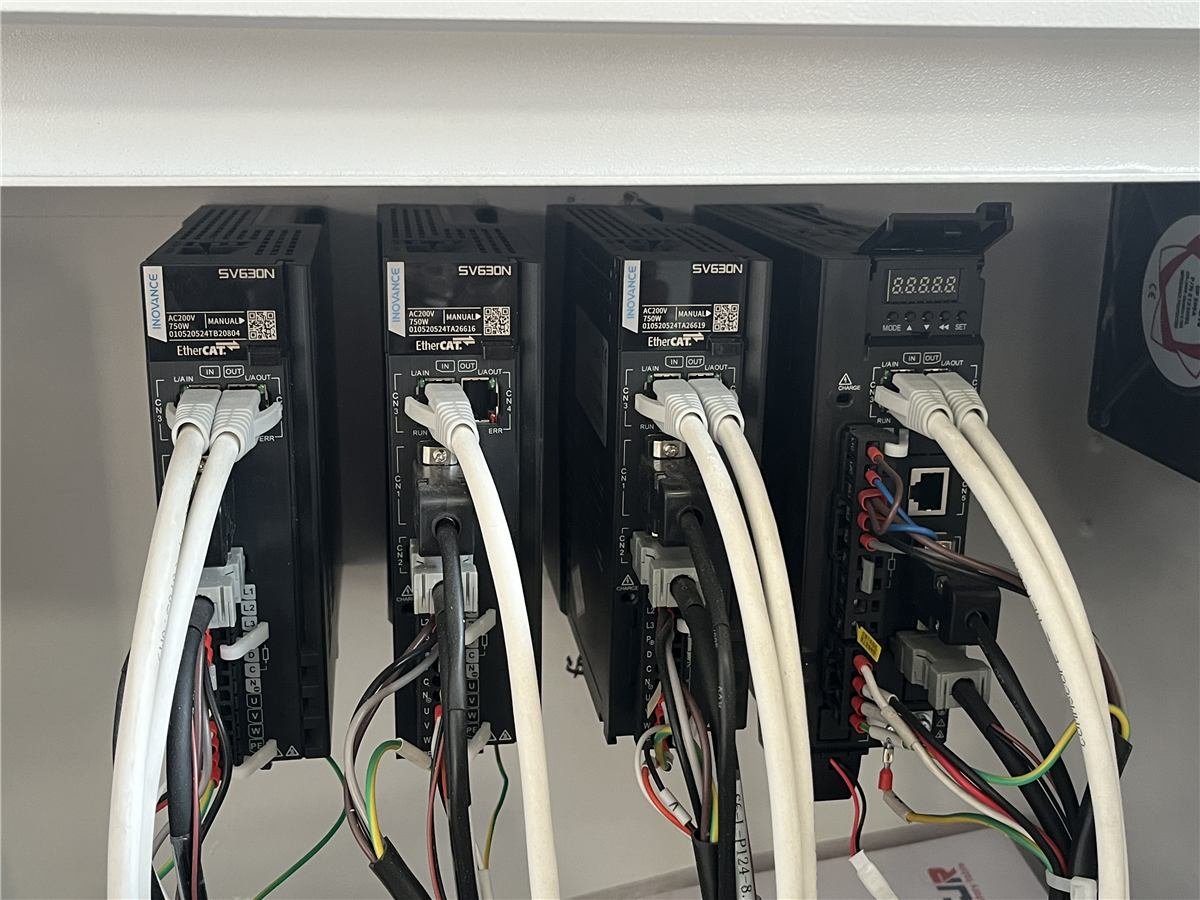
What could an aluminum saw PLC battery alarm put at risk?
Retention is controller-specific. In one Siemens S7-300 hardware manual, certain CPUs using a memory card have a backup battery, and the manual warns that replacing it while powered off can lose internal-memory data. A different Siemens S7-300 CPU manual describes service-free retentive memory that needs no buffer battery. Those two official examples show why a saw owner must identify the exact CPU and revision before applying any replacement rule. Neither manual establishes which controller a Jiurun machine, or a reader’s machine, contains.
Ask the controls specialist to classify the machine’s information: the executable project, operator recipes, length offsets, homing or reference values, counters, date and time, communications settings, and any data stored in the HMI or external device. Some may be on nonvolatile media, some may be retained conditionally, and some may be backed up elsewhere. A copy of the PLC program alone may not restore the complete cutting job.
Set a hold point before the next power-down
Finish or safely stop the current batch under the site’s procedure. Identify the last accepted part, remaining stock, active job, and first piece that will require a restart check. Keep the saw’s status and material handoff clear for the next shift. If the alarm arrived alongside erratic movement, missing settings, or another machine fault, escalate the combined symptoms rather than treating the battery message in isolation.
- Document: Save the alarm, controller identity, machine serial number, installed software version, active program, relevant parameter and recipe values, and the most recent verified backup location.
- Decide: Have the OEM or qualified controls person confirm what the warning monitors, which component is specified, and whether an immediate intervention or planned service is required.
- Protect: Follow the exact electrical safety and replacement instructions for that machine. Do not open an energized cabinet or imitate a battery-swap sequence from another PLC family.
- Release: Agree what must be checked after service or shutdown before the saw returns to accepted production.
Verify the restart with a cut, not just a cleared warning
After the authorized service and safe restart, compare the controller identity and loaded project with the approved record. Check the clock, alarms, communications, job selection, length and angle references, and any retained counters or offsets used in the process. The qualified person should document what was restored, what changed, and who released the machine. A cleared battery indicator is one result; it is not a dimensional acceptance test.
Run the first-off and, where the application requires it, repeated cuts using the approved profile and drawing. Measure the attributes that matter to the released job: finished length, end angle or squareness, cut-face condition, and the correct part count. Segregate trial pieces until accepted. If a recipe or reference has changed, use the same approval path you would for another saw program change. The existing CNC saw backup checklist covers recovery ownership and version control in more detail.
Put retention and recovery into the buying specification
For a new saw or a controls retrofit, request a hardware list that names the PLC, HMI, memory media, and any replaceable backup component. Ask the supplier to show a sample alarm message, its source and response, the backup method for projects and recipes, and a witnessed recovery or restart check. Define who owns the files, who may restore them, and how an obsolete version is prevented from replacing the released configuration. These are acceptance questions, not claims that every saw has the same battery or memory design.
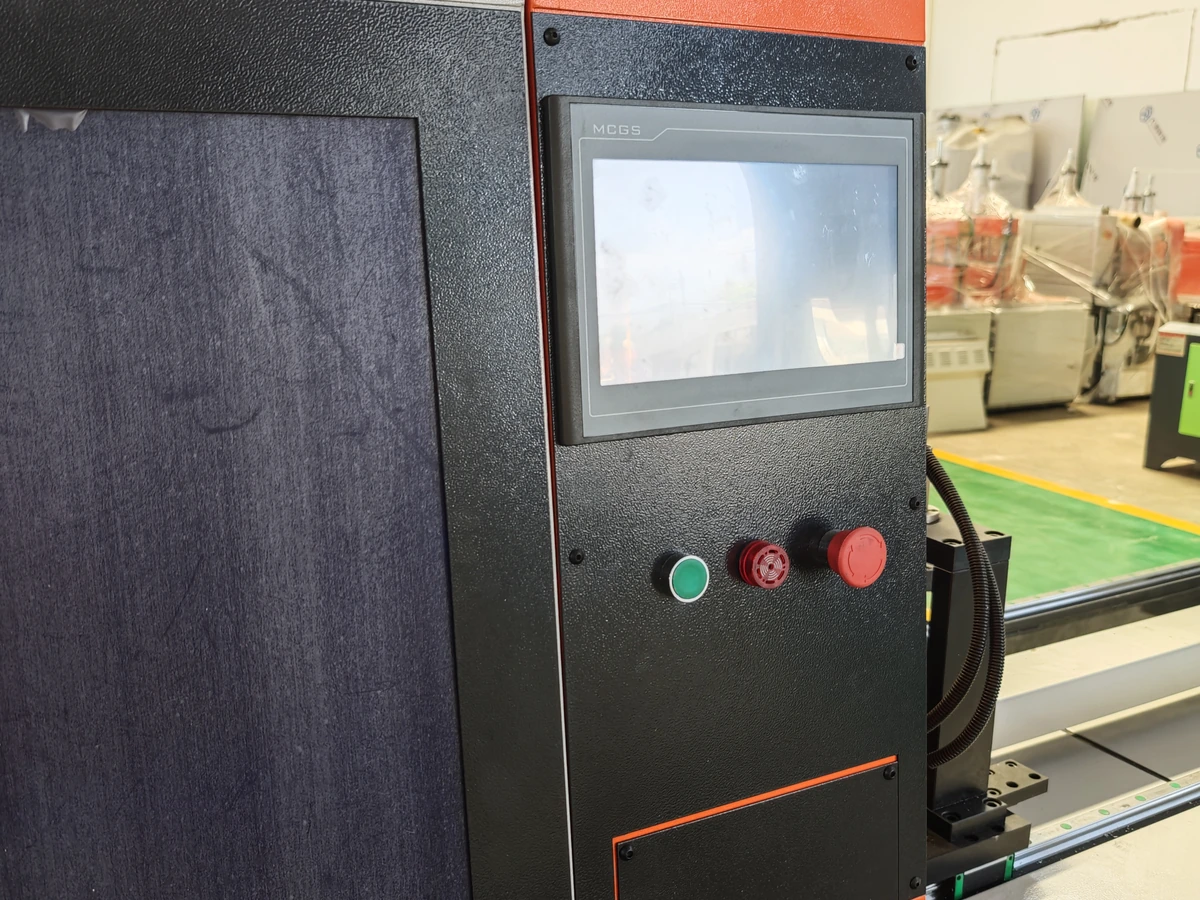
The video below shows a Jiurun JR-455CNC aluminum cutting machine and its operating interface as a general equipment example. It does not show a PLC battery alarm, identify the controller memory design, or demonstrate this article’s service procedure.
A short decision record for the shift
Use one record with the alarm time, exact device identity, affected job, last accepted part, backed-up file versions, OEM instruction reference, service action, and post-restart measurement results. That makes the decision to continue, stop, or release auditable. If a part batch is waiting for disposition, preserve its identity separately from the machine diagnosis. For a saw quotation, send Jiurun the profile drawing, expected batch mix, required retained settings, and the recovery evidence you expect so the control scope can be confirmed before purchase.
Contact JiurunCut with your machine and cut-job requirements. We can discuss the saw configuration and the acceptance checks to request; your installed controller manual and qualified service team remain the authority for a battery warning.
Technical references
- Siemens S7-300 Hardware and Installation manual: backup-battery replacement and memory-retention cautions for the specified CPU family.
- Siemens CPU 31xC and CPU 31x manual: example of service-free retentive memory without a buffer battery.