
Aluminum saw output traceability becomes difficult when several profiles, alloys, lengths or customer revisions leave the same saw in one shift. A cut may meet its dimensional check and still arrive at assembly under the wrong job. For a buyer, the useful question is not simply whether the saw can print a label. It is whether the released drawing, incoming stock identity, saw program, accepted quantity and outgoing container remain connected through every handoff.
This guide sets out a practical request for quotation and trial plan for that connection. It does not assume that every saw has a marking device, an ERP interface or an automatic sorter. Those are separate options to specify and demonstrate against your actual mix of work.
Define the unit that must remain identifiable
Start by deciding what the next operation receives: an individually identified blank, a sealed bundle of identical blanks, or a mixed kit assembled from several profile types. A bundle label can be sufficient where all members truly share the same drawing revision, material lot, cut length and disposition. It is weak when pieces are removed individually before assembly or when a rejected piece can be returned to the same container. Permanent part marking may be justified in those cases, but its location and method need design approval.
Write down the minimum data fields before discussing printers or scanners. A useful starting set is part number and revision; profile or tube designation; material and finish where applicable; input lot or supplier reference; cut length and angle; work order; quantity; inspection status; and destination container. Some shops need fewer fields, others need more. The buyer should own the rule for which fields identify an individual blank and which identify only a batch. Do not place a material certificate number on a label unless the input stock and receiving record actually support that link.
Aluminum saw output traceability: four handoffs to specify
1. Released job to incoming stock
The operator needs an approved cut list, a drawing revision and the stock selected for it. Confirm how a substitute stock length or an urgent order changes the release. A printed traveler, scanned stock tag or production screen may work; the control is the reconciliation between the physical bar and the released job. If two similar extrusions sit at the infeed, a program name alone cannot prove which bar was loaded. Keep a record of who accepts a substitution and what becomes of the original lot assignment.
2. Stock to saw setup
Record the datum, fixture or clamp arrangement, blade or cut mode where relevant, and the program revision used for the first-off piece. The record should distinguish setup pieces and scrap from accepted output. The clamp image below is an illustrative view of profile location, not evidence of this article’s machine, stock, traceability controls or test result.

A short changeover trial is more useful than one isolated successful cut. Include the smallest and largest relevant profiles, at least one revision change, a restart after interruption, and a deliberate change from good output to setup or reject status. Ask the supplier to show the physical and digital state at each transition. This is distinct from a general mixed-order restart test: the acceptance question here is whether the identity travels with the accepted cut bundle after the saw.
3. Accepted cut to container
Define when the piece becomes accepted. A label printed before inspection can falsely suggest release if the part is later rejected. Decide whether the shop prints a provisional traveler at the saw and a release label after first-off or batch inspection, or prints only after an approved count. The physical container should have one clear active job identity. If several lengths or profile variants share a trolley, each partition needs a separate identity and count. Reconcile good pieces, setup pieces, rejects and remnants; a quantity total without disposition can hide a mix-up.
Some industrial saw systems offer marking between cut-piece removal and sorting, including pallet labels or part marks. KASTO describes such options in its marking and sorting system. That is an example of what a manufacturer can offer, not a feature claim about Jiurun equipment. A manual label and check sheet may be the proportionate choice for low-volume work. Compare the workflow and failure points, not merely the presence of automation.
4. Container to inspection and dispatch
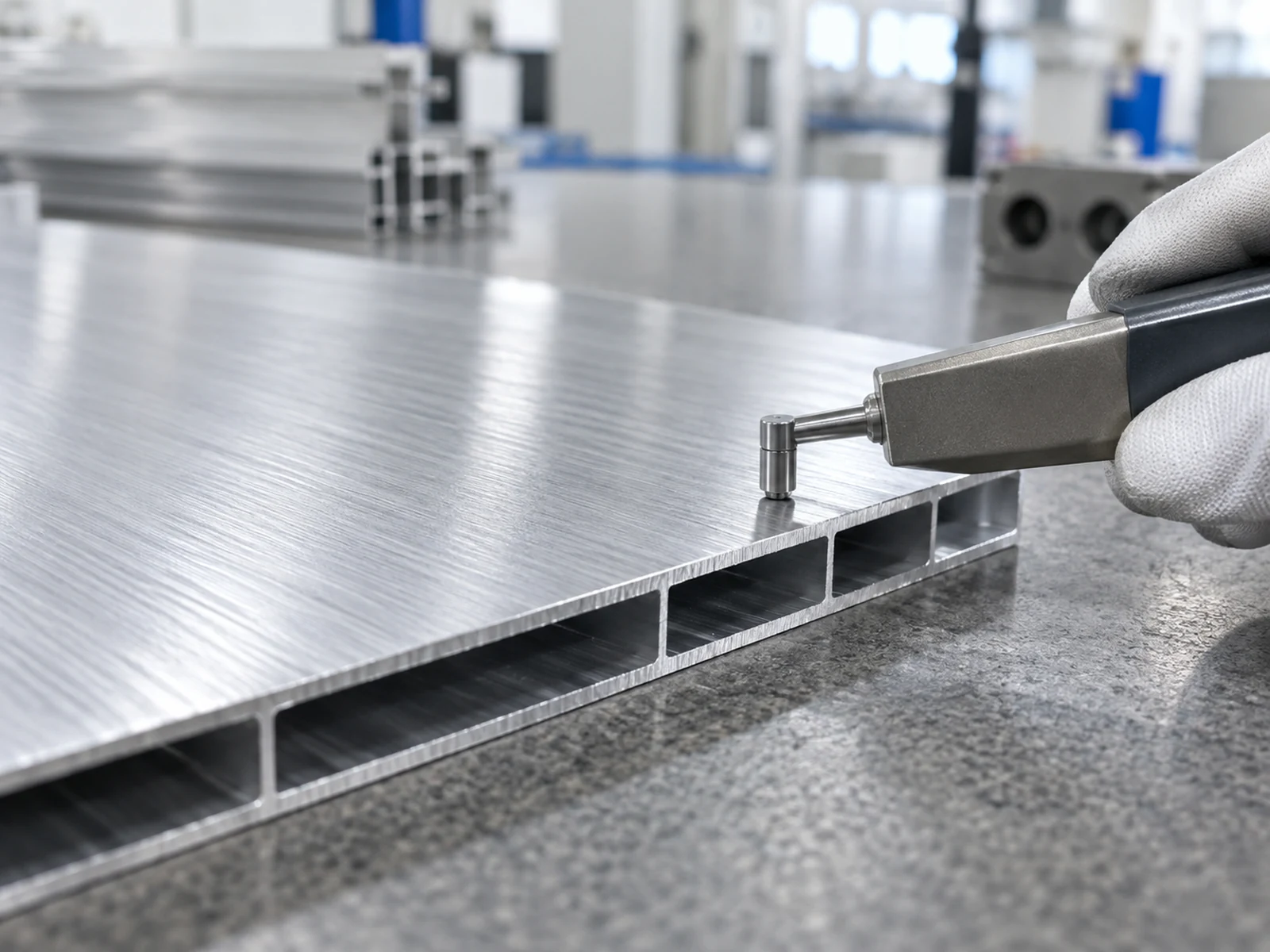
At inspection, the measured part must still be tied to the right released drawing and container. Record the method and sample selection against the approved acceptance plan. The inspection image below shows a generic surface-contact instrument on an aluminum section; it is illustrative and does not establish a measurement, result, method suitability or customer acceptance for this article.
When parts are repacked, record the old and new container identities and counts. If a customer receives multiple deliveries from one production batch, the dispatch record should identify which containers and quantities left each time. For a separate discussion of length and lot separation at the saw, see our short cut-part sorting guide. A release decision across a whole batch is covered in the first-off to last-off guide. Those articles address different control points; this guide focuses on the identity handoff between them.
Choose the marking level that matches the risk
Consider three routes. Container identity uses a traveler or label for a homogeneous bundle; it is inexpensive and easy to change, but loses control if loose pieces leave the bundle. Individual removable identity uses a tag or suitable temporary label on each part; it supports piece-level movement but can detach or obscure a critical surface. Permanent part identity can survive downstream processing when the design allows it, but a mark on an appearance face, sealing land or future machining datum may be unacceptable. Define allowable marking zones, minimum readability and removal or durability requirements with the part owner.
Ask who supplies the printer, scanner, label stock, software interface and maintenance consumables. An ERP connection should be scoped as a tested exchange of specific fields and failure responses, not a generic promise of “integration.” Include what happens during network loss: can the saw continue, how are provisional identities controlled, and who reconciles them before dispatch? Do not claim an automated link exists until it is demonstrated on the proposed configuration.
Trial the exceptions, not just the happy path
Use representative production material and approved drawings. Run a normal job, then test a profile change, a length change, a rejected first-off, an interrupted shift, and an incomplete container. For each event, ask the supplier to show the job shown at the machine, the label or mark applied, the count in the container, and the inspection record. Record any manual correction and its authorization. A trial that only prints one correct label proves very little about release control.
Set acceptance conditions before the demonstration. Examples include: no accepted part moves without its required identity; a rejected piece cannot be counted as good; a changed drawing revision is visible at the machine and on output; and a partial container can be reconciled after restart. These are proposed buyer checks, not guaranteed performance specifications. Agree the actual thresholds, sampling and records for the selected shop and system.
What to include in the RFQ
- Released drawings, revision rules, profile families, stock form, finish and representative cut lengths.
- Expected job mix, shift changes, interruptions, good-part counts, setup pieces, rejects and remnant disposition.
- Required identity level: container, individual removable tag or approved permanent mark.
- Data fields, marking zone, label durability and the party responsible for each data source.
- Manual or automatic handoffs, scanner and software scope, offline behavior and correction permissions.
- A trial matrix, acceptance records, operator training and ownership of consumables.
For aluminum saw output traceability, request separate prices for the cutting cell, handling or sorting, marking hardware, software integration and validation. This lets buyers compare a simple controlled manual route with a more automated route on the same accepted output. It also prevents a saw-only quote from being mistaken for a complete traceability system.
Related Jiurun equipment video
The following video from Jiurun Machinery’s YouTube channel is a general view of aluminum cutting equipment and process. It does not demonstrate the traceability, labeling, sorting, material, model configuration, customer job or performance described here.
If you are comparing an aluminum cutting machine and its output handoff, send Jiurun your released cut list and the intended identity route. Include sample profiles, job mix, downstream destinations and the exceptions the trial must reproduce. We can discuss the cutting scope and identify which marking or system-integration requirements need separate confirmation before any equipment claim is made.