
A feeder can appear stable while the blade is idle, then report a position error as another motor starts. That sequence is useful evidence, but it does not prove electromagnetic interference or a failed encoder. On an automatic saw, the first purchasing question is whether the aluminum saw encoder cable and its installed route are actually part of the affected feedback system. A replacement encoder ordered from an alarm description alone may leave the original fault in place.
This guide is for a buyer or maintenance lead gathering a defensible OEM support request. It is conditional: the quoted or installed saw must have the relevant encoder feedback. Qualified personnel must use the machine-specific electrical drawings and safe access procedure. The article does not identify the control hardware or wiring of any particular Jiurun configuration.
Aluminum saw encoder cable: capture the faulting moment
Record the exact controller message, axis, program, stock position and stage of the cycle when the error appears. Does the fault happen when the feeder accelerates, when the saw spindle starts, or only when another device on the line runs? Can the same programmed move complete with that device inactive? Record several events before comparing them. A single coincidence cannot separate electrical disturbance from a loose connector, a damaged flexing cable, stock slip or an incorrect position reference.
Preserve the last known good cut and the first affected part. Check physical length and the controller’s reported position as separate observations. If the stock moved relative to the feeder, an encoder reading could be valid while the part is wrong. Our guide to drive rotation versus actual stock travel explains why that distinction matters.
Trace which feedback cable the machine actually uses
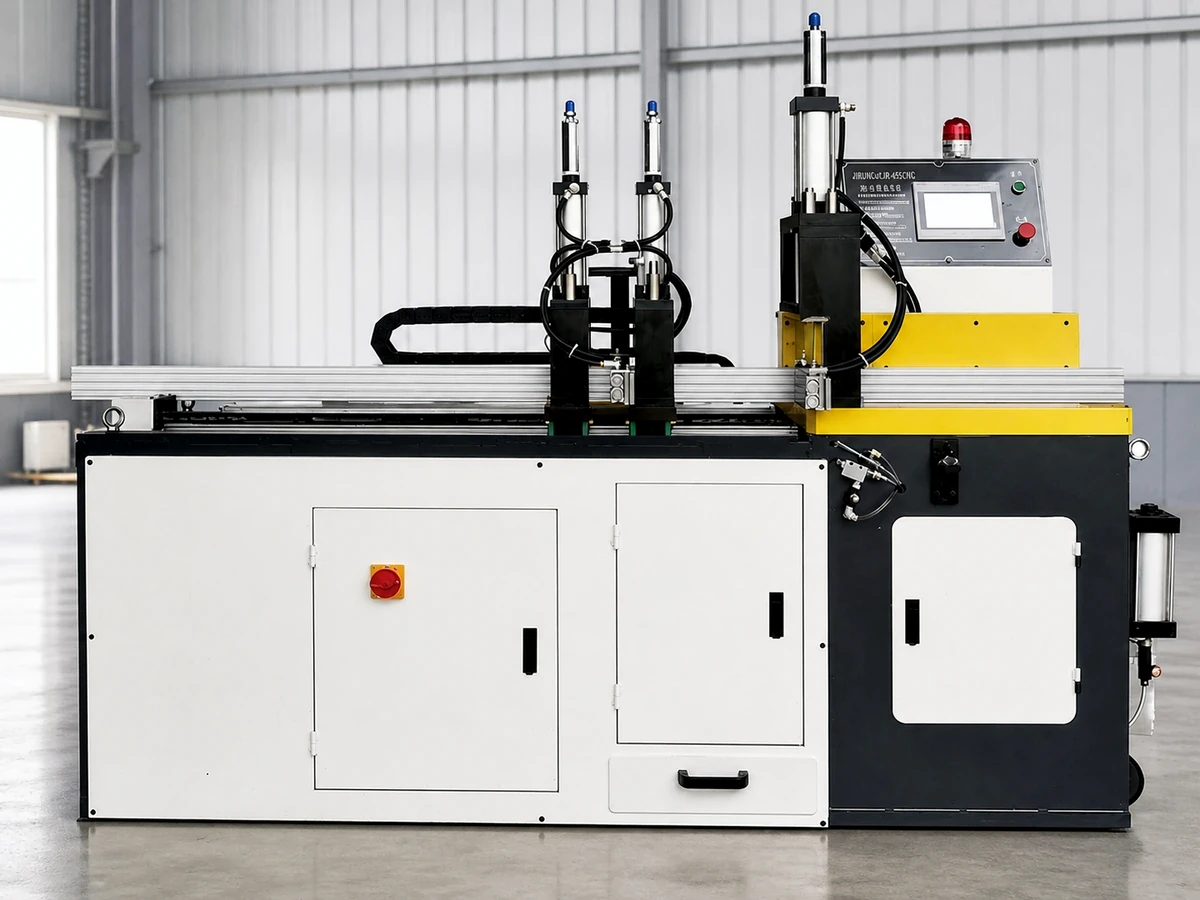
Before opening a cabinet or ordering a part, request the as-built electrical drawing and identify the measured axis, encoder model, drive or controller input, cable assembly number, connectors and route. Ask whether a rotary motor encoder, a separate linear scale, or another device supplies the position used by the faulting function. Do not call every cable near a moving feeder an encoder lead. The OEM’s machine-specific drawing must settle that identity.
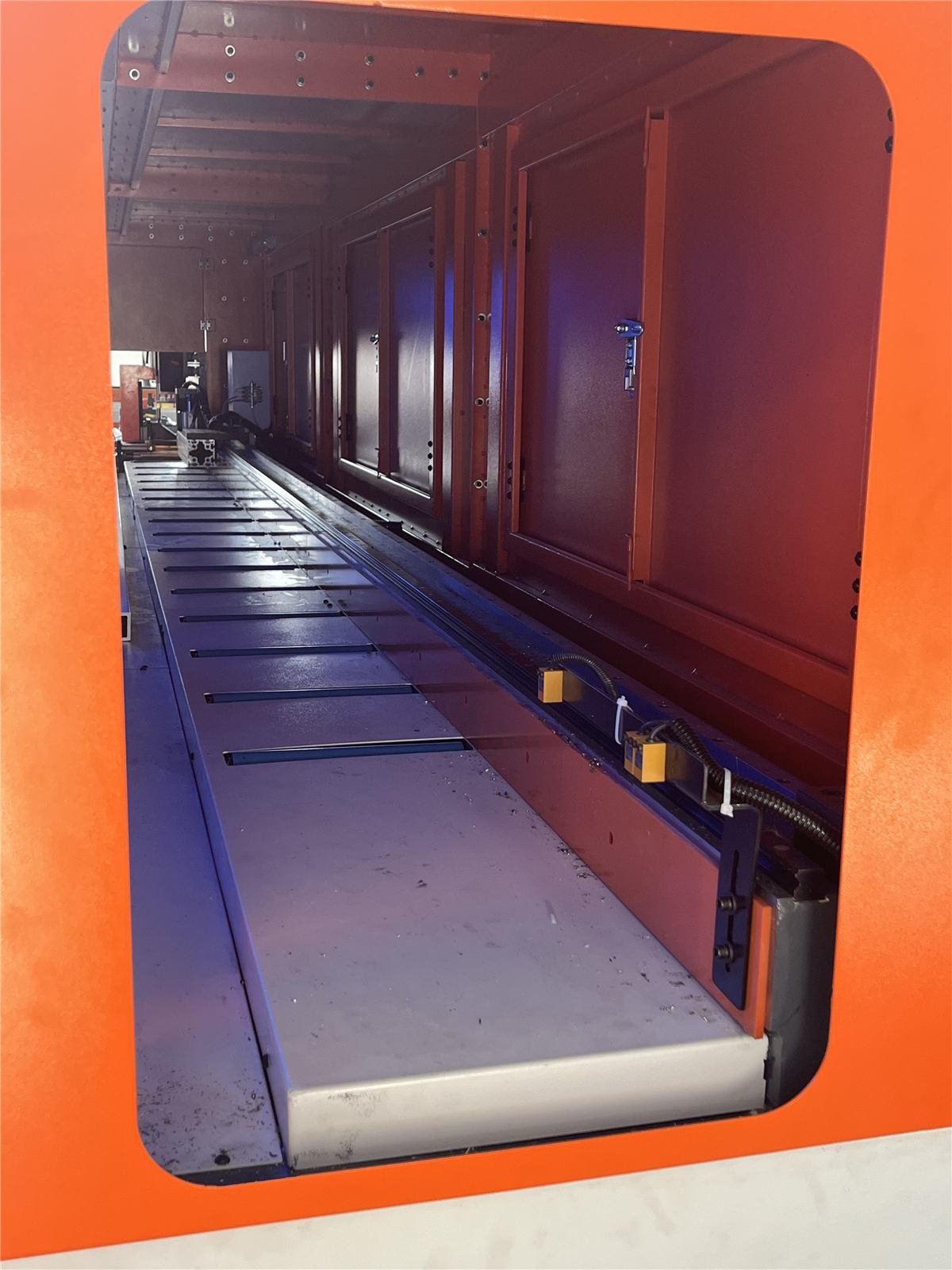
Have qualified service staff document where the cable flexes, enters a cabinet, passes motor power wiring and terminates. A dated photo of a cable carrier and of the labeled cabinet connections can make the support request more useful. A visual inspection cannot by itself prove electrical integrity; it does help the OEM decide what to test next. If the symptom instead points to a dirty linear scale, use the separate linear encoder contamination check rather than assuming this cable-routing question is the cause.
Use the installed drive manual for routing and shield details
Drive makers treat feedback wiring as susceptible to interference from power wiring. Siemens’ SINAMICS S120 equipment manual describes separating signal and power cables and shielding encoder cables for that drive family. Rockwell Automation’s drive installation checklist likewise asks for the feedback cable type, its path relative to motor wiring, and a compatible feedback module. These are examples of manufacturer-specific instructions, not a claim that either system is fitted to a Jiurun saw.
There is an important buying trap here: the two cited documents do not prescribe the same shield termination for every system. Do not copy a grounding detail or separation dimension from an unrelated manual into a purchase order. Ask the saw builder to identify the installed drive, encoder and approved cable instruction. If the as-built route conflicts with that instruction, request an OEM-approved correction and a witnessed retest before buying more electronic parts.
Specify the cable as an assembly and define the test
If the OEM recommends replacement, the aluminum saw encoder cable quotation should identify the exact cable assembly or an approved equivalent: connector type and orientation at both ends, feedback interface, length, shielding, and any required continuous-flex duty for the actual moving path. It should identify who supplies the assembly, who routes and terminates it, and who validates the feedback afterward. A roll of generic shielded cable with the right approximate length is not a verified substitute for a connectorized feedback lead.
When an aluminum saw encoder cable is suspected, ask the OEM and qualified site electrician to agree on a controlled comparison. They may compare the fault record before and after an approved cable or routing intervention under the same program and operating sequence. Keep guards and safety functions in place; do not bypass an interlock or run exposed live wiring to create a demonstration. The accepted result should include repeatable feeder motion, no recurrence of the relevant alarm over the agreed trial, and measured cut parts that meet the drawing. A quiet alarm log alone does not release the parts.
See the motion, then ask for evidence on your saw
The Jiurun channel video below shows a related automatic saw and its long-stock feeding motion. It can help a buyer point to the moving zone when discussing a feedback route. It does not show this article’s encoder cable, an interference test, a specific customer’s machine or a verified fault repair.
For an aluminum saw encoder cable review, send Jiurun the saw model and serial number, the affected axis and program, the exact alarm and its timing, a drawing or photo of the stock and cut part, and the available as-built feedback-cable information. Ask which cable and route apply to the supplied configuration and what witnessed motion and part checks should close the issue. Contact JiurunCut with the machine and cut requirements for a configuration-specific discussion.