
The second saw is installed to protect delivery when the first cell is busy or down. An operator copies an approved cut program, loads the same job name and sees the same target length on both screens. The first accepted part from the second machine is still a new production decision. An aluminum saw cut program transfer must be qualified against the receiving machine, its physical setup and a measured part; a successful file import proves only that the controller accepted data.
This matters most when a purchase quotation promises capacity sharing. Ask the supplier to demonstrate one representative job on both quoted machines before treating them as interchangeable. If no transfer function is included, quote that integration separately and plan a controlled manual setup route.
What moves with an aluminum saw cut program transfer?
Begin with a field list, not a USB stick. The buyer should ask which values the quoted control can export, import and display after import: target length, angle, feed or sequence settings, job identifier, revision and any machine-specific references. The exact fields depend on the offered controller and software. A screenshot of a matching program name is not a field-by-field comparison.
| Item | Evidence to request on both saws | Decision if it differs |
|---|---|---|
| Program data | Exported file identity, revision, listed fields and values shown after import | Map or re-enter the field under an approved procedure; do not assume silent conversion |
| Machine references | Control/software versions, datum or stop reference, available axes and options | Ask the supplier which differences affect this job |
| Physical cut setup | Blade, stock orientation, supports, clamps and any job-specific fixture | Set up and inspect the receiving machine independently |
| Released part | Drawing revision, first-piece measurements and named release authority | Hold production until the second route is approved |
Siemens describes NC program and tool data management as related shop-floor tasks; that is a useful reminder that a program file is only part of a machine job. Its software description does not establish a transfer feature on any Jiurun saw. See Siemens’ shop-floor management overview.

Witness the same job on two identified machines
Write the acceptance route around two machine identities, not two identical model labels. Record each serial number and quoted control configuration. Use one released drawing and a representative profile that can be safely processed on both machines. Record the original machine’s approved setup and retained first piece. Then transfer only the agreed program data to the receiving saw while an observer records the file identifier, displayed values and any warnings.
For this aluminum saw cut program transfer, compare the blade and workholding route against the approved job sheet. Check the stock contact faces and orientation, especially if the second machine has a different infeed or clamp layout. Perform a supplier-approved safe dry run where appropriate, then cut a retained first piece. Measure the drawing features that decide acceptance with the agreed method. Repeat enough pieces to test the buyer’s actual production handover; the sample count and limits belong in the purchase agreement, not in a generic claim.
For the aluminum saw cut program transfer decision, put the two records side by side: program identity, effective parameters, physical setup, material identity, measured results and release signature. If the second saw needs a different offset or fixture, record a machine-specific approved variant rather than labeling both setups as one identical program.
When the import passes but the part fails
Do not edit the transferred file until the discrepancy has been assigned to a cause. A wrong cut length can arise from a data mapping error, a different reference position, stock movement, a blade or fixture difference, or the measurement method. Preserve the imported version and the failed part. Compare the displayed values and physical setup with the source machine, then change one defined factor at a time under the supplier’s procedure. The result may be a corrected transfer method, a separately approved program for the second saw, or a decision that the job will remain on one machine.
Keep this decision distinct from backup and recovery, which asks what can be restored after data loss, and program change control, which governs approval of edits. Transferring a job for routine load balancing requires evidence that the receiving route makes acceptable parts now.
Quote the route you can actually use
For an RFQ, send the supplier the two proposed machine configurations, representative drawing and profile, intended job mix, required fields, transfer medium or network boundary, and the person who owns program revisions. Ask what is standard, optional or outside the machine supply. Specify a witnessed import, a retained sample from each saw, an agreed measurement method and the exception route if a field cannot be transferred. If a single shared file is not supported, a documented two-program system may still meet the production need, provided each program has its own approval and revision record.
The second-saw buying decision also includes capacity and cut-route fit. A program-transfer trial does not qualify every profile or prove throughput. Use the representative jobs that would actually move between cells.
Related equipment video
The following video is from the Jiurun Machinery YouTube channel and shows related aluminum cutting equipment. It is an equipment illustration only. It does not show file export or import, two identified saws, this article’s material, a customer trial or transfer performance.
Decision to put in the purchase order
State whether the supplier must deliver a shared transferable job, two approved machine-specific jobs, or a manual re-entry procedure. Name the machines, fields, sample, measurement and release record that will prove the chosen route. A second saw becomes usable backup capacity when a released part can be made and identified on that machine, not when a file merely opens.
To review a two-saw quotation, contact JiurunCut with the proposed machine list, released drawing, profile cross-section, current job data and acceptance limits. Ask for written confirmation of the offered control functions and a paired trial plan before committing the transfer requirement.
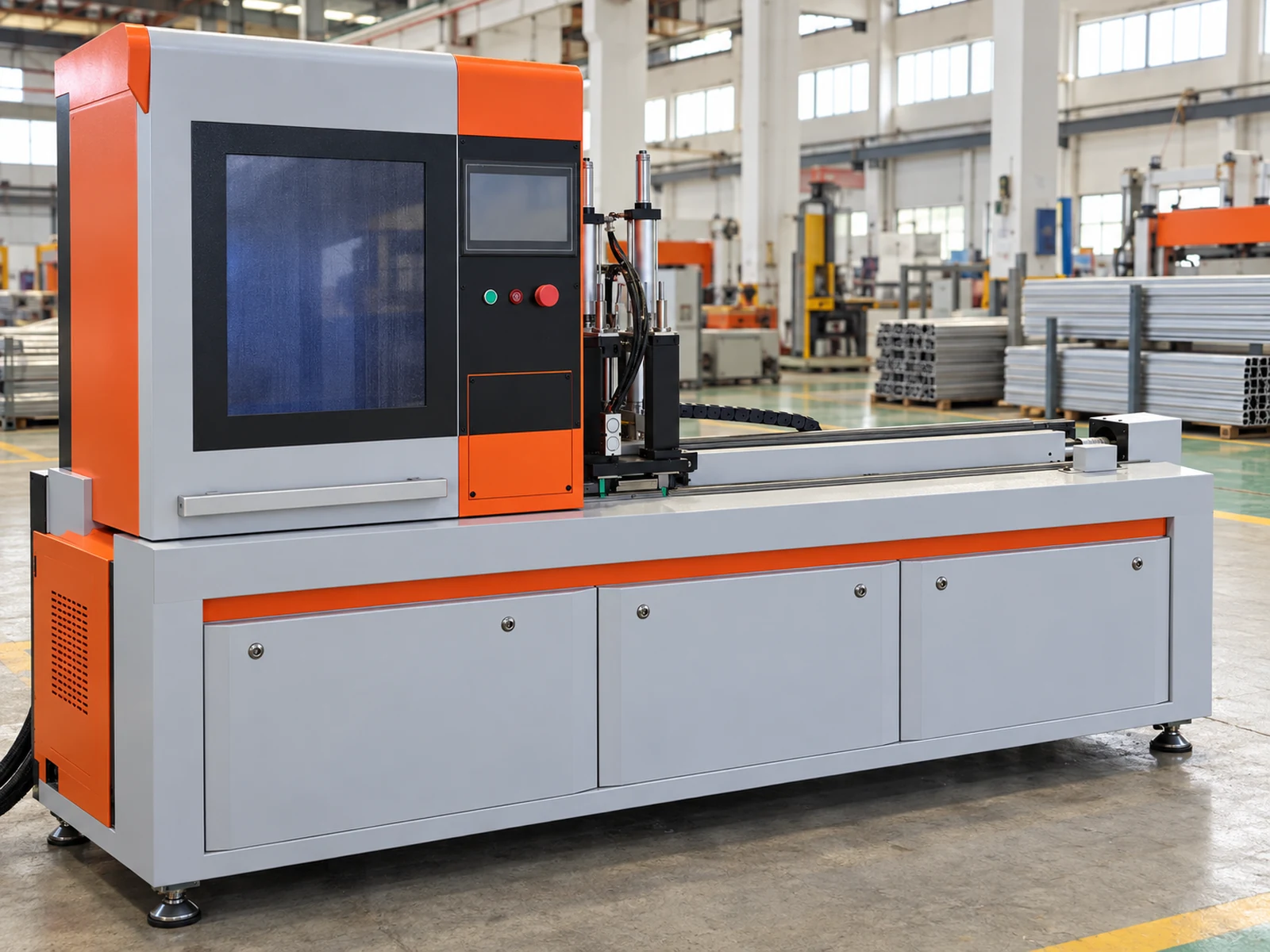
Sources and scope: NIST SP 800-82 Rev. 3 discusses configuration control and testing in operational technology; the Siemens overview above describes a separate vendor’s program-management approach. These support the buyer’s verification questions, not a claim that a Jiurun model includes any particular export, import or compatibility feature. The images and video are related illustrations, not acceptance evidence.