
An aluminum saw cut part bin can be the quiet limit on an otherwise capable line. The saw may still be ready for another cycle while finished pieces have nowhere controlled to land. Before specifying a “bin full” alarm, decide what leaves the saw, how it reaches the receiver, who empties it, and what the machine should do when space runs out. These are buying and acceptance questions, not claims that a particular Jiurun model includes a bin sensor.
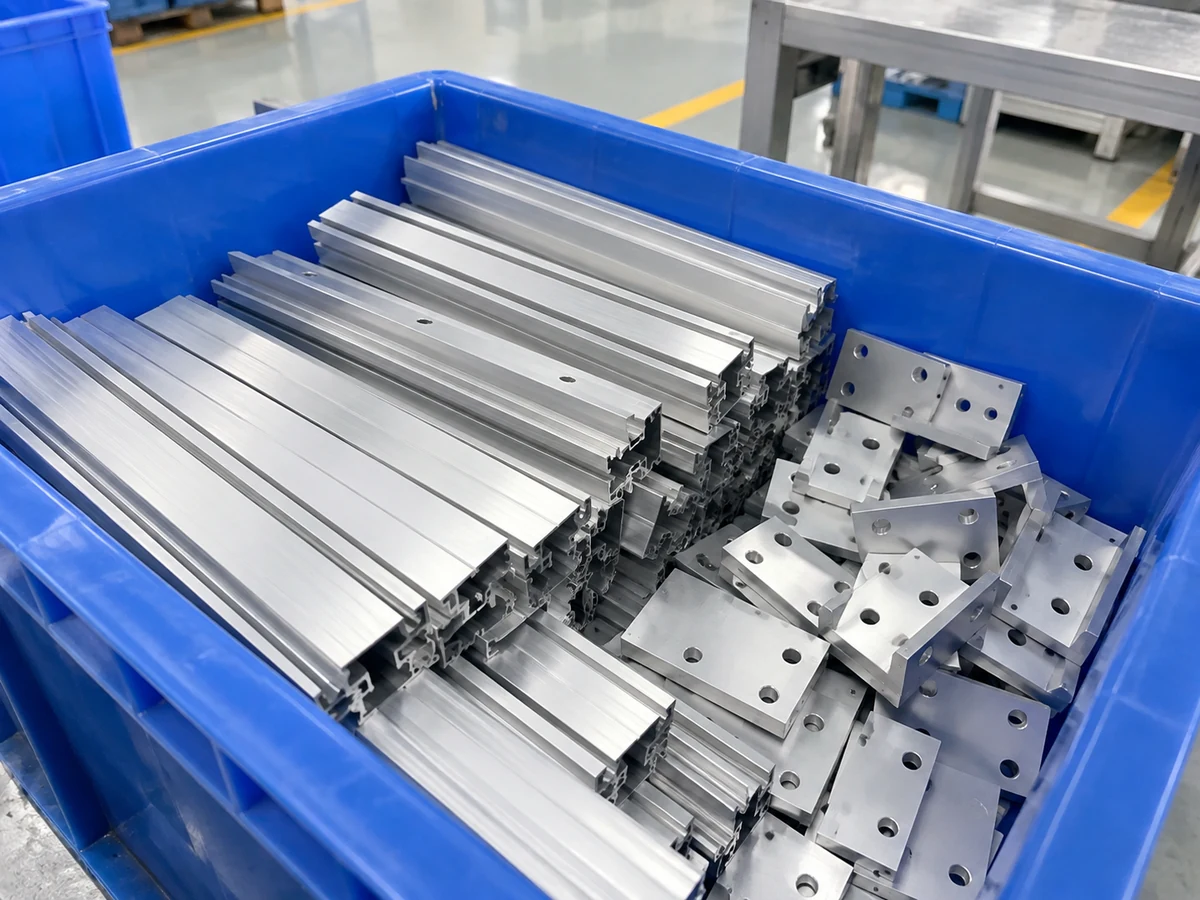
Aluminum saw cut part bin: specify the handoff
Draw the path from the blade to the final receiver. Mark where a finished piece clears the cutting area, where it is supported, where it drops or is placed, and where an operator can remove the bin. A shallow tray, deep tote, roller transfer and automatic stacker are different arrangements. The right answer depends on the shortest and longest accepted pieces, their mass, cosmetic surfaces, permissible contact, and how much manual handling the line can tolerate.
For a short piece, an unsupported gap may cause trouble before bin capacity matters. Specify that transfer separately; our shortest-piece outfeed support check addresses the gap. If the line has a buffer between cutting and collection, define the buffer limit as well; see our outfeed buffer handoff guide. A receiver alarm cannot compensate for an unstable transfer.
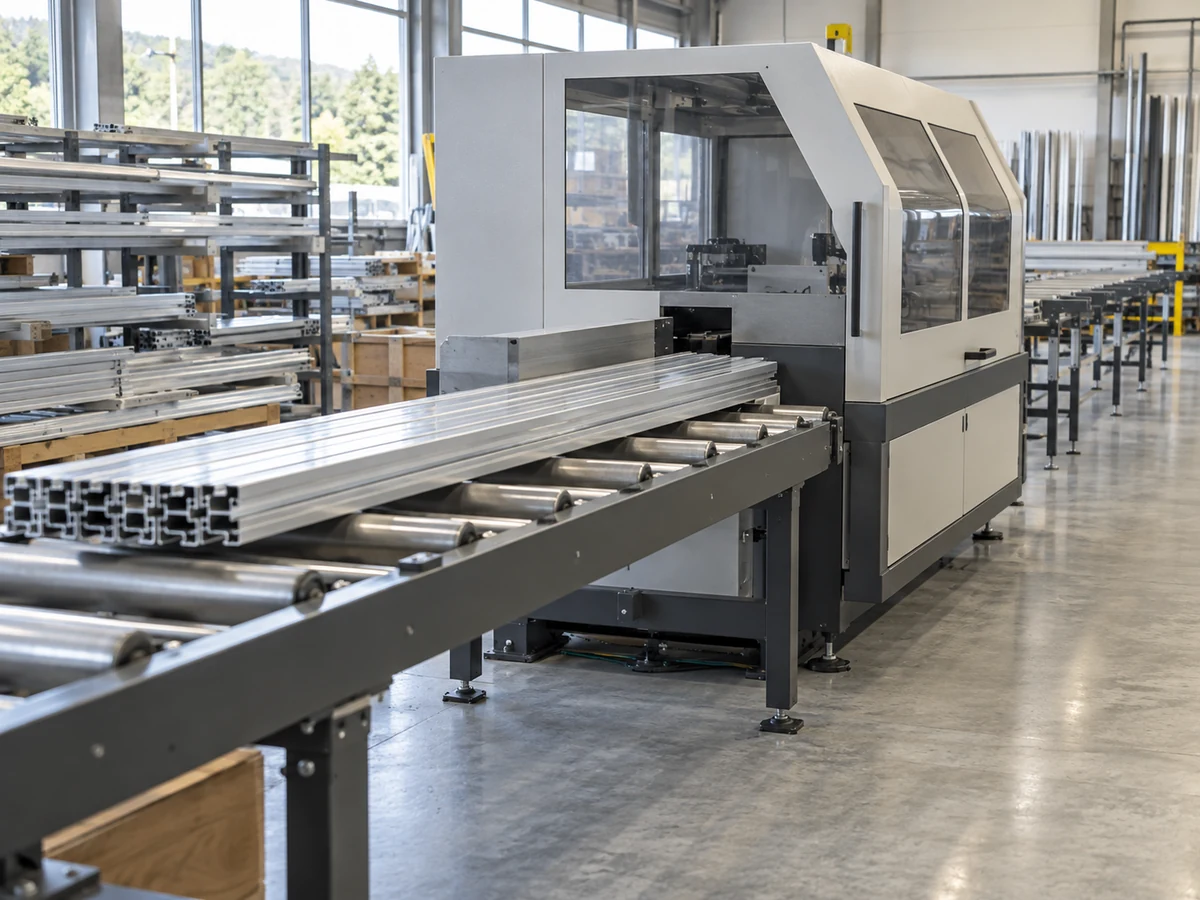
Define “full” at the actual receiving point
“Full” can mean several things: a bin is absent, a bin is present but mispositioned, the tallest pile is approaching the transfer point, the average fill is high, or the next part cannot enter without contact damage. Pick the condition that threatens this process. Then specify where it is observed and what happens when it is detected. A simple manual collection station may need a visual check and clear emptying routine. An automatic line may justify a quoted presence or level signal, but that option must be confirmed for the proposed system.
Pile shape matters. Parts that fall near one corner may reach the chute while much of the bin remains empty. Industrial bin-fill measurement examples from Banner Engineering distinguish a local high point from overall fill. That example concerns bulk material, not Jiurun cut parts; the useful lesson is to test the actual deposition pattern rather than assuming a single average level represents the collision point.
Write the machine response, not just the alarm name
Ask the supplier to describe the exact sequence for each state. Is a full indication advisory while an operator empties the receiver, or does it inhibit the next feed and cut? If the current cycle is already in progress, where does the completed piece go? Who acknowledges the condition, and what must be checked before restart? A stop request is only meaningful when the piece remains supported and the area is safe to access under the supplied machine instructions. Do not assume a marketing phrase establishes an engineered safety function.
- Bin absent or out of position: define whether cutting can start, how position is verified, and who restores the receiver.
- Approaching full: specify whether the signal is a warning, a planned pause, or a request to change bins after the current part.
- Full during a cut: agree where the in-flight piece is held or delivered and whether the next cycle is blocked.
- Restart: define inspection, acknowledgment, and a safe first part after the bin is returned.
Keep finished pieces, trim and rejected pieces identifiable. A capacity signal does not decide which class of part belongs in a receiver. That routing question belongs in the outfeed sorting gate specification.
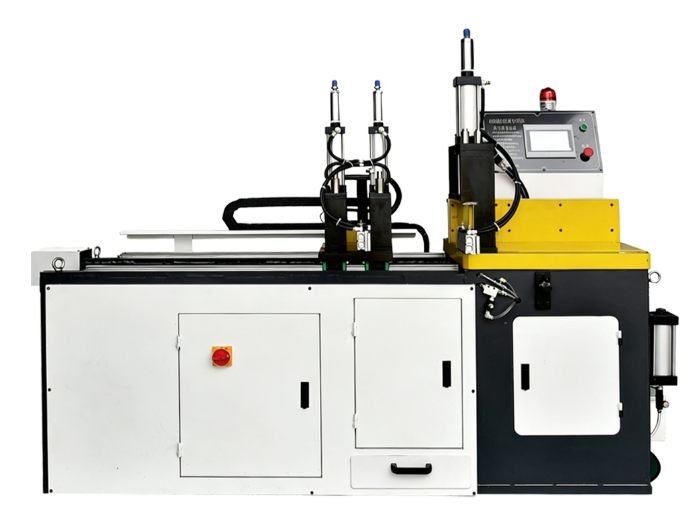
Prove the proposed handoff with the buyer’s parts
A useful acceptance run uses the buyer’s actual length range and the receiver proposed for the quote. Start with an empty bin and a correctly located bin. Observe the first part, several consecutive parts, and the point at which pieces begin to crowd the landing area. Record any end damage, scratches, bounce, overlap or blocked chute. If a level or presence signal is in the quote, demonstrate its location and response with the real pile pattern. Repeat with the bin removed or displaced only under a supplier-approved test procedure.
Record what happens to the current part and the next cycle when the chosen threshold is reached. After emptying, verify that restart does not release an unexpected part or mix an unverified piece into accepted output. The test should yield a signed sequence and disposition record, not a vague promise of “automatic bin full protection.”
What to put in the RFQ
- Part drawing and minimum/maximum cut length, mass, shape, cosmetic face, and allowed contact.
- Expected output rate, shift length, bin capacity goal, and who changes or empties the receiver.
- Receiver dimensions, placement tolerance, liner or divider needs, and available floor space.
- Whether collection is manual or an optional quoted presence/level interface; define warning, controlled pause and restart behavior separately.
- Acceptance cases: normal transfer, near-full pile, full condition, absent/misplaced bin, and restart with accepted/rejected part identification.
For an aluminum saw cut part bin, ask for a layout marking the saw boundary, outfeed equipment, receiver and any supplied controls. Confirm the responsibility for bin fabrication, sensing, integration and operator procedures in writing. A supplier can then quote a realistic handoff without implying that every saw has the same accessories.
Related equipment video
The following video from Jiurun Machinery’s YouTube channel shows a related aluminum saw operating. It provides equipment context only; it does not demonstrate the receiver, a fill signal, this cut-part sample, a customer installation or a measured result.
Frequently asked questions
Does every aluminum saw need a bin-full sensor?
No. First determine the collection method, output rate and operator routine. Add a sensor only when its observation point and machine response solve a defined handoff problem, and confirm it as part of the quoted configuration.
Can a single level reading prove the receiver is safe for the next part?
Not always. A pile can rise locally under the drop point. Inspect the actual landing pattern and test the next-part clearance at the selected threshold.
Is a full-bin stop the same as a safety interlock?
No. A production pause and a protective safety function have different requirements. Ask the machine builder to identify any safety-rated function separately and follow the supplied access and isolation instructions.
Request a quote: Send Jiurun the profile drawing, cut-length range, expected throughput, proposed receiver dimensions and desired full-bin response through our contact page. Ask for a layout and a witnessed handoff test on your sample parts before approving the final scope.