
A replacement blade arrives with the right diameter and bore, yet its rotation mark cannot be reconciled with the saw documentation. That is a stop point before a trial, not a detail to settle from the appearance of the cut. The aluminum saw blade rotation arrow belongs on the same approval record as the blade identity, machine identity and permitted operating limits.
The featured machine image is related equipment context: its blade and rotation mark are not visible. This guide is for buyers and production teams specifying an industrial aluminum saw blade. It explains what evidence to request and how to close a mismatch. Installation and machine operation must follow the actual machine and blade manufacturers’ instructions, with a qualified person responsible for the work.
The aluminum saw blade rotation arrow and two other directions
Blade rotation is the direction in which the spindle turns as viewed from a defined side. Material feed is the direction in which the profile enters the cutting zone. A left- or right-hand machine layout may describe where stock enters or where the operator stands. Those labels are not interchangeable. Asking only for a “right-hand blade” without a drawing or viewing side leaves room for two people to picture opposite arrows.
Leitz’s Sawing Lexicon, special-tool enquiry form records direction of rotation separately from bore, pinholes, tooth shape, machine model and cutting direction. That separation is useful for an RFQ: the buyer can identify each variable instead of treating one dimension as proof that the blade fits.
For a replacement order, send the machine model and serial reference, the approved blade designation or drawing revision, a photograph of the existing blade mark, and the machine maker’s rotation indication or manual page. State the viewing side in any sketch. Ask the blade supplier to confirm the exact proposed item against those records. If the documents disagree, hold the order or trial until the relevant manufacturers resolve the conflict in writing.
The guard hides the answer
On an enclosed saw, an exterior photo rarely proves which way the installed blade turns. A video of a machine cutting aluminum does not reveal the mounting arrow either. The machine below illustrates the guarded cutting area; it is a related equipment view, not a photograph of the blade, its mark, or the configuration under review.
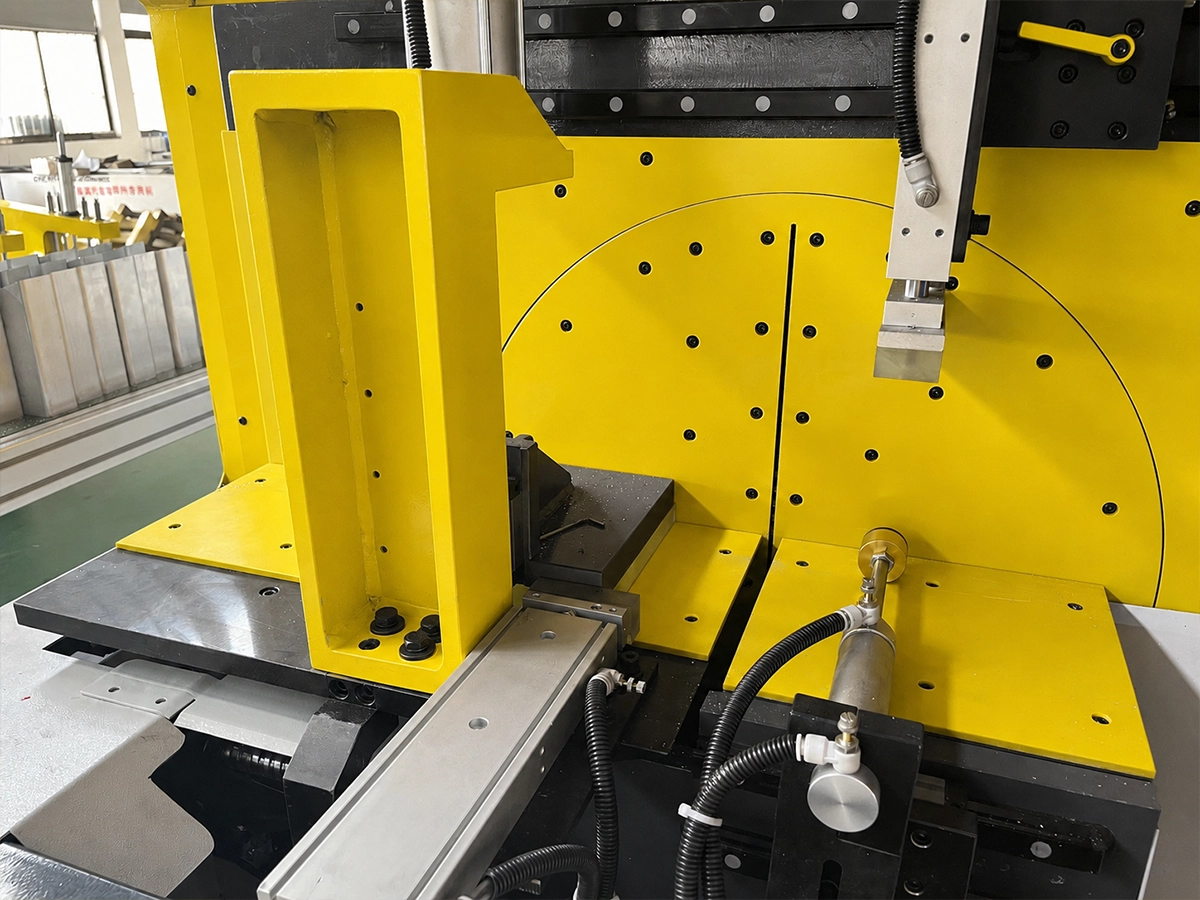
The following Jiurun channel video shows a JR-455Q aluminum cutter in operation. It provides equipment context only; it does not verify the rotation mark, a replacement blade, this article’s proposed setup, or an accepted cut.
A Bosch miter-saw operating manual gives a concrete example of a manufacturer requiring the blade arrow to match the tool arrow and the teeth to face the specified direction. That manual governs its own saw, not a Jiurun industrial saw. It illustrates why a generic “clockwise” instruction copied from another machine is unsafe as an approval method. Use the actual machine manual and blade maker’s documentation for the installed combination.
Resolve a mismatch before any test cut
Record the mismatch exactly: which arrow or statement appears on the blade, which appears on the machine or in its manual, and from which side each was read. Keep the blade’s part number and the machine identification with the record. A mirrored photo, an unlabeled drawing, or a view from the opposite side can make a correct direction look reversed, so ask for a marked viewing direction before anyone decides that the markings agree.
Do not use an exploratory cut to settle an unresolved arrow. Have the authorized machine and blade contacts confirm the compatible item and the correct interpretation, then let the qualified technician apply the machine’s isolation, guard and blade-change procedure. Rotation is only one release item: diameter, bore, mounting features, speed rating and material suitability still need their own checks. Our separate mounting-torque source guide explains why the fastening value also must come from the specified hardware and machine documentation.
What the accepted cut can and cannot confirm
Once the document mismatch is closed and the machine is released under its normal procedure, an approved first-off cut can assess the agreed profile, length and cut-face criteria. It is a process acceptance step, not retroactive evidence that an unverified blade arrow was safe. The cut-face image below is a related inspection illustration; it is not this blade’s test, a customer part, or performance evidence.
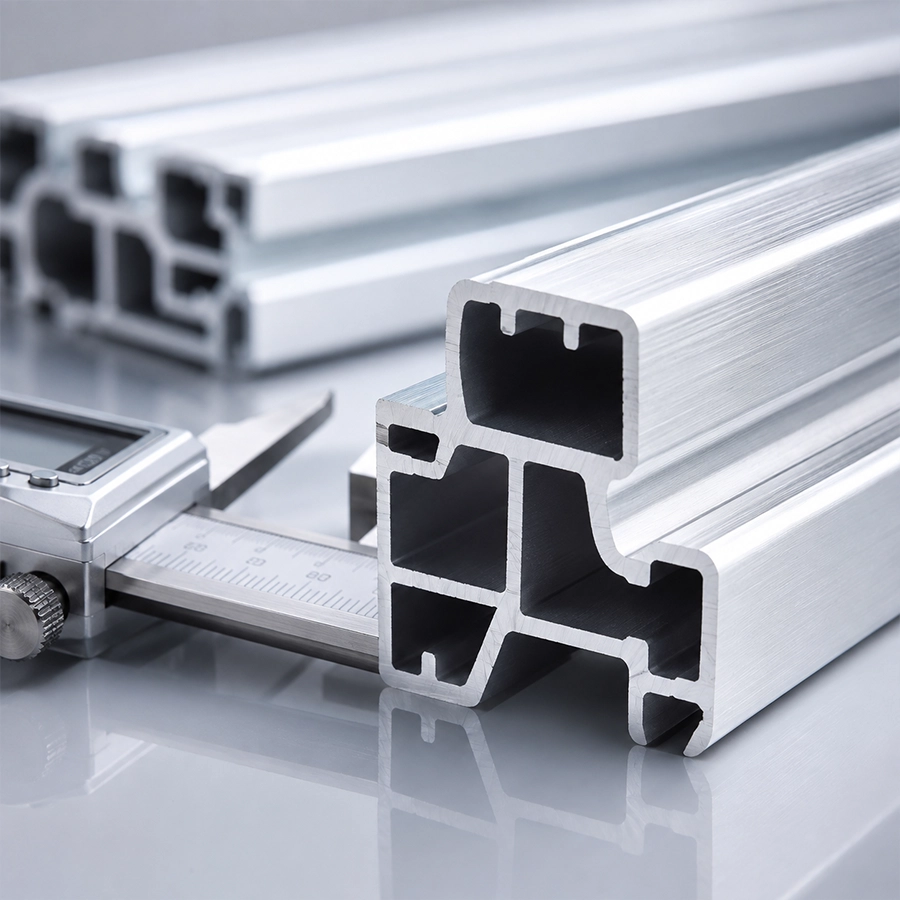
For a useful supplier reply, request one compact record: the blade part number and revision, machine model and viewing-side sketch, the approved direction reference, any unresolved discrepancy, and the person who signed off the combination. Then define the first-off acceptance criteria for the actual extrusion. This sequence keeps purchasing, maintenance and production aligned. The aluminum saw blade rotation arrow remains a documented compatibility check; a catalog image or a clean cut face cannot replace the manufacturer’s direction instruction.
If you are evaluating an aluminum cutting machine and a replacement blade together, send Jiurun the machine model, existing blade designation, profile drawing and the direction references you have. We can discuss the equipment and trial scope; final blade compatibility and the operating procedure must be confirmed against the applicable manufacturer documents for your configuration.