
A saw stops during a production shift, and the supplier asks to connect to its controller. Can anyone on site authorize that session, or does the request wait for plant IT? That answer belongs in the purchase specification. Aluminum saw remote service access is a support arrangement involving people, a connection path and a permitted set of actions. A network socket alone settles none of those points.
Use the incident you would actually face: an alarm appears, local staff can still inspect the machine safely, and the supplier wants evidence before dispatching a technician. The buyer must decide whether an offline evidence exchange is enough, whether a supervised live session is justified, and who ends the session. Request a written option for the exact quoted saw; do not assume that remote service is installed or included.
Aluminum saw remote service access: choose the support route
There are three materially different purchasing routes. First, the operator exports an alarm record, photo or approved backup and sends it through the normal support channel. The machine has no remote service connection. Second, an authorized plant employee opens a time-limited session for a named supplier engineer while a local operator remains responsible for the machine. Third, a persistent service connection is proposed. That last route needs a separate business case and explicit plant approval because the access window and monitoring burden differ.
Ask the supplier to price each route separately, state what diagnostic work it enables and identify what still requires an on-site visit. A promise of “remote support” without these distinctions is too broad to evaluate.
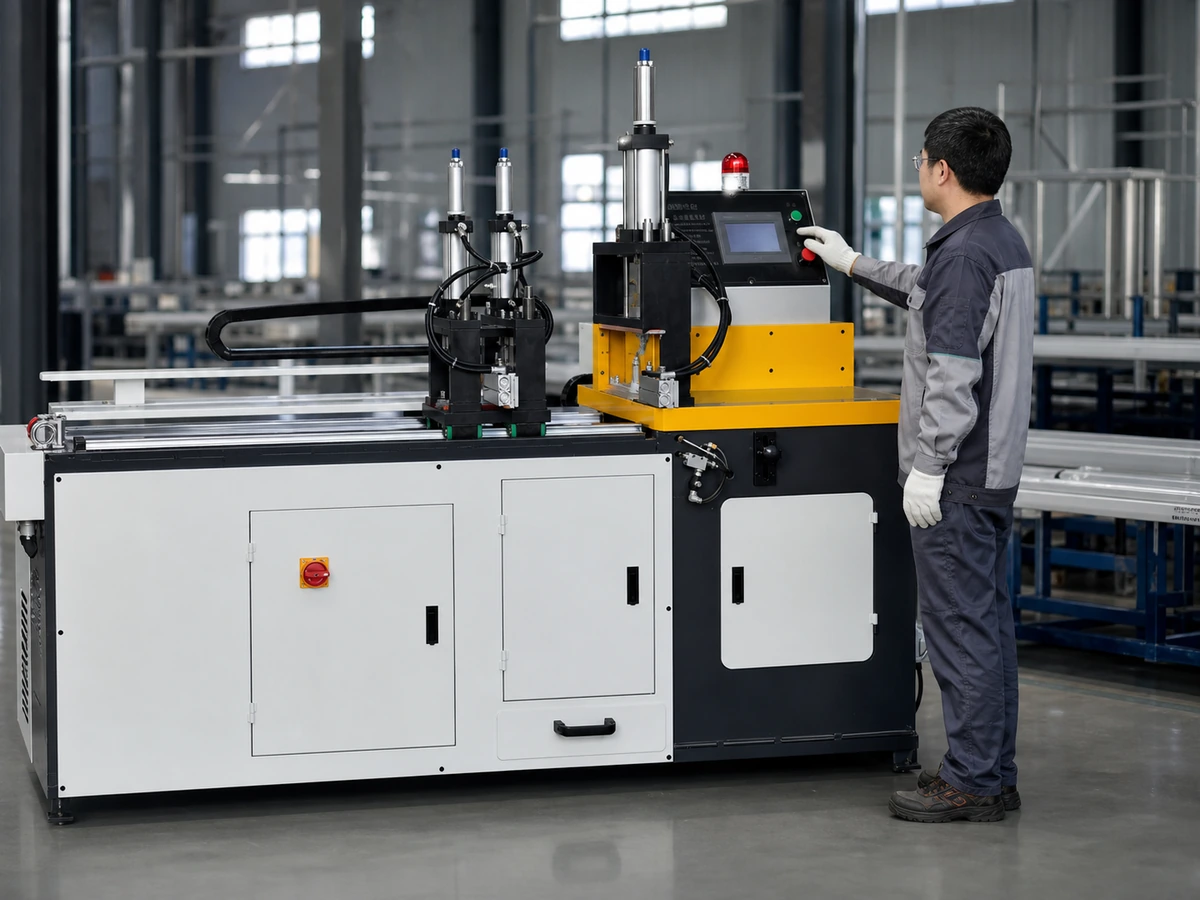
Write an access boundary that the plant can approve
For aluminum saw remote service access, the quote should identify the specific controller or computer to be reached, the device that initiates the connection, the network termination point and the owner of each cable, account and subscription. State whether the supplier can only view status or can change parameters, transfer files, install software or command motion. Those permissions are different procurement items. A plant IT approval for a cable does not authorize a parameter change.
For each proposed connection, ask for a diagram and an account schedule: who requests access, who approves it, how the user is identified, when access expires, and who can revoke it. Require a record of session start and end, named participants, changes made and the machine state after disconnection. If a factory policy prohibits direct vendor access, the supplier should offer the offline or attended route instead of assuming an exception.
NIST SP 800-82 Rev. 3 discusses justified, limited OT remote access, temporary vendor maintenance access, removal when no longer required and monitoring. These are useful design questions; the plant’s own security and safety rules still govern the actual installation. Our earlier guide to the Ethernet handoff covers cable and data ownership. This article deals with the later question of who may use a service path and what they may do through it.
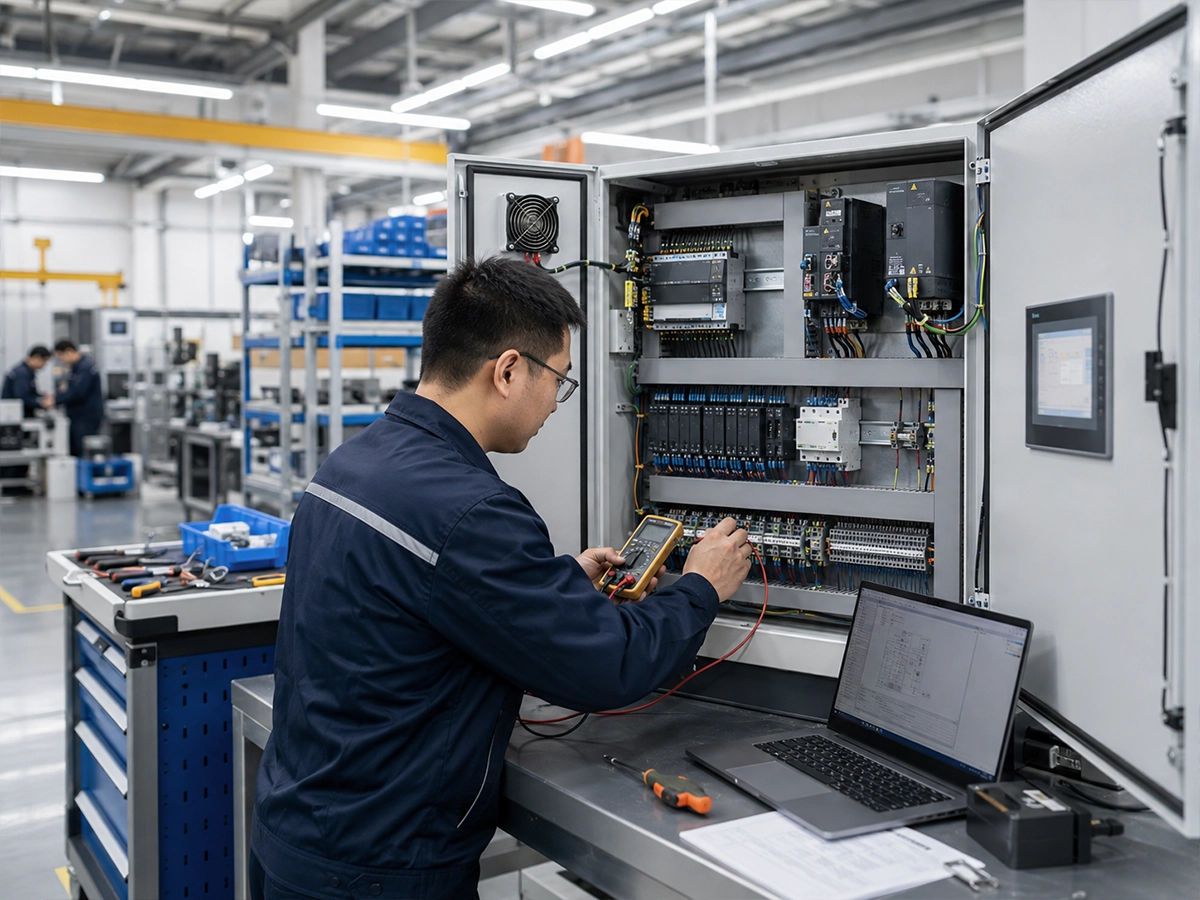
Keep local safety and production authority explicit
Remote diagnosis should never be treated as permission to bypass machine safeguards. Define which actions need the machine stopped, isolated, or locally witnessed under the plant’s procedures. The supplier should explain how it prevents or detects an unexpected command during a service session and how local staff can disconnect the path. If the proposed remote tool cannot enforce the required boundary, narrow the allowed tasks or choose offline evidence exchange.
The same rule applies after a fault is cleared. Who verifies the installed program and physical setup before production restarts? Who signs off the first acceptable cut? A supplier engineer may recommend a change, but the purchase agreement should name the plant role that releases the saw for use. The machine’s local HMI roles are related but do not, by themselves, describe remote privileges.
Test one service incident at acceptance
An aluminum saw remote service access option should not be accepted by watching a successful login alone. Stage a safe, non-production diagnostic scenario on the quoted configuration. Ask the local operator to request a session; let the authorized approver enable it; confirm the named engineer sees only the agreed information. Record the alarm evidence, any proposed adjustment, the approval trail and the resulting machine state. Then revoke access and demonstrate that a further connection attempt fails until a new approval is granted.
Also test loss of connectivity. Can local staff still stop and operate the machine according to the approved procedure? Does an interrupted session leave a clear record of changes and a defined next step? These observations should be attached to the acceptance record. Do not present a demonstration on a different model as proof that the quoted saw has the same controls.
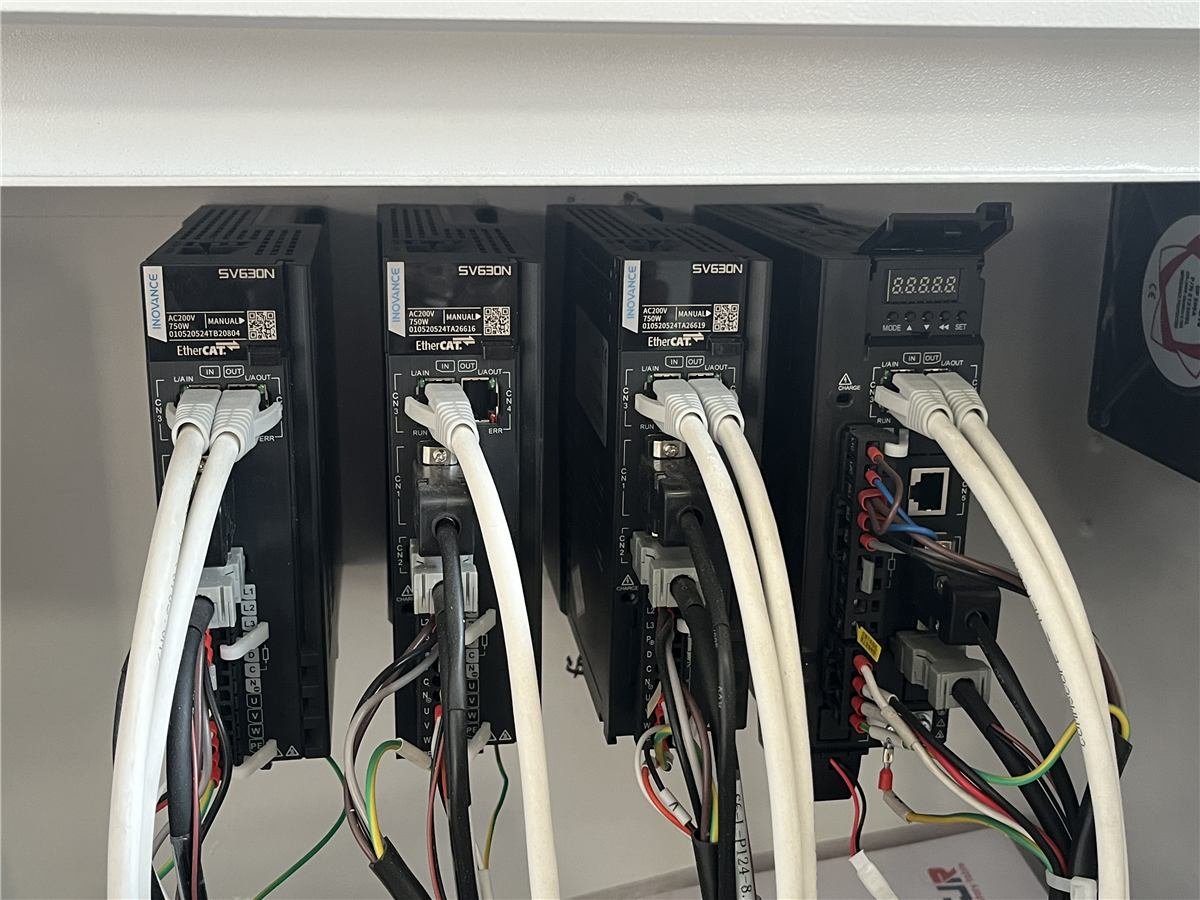
Put the support promise into the RFQ
Ask each bidder to return a one-page service-access schedule with the following fields:
- Exact saw and controller configuration covered, including any optional hardware or license.
- Offline, attended or persistent route proposed, and why that route is needed.
- Connection initiator, network handoff, account owner, authentication method and access expiry.
- Allowed view and change actions, local supervision, and any tasks excluded from remote work.
- Session record supplied to the buyer, revocation method and response when the network is unavailable.
- Acceptance scenario, witness roles, and the person who releases production after a change.
- Recurring fees, support hours, response commitment and on-site escalation route.
Compare bids against the same incident, not against the mere presence of a modem or a “remote service” checkbox. If the supplier cannot document the access boundary or demonstrate revocation, leave the option unresolved in the purchase order rather than counting it as a delivered capability.
Related equipment video
The following video is from Jiurun Machinery’s own channel. It shows general automatic feeding and cutting on a JR-650CNC-3A-1S. It does not show remote support, network architecture, the access controls discussed here, a quoted customer configuration or a service acceptance test.
Next step: Send JiurunCut your profile drawing, proposed saw configuration and plant service-access policy through the contact form. Ask for a configuration-specific support route and an acceptance scenario before treating remote diagnosis as part of the machine offer.