
An aluminum saw Ethernet connection begins with a scope question: who supplies the final cable to the plant network? A quotation may mention an Ethernet socket, yet the machine supplier, integrator and plant IT team may each expect someone else to provide the switch port, address and commissioning test. Resolve that handoff before the purchase order. A socket alone does not establish that a particular saw is ready to exchange production data with your systems.
Use this guide to put a physical boundary, a data boundary and a named test owner into the RFQ. Ask the supplier to confirm the actual configuration offered; the equipment views below illustrate the questions and do not certify network features on a quoted machine.
Aluminum saw Ethernet connection: identify the installed interface
Find out which device exposes the proposed plant connection: the HMI, a controller, an industrial computer or a dedicated gateway. Request the as-offered electrical and network drawings, the port designation, and the documentation for the intended exchange. A connection used inside a machine for drives or control is not automatically an approved plant interface. Likewise, a screen that displays cut jobs tells you nothing by itself about Ethernet access.

For an aluminum saw Ethernet connection, the supplier should identify the exact external handoff point and whether the offered option includes any gateway, software license or commissioning work. If a bid says only “Ethernet available,” treat the missing interface description as an open commercial item to resolve before the purchase order.
Draw one boundary that every contractor can price
Mark the point where machine supply ends and site supply begins on a simple connection sketch. For each side of the mark, name the owner of the hardware, cable route, patching, network settings and fault diagnosis. This matters when the saw is placed far from an existing cabinet or when several cutting stations share a production area. The photograph below shows related equipment placement; it does not show any installed network or customer layout.
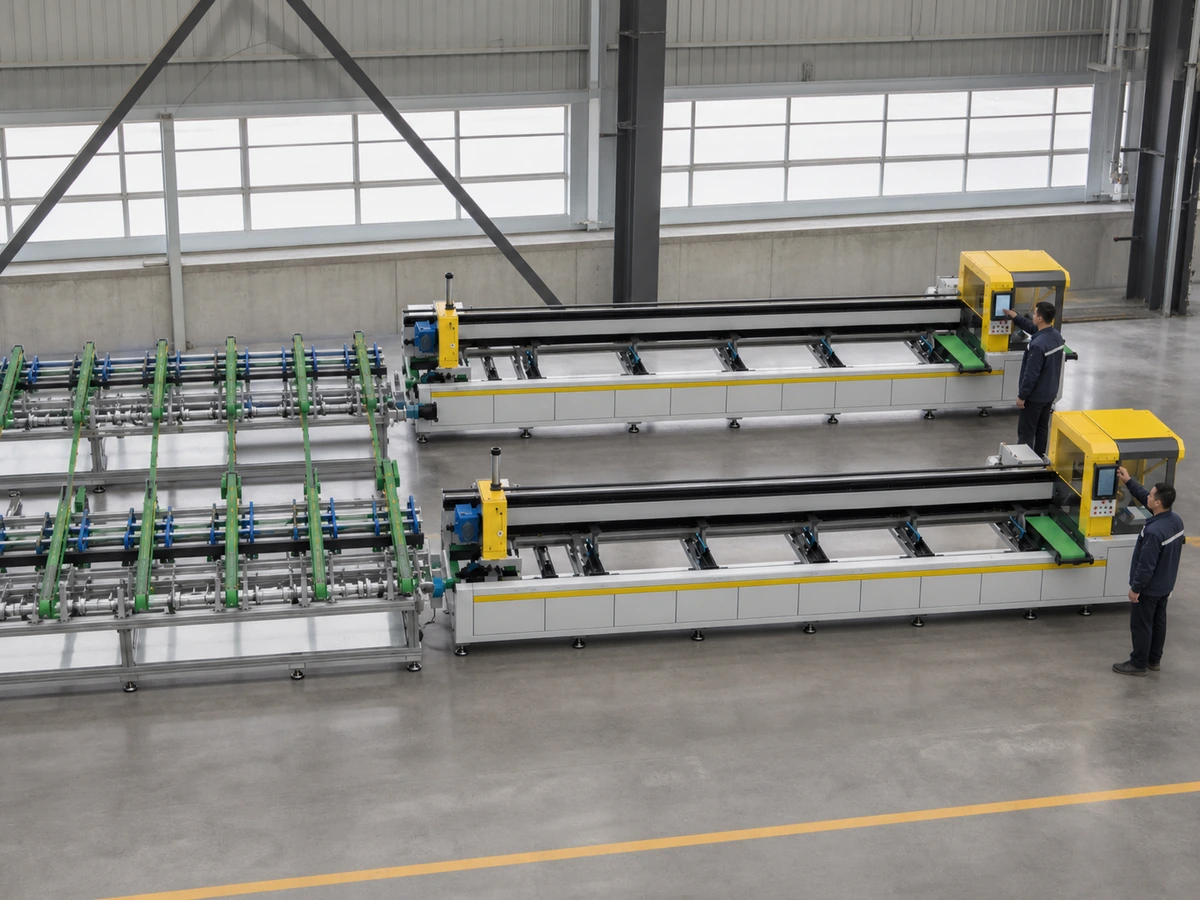
Write down four deliverables beside that sketch: (1) the machine-side interface and its documented purpose, (2) the site cable and switch port, (3) the approved address and network access plan, and (4) the person who will witness an end-to-end test. Do not assume that supplying the saw includes a plant switch or that plant IT will configure a machine gateway. The quote should say which party supplies each item and which items remain conditional on site review.
Site security rules also shape the handoff. NIST SP 800-82 Rev. 3 discusses OT network architecture and segmentation. Use your own OT and IT teams to approve the connection path and access controls. This reference is general guidance, not a network design or a security certification for any Jiurun saw.
Make the acceptance test match the data you actually need
A cable link light is only the first observation. Agree one representative exchange before FAT or site acceptance: for example, a released job reaches the intended destination, or an agreed production record is received with the required fields. Name the receiving system, direction of transfer, protocol, field list, timing expectation and failure response. If those items are still unknown, ask for an interface workshop before pricing a “connected” option.
Keep the physical connection test separate from the meaning of the data. Our OPC UA live-data guide addresses tag and data testing, while the production data export guide addresses sample records. Those decisions may be relevant after the plant connection is defined; neither proves that a cable, switch or address is included in this quotation.
Record the agreed test in a short acceptance sheet: machine configuration and software revision, physical handoff point, site port and address owner, approved access path, test record or job used, observed result, and who will resolve a failure. Repeat the test after the equipment reaches its final location if the factory test used a temporary network. A successful factory demonstration on a supplier laptop does not establish that the plant route is ready.
Ask about disconnection before declaring connectivity essential
Determine what the operator must still do if the plant link is unavailable. A buyer may require local job selection, controlled continuation of an already released batch, or a safe stop; these are different requirements and must be confirmed for the proposed controls. Define what is retained locally, how duplicates are avoided when the link returns, and who approves a restart. For that separate decision, see our network-loss behavior guide.
Not every saw needs a live plant connection. If the business only needs a periodic record for traceability, compare a documented export path with a permanent network interface. The correct choice follows the required workflow and site policy, not the presence of a socket in a brochure.
Put these six lines in the RFQ
- Identify the offered machine and control configuration, including the device and port proposed for plant connection.
- State the exact data exchange required, its protocol and any licenses or gateway options.
- Mark the machine-to-site physical handoff and assign cable, switch, patching and address ownership.
- Require site OT/IT approval of the access path before commissioning.
- Describe a witnessed factory and final-site exchange test with records of pass, fail and remediation owner.
- Specify the operating state and recovery process when the plant connection is lost.
Send the supplier that marked boundary and one sample job or record, then request a revised scope with explicit inclusions, exclusions and test responsibilities. That gives purchasing, controls and site IT the same basis for comparing bids. Contact JiurunCut with your cutting workflow and interface questions; ask for the offered configuration documents before assuming a network capability.
Related equipment video
The Jiurun Machinery video below shows a related aluminum cutting machine operating. It is equipment context only: it does not demonstrate an Ethernet port, plant network connection, data exchange, this article’s quoted configuration, a customer installation or an acceptance result.