
An aluminum saw blade life counter can look precise while leaving the buyer with the wrong decision. Imagine a mixed shift with profile changes, trim cuts, rejected pieces and a blade swap. The display reads 1,200. Does that number describe completed cutting cycles, good parts, time on the spindle or the current blade’s use? Before accepting a counter in a quotation, ask the supplier to demonstrate its event, reset rule and warning behavior on the actual control configuration.
This is a feature acceptance question, not a promise that a blade will make a stated number of cuts. Our separate guide to blade-life production measures explains why cycles, produced parts and accepted output need separate records. Here the purchase decision is narrower: will the offered machine counter produce a trustworthy, usable record for your jobs?
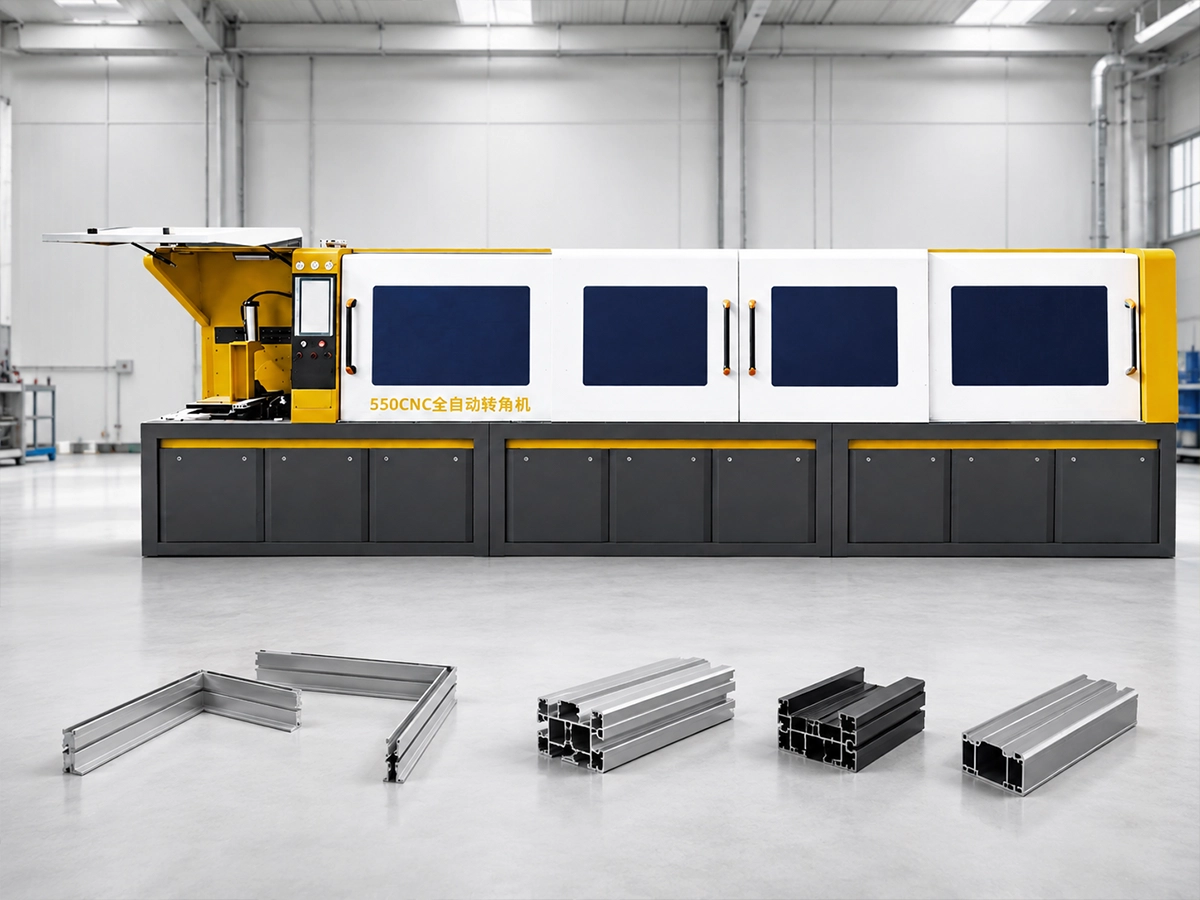
Aluminum saw blade life counter: name the event
Ask the supplier to point to the signal or program event that increments the display. A cycle-start count can rise when a cut is interrupted. A completed-stroke count can include a trim cut. A piece counter can differ again when one cycle produces several parts. None of those definitions is inherently wrong; the name on the screen must match the event the machine actually records.
Use one representative cut list and ask the operator to show the counter before and after a normal cut, a trim cut, an interrupted cycle and a rejected piece. Write down what changed. If the control has only a general production counter, describe it that way in the quote. Do not relabel it as measured blade condition.
Follow the number across blade and job changes
An aluminum saw blade life counter loses meaning when the blade identity disappears. Ask how the display is handled when a blade is removed for inspection, replaced, resharpened or returned to the same saw. Is the old value retained in a service record? Who may reset it, and what evidence of the change remains? If a reset is simply an unrestricted button, arrange a separate signed blade-change log before treating the number as a maintenance record.
Then switch between a thin hollow section and a heavy profile in the proposed trial. The same increment need not mean the same cutting load or wear. Record the blade, material, section, cutting settings and observed cut quality alongside the counter. A production manager can compare like jobs later; the display alone cannot diagnose the blade.
Separate a reminder from a stop command
Some suppliers offer a visible count, some a service reminder, and some a programmable limit. Ask which of these functions is in the specific quotation. If an alarm appears, does it merely notify the operator, prevent the next automatic cycle, or require an authorized reset? What happens after a power interruption? These are control-behavior questions for the supplier to demonstrate, not assumptions to infer from a screen label.
For an aluminum saw blade life counter, a threshold is a planning aid. It must not authorize continued cutting past a damaged blade, poor cut face or other unsafe condition. Maintenance and blade change still follow the machine instructions and the site’s isolation procedure. OSHA’s control of hazardous energy rule is a useful reference for the service boundary; it does not certify a particular saw or counter.
Put one witnessed test in the purchase order
Before signing off an aluminum saw blade life counter option, request a short demonstration on the quoted control version. The acceptance record should show the starting value, a defined sequence of cut events, the ending value, the blade identification method, who can reset the counter, and how the warning appears. Include an interruption and a blade-change handover if those events matter to your production plan. Keep screenshots or exported records only if the quoted system actually supports them.
Ask for the operator manual page that defines the feature. A different manufacturer’s band-saw catalog lists a blade-life counter beside machine hours and cutting time, showing that these can be separate displayed measures. That catalog is industry context only; it makes no claim about JiurunCut models. The supplier’s demonstration and configuration record control your purchase decision.
Video context and inquiry
The following JiurunCut channel video shows a related cutting-machine scene. It is equipment context only: it does not show the counter described above, this blade, this customer’s profile, a validated service threshold or an acceptance result.
Send JiurunCut your profile drawings, expected job mix, blade-change practice and the counter behavior you want to witness. Ask us to identify the offered control configuration and agree on the test sequence before you order. Discuss your aluminum cutting application.