
An aluminum saw readout is useful information to discuss, but start your buying conversation with the finished part. Ask what the displayed number represents and how the cut member will be checked against your drawing. The screen and the finished-part requirements answer different questions.
Question 1: what does the aluminum saw readout show?
Ask the supplier to explain the proposed screen using one of your actual parts. Is the number a requested setting, a reported position, or a measurement of a completed member? Keep that meaning clear when comparing equipment proposals.
Also ask which length reference the number uses. For a part with sloping ends, identify the points that define its requested length. Our mitered-part length reference guide shows why different spans on one part can describe different lengths.
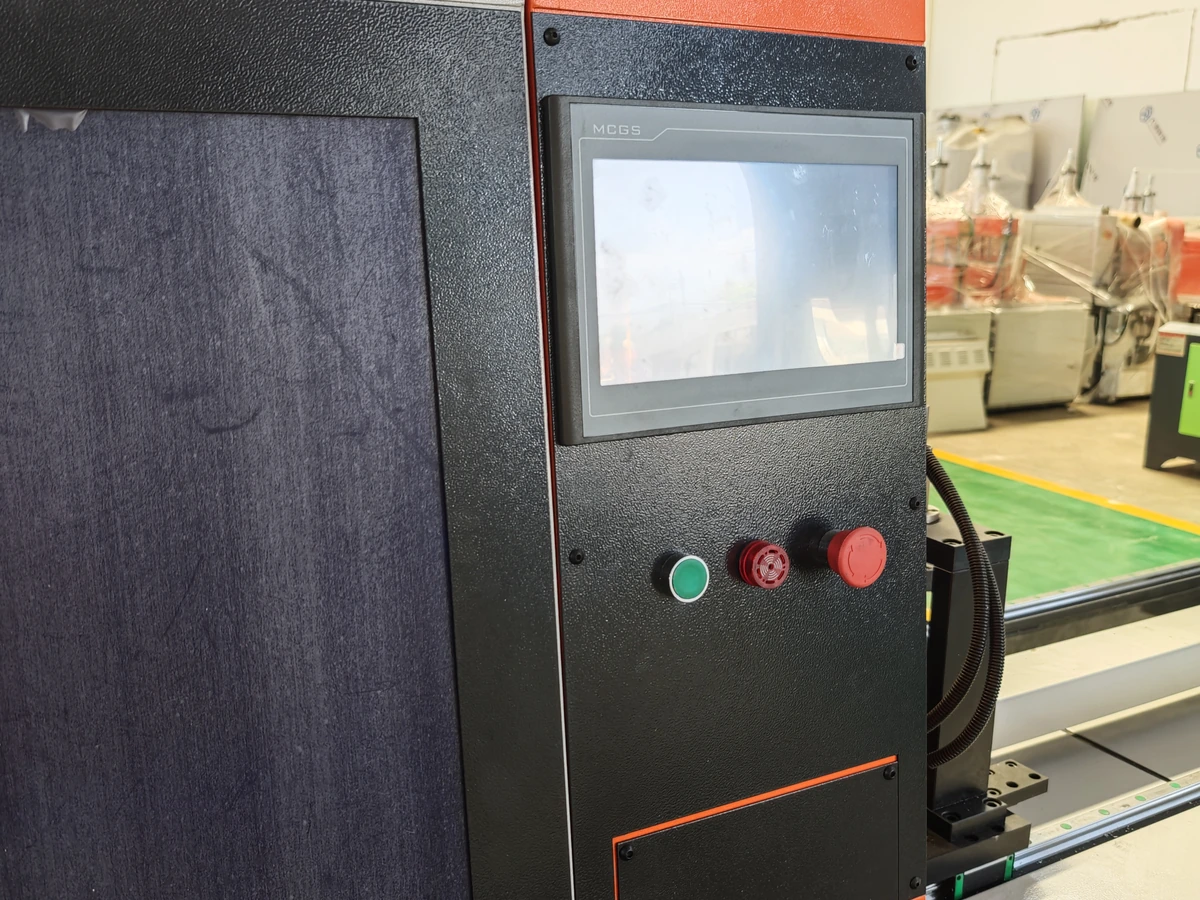
The international metrology vocabulary describes display resolution in terms of differences that can be distinguished on a display. Its separate measurement accuracy entry concerns how close a measured value is to the true value. More displayed detail, by itself, does not describe the finished member’s length requirement.
Use the screen explanation to understand the proposed machine. Use the part drawing to explain what your order needs to receive.
Connect the screen to your part
Share a typical part drawing and ask what its length information means on the proposed machine.
Question 2: how will the completed member be checked?
Identify the required cut length, the points used to check it and the allowed variation stated on the drawing. Keep the end shape visible too, especially when the member fits into a corner or meets another part.
If your drawing uses a general tolerance note, include that note with the part view. If a particular dimension has its own requirement, keep that instruction visible. Ask the supplier to review the complete drawing rather than a cropped length number.
Example: the same profile in two different assemblies
Imagine two orders using the same aluminum section. In one assembly, the cut member must fit between two fixed surfaces. In another, its sloping end must meet a neighboring member. The same stock section does not fully explain either finished-part requirement.
Send the relevant drawings together with the normal order mix. Ask how the proposed equipment and part checks address those requirements, including changes between the members you regularly make.
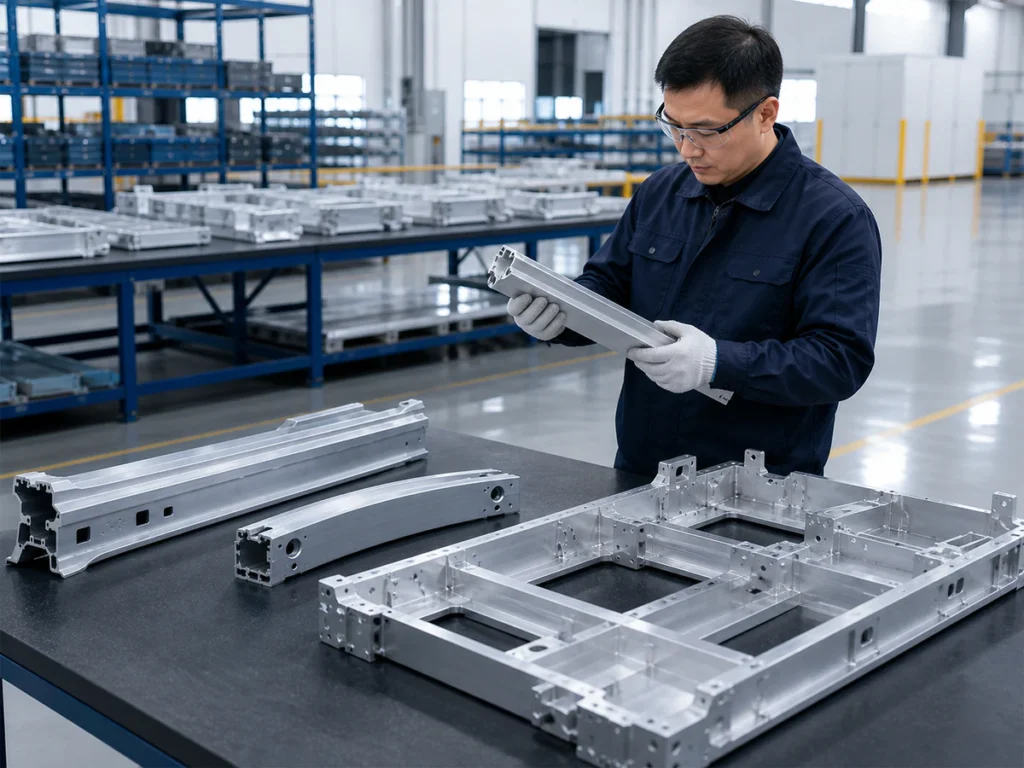
Make the check understandable: which feature is checked, which reference is used and how the result is recorded. A completed-part result should be discussed alongside the screen explanation when deciding whether the proposal fits your work.
Show the drawing requirements together
Include the length reference, end shapes and applicable tolerances. Explain which features matter to your next assembly or operation.
Bring both questions into the machine discussion
For multi-angle work, show the different end shapes and the length reference for each member. Jiurun’s brochure identifies the JR-550CNC-CORNER as a multi-angle aluminum cutting machine. Discuss your drawing requirements with the actual quoted configuration.
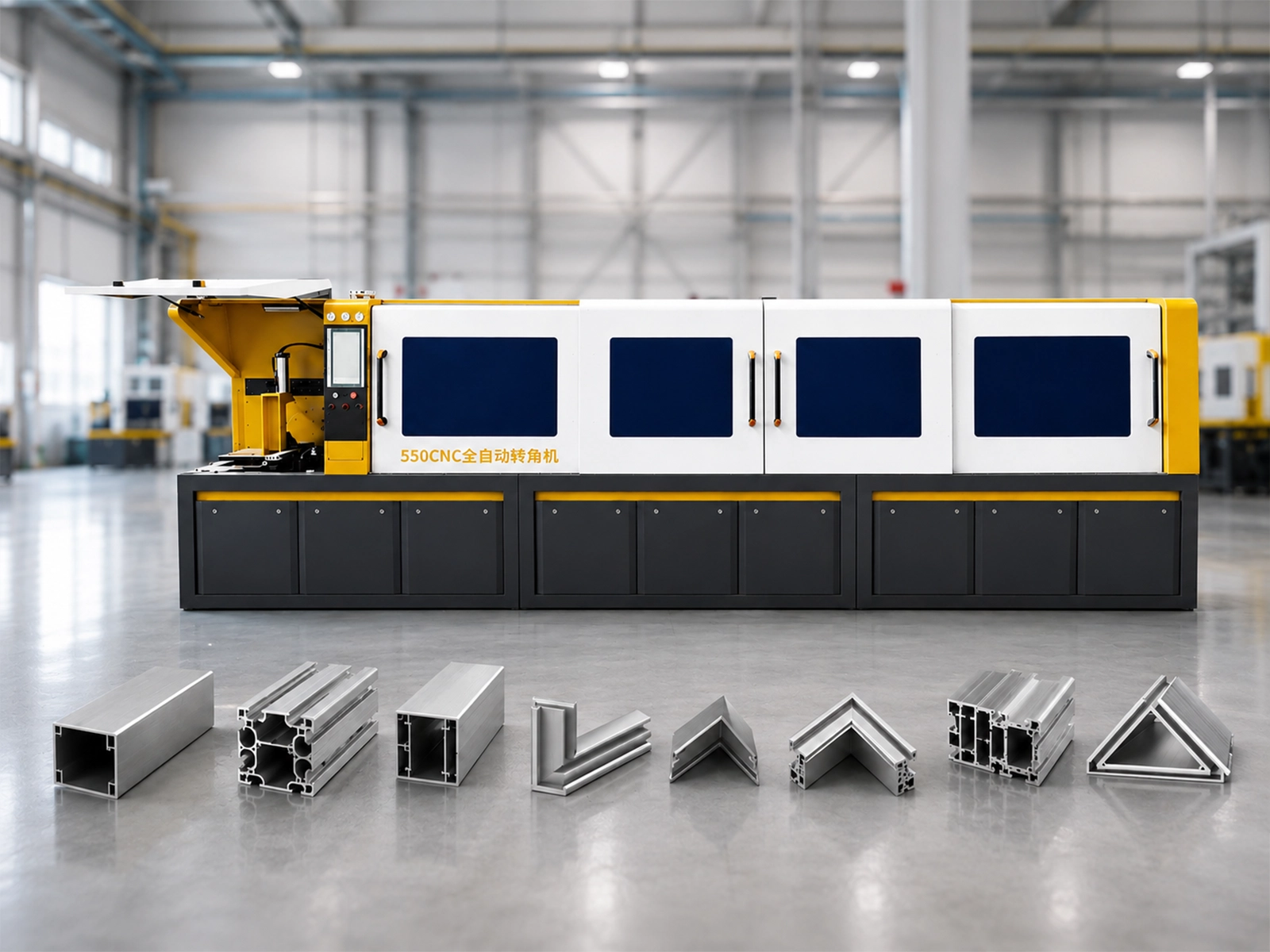
Watch: Jiurun angle-saw machine reference
Use this machine reference when discussing your proposed parts and cutting workflow.
Discuss the machine and the finished member together
Share your actual profile, part drawing and normal orders. Ask what the proposed display shows and how the completed members will be checked.
Machine context: Jiurun brochure, physical PDF page 13, through Catalog & Downloads. Display functions, suitability and finished-part requirements must be confirmed for the quoted configuration.