
A length value on a screen can describe different jobs. The display may show the position of a manually moved stop. A motor may move a stop to a selected position. A feeder may advance the profile. These arrangements leave different work for the operator.
When comparing aluminum saw length positioning, ask a concrete question: what moves when the required length changes?
What does the quoted rack actually move?
Ask JiurunCut to name the moving component and the work left to your operator.
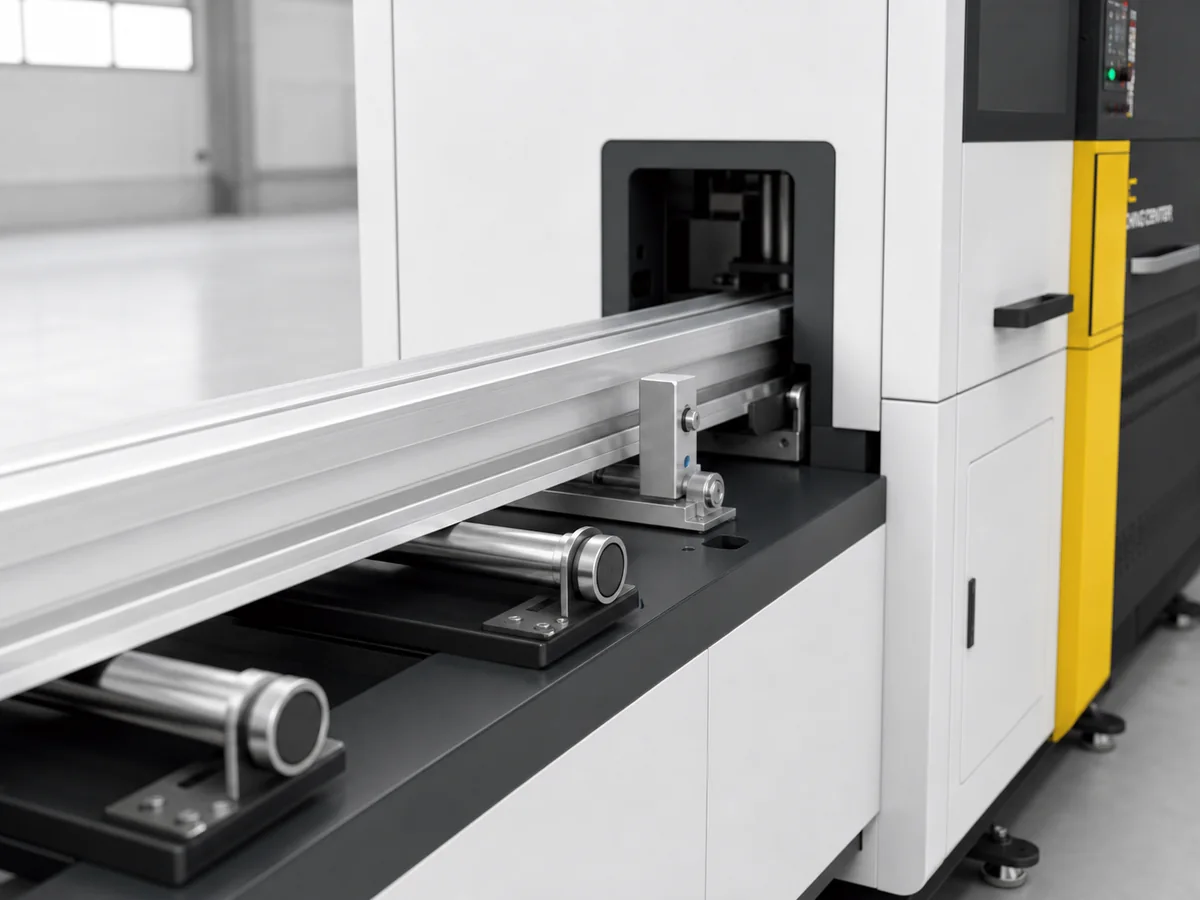
A readout can leave the adjustment to the operator
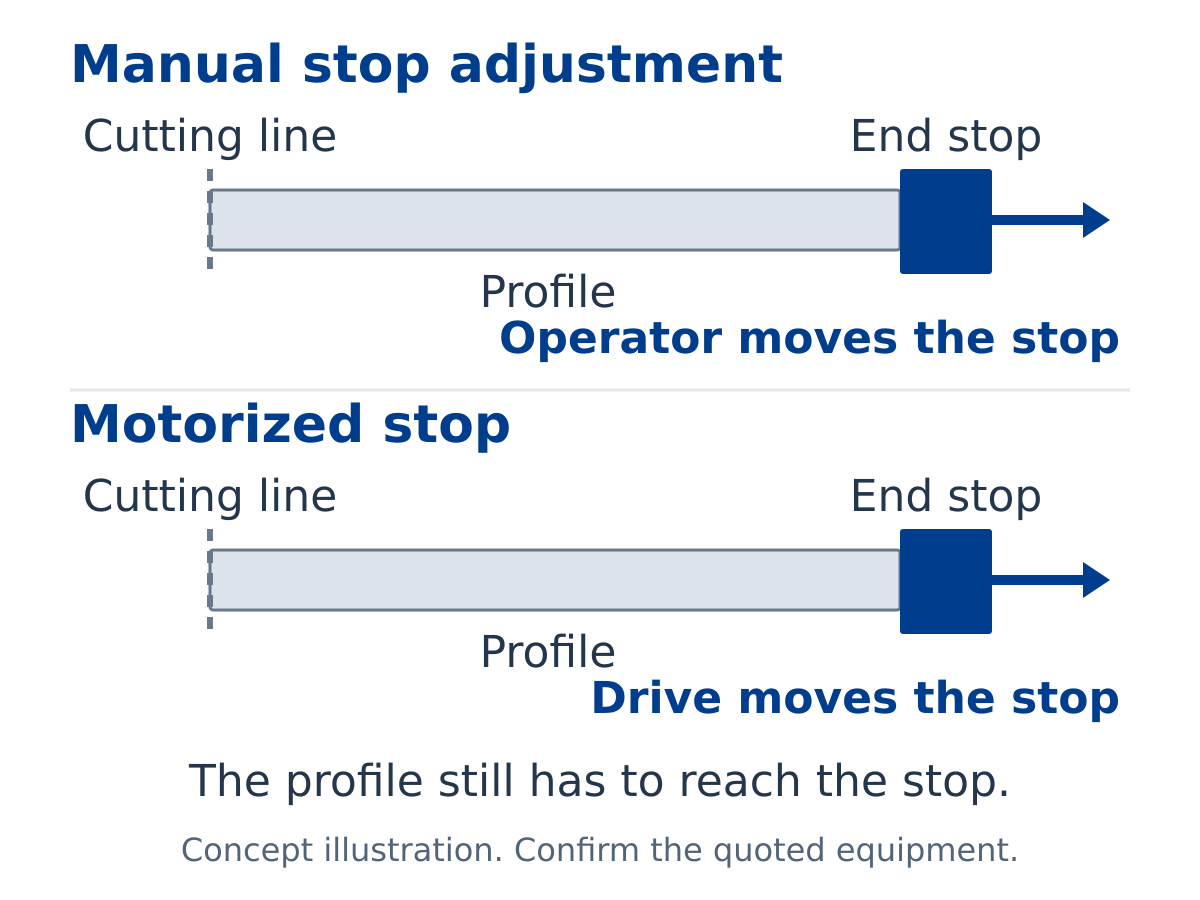
In a display-only arrangement with manual adjustment, the operator moves the length stop. The readout shows its measured position or length reference. The display helps the operator read the setting, while the adjustment remains manual.
Ask what the displayed value represents and whether the operator must move and secure the stop. If there is a keypad, ask what entering a value changes. It could change a reference rather than command a moving part.
A motorized stop changes the stop position
Here, a drive moves the stop to the selected position. The material still has to reach that stop. In a stop-only arrangement with manual stock handling, the operator moves the profile against it. Entering a length changes the stop position; the operator still brings the material to it.
Ask the supplier to identify the moving stop in a marked photo. Have the explanation include the material movement that follows. A driven stop can be part of a wider arrangement, so confirm whether the operator or other equipment moves the profile.
Send the rack name with your question
Include the supplier’s description and ask which component moves.
Push-feeding moves the material
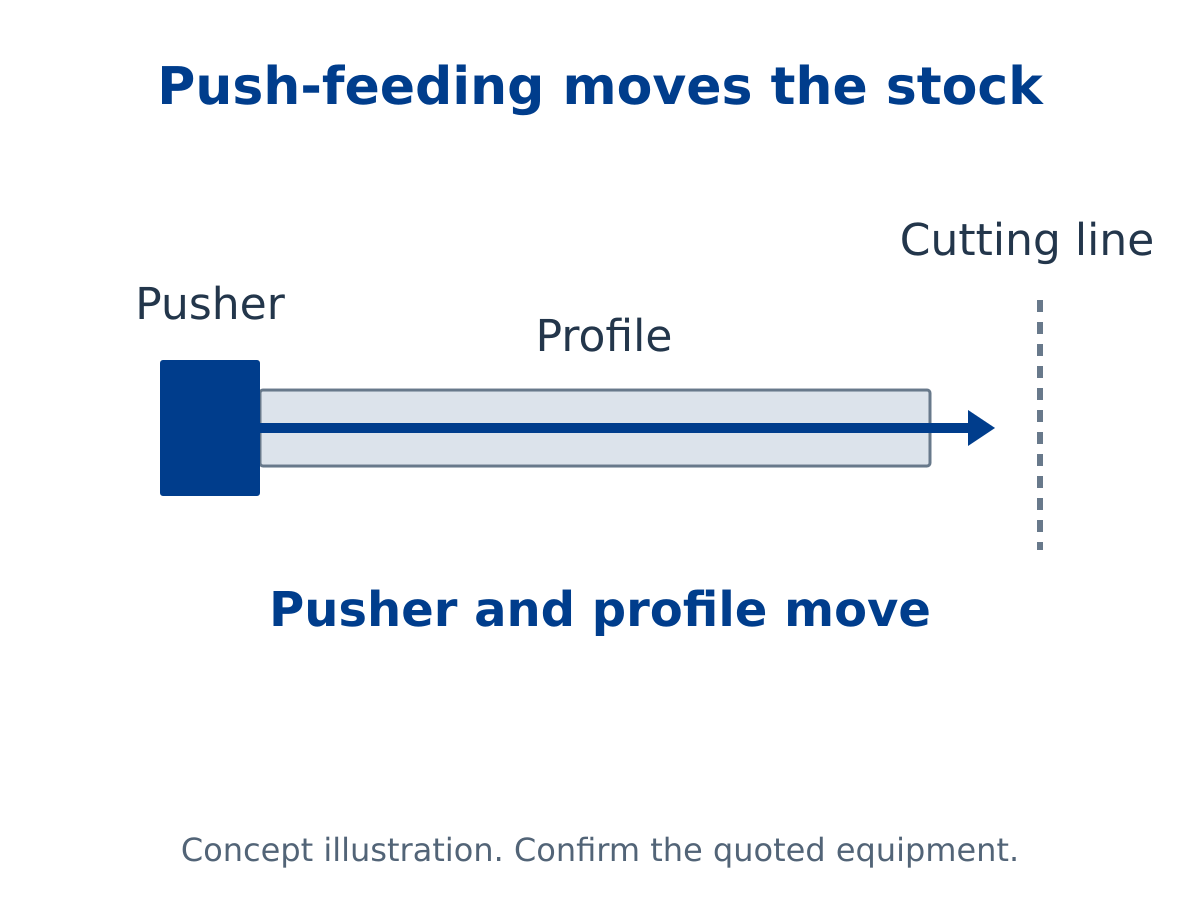
In a push-feeding arrangement, a moving pusher contacts the stock and advances it toward its cutting position. The material moves with the pusher. This differs from positioning an end stop and leaving the operator to bring the profile to it.
Ask which component contacts the profile and what the operator handles before and after that movement. Confirm push-feeding for the exact quoted arrangement. A rack name, motor label or screen photo leaves those actions unclear.
Bringing a fresh bar to the saw is a separate question. Our manual versus automatic loading guide covers that part of the job.
Compare the action descriptions
Imagine a reply saying, “The operator adjusts the stop and the display shows the setting.” Another says, “The stop moves after length selection and the operator brings the profile to it.” Those replies describe different work, even when both arrangements have a display.
A further reply saying, “The pusher advances the stock,” names material movement. These are illustrative quotation descriptions. Ask for the description that applies to the actual equipment offered.
Ask JiurunCut about aluminum saw length positioning
Jiurun’s catalog lists Feed rack, Digital display material rack and Servo rack. These names introduce rack choices, but the labels alone do not establish the actions of a particular offered arrangement or its current availability.
Ask for a reply that names what moves when the required length changes: the operator-adjusted stop, a driven stop or the material. Have it state what the display shows and which tasks remain with the operator. Keep this description beside the exact rack name in the quotation.
Watch: JR-650CNC-3A-1S feeding-layout reference
This Jiurun video is a JR-650CNC-3A-1S feeding-layout reference. It does not establish the functions of a separate rack in your quotation.
Discuss your length-positioning requirement
Share the quoted rack description and your profile drawing so the discussion can focus on the actions you need.
Terminology sources
elumatec MMS shows a digital-display option within manual positioning. TigerStop describes SawGear Touch as an automated stop with stop-only capability and TigerStop Pro as push-feeding material. These are terminology examples from other manufacturers. They do not establish Jiurun rack functions.