
Encoder mounting interfaces need their own mechanical review in a machine quotation. Start with the identified feedback component, the shaft or moving part it measures, and the applicable assembly drawing.
A supplier may have named the encoder correctly while leaving the mounting package incomplete. The buyer still needs to know which adapter, mounting parts and instructions belong to the offered arrangement.
This guide follows a fictional assembly review. It helps purchasing teams ask for the missing records without turning a catalogue label into an installation decision.
On this page
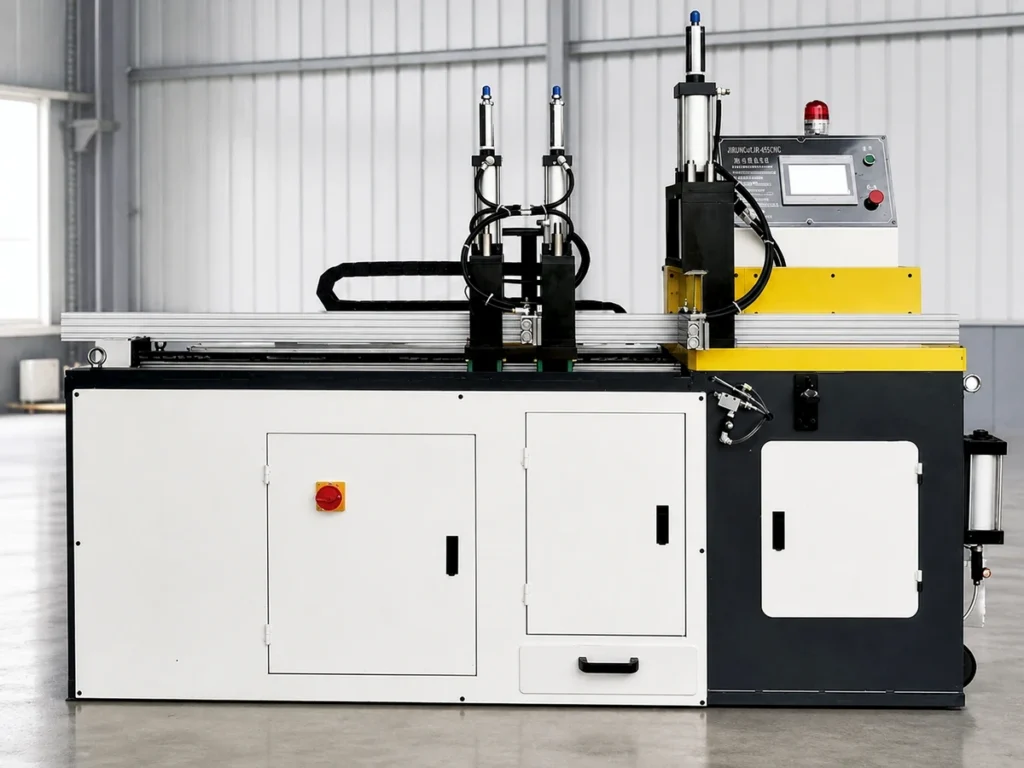
Check 1: put encoder mounting interfaces in their actual location
Ask the supplier to identify the component location on the assembly drawing. Keep that location reference beside the complete encoder designation in the quotation review.
Specify whether the enquiry concerns a new machine arrangement, an original spare or a proposed alternative. Each request needs a clear connection to the applicable equipment records.
For an existing arrangement, provide the machine identity and the relevant parts-list reference. Ask the supplier to confirm the component and assembly revision used for its proposal.
Record the shaft or other identified part associated with the feedback device. An encoder name copied from an unrelated machine leaves the mechanical review without a defined scope.
Ask for the relevant interface details on the supplied drawing. Retain the dimension names, units, references and tolerances as the designer specifies them. Do not invent a missing dimension from a photograph.
The absolute and incremental encoder guide covers the position-reporting question. Here, the purchasing file needs the physical arrangement and its supporting records.
Check 2: recognize that mounting requirements belong to a specific design
Same Sky’s AMT mounting troubleshooting guide applies to the AMT11, AMT11A, AMT20, AMT21, AMT22, AMT23 and AMT31 series named on its cover.
Its illustrated examples distinguish the shaft adapter, sleeve and internal rotor position. It shows a correctly seated adapter and sleeve as flush, and describes a supplied spacer tool that establishes the specified distance from the mounting surface.
The guide also illustrates an improperly positioned internal rotor. Those examples show why the applicable assembly instructions matter for that product family; they are not universal dimensions or a mounting procedure for every encoder.
For the actual offer, request the identified manufacturer’s instructions and the relevant assembly drawing. Ask the supplier which version applies to the proposed component and accessories.
If a drawing references a dedicated tool or mounting accessory, have the offer identify its reference and supply responsibility. A purchasing team should be able to see whether it is included, separately offered or supplied by another party.
Keep installation and service work under the applicable equipment and component instructions. This quotation review does not authorize adjustments to an operating machine.
A fictional assembly E42 has three unresolved items
Imagine an invented purchasing file for assembly E42. The quotation lists a feedback component as item E1, an adapter as A1 and a sleeve as S1. These references and the assembly are fictional; they describe no JiurunCut machine.
The buyer has an encoder data sheet, but the file lacks the released interface drawing, the accessory references and the applicable assembly instructions.
| Available record | Clarification to request |
|---|---|
| Encoder item E1 is named. | Identify its location and the controlled E42 assembly drawing. |
| Adapter A1 and sleeve S1 appear as labels. | Provide their complete references and documented association with E1. |
| No assembly instruction is attached. | Identify the applicable instruction and any specified mounting accessories. |
No row is an acceptance result. The worksheet records which documents are missing and gives each question a direct answer format.
When the supplier replies, attach the supporting record to the corresponding item. A statement that everything fits should point to the actual reviewed arrangement rather than replace the drawing.
If the answer introduces a different component, record that change as a new proposal. Keep the earlier offer available so the reviewer can identify what changed.
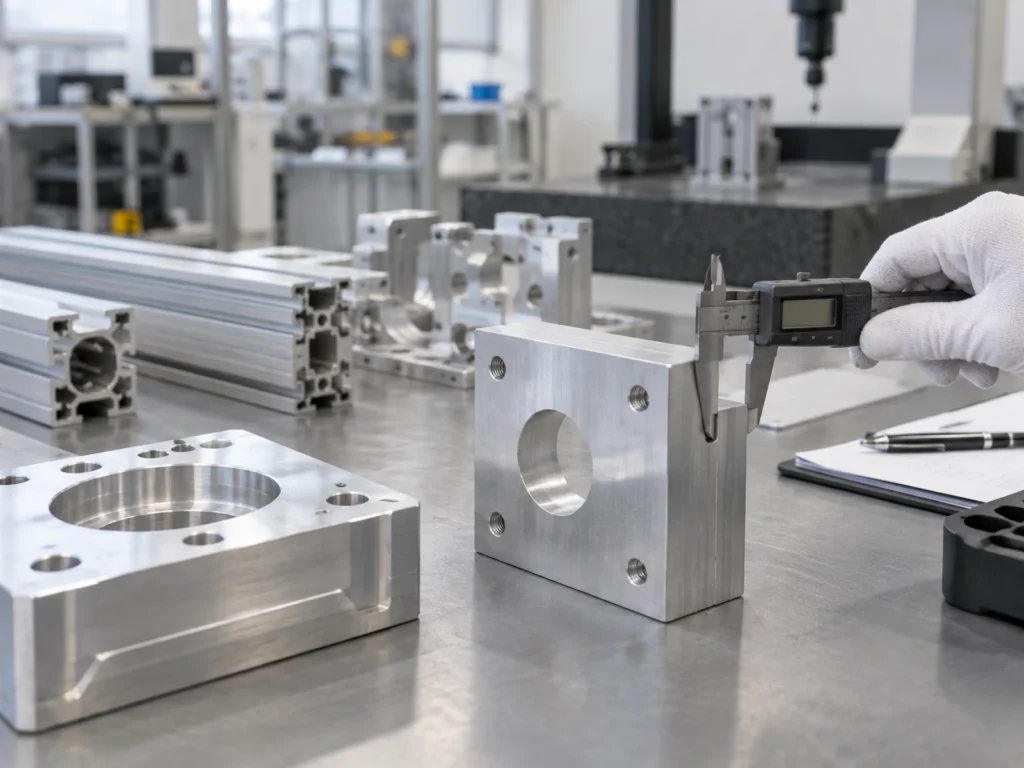
Check 3: define the complete package in the quotation
List the offered encoder, the named mounting parts and any referenced accessories as identifiable items. Keep quantity and supply responsibility beside each reference.
Ask whether the proposal replaces a component alone or an identified assembly. If several items are supplied together, have the quotation make that package explicit.
For a replacement review, put the existing approved references and proposed references in separate fields. Ask the responsible supplier to identify the supporting mechanical records for the change.
Keep electrical output and receiving requirements in the same project file under their own headings. Our encoder output guide addresses that interface review.
Retain the resolution definition separately too. The CPR terminology guide helps clarify what an abbreviated count entry means.
A complete purchasing package should let receiving staff identify what was ordered. Name any documentation or accessory that is due with delivery, and identify the party responsible for supplying it.
Check 4: retain the reviewed arrangement through delivery
Give the mechanical clarification a named reviewer and a recorded disposition. Keep unanswered items visible until the responsible party resolves them.
Retain the released drawing revision and the accepted component references with the final order. If the supplier changes an item later, ask which associated records need to be reviewed again.
Keep the supplied documentation available for the service team. A later spare-parts request should be traceable to the accepted arrangement without relying on somebody’s memory of the original quotation.
For a complete aluminum cutting machine, define the stock drawing and cutting task separately. Mechanical component records support the equipment file; finished-part acceptance still needs its agreed requirements and evidence.

Buyer questions about encoder mounting interfaces
Does the component name complete the mounting review?
Keep the location, applicable assembly drawing and named mechanical accessories with the identified component.
Can one manufacturer’s mounting example be used for another product?
Obtain the instructions and drawing applicable to the actual offered design. The AMT example has its stated product scope.
Should a replacement offer identify the mounting parts?
Ask the supplier to define the supplied package and the supporting records for the proposed change.
Make the machine enquiry easy to review
Send JiurunCut your actual stock drawing and cutting requirements. Include the applicable equipment records when encoder mounting interfaces form part of your purchasing question.