
Optical vs magnetic encoders compares sensing technologies used in motion feedback. For an aluminum cutting enquiry, record the actual component and installation conditions alongside the technology label.
A fictional machine comparison contains an optical encoder in one proposal and a magnetic encoder in another. The buyer has two category names, but still needs the configuration records to assess each offered arrangement.
Begin with what the feedback device measures and where it will be installed. Then review the component documentation against the actual application requirements.
Four questions that make the proposal clearer
- What sensing technology does the identified component use?
- What conditions apply at its installed location?
- Which mechanical and electrical interfaces are proposed?
- What evidence supports the complete machine requirement?
On this page
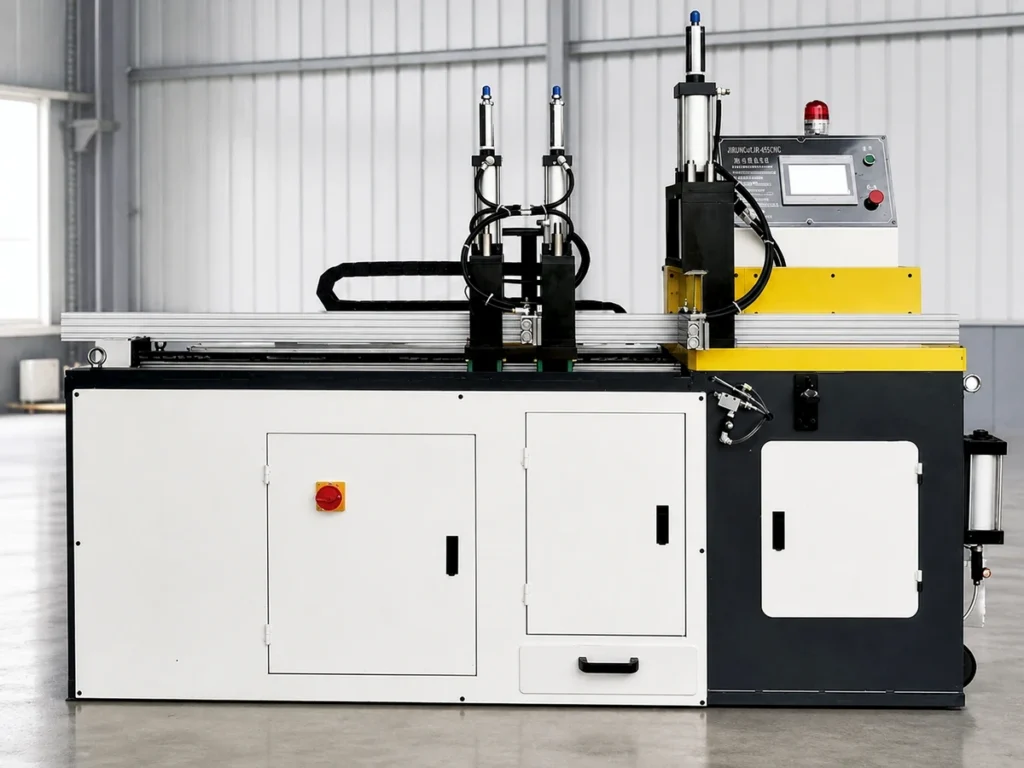
Check 1: identify what optical vs magnetic encoders describes
Broadcom’s August 2026 encoder-selection white paper describes optical encoders using a light source, a patterned scale or code wheel, and photodetectors. Movement changes the light pattern used to determine position.
Its magnetic-encoder description uses a magnetized target and a sensor chip to track rotation. These descriptions concern the physical sensing principle, rather than the complete specification of every product in either category.
Record the actual encoder reference in the quotation. Retain the variant or option information needed to identify the proposed item, along with its supporting data-sheet revision.
Ask whether the feedback is associated with a motor shaft, the moving axis or another identified part of the arrangement. Give the supplier a clear question about the actual location.
Keep the sensing technology and feedback architecture as separate fields. Our absolute and incremental encoder guide addresses that separate reporting distinction.
The category name is a useful starting point for understanding a proposal. Use the identified product records to establish the actual offered specifications.
Check 2: describe the conditions at the installed location
The same white paper notes that dust, condensation or oil can disrupt unsealed optical sensing. It identifies magnet quality, air gap, alignment and, for some magnetic designs, stray magnetic fields as relevant considerations.
Retain those qualifications. Review the actual product’s protection and installation requirements rather than treating a category label as an environmental rating.
Describe the installed location in the enquiry. State the conditions the supplier needs to assess, with the relevant layout and operating information for the proposed arrangement.
Ask which protective housing, sealing or other specified provisions are included in the offer. Keep their scope explicit so the comparison does not assume that an optional item is already supplied.
Identify the actual product limits and the source document supporting them. A broad claim such as suitable for a factory should be clarified against the stated application.
For an existing machine review, provide the component identity and the relevant installation record. Describe any observed issue factually, without assigning it to the sensing technology before the supplier reviews the evidence.
Ask who is responsible for confirming the environment and installed configuration. Keep the answer with the quotation or service review so the required assessment has a named owner.
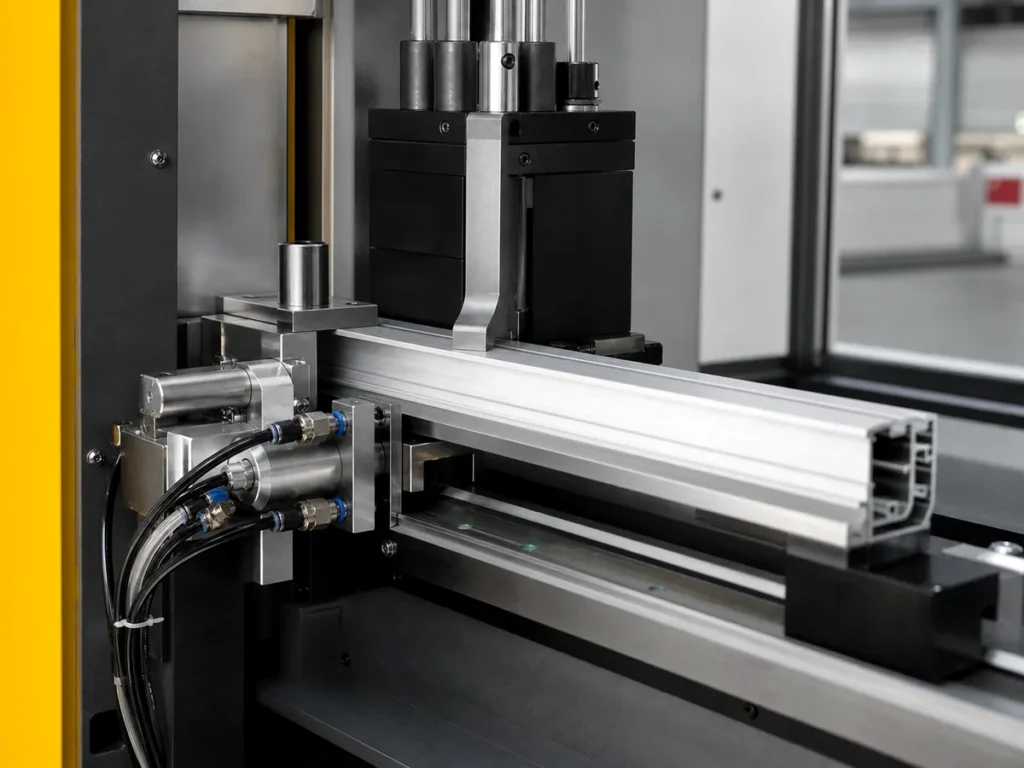
Check 3: review the mechanical and electrical interfaces
Request the installation drawing for the proposed component. Compare the complete identified interface with the arrangement described in the supplier’s offer.
Keep any mounting, target or alignment requirements in the controlled technical review. Actual installation work should follow the applicable equipment and component instructions.
Identify the specified output and receiving-system references. Ask the supplier to explain which documented combination it is offering.
Retain connector and cable references where they form part of the configuration. A convenient abbreviated product name should not conceal a changed option or interface.
If a resolution field appears in the comparison, keep the manufacturer’s quantity definition with it. Our encoder CPR meaning guide explains why the full expansion of an abbreviation matters.
For a replacement proposal, put the original and proposed component references beside each other. Ask the responsible supplier to identify the changes and the review required for the actual system.
Keep the proposed change separate from the released arrangement until it is accepted through the applicable review. A similar category name does not document that decision.
Check 4: keep component evidence and finished-part evidence clear
An encoder data sheet describes an identified component under its stated conditions. The cutting job still needs its own agreed requirements and evidence.
Provide the actual stock drawing, finished-length definition and required end features in the machine enquiry. Identify the material and representative job conditions used for the application review.
Ask what the supplier will demonstrate for the complete offered configuration. Record the agreed task and evidence rather than adopting a component field as a finished-cut promise.
Keep observed results connected to the actual trial and inspection method. The report should identify the configuration, workpieces and requirements being assessed.
Our inspection-resolution guide addresses the separate role of an instrument’s displayed increment. Preserve the quantity name when comparing different kinds of specifications.
If a quotation changes after a review, identify which earlier evidence remains applicable and what needs to be reviewed again. Retain the final controlled configuration with the acceptance record.
Organize the two fictional proposals by their actual records
The buyer can review the fictional optical and magnetic proposals using the same questions. Each answer should point to the relevant offered component or application record.
| Review item | Supporting information |
|---|---|
| Component identity | Complete model reference, options and data-sheet revision. |
| Installed conditions | Location, application conditions and specified protective provisions. |
| Interfaces | Installation drawing, output and receiving-system references. |
| Job evidence | Agreed cutting task, inspection method and configuration record. |
Leave a missing answer visible as an open item. Ask the supplier for the specific record needed instead of filling the field with a general statement about the technology.
A completed comparison identifies what is offered and what remains to be reviewed. It does not rank all optical or all magnetic products, and the fictional proposals contain no actual machine specifications.
Bring commercial scope into the same controlled package. Confirm which named components, accessories and support are included in the actual offer.
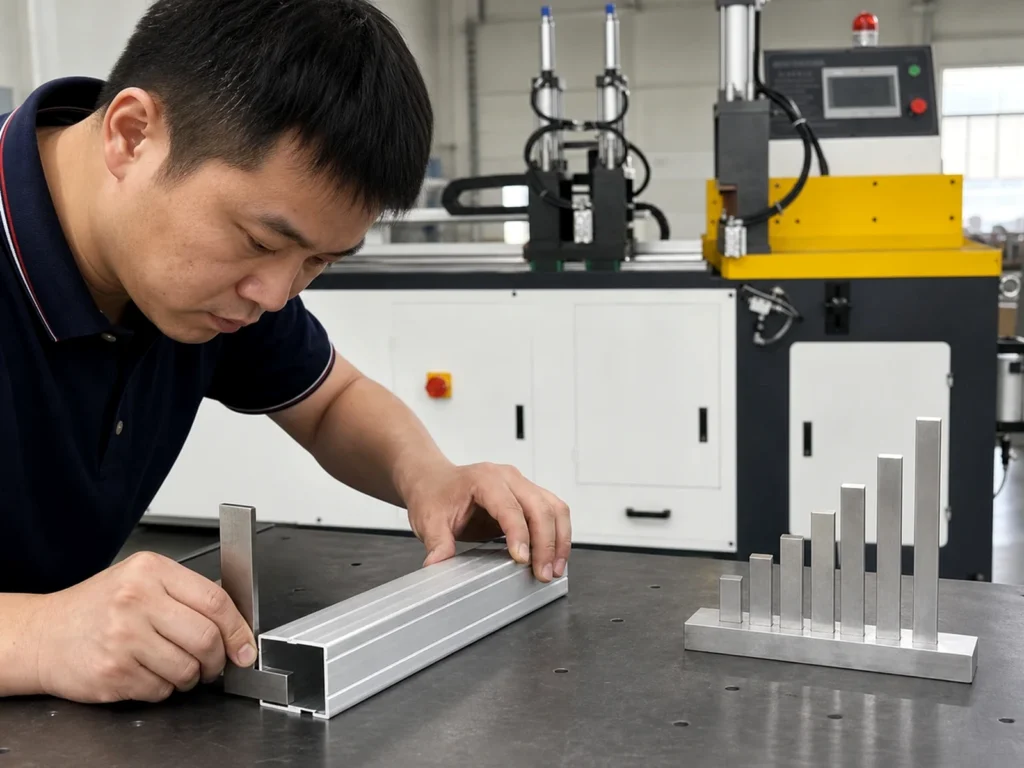
Questions to resolve before selecting the offered arrangement
Does the technology label identify every specification?
Obtain the exact model records and its proposed installation details.
Does a category name prove suitability for a dirty location?
Review the actual product requirements, protection and installed conditions with the responsible supplier.
Does a component field establish cutting accuracy?
Use the released part requirements and agreed evidence for the complete cutting task.
Make the feedback proposal part of a clear cutting enquiry
Send JiurunCut your actual stock drawing and required cut pieces. Compare optical vs magnetic encoders through the identified component and installation records when that choice is part of the offered configuration.