
Encoder jitter vs SDE compares two different questions. Jitter describes positional noise while an encoder is stationary. Sub-divisional error, or SDE, describes measurement error within one signal period. A smaller number is useful only after you know which quantity it represents.
When reviewing an aluminum cutting system, ask for the exact encoder and report reference. Then connect the stated result to its measurement conditions. Neither label, on its own, defines accepted cut length.
A quick report-reading route
- Identify whether the observation was stationary or mapped through a signal period.
- Keep the statistic, unit and measurement conditions attached to the value.
- Ask what separate evidence supports the finished-part requirement.
On this page
Error 1: comparing encoder jitter vs SDE as the same quantity
Renishaw’s optical-encoder FAQ defines jitter as positional noise in the output when the encoder is not moving. It notes that jitter is usually reported as an RMS value, but measurement methods vary and bandwidth matters.
The same FAQ defines SDE as error within a signal period. It relates that error to imperfections in the shape and centering of the output signal’s Lissajous figure, and explains that SDE can contribute to velocity ripple.
For a buyer, the first task is simpler than interpreting the whole diagnostic plot: find the report’s definition. A stationary time record and a position-error record through a signal period answer different questions.
| Report quantity | Question it addresses |
|---|---|
| Stationary jitter | What positional noise is observed while the encoder is not moving? |
| SDE | What measurement error occurs within one signal period? |
If a quotation says only “encoder error,” ask the supplier to identify the quantity and link the relevant report. Do not quietly rename that value as jitter or SDE to make it fit a comparison column.
An encoder’s reference type is another decision. Our absolute versus incremental encoder guide covers how the position reference is handled. Keep that choice distinct from these report quantities.

Error 2: dropping the statistic and test conditions
Write the value as a complete statement: the measured quantity, number, unit, statistic and method reference. Keep the encoder identification and report revision beside it.
For encoder jitter vs SDE, the statistic must remain visible. RMS, a peak value and a peak-to-peak range are not labels you can exchange without changing the result’s meaning.
A four-point arithmetic example
Imagine four invented positional deviations from a stated reference: +1, −1, +1 and −1 micrometre. This small list explains arithmetic only. It is not an encoder test, a realistic noise sample or a machine-performance claim.
- The mean of the four signed values is zero.
- The largest minus the smallest value is 1 − (−1) = 2 micrometres.
- The root mean square is the square root of (1² + (−1)² + 1² + (−1)²) / 4, which is 1 micrometre.
Thus “zero mean,” “1 micrometre RMS” and “2 micrometres peak-to-peak” can describe different calculations on the same invented list. Comparing the numbers without their labels would change the question.
Actual measurements need their own method and conditions. Four invented values establish no measurement bandwidth, duration, uncertainty or accepted noise limit.
Ask a stationary-noise report to identify its acquisition duration, sampling information, measurement bandwidth and any processing applied. A missing condition is an open question, not permission to assume it matches another report.
For a reported SDE result, ask how the positions within the signal period were identified and how the error was measured. Retain the reference, statistic and applicable conditions with the result.
Do not assign the four-point example to SDE. Without observations tied to positions within a signal period and the relevant measurement reference, that arithmetic has not described a period-error test.
Error 3: treating an encoder report as finished-part acceptance
Keep three records distinguishable: the component report, the equipment requirement and the finished-part acceptance definition. State which one a supplied number belongs to.
A procurement file might request an encoder report and a representative cut-length review. Those are separate deliverables. Identify the responsible supplier and acceptance method for each.
Define the part drawing revision, length datum, measurement method and sampling requirement for the cutting review. Keep those definitions consistent when the offered equipment configuration changes.
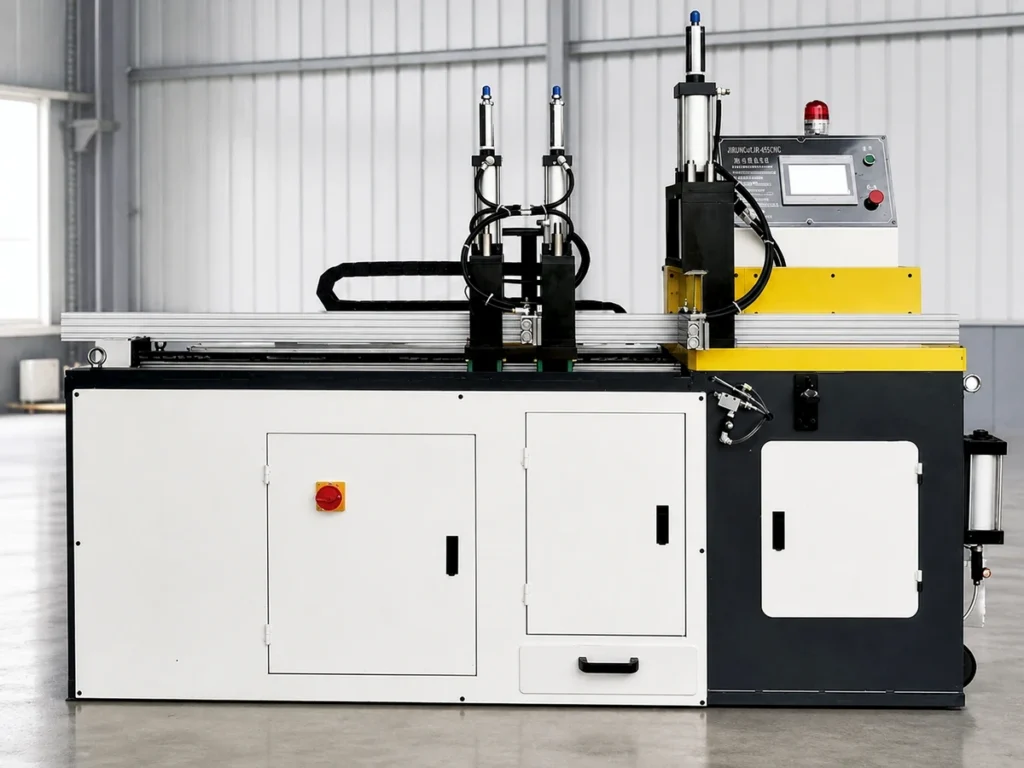
An encoder jitter vs SDE explanation introduces the component quantities. It does not establish a JiurunCut machine’s installed encoder, positioning accuracy, cut-length capability or accepted production results.
If a supplier links a component number to a machine claim, request the supporting evidence and its conditions. Record any remaining confirmation plainly before turning the claim into a purchasing requirement.
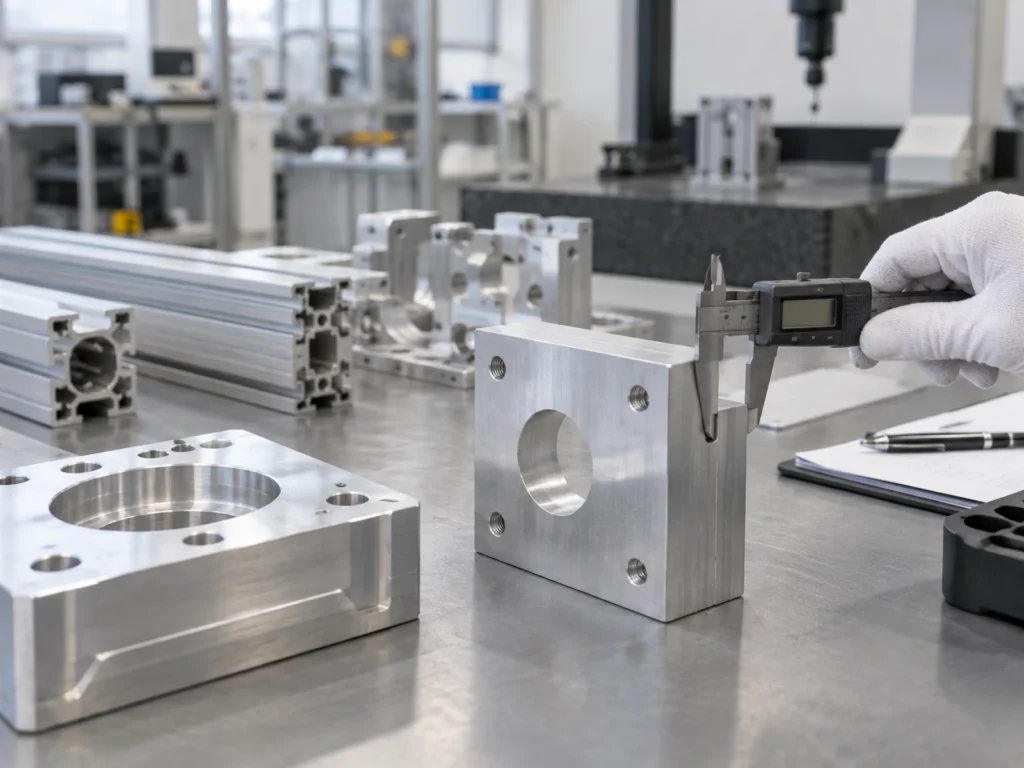
For a dimensional instrument, our caliper-resolution guide explains another useful distinction: the displayed increment needs its own interpretation. A finely divided display is not a replacement for the accepted measurement method.
A focused request you can send to the supplier
Use a short request with fields that can be answered directly:
Please identify the encoder and report revision. For each quoted value, state whether it is stationary jitter, SDE or another defined quantity. Include the unit, statistic, measurement method and conditions. Identify separately the evidence and acceptance method for the required finished-part length.
Attach the drawing and equipment requirement already being reviewed. Ask the supplier to mark each report and condition as supplied, pending or outside the offered scope.
Use the same fields for competing offers. This makes a missing bandwidth or undefined statistic visible without ranking incompatible numbers.
Does a zero mean show there is no jitter?
No. The invented example has a zero signed mean and nonzero RMS and range. Read the specified noise statistic.
Can a stationary record establish SDE?
It does not, by itself, identify error through a signal period. Ask for the relevant measurement method.
Does the smallest quoted value identify the best cutting system?
Keep the quantity and conditions comparable, then review the separate cutting requirement and supporting evidence.
Keep your aluminum cutting requirement clear
Send JiurunCut the profile drawing, cut-length requirement and batch quantities. If encoder jitter vs SDE appears in your equipment specification, attach the applicable report requirements so the proposal can distinguish confirmed information from items still needing review.