
Aluminum vs steel saw blades should be compared by their approved applications and machine fit. “Metal cutting” is not a complete blade specification. Before ordering a replacement or changing materials, identify the exact saw, blade and stock together.
A blade that physically mounts on an arbor still needs application confirmation. Use the five checks below to turn a vague replacement request into a clear purchasing record.
On this page
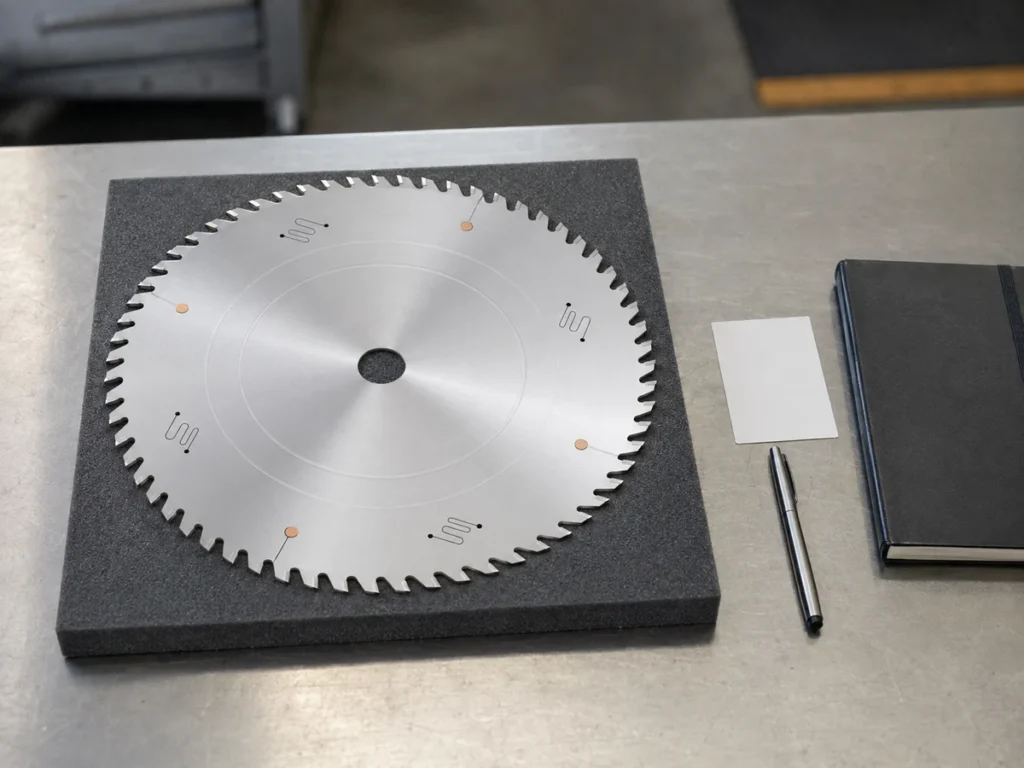
1. Read the material approval
Write the actual material into the request. Aluminum, steel and a combined assembly are different descriptions. Add the stock form and the section drawing so the blade supplier can review the intended application.
As one manufacturer example, Festool’s TF64 aluminum/plastics blade page lists aluminum profiles and nonferrous metals among its applications, and names compatible saw models. That product page illustrates how material and machine information appear together; it is not a recommendation for a JiurunCut machine.
Ask for the proposed blade’s current application documentation. If the supplier offers one blade for several materials, have it confirm those materials for your exact machine and intended work. A short catalog family name should not replace the product’s actual approval scope.
- Name the material and relevant stock condition.
- Identify solid stock, tube, profile or combined material.
- Attach the section drawing and required cutting operation.
- Request confirmation of the proposed blade and machine combination.
Do not treat “steel body” as permission to cut steel. A blade-body material description and a workpiece application description are different fields. Keep both visible in the quotation.
2. Identify the exact machine
Give the supplier the machine model and the applicable instructions for its installed configuration. If the equipment has changed, record the relevant change rather than relying on an old replacement order.
Festool’s blade guide organizes choices by individual saw models and lists the dimensions and blade families for each. The purchasing lesson is straightforward: a blade selection belongs to a defined machine, not just a general type such as “miter saw.”
For an industrial aluminum saw, ask the machine supplier to confirm the replacement specification. Include the existing approved blade identification if available. An old photograph can help locate a marking but cannot establish every dimension or application.
Our saw blade size guide explains the information to collect before discussing blade diameter and cutting capacity.
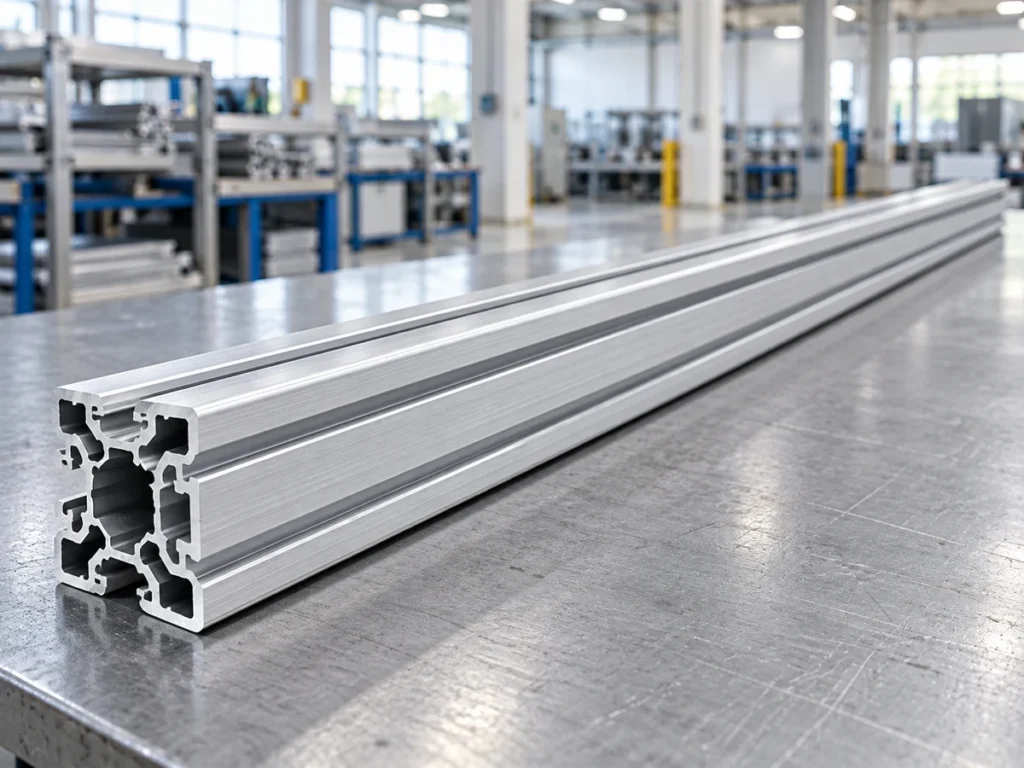
3. Compare all mounting dimensions
Compare the proposed blade with the full machine requirement. Diameter and bore are only part of the record. Blade-body thickness, cutting width and any specified mounting features also need confirmation.
Keep cutting width separate from blade-body thickness. Festool’s TF64 product page lists both as separate technical fields. Do not merge them into one value labeled only “thickness.”
Where a drawing or manual gives a required bore or mounting arrangement, preserve it in the purchase order. A supplier’s suggestion to use a different mounting part should return to the machine manufacturer for review.
Use our aluminum saw blade bore guide to organize the installation details. This article does not authorize adapters, modified blades or changes to the arbor.
Tooth count and geometry should also appear by their proper names. A similar tooth count does not prove that two products share the same cutting application. Review the blade tooth geometry guide when comparing these fields.
4. Read speed information in context
Identify whether the documentation gives a maximum blade speed, a machine speed range or a numbered setting on a particular machine. Keep the units and model context attached to the value.
A setting number from one manufacturer’s guide is not a universal spindle speed. Do not copy it into an industrial-saw setup sheet without the corresponding machine instructions and approval.
Have the responsible machine and blade suppliers review the actual combination. A blade speed marking alone does not confirm the suitability of the workpiece, holding arrangement or operation.
For the difference between rotational speed and cutting-speed information, see aluminum saw blade speed. Final operating instructions should come from the applicable equipment documentation.
5. Control replacements and material changes
Record what changed: blade product, tooth configuration, cutting width, stock material or machine configuration. Ask the supplier to state whether the proposed replacement is the same approved item or requires a fresh compatibility review.
Keep the original specification available while reviewing the replacement. If the proposed item differs, list the differences instead of describing it as “equivalent” without evidence.
Material changes deserve the same care. An approved aluminum job does not document approval of a later steel job. Obtain the relevant confirmation before accepting the change into production planning.
After compatibility is established, agree on the part-quality review appropriate to the order. That may include cut length, finish or other drawing characteristics. Our sample cutting trial checklist helps organize that review without treating a successful sample as approval for every future condition.
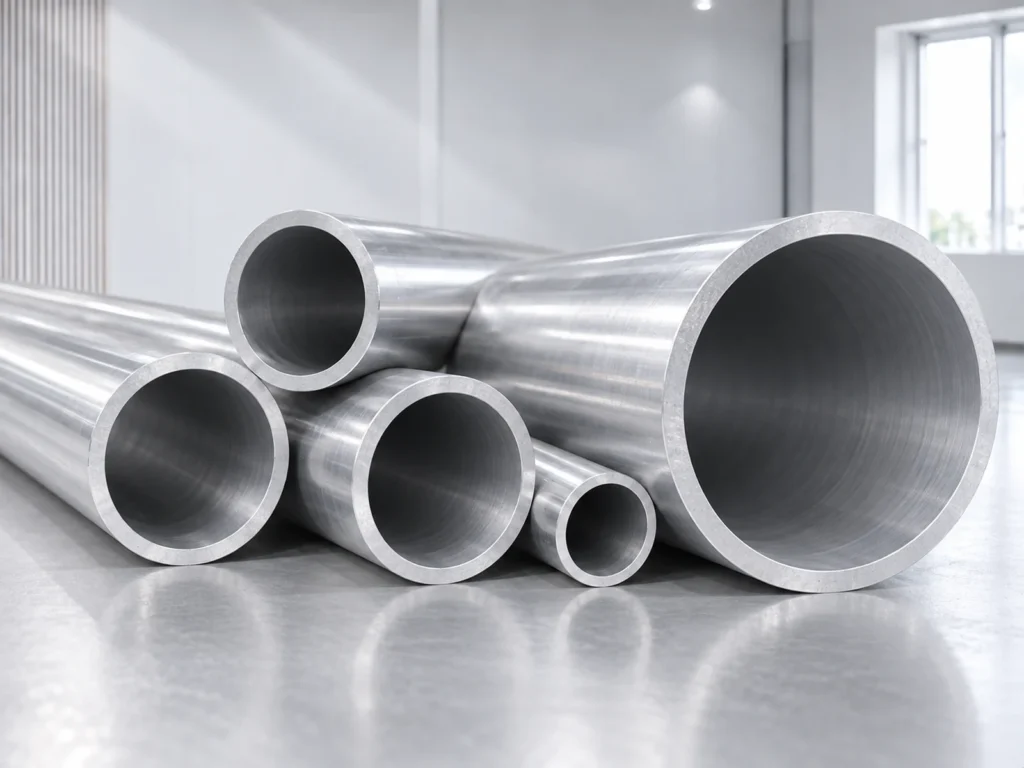
Aluminum vs steel saw blades: compare quotations
Consider these two hypothetical quotation descriptions:
| Quotation wording | What remains to resolve |
|---|---|
| Metal blade, same diameter | Exact product, material scope, bore, other dimensions and machine compatibility. |
| Identified blade for the stated machine and material | Verify the supporting documentation, actual configuration and any exclusions. |
The second description is easier to review because it preserves the intended combination. It still needs the supporting information; detailed wording alone does not establish approval.
A replacement-blade request
Please propose the replacement blade for the stated machine model and aluminum section drawing. Identify the blade product, approved materials, diameter, bore, cutting width, body thickness, tooth configuration and applicable speed information. List any difference from the current approved blade and provide machine-compatibility confirmation before order acceptance.
Attach legible existing markings, the machine identification and the relevant manual information. For a broader machine inquiry, send the profile drawing, cut lengths and quantities through our contact page.
Buyer questions
Can the word “metal” confirm a blade for aluminum and steel?
No. Read the exact product’s applications and confirm the machine and workpiece combination with the responsible suppliers.
Does a matching bore prove compatibility?
It addresses one mounting dimension. The rest of the dimensional and application requirements still need review.
Can I compare blades only by tooth count?
No. Keep tooth configuration, dimensions and approved application together when reviewing an offer.
Does this guide recommend a Festool blade for a JiurunCut saw?
No. The manufacturer references illustrate documentation fields. Request the approved specification for your actual JiurunCut model and configuration.