
Energy storage frame cutting starts with five checks: part identity, cutting datums, fixtures, assembly fit and batch records. Group cabinet rails, PACK-frame pieces and enclosure members by their finished-part drawings. Then test representative parts before approving a production setup.
Three things to remember
- Keep rail, upright and frame-member identities separate.
- Agree how length and angle are measured on each finished part.
- Check a representative assembled frame after cutting and handling.
On this page
1. Identify each energy storage frame member
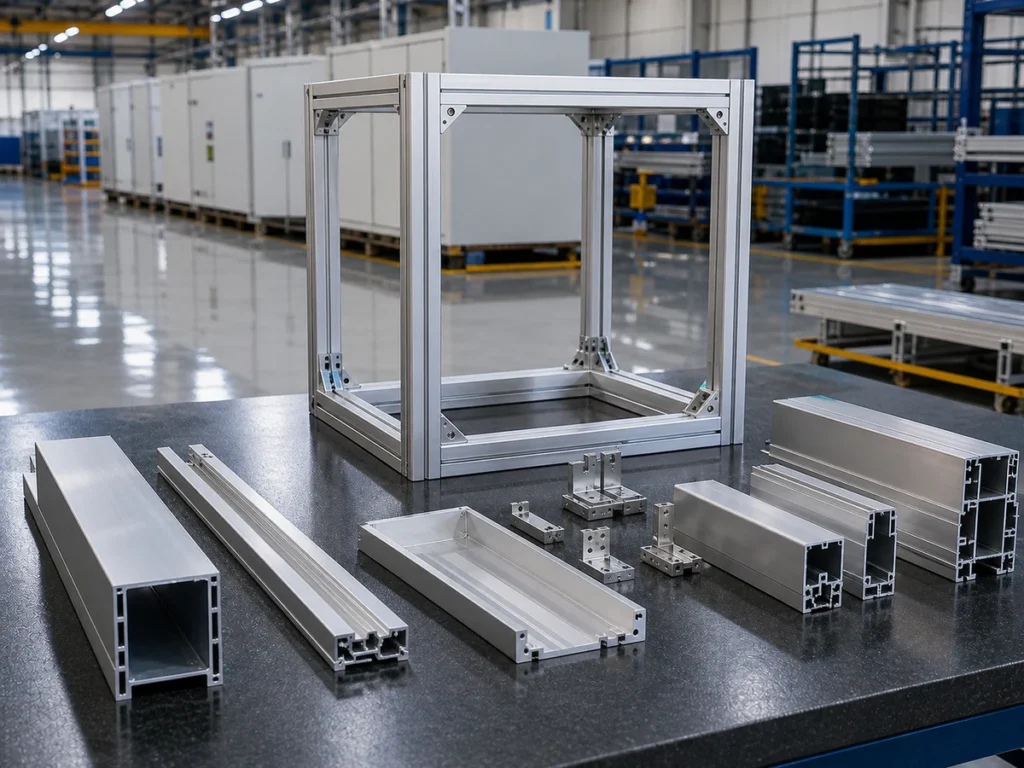
An energy storage project may include cabinet rails, PACK-frame pieces and enclosure members with different sections. Give each finished component its own part ID and drawing. Distinguish similar looking rails that differ in length, orientation or end condition.
Show how pieces are grouped into kits or batches for assembly. For example, label a left rail and its mirrored right rail separately, even if their nominal lengths match. Keep one kit together through cutting, handling and assembly. This makes a missing or reversed member easier to trace.
- Part ID and drawing revision
- Profile section and incoming stock
- Kit, batch and assembly destination
2. Define the cutting reference
State where the finished length is measured and which end or face establishes orientation. If angles or mirrored parts are present, label them explicitly. A program name is not a substitute for a current drawing.
Agree on the sample inspection method and keep it consistent between trial and production. The accuracy guide explains why a quoted machine figure and a finished-part measurement are not identical.
3. Match fixtures to each profile family
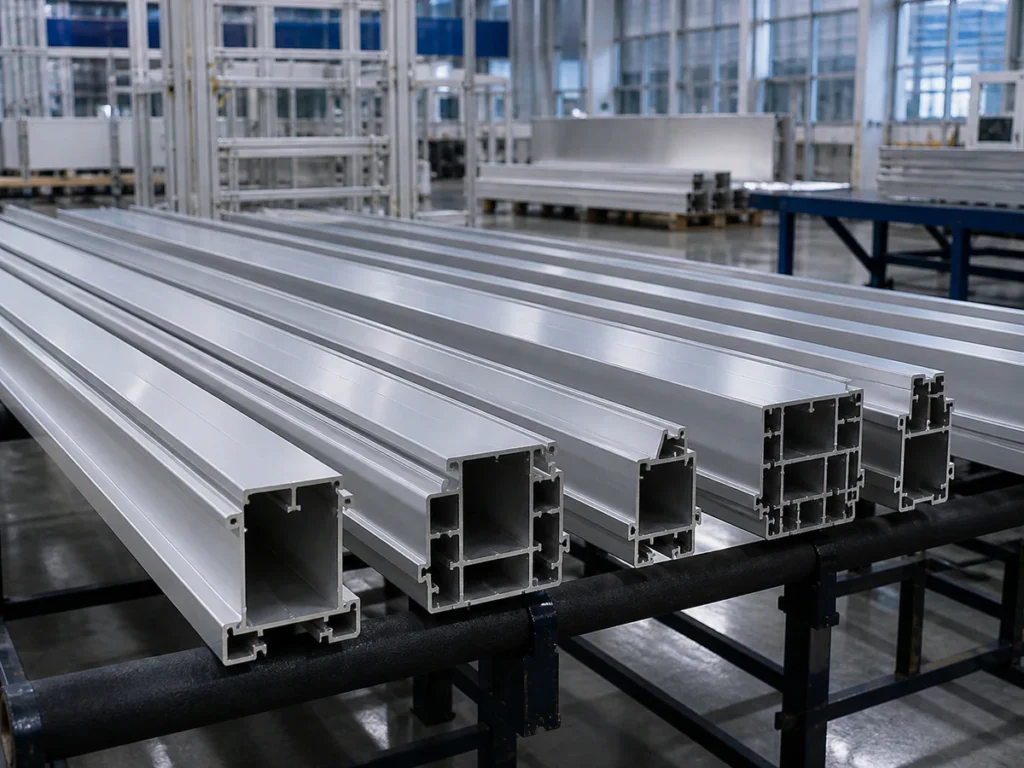
Different sections may need different supports or clamp contact points. Give the supplier an end-view drawing and identify visible or functional faces. Ask what changes when the line switches from a rail to a wider frame member.
For energy storage frame cutting, include incoming stock lengths and the shortest and longest finished pieces. Ask how the selected configuration supports stock before the cut and collects parts after it. A feeding arrangement should be reviewed against your actual section, not only its overall width.
- Contact locations
- Fixture changes
- Material flow and part collection
Part family
Information to send: Rail, frame or enclosure member
Question to ask: Which section and fixture does it require?
Cutting
Information to send: Datum, angle, batch quantity
Question to ask: How are first and later parts checked?
Assembly
Information to send: Joint and visible-face requirements
Question to ask: Does a representative frame fit after handling?
4. Check how the parts fit together
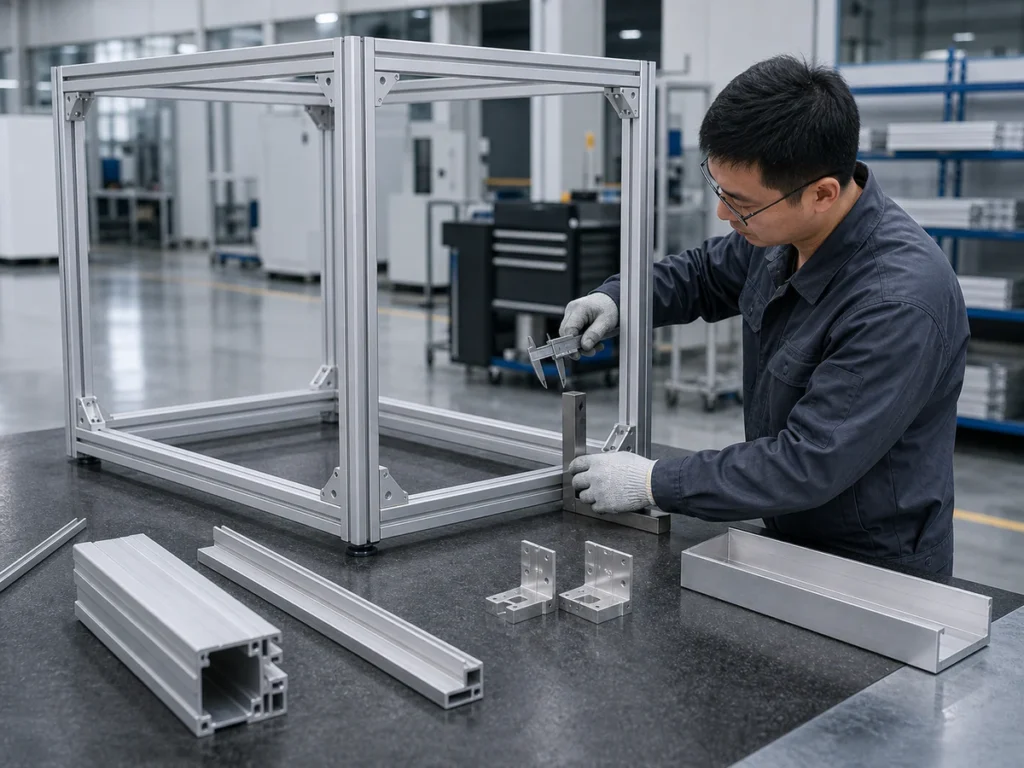
A cut part may meet an isolated length check yet create a fit problem in a frame. Select a representative assembly or joint for trial review, and note which surfaces must remain acceptable after handling.
This check supports a cutting decision; it does not certify the electrical, thermal or safety performance of the finished energy storage system.
5. Keep a clear production record
Keep the energy storage frame drawing revision, cutting program, fixture ID, first-piece result and batch ID in one record. When a component changes, update the cut list and inspection method together. Give operators one current version to follow.
JiurunCut’s energy-storage application page provides the broader project context. Send the available drawings through the inquiry form to discuss the actual profile set.
Common questions
Can one program cover a complete frame kit?
A kit can include several part IDs and sections. Confirm each program and fixture against its finished-part drawing.
Is a dimensionally correct part enough?
Not always. A representative assembly fit and surface check can reveal issues that one isolated dimension does not show.
Can sample cutting validate the whole storage system?
No. It supports review of cut aluminum components only; system-level validation is separate.
Discuss your cutting requirements
Share your profile drawing or photo, finished length, quantity and the cut issues you want to solve. We can review the application and discuss a suitable machine direction; a representative sample trial can then confirm the agreed criteria.
References and scope
This guide covers aluminum component cutting and assembly-fit planning. Recommendations depend on your drawings and samples. You can see machine operation examples on the Jiurun machinery YouTube channel; those demonstrations do not establish acceptance results for your energy storage frame.