
Two-hand controls on an aluminum saw can sound like a complete answer to a cutting-zone hazard. At a quotation review, however, the useful question is narrower: whose hands are kept away from which motion, for how long, and what prevents somebody else from reaching the same hazard? Two buttons on a panel do not, by appearance alone, establish a protective function.
This guide is for buyers comparing a proposed saw station and its acceptance evidence. It is not a safety design for a particular machine. The manufacturer and competent safety personnel must choose and validate safeguards for the actual machine, workpiece flow, access points, and applicable requirements.
Two-hand controls on an aluminum saw: define the hazardous motion
Map a complete production cycle: loading the aluminum extrusion, clamping it, blade travel, blade return, unclamping, part removal, and clearing an offcut. For each stage, identify where hands could enter the blade or pinch zone. A control arrangement that addresses blade advance may leave a separate exposure at the clamp or during access after a stop. Ask the supplier to mark those boundaries on the proposed layout and explain the safeguard for each one.
The ISO 13851:2019 overview describes requirements for a two-hand control device and says selection is based on risk assessment. It does not prescribe that every saw use one or specify the right device for a particular saw. That distinction matters when comparing quotations: the presence of two pushbuttons is a feature description, while the protective function needs a defined hazard, operating mode, and verification.

Which person does the device protect?
For two-hand controls on an aluminum saw, ISO 13851 states a key limit: a device protects only the person using it. That person can keep both hands at the actuators while another worker handles stock, removes parts, or reaches an opposite side of the station. A long profile may also extend beyond the operator’s immediate view. In a buying review, draw the operator position, infeed and outfeed, offcut collection point, and any maintenance access. Then ask what prevents entry at each position while hazardous motion is possible.
The UK HSE machinery-safety introduction lists guards, interlocks and two-hand controls among safeguarding methods and tells users to consider how people actually use machinery. It also calls attention to safeguards that are inconvenient or easy to defeat. A sound station layout must make normal loading and unloading practical without asking operators to reach around a protection measure.
Ask what happens on release, reset and restart
If a quotation specifies two-hand controls on an aluminum saw, request a written description of what motion is permitted while both actuators are used, what happens if either hand is released, and how a new cycle is initiated. Include an interrupted cycle and a jam or misfeed in the acceptance scenario. Do not infer a safe stop from the blade merely appearing to slow; the supplier needs to identify the relevant hazardous motion and demonstrate the intended response on the delivered configuration.
A Rockwell Automation application note gives one component-specific example in which removing either hand removes power from a defined hazardous motion. Its timing, components, and safety rating belong to that example. They are not specifications or proof for a Jiurun saw or for any quotation under review. Ask for the actual machine’s documentation and validation record instead of copying a number from an unrelated circuit.
Treat guarded access as a separate decision
An enclosure, door, or window can address a different path into the cutting zone than the operator’s two-hand position. The quotation should show which access openings remain during the cut, whether the operator must open a guard for routine part removal, and how stock enters and exits. A photograph of a closed cover cannot establish its interlock behavior, stopping time, or suitability for a particular profile and cycle. These are acceptance questions for the specified machine.
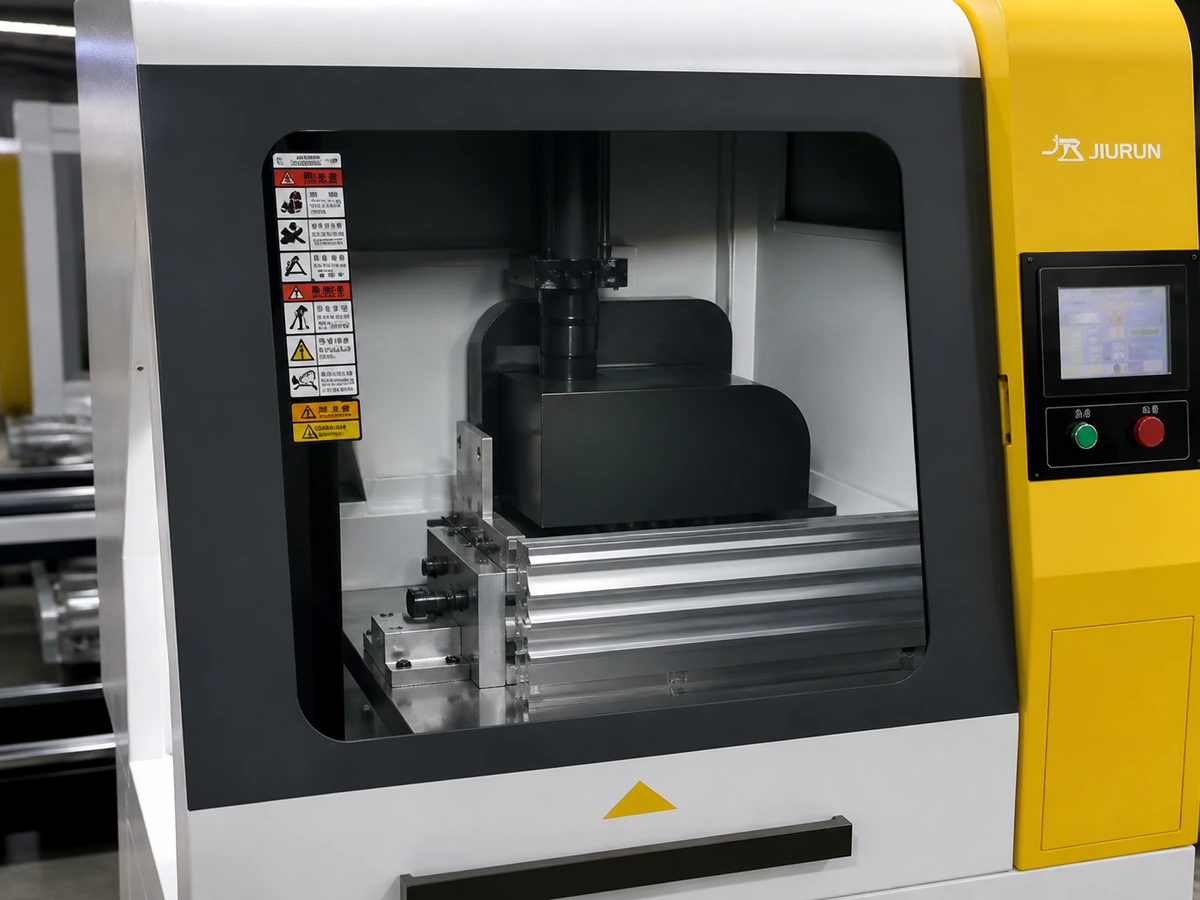
For dual-head equipment, the sequence of clamp, cut and return can differ from the impression given by the machine silhouette. See the related guide on double-head saw cut sequence when defining which movements the operator must observe during a trial.
Observe the real work area at acceptance
Run the acceptance review with a representative profile length and the planned number of people at the station. Observe where the operator stands, how the extrusion is supported, where offcuts land, and whether anyone is tempted to reach past a guard to clear a part. Document the intended cycle, foreseeable interruptions, and the supplier’s explanation of protection at each exposed location. Have qualified personnel assess and validate the safety function; an editorial checklist cannot certify it.
Related saw footage, with its limits
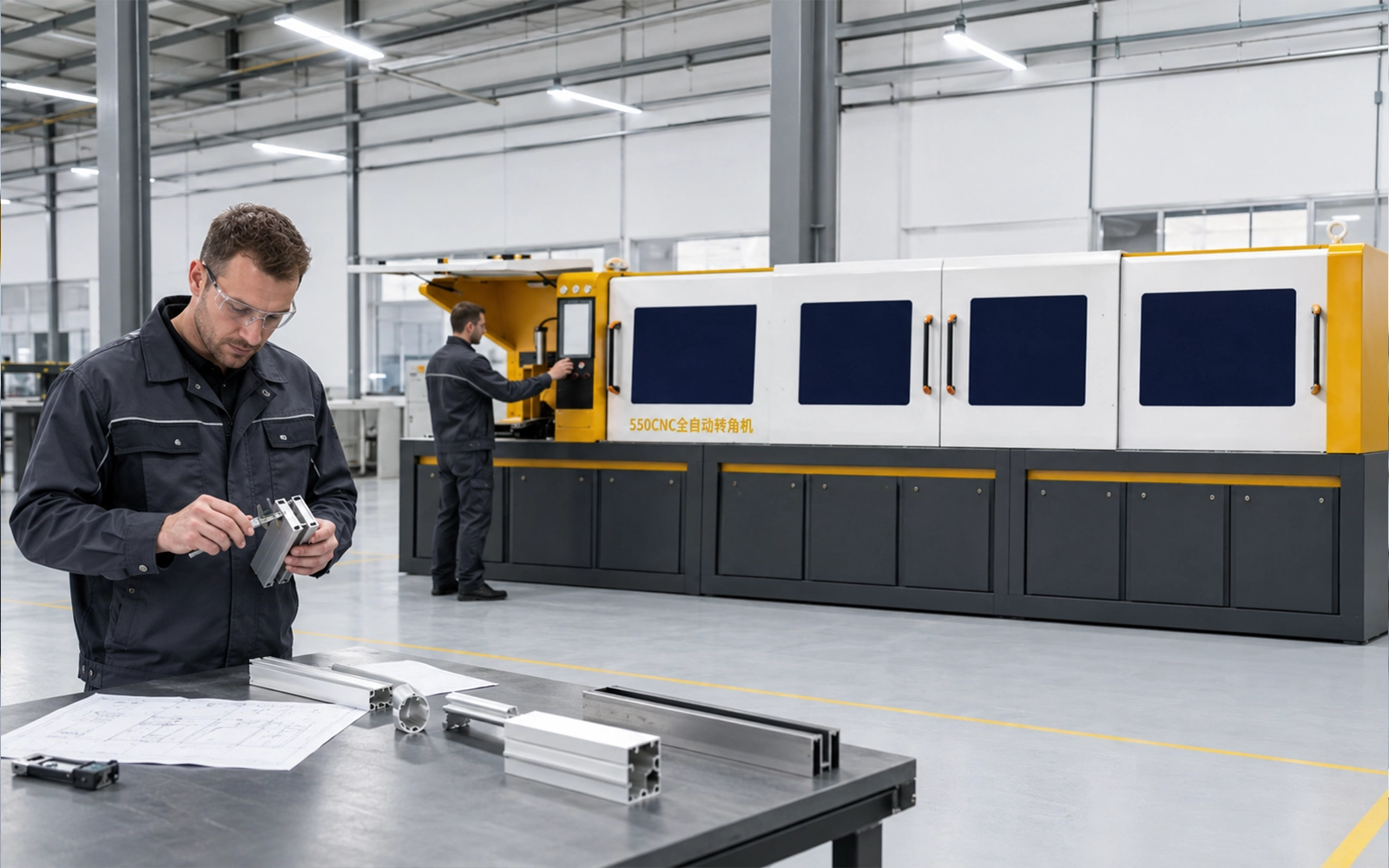
The following video from Jiurun’s own channel shows a related aluminum saw and clamping process. It does not demonstrate a two-hand control device, verify any particular guarding arrangement, or establish stopping performance for the configuration discussed here.
What to put in the purchase handoff
When requesting a saw quotation, send the profile drawing and cut list together with the intended loading direction, operator positions, other-person access, and offcut handling. Ask the supplier to identify the proposed protective measures, the hazardous motions they address, and the evidence that will be demonstrated on the actual delivered machine. If two-hand controls on an aluminum saw are proposed, request their documented function and validation rather than accepting the words “two-hand start” as the whole safety specification.
Send Jiurun your profile drawing and work-area requirements for a machine-configuration discussion. Final safeguard selection and acceptance must be based on the actual equipment and the buyer’s site risk assessment.