
A passenger information display may need an aluminum surround, a service frame, or rails that attach the display module to an approved support. Those cut parts are only one part of a working station or vehicle information system. A useful RFQ therefore starts with the approved display and frame drawings, then asks the saw supplier to prove that it can deliver identifiable members to those drawings.
This guide gives buyers and fabricators a cut-list method for passenger information display aluminum frames. It focuses on profile geometry, datum choices, piece identification, trial cutting, and handoff. It does not select the screen, certify a rail installation, or establish an electrical or structural rating.
1. Passenger information display aluminum frames: define the boundary
Start by identifying who owns the complete display assembly. For passenger information display aluminum frames, a station operator or system integrator may specify the screen, environmental enclosure, mounting hardware, wiring access, and maintenance path. The extrusion buyer should then isolate only the aluminum members to be cut. If the scope is ambiguous, a fast saw quote can be accurate for the wrong part list.
- Record whether each item is a perimeter member, rear mounting rail, internal stiffener, trim, or service-access piece.
- Keep station, concourse, platform, and vehicle variants in separate drawing revisions.
- Mark bought-in corners, hinges, fasteners, gaskets, screen modules, and electrical parts outside the saw-cut scope.
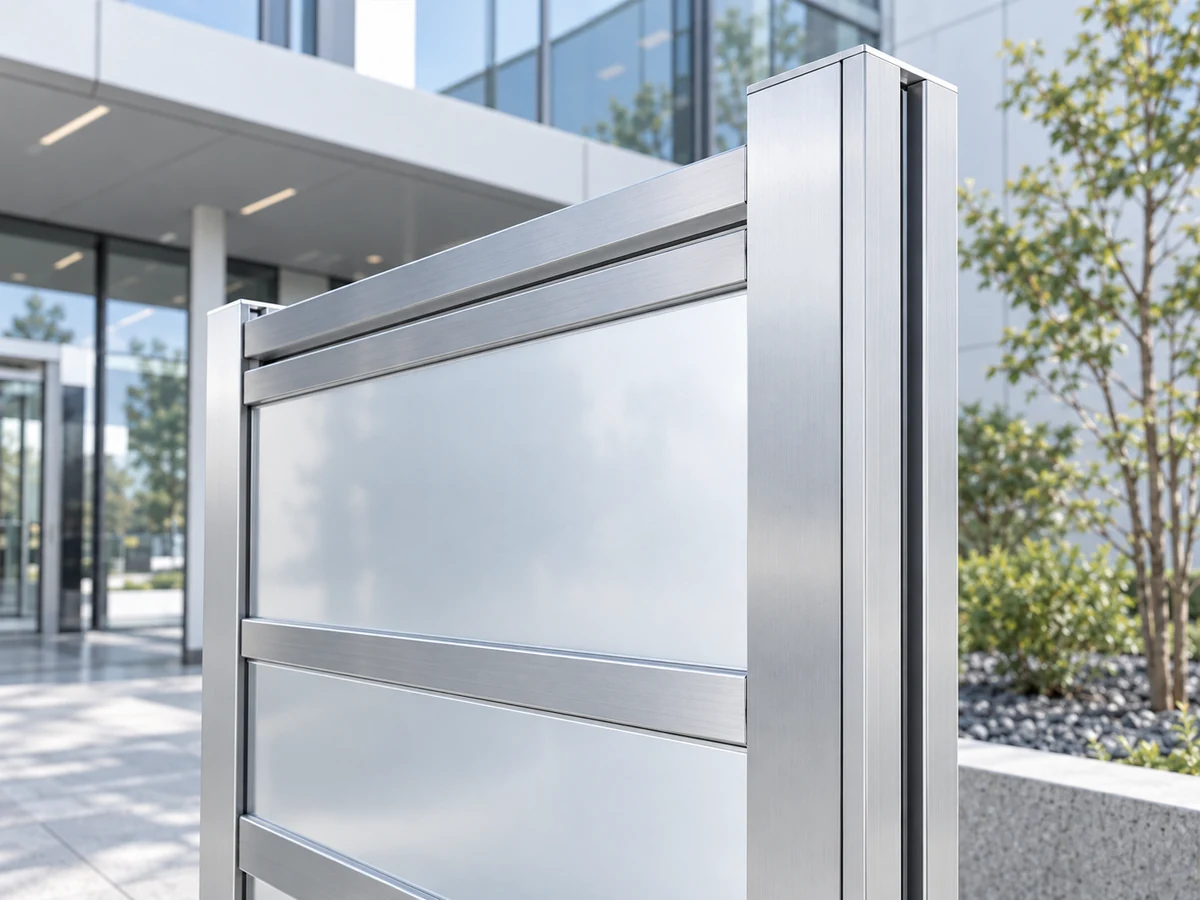
2. Convert the approved assembly drawing into cut datums
A screen’s visible area is not automatically the saw length of a frame member. The cut-list owner should state whether a length is measured to the outside corner, a miter point, a square-cut end, or a hole datum. Include section orientation so the operator knows which face contacts the fence and which end is the reference end.
For every part number, provide the profile drawing and revision, alloy and temper as approved by the project engineer, finish state at cutting, nominal length and project tolerance, end angle, handedness, quantity, and downstream operation. Specify whether end burrs or witness marks are acceptable on visible surfaces. Do not substitute a general extrusion tolerance for a project-specific acceptance limit: the Aluminum Association’s extrusion tolerance guidance explains why section dimensions and manufacturing variation require explicit review.
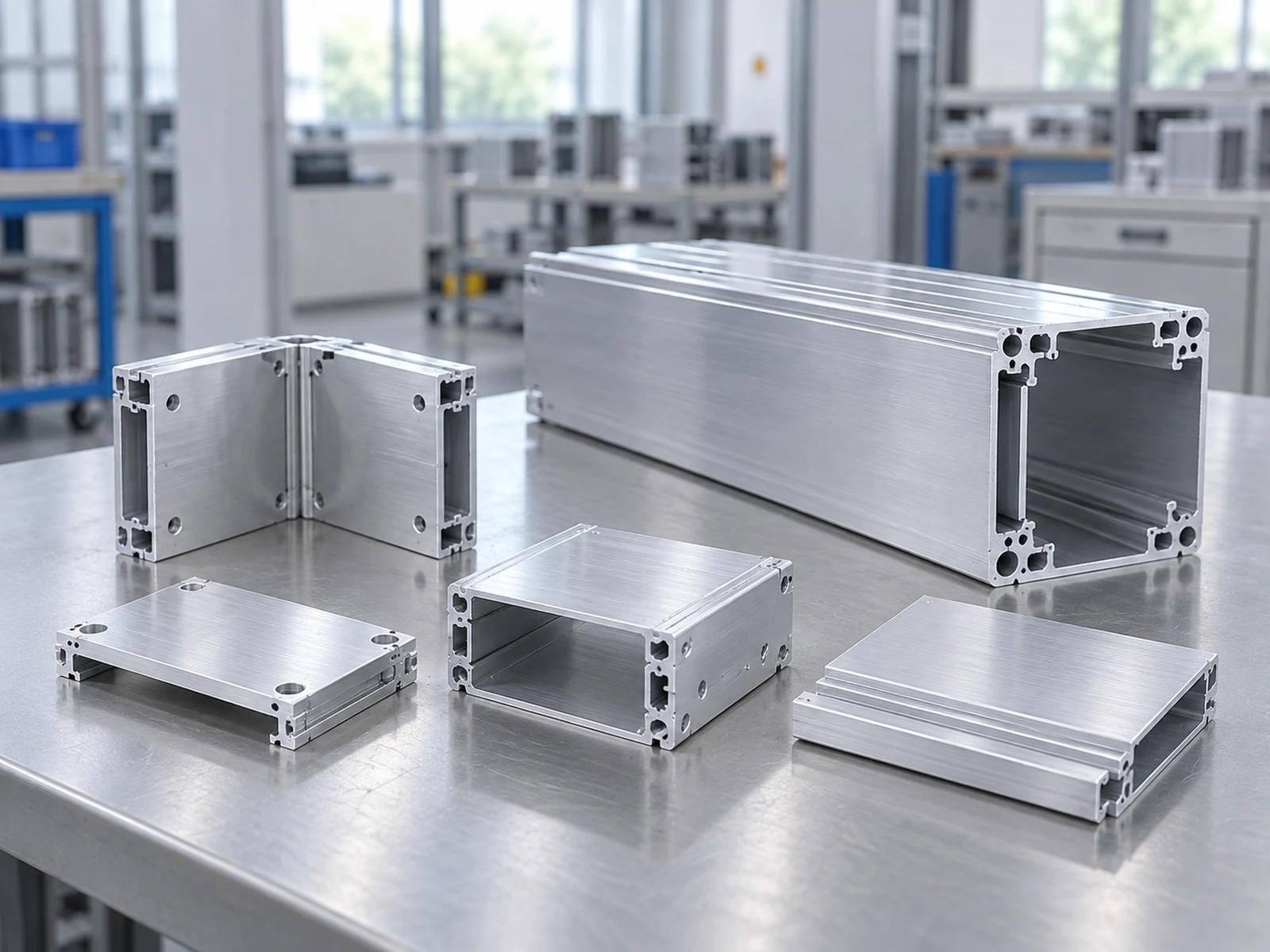
3. Check mounting and service access with the integrator
The frame has to coexist with the display module, fasteners, cable route, and maintenance plan. Request the integrator’s interface drawing before fixing a rail length. The drawing should show hole or slot locations, attachment face, required clearances, and any removable side or rear member. A nominal rectangular perimeter can still produce an unusable kit if its member handedness or access opening is wrong.
Keep structural load, vibration, weather exposure, fire behavior, electrical safety, and installation approvals with the responsible design and certification teams. A cut trial can show an end geometry on an approved profile; it cannot certify a complete passenger information system. Public examples from Siemens Mobility’s digital station solutions and Alstom’s passenger information solutions illustrate the wider system context. They are context sources, not evidence that these companies use the pictured Jiurun equipment.
4. Request a trial on the real profile and end condition
Before approving a production cut plan, provide the actual project extrusion and a controlled drawing revision. Ask the machine supplier or cutting shop to show its workholding arrangement for the most difficult section, the specified end angles, and the critical surface. Check length from the stated datum, angle, burr condition, visible-face marking, and whether the member mates with its intended counterpart. Record the gauge or method used. If no representative profile is available, label the trial as a process demonstration rather than a project acceptance test.
Blank length and nesting deserve their own review. Part family, kerf allowance, trim allowance, profile orientation, and batch sequence affect yield and handling. The Aluminum Association describes cutting as an early fabrication step; the cut plan should anticipate later drilling, joining, finishing, and assembly rather than treating a clean saw end as a finished display frame.
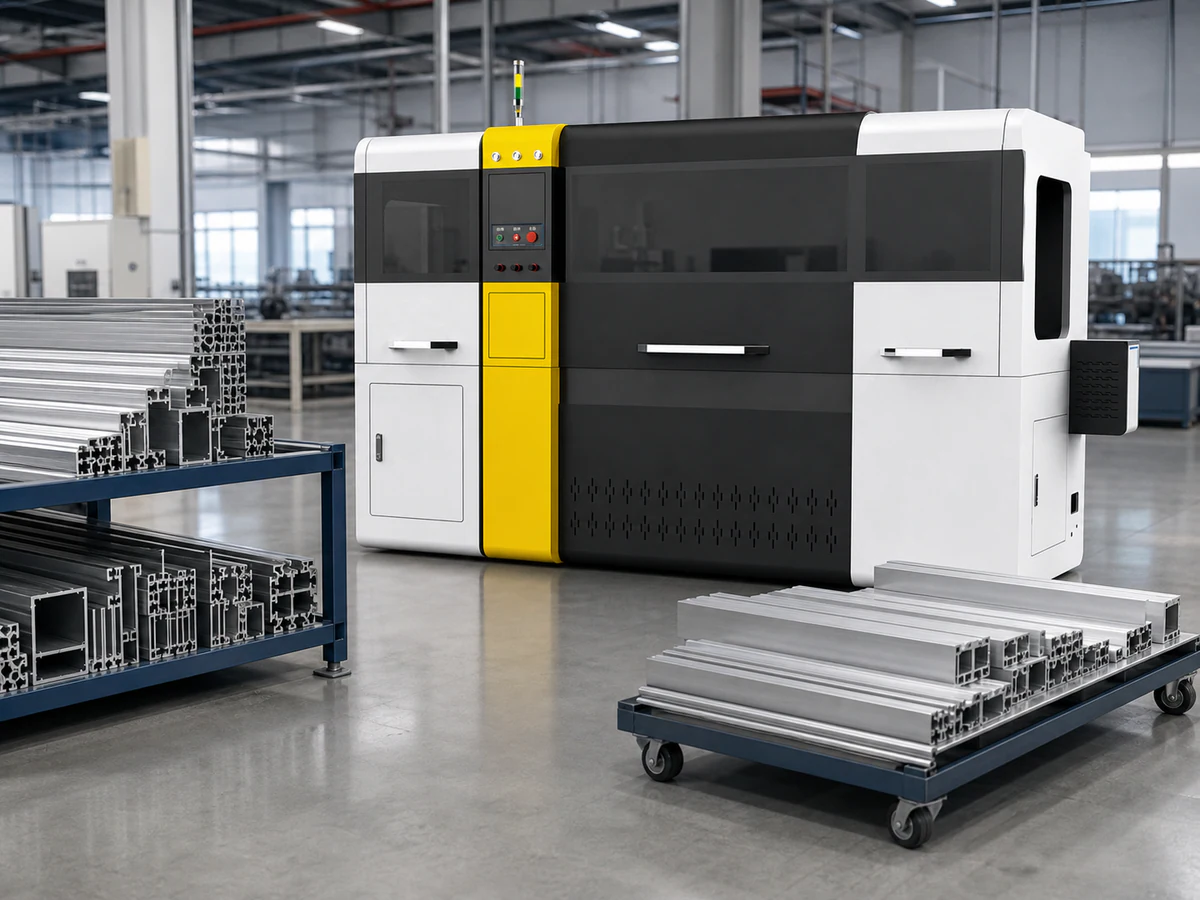
5. Build a handoff pack that prevents mixed kits
After acceptance, label each cut member by part number, drawing revision, length, orientation, finish state, and batch. Keep left- and right-hand pieces distinct. A station sign family can contain similar-looking lengths with different mounting holes or service openings; a mislabeled bundle can shift a cutting error into installation. Match packing to the assembly sequence and protect the visible face.
| RFQ field | What to send | What to verify |
|---|---|---|
| Scope | Approved member list and assembly boundary | Cut parts separated from screen and electrical system |
| Geometry | Profile and frame drawings with revision | Datum, orientation, end angle, and mating corner |
| Acceptance | Project tolerances and visible-face rules | Trial report on representative extrusion |
| Handoff | Part labels, quantities, and packing plan | Handedness and revision remain traceable |
Related equipment demonstration
The following video is from Jiurun Machinery’s own channel and shows related aluminum cutting equipment. It is a general equipment demonstration, not a passenger-display-frame cut trial or proof of any material, model configuration, customer installation, tolerance, or output rate discussed here.
Frequently asked questions
Can a saw quote cover the complete passenger information display?
No. It can cover specified aluminum cut members and the related cutting process. Screen, controls, wiring, mounting design, installation, and system approvals need separate owners.
Is a CAD screen width enough to set rail length?
No. The approved frame drawing must define the cut datum, corner joint, clearance, and any post-cut operation.
What makes a useful sample cut?
It uses the approved or truly representative extrusion and records the drawing revision, workholding, end geometry, measurement method, and acceptance result.
Send the right information for a cutting review
If you are sourcing cut aluminum members for a passenger information display frame, send Jiurun Machinery the profile drawing, part-level cut list, specified end conditions, visible-face requirements, sample availability, and intended batch size. We can discuss a cutting process against that defined scope. For a different panel-frame application, see our retail display frame cutting guide; the same drawing discipline applies, while project acceptance remains separate.