
Multi-angle cutting machine quotes can carry the same model name and cover different purchases. One may cover the base machine; another may include fixtures, stock support and operator training. Compare what each offer provides for the parts you actually need to cut.
For multi-angle cutting machine quotes, match the workpieces and quoted configuration first. Then identify what you must supply or buy separately before comparing the total purchase.
Are your quotations covering the same job?
Share your profiles and the scope differences. Ask JiurunCut to identify what belongs in the machine proposal.
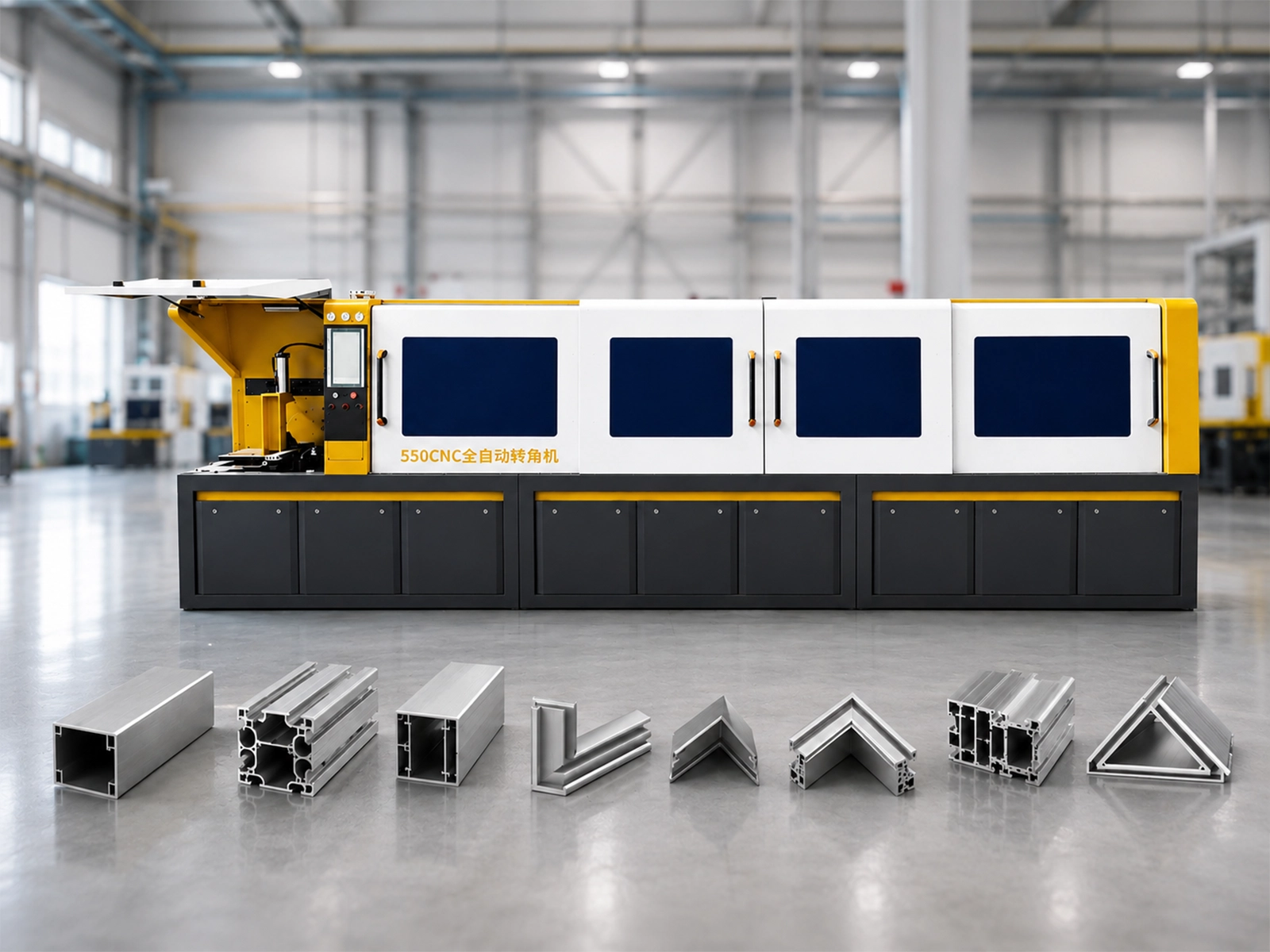
Start with the same workpieces
Suppose you need to cut a coated frame profile and a shorter corner member with a different cross-section. Give each supplier the same drawing revision, end-cut requirements, finished-length reference and stock length. Mark any visible surface that must be protected.
Keep both parts in the comparison. A quotation prepared around the frame profile alone leaves the shorter member unresolved, even when the machine name matches. Our automatic multi-angle buying guide covers the wider workpiece questions.
An illustrative base-machine offer and a fuller package
The following offers are fictional examples with no prices. They show how scope changes a comparison; they do not describe JiurunCut packages or current terms.
Offer A: the base machine
You receive a quotation for the named machine with its listed standard equipment. It excludes profile-specific fixtures, additional stock supports and operator training. You would need to establish whether the supplied arrangement suits both parts, then arrange any missing items before running those jobs.
Offer B: the machine with job-specific preparation
You receive a quotation that also lists fixtures for both submitted profiles, infeed and outfeed support for the specified stock, and operator training using your cut list. It describes how the fixtures will be reviewed and what the training covers. Those items form part of the proposed package.
A higher headline total could reflect that additional scope. A lower total could suit you if you already have compatible equipment and trained operators. You need the missing-item costs and responsibilities to judge either offer fairly.
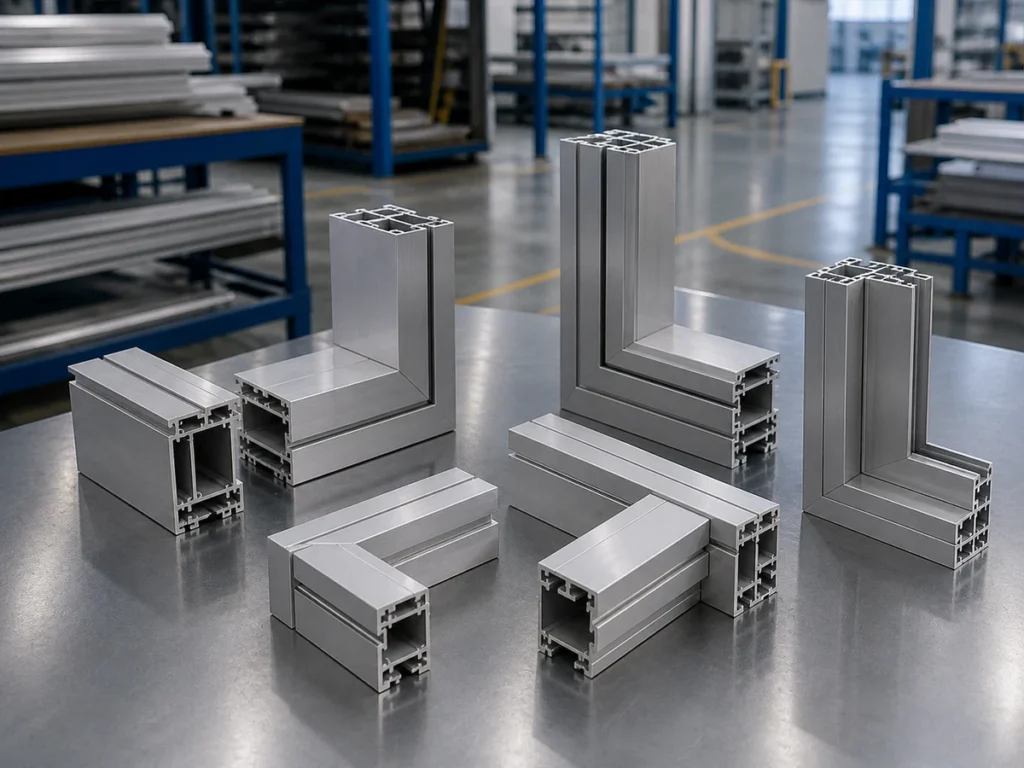
Make the differences visible
List the fixtures, supports or training included in each offer, alongside anything your workshop will supply.
Compare multi-angle cutting machine quotes item by item
Use a short comparison sheet with a row for each item and a column for each offer. Write “included,” “optional,” “buyer supplied” or “unconfirmed,” with the relevant quotation wording.
- Fixtures: Identify the profile each fixture covers. Ask whether its design, manufacture and sample review are included. A fixture for the frame profile does not establish coverage for the shorter member.
- Stock support: Check the support arrangement against your bar length and finished-part handling. Clarify where the supplier’s equipment ends and your workshop’s equipment begins.
- Training: Ask whether it covers loading your profiles, setting up the quoted fixtures and running your cut list. Confirm its delivery method and who needs to attend.
- Sample review: Agree which parts will be cut and how you will inspect their lengths, end angles and visible surfaces. Record whether review work is included or separately quoted.
Mark any unpriced item as an open cost in your comparison. Add confirmed costs for required extras to the base offer. Check whether freight, taxes and installation work sit inside or outside each total. Avoid counting an item twice.
Match each photograph to a quotation line
Photos help you identify questions about an offer. Number each photo, record its date or supplied revision, and ask which quotation number and revision it represents. For each item, describe the visible location, copy the relevant quote wording, and keep the following answers separate:
- Visibility: Visible, Partly visible, Not visible or Unconfirmed. Put observations such as “holding of the shortest part not demonstrated” in the observation field. A missing view does not prove that equipment is excluded.
- Scope: Included, Optional, Buyer supplied, Excluded or Unconfirmed, supported by the written quotation. For an Optional item, record “Selected” and “In quote total” separately as yes, no or unconfirmed.
- Version relationship: Matches, Differences listed or Unconfirmed. Ask the supplier to explain the relationship between the photo and quoted supply. Differences listed means differences have been identified; it does not mean you have accepted them. Included does not establish Matches, and Matches does not establish suitability for your part.
The three rows below are hypothetical examples, not Jiurun configurations or actual quotations. You can copy these columns into your own comparison sheet without downloading a template.
| Hypothetical situation | Photo evidence / visibility | Written scope | Version relationship | Next evidence or action |
|---|---|---|---|---|
| A photo shows an unidentified component, with no corresponding quote line. | Record its location and photo number; Visible. | Unconfirmed. | Unconfirmed. | Ask the supplier to identify the component and link it to a quote item, or explain its exclusion. |
| A quote expressly includes support, but the supplied photo does not show it. | Record which view you checked; Not visible. | Included according to that quote wording. | Unconfirmed. | Request a numbered support view or layout and identify exactly which support the quoted item covers. |
| The connection between a photo and the quote revision is unknown. | Record the photo reference and actual visibility. | Keep the quotation-supported status; otherwise Unconfirmed. | Unconfirmed. | Request the matching quote revision and any differences between photographed and supplied equipment. |
Keep the supplier’s reply, document reference and review date with each row. If part suitability remains unresolved, request an explanation tied to your drawing and agree any necessary sample checks. A photo-to-quote match closes a document question, not a workpiece acceptance check.
Get the final scope into the quotation
Ask for a revised quotation when the discussion changes the equipment or responsibilities. Put the agreed profile references, supplied items and exclusions in that revision. Treat an unanswered scope question as open when you make your decision.
Jiurun’s catalog lists automatic feeding, positioning and cutting for JR-550CNC-CORNER. Use the JR-550CNC-CORNER product page to start the model discussion. Confirm your required cuts and the exact supplied configuration in the quotation.
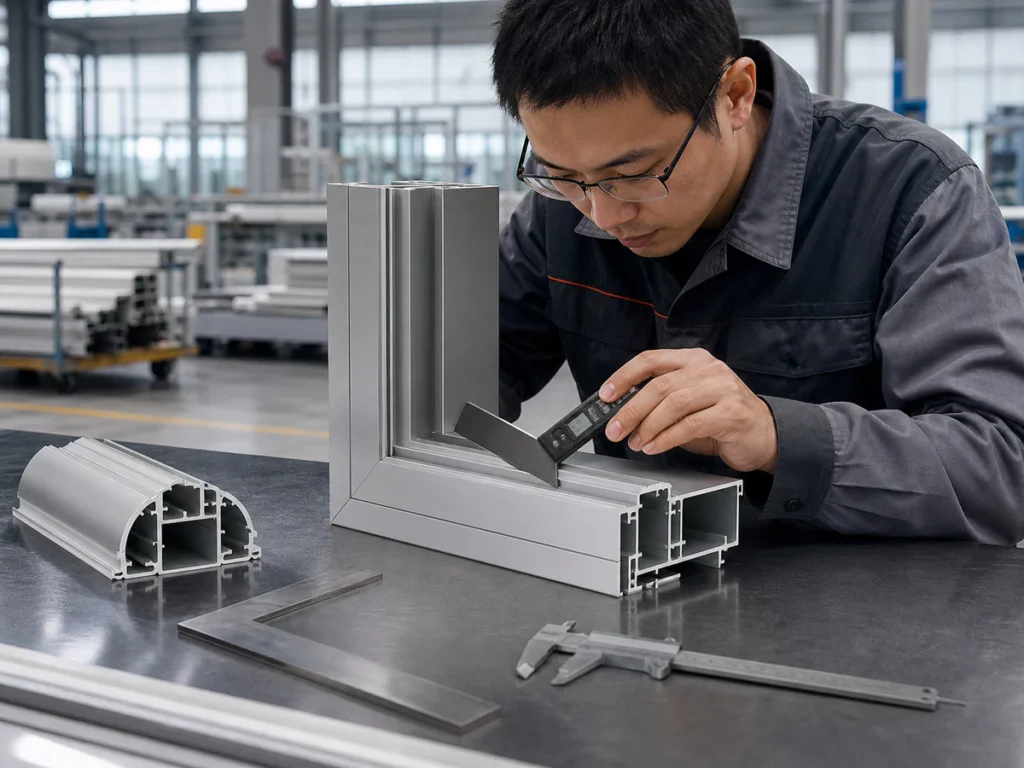
Watch: JR-550CNC Fully Automatic Angle Saw
Jiurun’s general angle-saw reference. Confirm the configuration and workpiece scope in your written quotation.
Compare your multi-angle cutting machine quotes with JiurunCut
Share your drawings and the items you need included. Ask for a written machine scope you can compare against your other offers.