
Inductive vs capacitive sensors compares sensing principles. An inductive proximity sensor detects a metallic target through electromagnetic interaction. A capacitive proximity sensor detects a change in capacitance and can address metallic or nonmetallic targets, depending on the product and target.
For an aluminum-cutting machine buyer, begin with the detection task. Identify what must be detected, which other objects are nearby and which complete device is approved for that location. The sensing principle is one part of the specification.
On this page
Two sensing principles, one task-specific decision
OMRON’s proximity-sensor explanation describes inductive detection through eddy currents in metallic objects. Its capacitive explanation describes changes in capacitance, with target suitability depending on dielectric properties; examples include resin and water as well as metal.
| Principle | Target review |
|---|---|
| Inductive | Metallic target; review its specified detection behavior. |
| Capacitive | Metallic or nonmetallic target; review material-dependent suitability. |
This broad comparison does not select an installed device. Keep the exact manufacturer specification beside the target description. A word such as “proximity” or “aluminum-detecting” should not replace the full part number and applicable limitations.
Also separate the sensing principle from output type. Our PNP versus NPN sensor guide addresses the receiving interface. A sensing-principle label does not answer that separate electrical question.

1. Define the target and the event to detect
Write the physical task in plain language. Does the documented function detect an aluminum workpiece, a mechanism at a named position or a different material? Identify the target itself instead of describing only the machine that surrounds it.
State the event to report: arrival at a particular location, presence within the defined region or another documented condition. Keep the physical event separate from the controller’s reported state so the reviewer can connect the two.
Provide the target drawing, material description and relevant surface or shape information. If several part families pass through the same location, identify each required group. A successful observation on one sample should not silently become coverage for every future part.
Record what should remain outside the detection task. The surrounding machine structure, fixtures and other nearby items may need consideration. Make the intended target unambiguous in the application brief.
2. Read the complete product specification and exceptions
Request the manufacturer, full sensor code and applicable datasheet. Identify the installed reference when ordering a spare. Preserve the suffixes that distinguish versions within a family.
A concrete example shows why the detail matters. OMRON’s E2EY feature page says the product detects nonferrous metals such as aluminum and brass, does not detect iron and nickel, and excludes aluminum foil. Those are product-specific statements, not a rule for every inductive sensor.
Use the example to ask a more precise question about the offered device: “Does this exact reference cover our target and its geometry?” Do not convert a family name into a universal claim about all forms of aluminum.
Retain the stated sensing distance, target basis and applicable conditions for the actual reference. Ask the machine or sensor supplier to review that information against the documented task. This article recommends no distance, adjustment or replacement part for a JiurunCut model.
For an alternative, show both complete references in the comparison. Identify the differences requiring review. “Same size” and “same sensing principle” do not establish interchangeable behavior or an approved substitute.
3. Review the actual installed location
OMRON’s selection guidance calls for consideration of the target, surrounding objects, mounting relationships and ambient conditions. Its explanation also identifies possible interaction between nearby sensors.
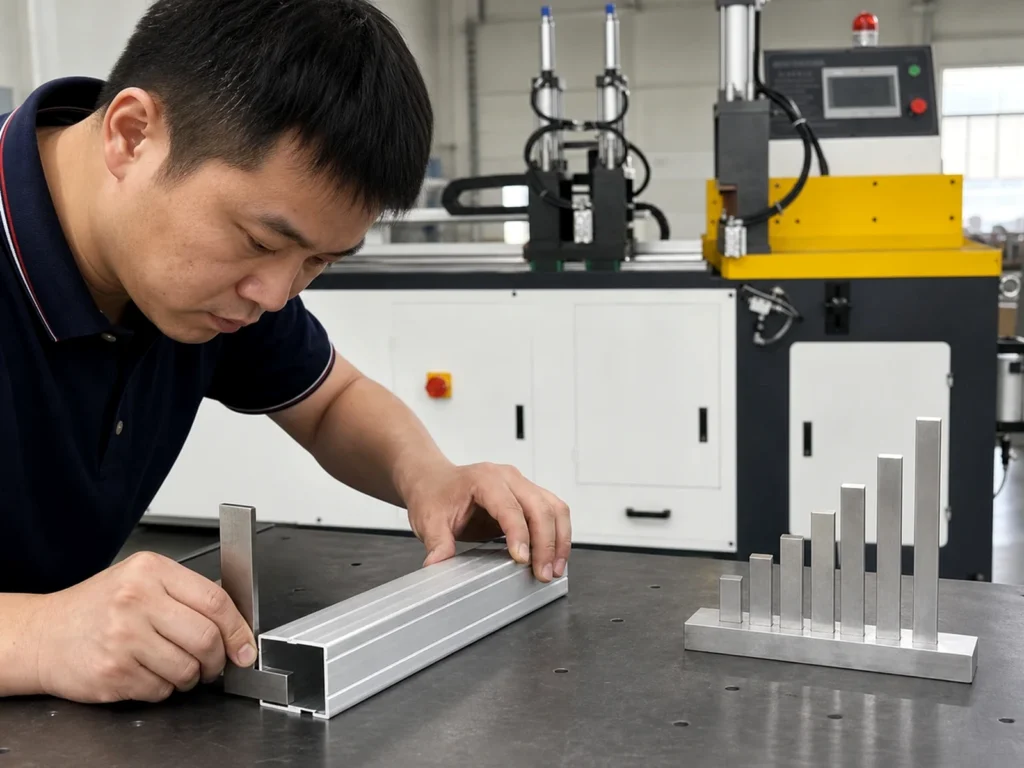
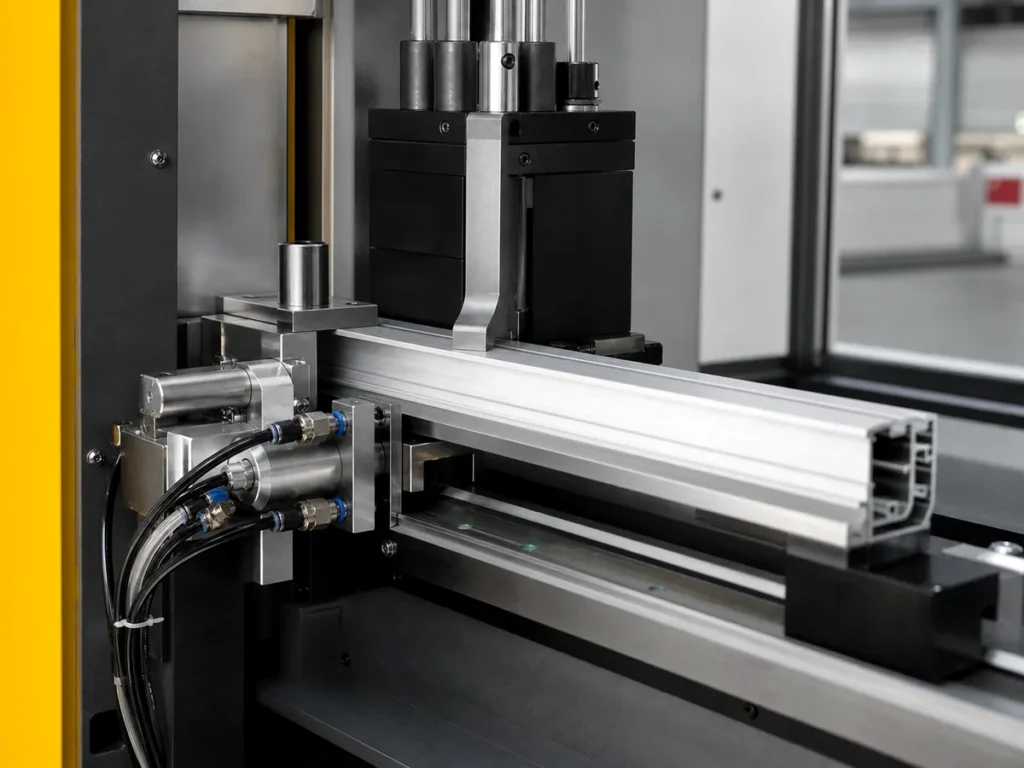
Provide the relevant location drawing and component references to the application reviewer. Show the intended target path and adjacent structures. A close-up photo can support this record, but it does not define the full installation requirement.
Identify the exposure information the supplier needs, including relevant temperature, moisture, process fluids and surrounding equipment. Ask which documented product requirements apply to the actual location.
Keep mounting instructions and application conditions connected to the exact device. Let the responsible machine or controls specialist define the approved arrangement. An online summary is not an instruction to reposition a sensor on an unidentified machine.
Where several stock shapes use the same station, identify their reviewed scope. Retain any exclusions or conditions in the documentation. This makes it easier to recognize when a new part family requires another review.
4. Define the replacement and verification scope
State whether the request concerns an original approved spare, a proposed alternative or a change to the detection function. These are different tasks. Keep the approval and verification work appropriate to the actual change.
Ask the responsible reviewer to identify the required evidence and approved checks. Retain the target identity, installed reference, relevant configuration and result. A supplier’s general product description and an actual machine verification record serve different purposes.
Keep electrical compatibility, sensing suitability and machine-function acceptance separately identifiable. A device may match one field while another remains unresolved. Mark the remaining question rather than treating a partial match as approval.
Assign any safety-related function to the machine’s approved engineering process. A sensing acronym alone supplies no safety qualification. This guide provides no live electrical testing, rewiring, adjustment or recovery procedure.
An invented detection brief
Imagine a purchasing request that says, “Replace the proximity sensor near the aluminum feed.” The phrase identifies neither the complete device nor the physical target. It could refer to material presence or to a mechanism’s documented position.
A clearer invented brief supplies the installed reference, named function, target description, location drawing and requested replacement scope. It also identifies who must review an alternate reference and what record will close the change.
The purpose is to remove ambiguity before ordering. This scenario describes no installed JiurunCut arrangement, successful substitution or verified sensing performance.
Keep the result in the machine handover
Retain the approved device reference, applicable datasheet, location and function record, drawing revision and verification evidence. Update the relevant spare-parts entry after an authorized change.
For a new machine inquiry, state the material and workflow you need the proposal to address. Ask the supplier to provide the actual controls and sensing documentation for the offered configuration. Our PLC versus CNC control guide helps separate the broader control architecture from this field-device question.
Contact JiurunCut with your section drawing and intended cutting workflow to discuss the machine selection. Include any detection or integration requirement that the proposal must explain.
Quick questions about inductive vs capacitive sensors
Does capacitive mean it detects every material?
Review the exact product and target-dependent requirements. A broad family description does not establish universal detection coverage.
Does an inductive label guarantee every aluminum target?
Check the specified target behavior and product exceptions. Keep the actual material, geometry and intended task visible.
Does PNP identify the sensing principle?
Record output type and sensing principle separately, then review each against its applicable documentation.
Can a matching housing prove a spare is suitable?
Use the full reference, application review and approved replacement scope. Appearance alone leaves those questions open.
Primary references
OMRON’s proximity-sensor technical explanation provides the limited principles and selection context above. OMRON’s E2EY feature page supplies the product-specific exception example. The purchasing workflow and invented request are original.