
Compare bearing reference vs limiting speed under their own catalog headings. Keep the offered bearing identifiable and ask what each value represents.
Keep both headings and the full bearing identity when reviewing an offer. Ask for the application assessment instead of turning one catalog number into a machine operating instruction.
Three checks for the quotation
1. Read bearing reference vs limiting speed under separate headings
Schaeffler’s public speeds guide describes the thermal speed rating as a comparison quantity under defined reference conditions. It expressly distinguishes that rating from an application speed limit.
The guide describes limiting speed using criteria including running behavior, sealing and centrifugal forces. It says its tabulated limiting speeds must not be exceeded without prior consultation with Schaeffler, even under favorable conditions.
Copy the complete row
Retain the manufacturer’s field names and symbols with the values. A quotation headed only “maximum rpm” needs clarification when its attachment supplies several differently named speed quantities.
Keep the full component designation, including relevant suffixes. Ask which catalog row and document revision belong to the offered item.
Preserve the original unit as well. If the comparison uses rpm while the catalog uses another notation for revolutions per minute, retain that equivalence explicitly rather than changing the quantity’s name.
Keep the component identifiable
A bearing reference should remain attached to the particular assembly being reviewed. Ask whether the quote concerns a loose bearing, a bearing set or a complete supported unit.
The bearing shields and seals guide explains the separate closure-design field. A short base reference can omit information needed to identify the actual proposed item.
2. Retain the stated conditions and quantity type
Keep the catalog’s explanation and applicable notes with the comparison. Ask the supplier to identify which stated conditions belong to each quoted speed field.
Do not remove a footnote merely because both columns use the same unit. A common unit makes the numbers easy to display together; the headings still identify what they mean.
A fictional comparison with two different fields
Imagine offer R24 includes a hypothetical component with a thermal reference entry of 6,000 rpm and a limiting-speed entry of 8,000 rpm. These numbers are invented solely to illustrate a quotation.
The buyer keeps both entries under their original headings. The larger number does not replace the reference field, and neither entry by itself supplies the reviewed operating instruction for the machine.
| Received field | How to record it |
|---|---|
| Thermal reference: 6,000 rpm | Keep its reference heading and stated basis. |
| Limiting speed: 8,000 rpm | Keep its limiting heading and manufacturer’s restrictions. |
| Operating-speed review | Request the applicable assessment for the offered assembly. |
The example contains no actual bearing specification, approved speed or JiurunCut machine rating. It shows how to preserve two differently defined entries on one purchasing sheet.
Keep typical and reviewed entries recognizable
If a proposal adds an application calculation, give it its own heading and reference. Retain who prepared the assessment and which component and conditions it covers.
Ask the supplier to explain any difference between a general catalog attachment and the application-specific proposal. Keep the response with the quotation revision.
For a replacement, carry the existing approved component and documented duty into the request. A similar outside size or a larger catalog number does not resolve the complete substitution review.

3. Connect the application review to the full arrangement
Schaeffler’s guide also treats thermally safe operating speed separately, using the bearing’s heat balance. Its discussion preserves the limiting-speed constraint when addressing that thermal evaluation.
Have the responsible application supplier identify the review relevant to the offered arrangement. Keep the actual bearing, assembly and intended duty with the assessment.
Describe the work that needs review
For an equipment inquiry, state the intended cutting work and operating schedule. Include the available component documents and identify which quoted speed field requires clarification.
Retain documented load, lubrication, arrangement and environment information where the supplier requires it for the application review. Label estimates separately from supplied or measured data.
The bearing load-rating guide covers catalog load quantities. Keep those fields beside the speed information under their own definitions.
If the supplier proposes another bearing or closure, request the revised application assessment. Preserve the original approved item as a separate reference until the change is resolved.
Keep equipment speeds separately named
Name the bearing-related shaft, motor and other component wherever the proposal discusses them. An rpm entry without its subject can be misunderstood when transferred between documents.
Request the supplier’s documented relationship between the quantities used in the proposed arrangement. Do not infer a blade-speed instruction from an unidentified component catalog value.
Use the actual equipment’s operating and service documentation for configuration. A purchasing comparison should help resolve a quotation, with each accepted instruction remaining attached to the approved machine.
A supplier request that keeps the fields clear
Please identify the complete bearing reference and retain the separate thermal reference and limiting-speed headings. Include their stated basis and the applicable operating-speed assessment for the offered arrangement.
Add the quotation line and assembly reference. Ask the supplier to retain the answer in the revised offer or an identifiable attached clarification.
Keep the accepted proposal and the responsible review together. A later component change can then be compared with the configuration that was actually assessed.
Prepare the aluminum-cutting inquiry
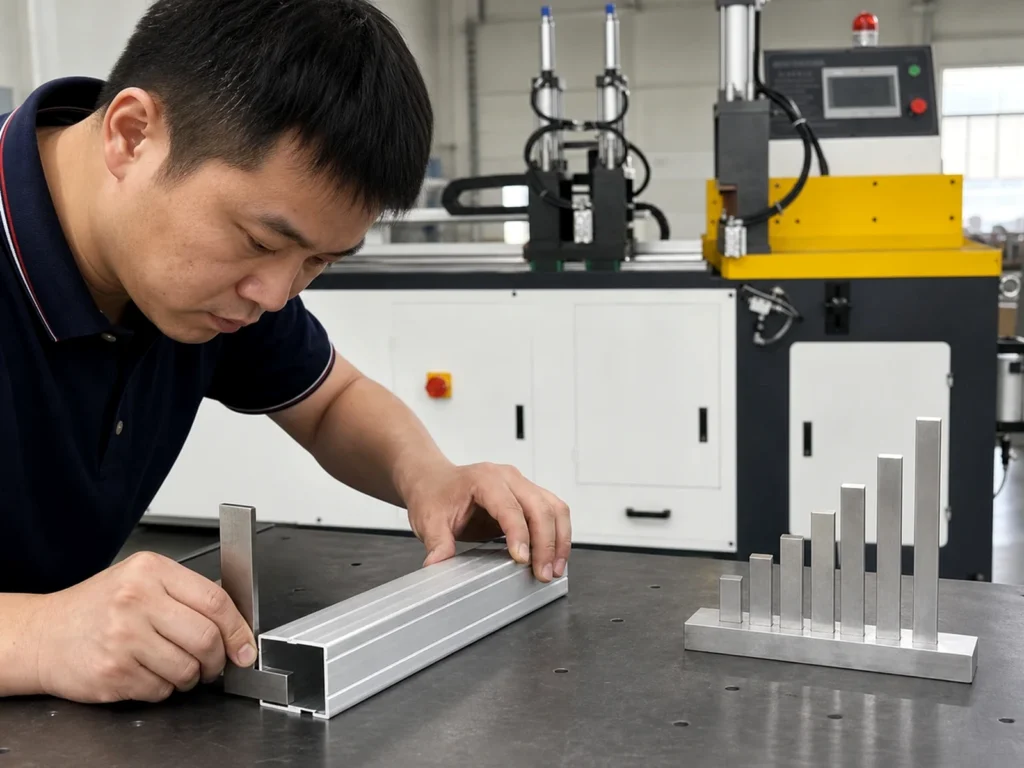
Send JiurunCut the aluminum section drawing and representative cut list. Include the intended work and any identified component-rating question in the quotation.
Keep bearing reference vs limiting speed terminology with the complete equipment review. Retain the finished-part requirements and agreed trial evidence for the cutting result.
Can the reference value become the machine setting?
Request the application assessment and use the actual equipment documentation.
Does the larger catalog number identify the better replacement?
Compare the complete component and reviewed application against the approved requirement.