
An aluminum saw vibration sensor quote can look complete when it names a sensor, a dashboard and an alarm. Yet the buyer still may not know what the number represents. A reading taken from a flexible guard during one cut cannot be compared fairly with a reading from a rigid housing during another. Before ordering monitoring hardware, agree on the physical point, the operating state, the recorded measurement and who acts on a change.
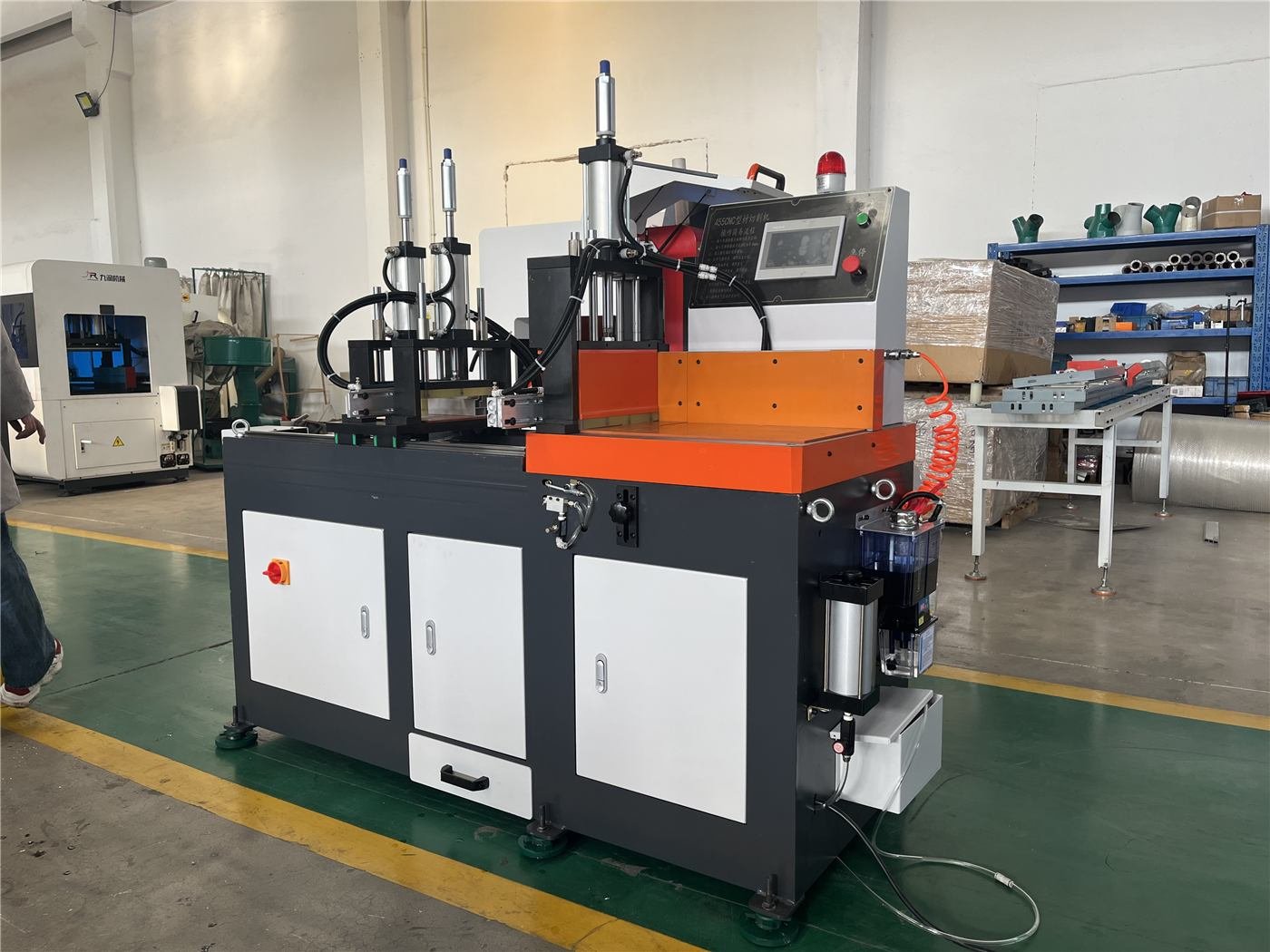
This guide addresses an aluminum saw vibration sensor purchasing decision. It does not claim that a Jiurun model includes a vibration sensor or that a sensor alone diagnoses a fault. Ask the supplier to confirm the option and safe mounting route for the actual machine.
Start with the decision the reading must support
Write down one question before choosing a sensor: is the team seeking a repeatable trend at a specified machine component, a witnessed acceptance record, or an operator alert? Those are different deliverables. A live number without a documented point and state is difficult to interpret, and an alert without an agreed response can create confusion during production.
Separate this proposal from a spindle load display. Load and vibration are different signals. Neither substitutes for inspecting the cut, the workholding or the blade when a quality problem appears.
Aluminum saw vibration sensor: mark the measurement point
Ask for a photograph or drawing of the proposed sensor location on the quoted saw, plus its mounting method, orientation, cable route and service access. The sensor should relate to the component the buyer intends to monitor. A point on a removable cover may be easier to reach, but it need not represent the same motion as a rigid component housing.
SKF guidance on sensor positioning recommends a short path from the target component and warns against sheet-metal covers that can oscillate. Fluke likewise emphasizes a consistent location and orientation for repeatable measurements. These are general monitoring principles, not approval of a particular mounting point on a Jiurun saw. The machine supplier must assess safe access and the exact construction.

Make two readings comparable
Specify the machine state for a baseline: idle or cutting, blade and stock identification, speed setting, clamp arrangement, and the point in the cycle when data is captured. If the saw runs several recipes, decide which one is the reference and whether another needs its own baseline. Record any change in blade, fixture or sensor mount before comparing trends.
SKF states that vibration comparisons should use the same location, type of measurement and operating conditions. For an aluminum saw vibration sensor, the buyer should request a saved record that includes the measurement quantity and unit, not just a colored dashboard tile. If a report uses RMS and peak, keep their definitions explicit; the RMS versus peak guide explains why the two labels cannot be treated as interchangeable.
Witness a small acceptance test before signing the option
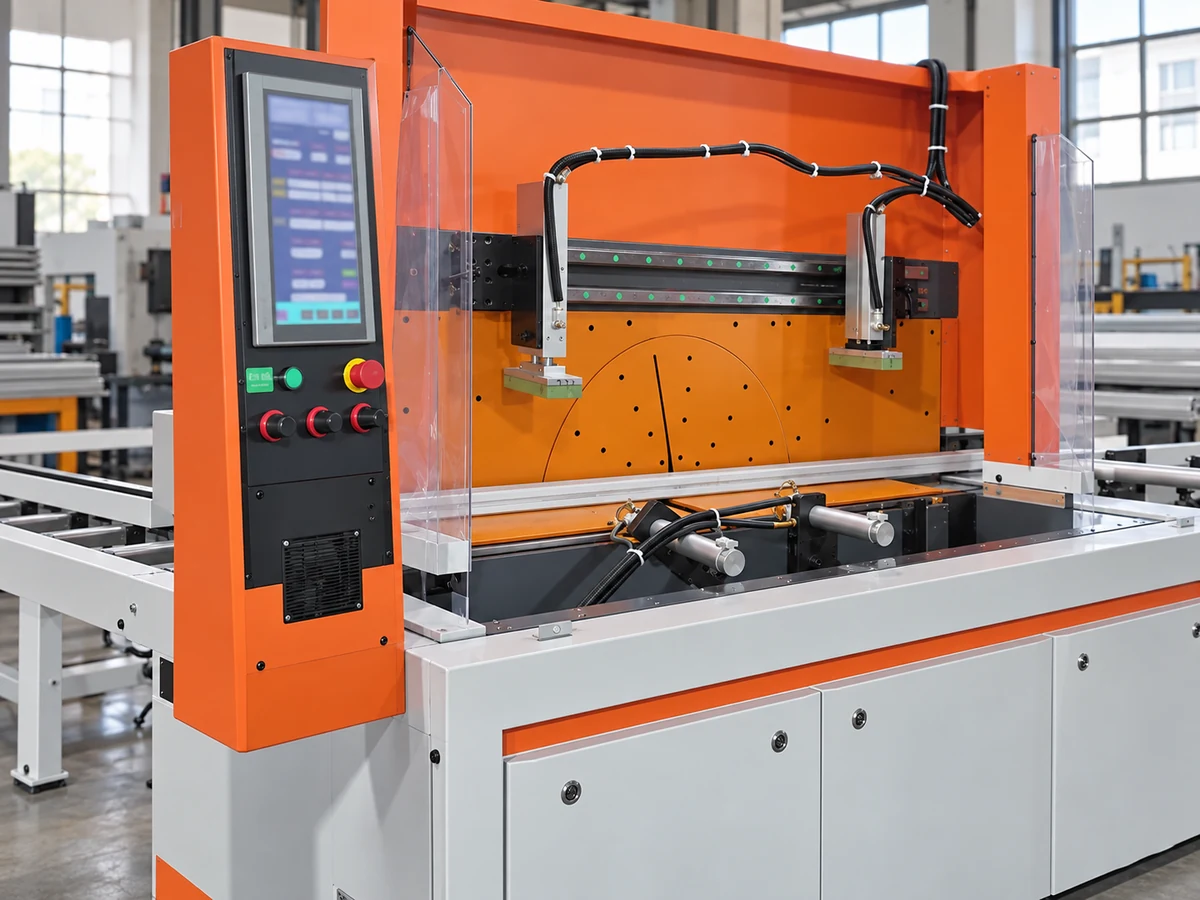
Agree on a witnessed demonstration with the actual proposed sensor and a safe, supplier-approved mounting point. Capture a reference observation under a documented state, repeat it without changing the setup, and verify that the stored record identifies the point, time, unit and operating condition. Then change one approved process condition and confirm that the record clearly separates the new state from the baseline. This tests data traceability; it does not prove a machine fault or a universal alarm threshold.
- Identify the monitored component and show the physical sensor position on the quotation drawing.
- Name the measured quantity, unit, sample or summary interval, and any filtering used in the display.
- State where the data are retained, who can retrieve them, and whether export is included.
- Define alarm ownership: who sets the limit, what happens on an alert, and how the operator investigates safely.
- Record which installation, wiring, guarding, software and training tasks are included in the offer.
Do not accept a generic sample graph as evidence of the quoted installation. If the supplier cannot show a safe point or a repeatable record on the proposed arrangement, leave the sensor option open for engineering review while the base saw quotation can still be evaluated on its own merits.
Use the video as an equipment view, not measurement evidence
The following clip from the Jiurun machinery YouTube channel shows a related automatic aluminum cutting machine in operation. It does not show a vibration sensor, a specified mount, a baseline, or a performance test for the equipment discussed here.
Send a drawing and one representative operating case
For a quote review, send the saw model being considered, the component of concern, a proposed or available sensor point, the profile and blade used for a representative cut, and the exact decision the reading should trigger. Ask the supplier to mark what can be demonstrated on the quoted machine and what requires a separate integration scope. Contact JiurunCut with that brief so the sensor proposal can be checked against the actual equipment rather than a generic dashboard description.
Sources and scope
General measurement guidance: SKF Axios sensor-position guidance, SKF guidance on comparable vibration measurements, and Fluke 810 sensor placement instructions. Supplier-specific availability, mounting, signal processing and alarm behavior require confirmation for the quoted saw.