
Aluminum saw electrical drawings should identify the equipment they describe and remain traceable to the quoted and delivered configuration. Before handover, connect the document set to the order, check its page and revision index, follow device references, account for accessories, and close recorded differences with the supplier.
A file named “electrical diagram” can still leave a buyer with unanswered questions. Does it cover the selected feed system? Is a separately supplied collection unit included? Did a component change after the first quotation? The useful purchasing question is whether your team can connect each relevant record to the actual equipment.
This checklist organizes that document review. Electrical design, connection and testing belong with the manufacturer and qualified personnel using the applicable machine documentation. Ask them to resolve technical differences; a buyer’s document register does not approve an installation.

Table of Contents
1. Match aluminum saw electrical drawings to the order
Start with the current quotation or purchase reference, its revision, the full machine description and the selected options. Ask the supplier to identify the drawing project that applies to that configuration. Once the individual machine is identified, add its serial number or other supplier-assigned equipment reference to the register.
Keep these three identities separate: the commercial model name, the individual equipment identity and the electrical project or drawing number. Record the supplier’s explanation of how they relate. A matching model name is useful, but it leaves any configuration differences unresolved.
Jiurun’s supplied brochure illustrates why the full description matters: its physical PDF pages 8 and 16–17 list JR-650CNC-3A-1S equipment with different feed and capacity entries. That brochure is a starting reference, not the electrical document set for an individual purchase. Ask which version the proposal covers, then retain the applicable document reference.
If an early drawing is a general example, mark it “reference only” in your register. Request the configuration-specific set and record when it is expected. Do not silently promote the example to the handover version. For ambiguity in a quoted machine name, see the guide to confirming a JR-505CNC machine description.
2. Track revisions in aluminum saw electrical drawings
Review aluminum saw electrical drawings against a document index listing drawing numbers, page identifiers, revisions and issue status. Compare the supplied files with that index. If a listed page is missing, ask for it. If an unlisted page appears, ask whether it is an addition, an obsolete sheet or a document for another configuration.
For aluminum saw electrical drawings, a recent filename or download date does not explain which pages changed. Keep the supplier’s issue note with the package. Ask it to identify the affected pages, what changed and which earlier issue is superseded.
EPLAN’s page-revision documentation describes recording an index, description and reason for a page modification. That is a useful example of the information to request. It does not establish which software Jiurun uses or guarantee that every supplier follows the same revision method.
For aluminum saw electrical drawings, agree how the final issued set will be recognized: its document number, issue date, revision register and supplier confirmation. Ask whether individual pages can carry different revisions within that set. Keep the stated issue status visible so reviewers can distinguish preliminary documents from the version designated for handover.
3. Follow device tags to the relevant parts record
Ask the supplier to show how a device reference on a schematic connects to the equipment label and the applicable component entry. A useful document-review demonstration follows one identified item through its drawing page, device tag, location and manufacturer part reference. Let the responsible technical reviewer select the items to check.
EPLAN explains that a device tag can include function and location designations. Preserve the complete reference when raising a question. A shortened label copied without its location context can make the supplier’s response harder to connect to the right item.
A device tag and a manufacturer part number answer different questions: which identified item the record concerns, and which component is specified. Ask for both where relevant. If a parts report groups assemblies or repeated components, request an explanation of how the selected device is found in that report.
EPLAN’s parts-report settings show that assemblies can be broken into components and that report inclusion is configurable. The purchasing implication is to ask what the supplied list includes, rather than assuming its title proves completeness.
Request any missing mapping between aluminum saw electrical drawings and parts records from the supplier. Do not infer a replacement part from appearance or a broad brand label. The separate spare-parts order checklist covers preparing a replacement inquiry; this check establishes which delivered documentation identifies the installed item.
4. Identify accessory documents and interface boundaries
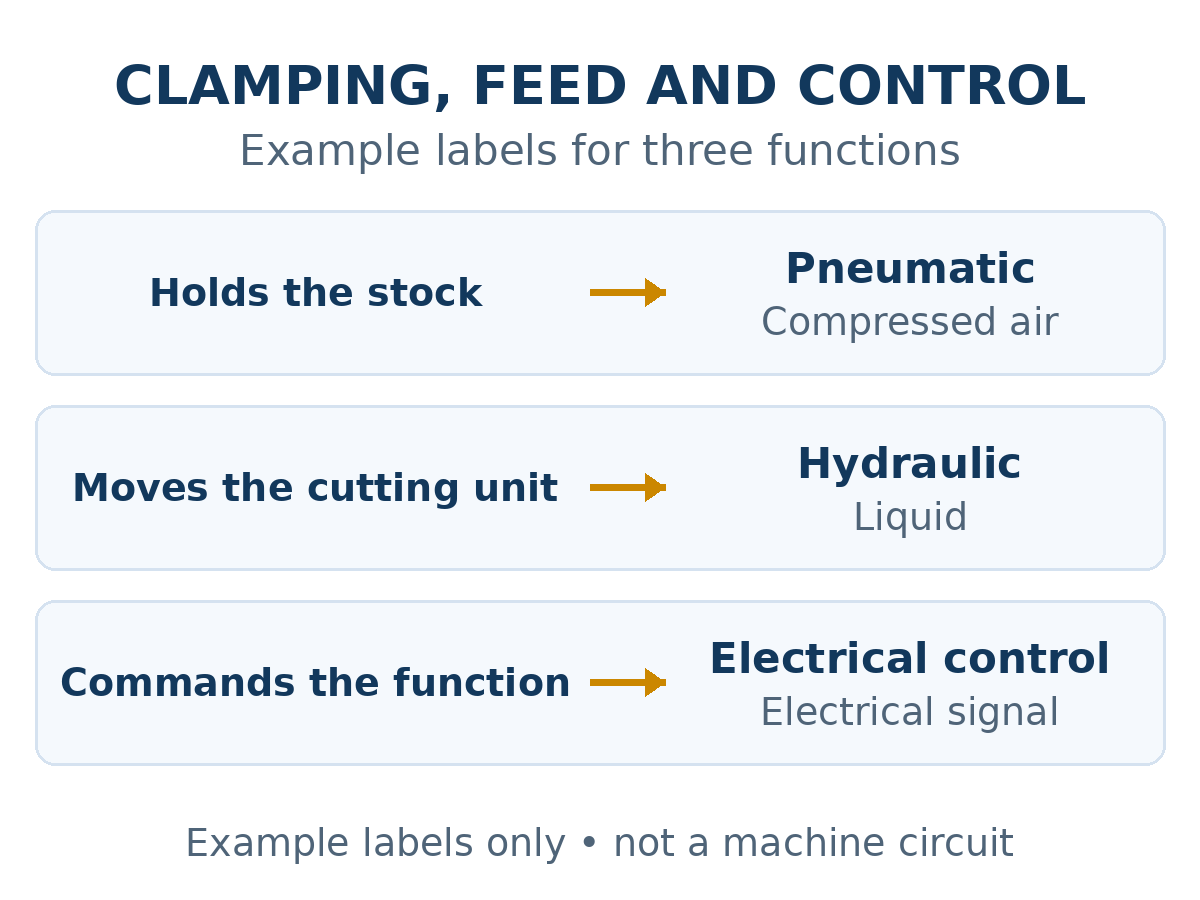
Compare the quote’s equipment list with the drawing index. Identify the saw, powered feed equipment and any other electrically operated accessories in the order. Ask whether each item is covered by the main electrical project or has a separate document set.
For separately supplied equipment, record the supplier, equipment reference and applicable document number. Where an interface is part of the proposal, ask which document defines that interface and who is responsible for reviewing it. Keep items supplied by the buyer visible alongside supplier-delivered equipment.
This is a document boundary check. The power-supply quotation guide addresses supply information and the qualified site review. Here, the task is to make sure that reviewer receives the records for every relevant item in the agreed package.
If an accessory is removed, added or changed, ask which drawing pages, parts records and separate manuals are affected. Request a revised index or a written statement identifying the documents that remain applicable. Retain the change against the quotation revision that introduced it.
5. Resolve gaps in aluminum saw electrical drawings
Keep a short discrepancy log. For each question, record the machine identity, drawing page and revision, relevant device tag, observed difference, responsible reviewer and the supplier response needed. Separate “question sent” from “resolved”: receiving an email is not the same as receiving the missing document or a reviewed clarification.
For an illustrative example, a buyer receives a parts entry that differs from the component reference reported by the supplier’s handover reviewer. The next step is to ask the supplier to identify the applicable component and affected records. A revised parts entry may close a clerical difference; a configuration change may require a wider technical review. The buyer should retain the documented conclusion rather than decide equivalence from the names alone.
Ask whether the issued aluminum saw electrical drawings reflect the machine as delivered and whether commissioning changes require a later update. Agree who will supply that update and how it will be identified. Archive superseded issues separately and make the current set easy for the responsible team to find.
A practical register for aluminum saw electrical drawings
Use the following fields in your purchase record. Leave an unknown field marked “awaiting supplier evidence” and assign a next action. This register is a suggested review aid; document deliverables, timing and responsibilities should be agreed for the actual order.
| Check | Record to retain | Question if incomplete |
|---|---|---|
| Equipment identity | Order revision, full description, individual equipment reference | Which supplied configuration does this project cover? |
| Issued document set | Drawing index, page identifiers, revisions and issue status | Which file or page replaces the earlier issue? |
| Device traceability | Full device tag, page reference, location and applicable part entry | How does this reference identify the supplied item? |
| Accessory boundary | Included equipment, separate document sets and interface references | Which document covers this accessory or agreed interface? |
| Difference closure | Question, supplier response, revised evidence and reviewer conclusion | What evidence remains outstanding? |
Record what the handover review actually established
Use separate fields for receipt and technical review. “Received” means the named file or page has arrived. “Reviewed” should identify the responsible person, the date and the outcome of that review. If a package has been received but a component mapping remains open, retain both facts. A single tick labelled “drawings complete” can hide that distinction.
When reviewing aluminum saw electrical drawings after a change, keep the previous question reference and point it to the new evidence. Ask whether the supplier has replaced only one sheet or reissued the full package. Retain the written clarification with the applicable revision. Do not combine pages from separate issues merely because each file appears recent.
Before closing your purchasing record, list the remaining actions and their owners. If a final drawing update is due after commissioning, keep its expected delivery and responsible supplier contact visible. Record the agreed next step rather than changing an outstanding item to complete. That makes the document status useful to the team taking over the equipment.
A Jiurun machine video for configuration context
This JR455CNC video from Jiurun’s channel provides a reference view of a machine and its operation. It does not verify your ordered configuration, its electrical drawings or a particular handover package. Ask the supplier to identify the applicable documents separately.
What to ask Jiurun before handover
Send the current quotation reference, full proposed machine description and accessory list. Ask which aluminum saw electrical drawings and related document index apply, what issue status they have, and how changes will be recorded through delivery and commissioning. If you already have a package, attach its file index and identify the exact missing page or unclear device reference.
Send Jiurun your configuration and document-review questions. Include the person responsible for the technical review and state whether you are comparing a proposal, preparing for delivery or checking a handover package. If the final aluminum saw electrical drawings are not yet available, ask for the next evidence needed and keep that item open.