
Aluminum saw blade identification becomes a purchase decision when two blades fit the arbor but only one is approved for the next profile, finish or cut program. A part number alone may describe a blade design; it does not tell a shift which physical blade was mounted, whether it was resharpened, or which first-off part was accepted with it. This guide helps a buyer specify the record and the handoff before asking whether a manual log, a readable code or RFID is justified.
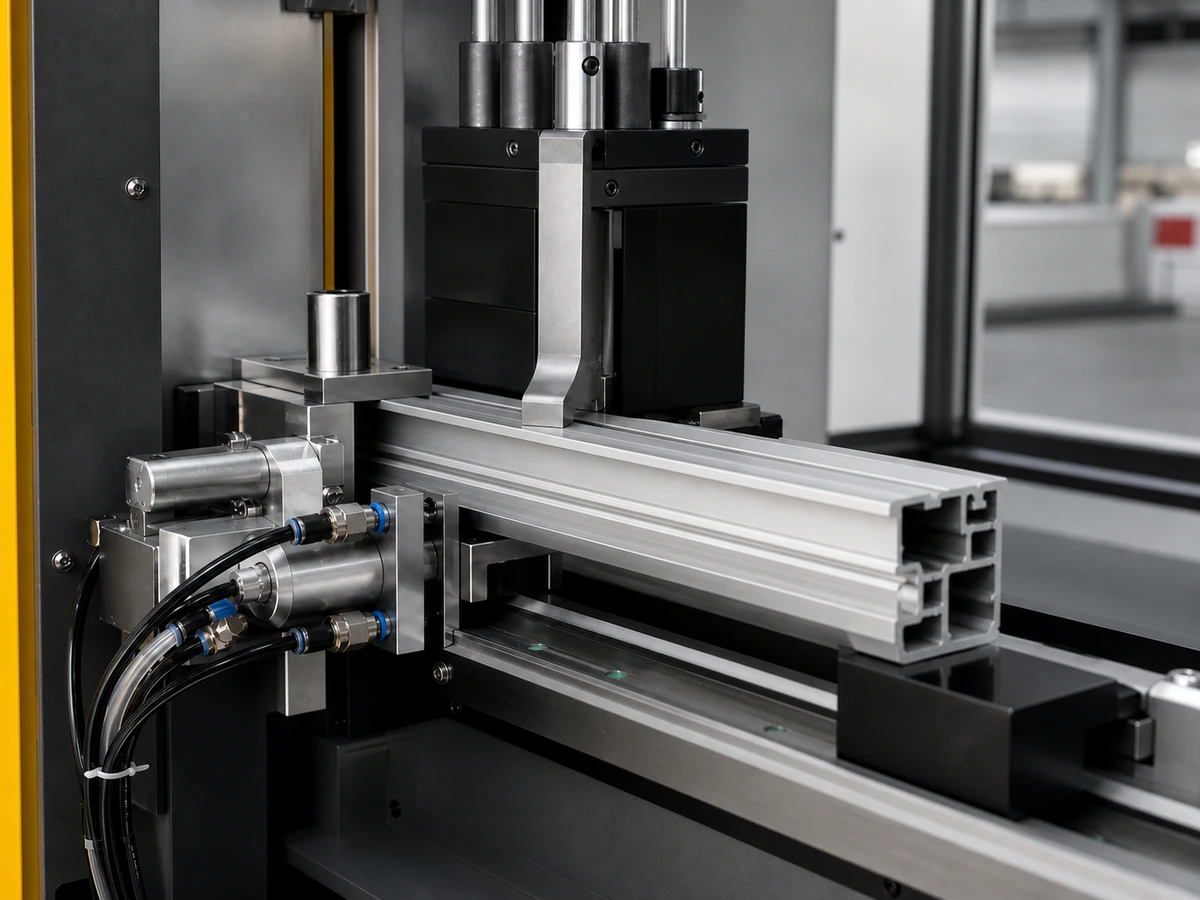
Scope: the identification method is a proposed buyer requirement. The images below illustrate blade dimensions and related cutting equipment. They do not show an installed reader, a Jiurun option, a particular approved blade or a customer trial.
Start with the decision the identifier must support
Imagine a second shift receives a returned blade and a scheduled aluminum extrusion job. The tool’s nominal diameter may be correct, yet its current condition and last approved application are unknown. The useful question is not “Can we scan it?” but “What evidence allows this specific blade to be released for this specific job?” Write that release decision first. If an operator cannot make it from the available record, adding a reader will only digitize the gap.
Keep three identities separate: the blade design ordered from a supplier, the individual physical blade that moves between service and storage, and the job or program in which that blade is used. A serial identifier should point to a controlled record for the physical tool; the record should state the approved design and application. Do not treat the code printed on a sleeve as proof that the contents are the same blade after a changeover.
What belongs in a blade record?
For an aluminum saw RFQ, ask who will maintain the blade’s supplier and design reference, unique tool ID, current diameter and bore where relevant, tooth specification, service status, resharpening or repair history, and approved profile or material families. The machine and production team should agree which fields are essential to release and which are useful background. A damaged, unverified or withdrawn blade needs an unmistakable hold status that survives shift changes.
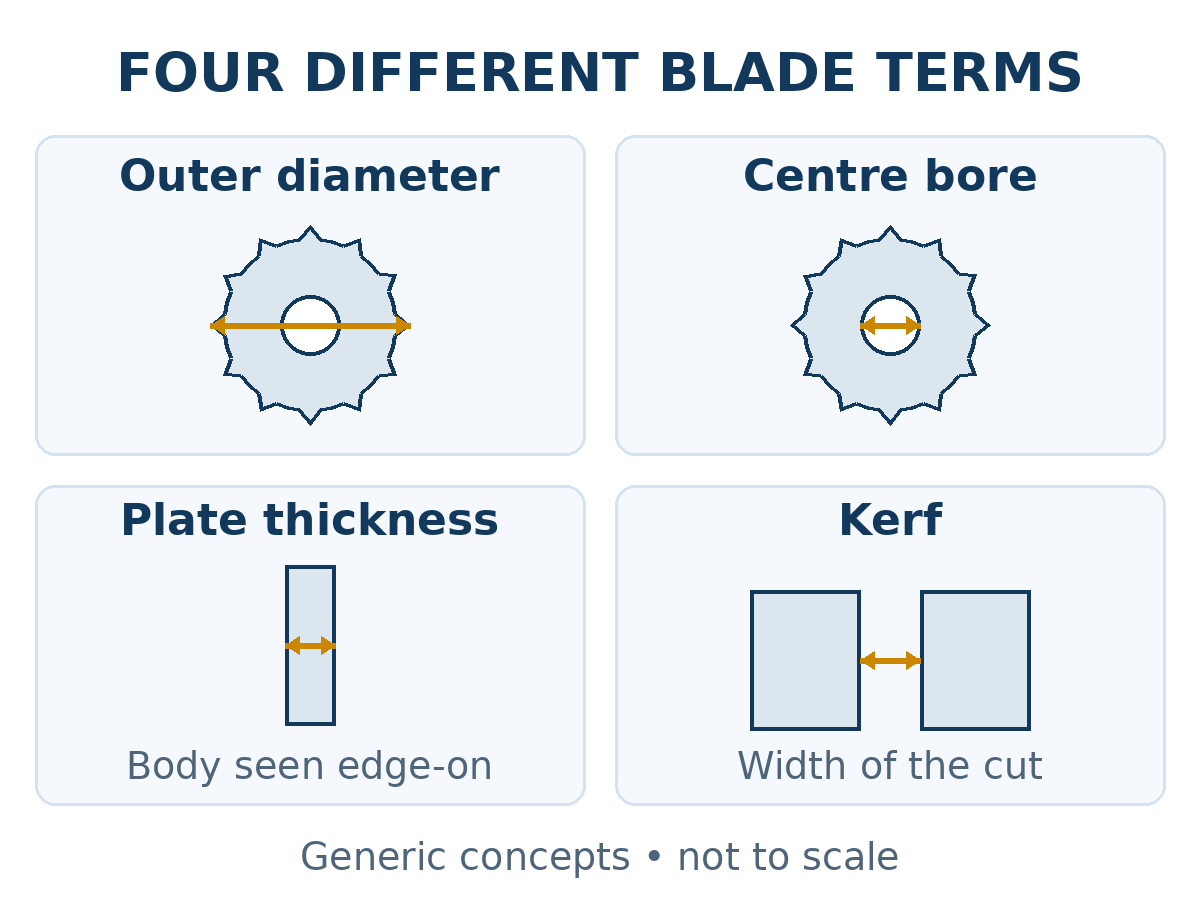
The diagram is useful because “same diameter” is a weak match. Record the actual supplier-approved blade specification and machine fit separately. A blade ID should retrieve that record, not replace physical compatibility checks, installation instructions or a first-off cut. For the difference between a tool counter and a physical blade record, see our blade life counter guide.
Aluminum saw blade identification: manual log, code or RFID
| Route | What the buyer is purchasing | Acceptance question |
|---|---|---|
| Manual log | Unique ID on an approved blade record or holder, controlled check at mounting, and a named person who signs off | Can the next shift link the mounted tool to the correct record without guessing? |
| QR, Data Matrix or barcode | Readable identification, scanner or phone workflow, record lookup and an exception path when a code cannot be read | Does the scan identify the individual blade, or only a model or stock item? |
| RFID | Approved carrier and reader location, data interface, read confirmation and defined behavior for missing or conflicting data | Can the installed arrangement read the intended tool reliably and prevent a silent wrong-tool release? |
These routes are alternatives, not a capability claim about a Jiurun saw. Tool maker Leitz describes manual product-ID entry, RFID and QR/barcode identification in its own tooling workflow. Siemens documents the distinction between read-only identifiers and read/write tool data systems for machine tool data handling. Their examples establish that the methods exist; they do not establish that any reader is fitted to the saw being quoted.
Do not stick, drill or mount an unapproved tag on a rotating blade to satisfy a tracking idea. Agree with the blade and machine suppliers where an identifier can safely live, whether on an approved tool carrier, packaging, cabinet record or manufacturer-supplied marking, and how the physical blade is reconciled with that identifier. If the identifier is away from the blade, the handoff step is especially important.
Specify what the saw should do with the ID
A buyer can ask for a simple record lookup without machine interlocking, or for a control integration that checks the mounted blade against the selected program. Those are materially different scopes. State which person or system selects the job, where the identifier is read, what data is compared, and whether a mismatch produces information, a warning or a blocked cycle. Ask the supplier to name the control interface, the data owner and the recovery procedure. Do not assume a visual HMI screen proves automatic identification.
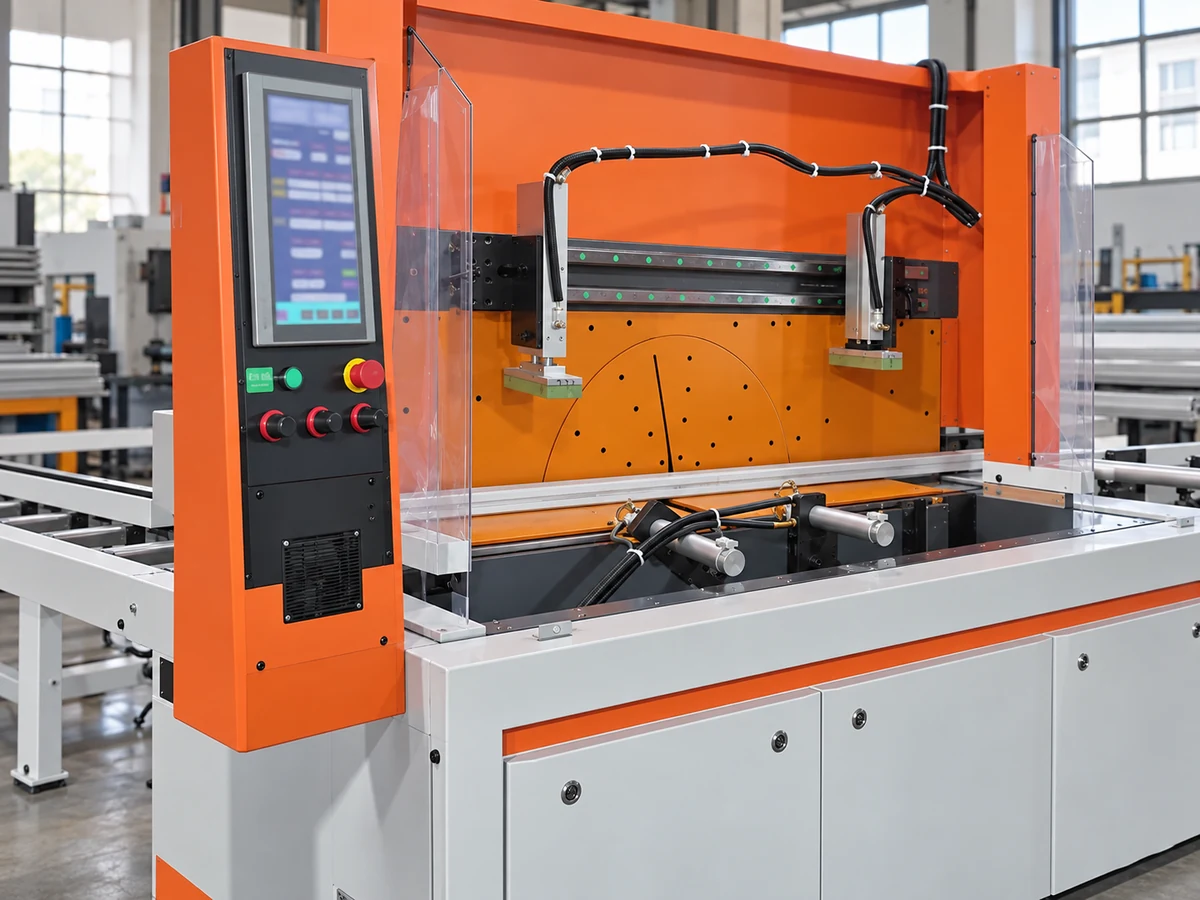
Clarify the exception route before adding automation. What happens if a blade is exchanged while power is off, a label is damaged, the record service is unavailable or a resharpened blade returns with a changed diameter? A robust purchase specification names who may override a mismatch, how that action is logged and what first-off inspection is required before production resumes.
Run a changeover rehearsal before signing off
Use two visibly similar but separately identified blade records and one released aluminum profile job. Have the supplier or plant team demonstrate the ordinary mount and job selection, then repeat with the wrong blade and with an unreadable or unavailable identifier. Save the displayed message or manual record, the person who resolved it, and the accepted first-off cut. This is an acceptance test for the proposed identification workflow, not evidence that a particular cutting result or automatic lockout is guaranteed.
One useful handover sheet has columns for physical blade ID, supplier design reference, condition, approved job, machine or program, mounting date, first-off part reference, approver and hold reason. Ask for a sample completed sheet or screen export in the quotation. Compare the labor and error controls of each route against the actual number of blade changes and job families; RFID cost is hard to justify from a feature list alone.
Video: cutting context, not identification proof
The Jiurun Machinery channel video below shows aluminum saw equipment operating. It gives context for the machine and cut cycle. It does not show a blade-ID scan, RFID integration, a blade swap, the illustrated control station or this article’s changeover test.
Send a quote that can be compared
Ask each supplier to price the same release boundary: manual record only, code-assisted lookup, or integrated identification with the stated mismatch response. Include the blade supplier’s approved marking route, data setup, operator training, spare reader or label process if applicable, and the changeover rehearsal. Then the decision is about a repeatable blade-to-job handoff, rather than a generic “smart saw” promise.
Need a saw quote? Send Jiurun the blade list, approved profile families, changeover frequency and the identification behavior you want tested through our contact page. We can discuss the cutting equipment and the required trial boundary; any identification or control integration must be confirmed in the specific quotation.