
A scanner beeps, the screen changes, and the next aluminum extrusion is fed toward the saw. None of those events proves that the correct cutting parameters reached the controller. For a buyer specifying an aluminum saw barcode program workflow, the useful question is where a scanned order becomes an approved machine program, and how that link is checked before a good part is counted.
This is a conditional integration question. A barcode scanner, recipe database, and automatic program selection must be confirmed for the exact quoted system; they are not implied by a saw photograph or by the word “CNC.” The following checks help a buyer compare the proposed data path with the released cut list and an actual first piece.
Aluminum saw barcode program: start with the order identity
Put two released jobs on the review bench that use visibly similar aluminum profiles but require different finished lengths or end treatments. Record the part revision, stock section, material state, datum, quantity, and the approved cut-program revision for each. The test is whether the scanned identifier unambiguously selects the intended job record. A successful scan only establishes that the scanner decoded something; it does not establish that the record, machine program, and stock agree.
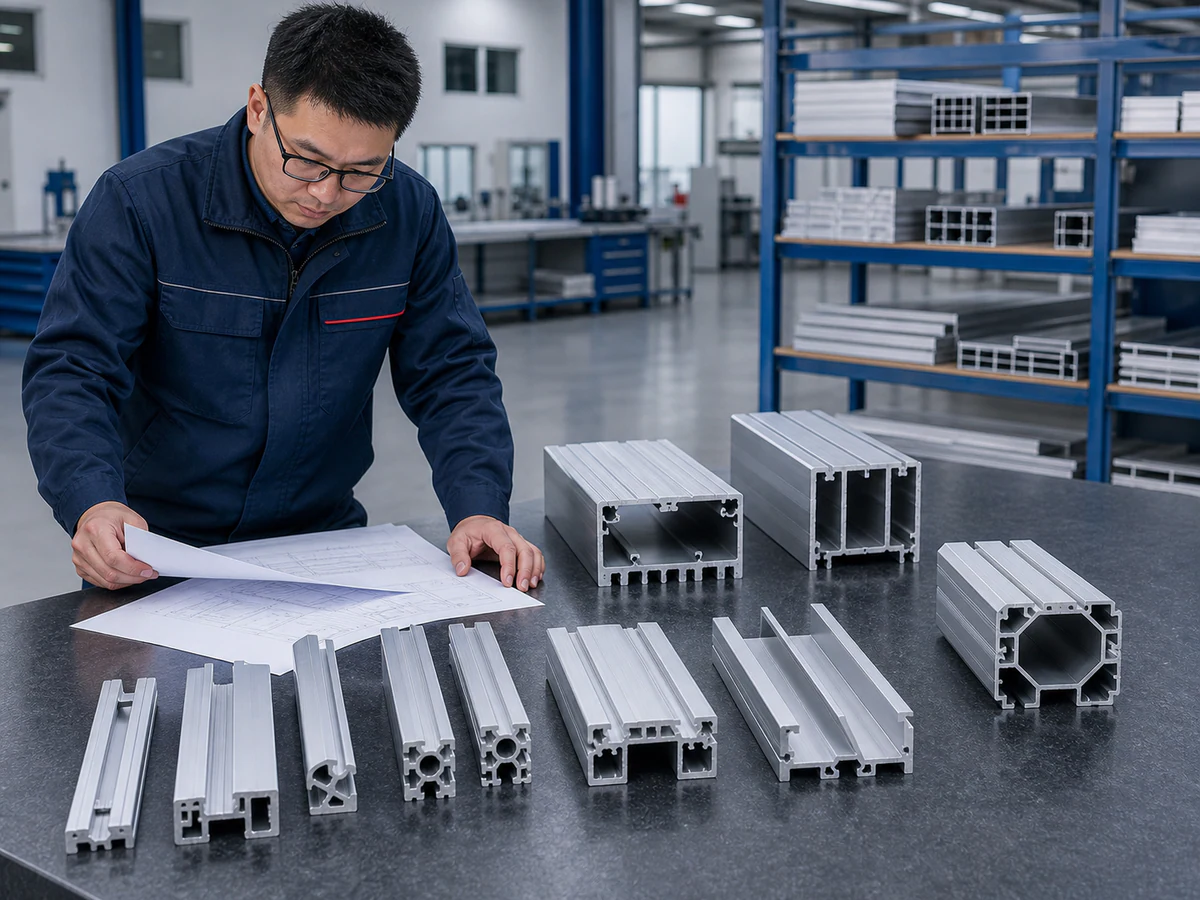
Ask the integrator to show the actual payload passed from the reader to the controller or manufacturing software. Is it a part number, job number, versioned recipe name, or only a lookup key? How are leading zeros, duplicate labels, expired revisions, and an unrecognized code handled? A buyer needs the observed response, not an assumed “scan equals correct job” rule.
Follow the selected program into the saw
For an aluminum saw barcode program, the critical handoff has at least three states: the scanner decoded an identifier, the system selected a recipe, and the controller accepted the resulting parameters. These states can diverge. A screen can display a job name while a previous set of parameters remains active, or a download can be rejected. The quotation should say what the operator sees after selection, what acknowledgement the controller returns, and what condition prevents cutting if a required transfer fails.
Siemens’ MP 177 recipe instructions give an example in which a PLC-connected scanner reads a workpiece barcode, the barcode name identifies a recipe record, and the HMI displays the record for inspection. Siemens’ PM-CONTROL system description separately describes recipe requests, transfer and an automation-system handshake. These are examples of possible architecture, not evidence that a Jiurun saw includes either Siemens product or that a specific barcode interface is fitted.
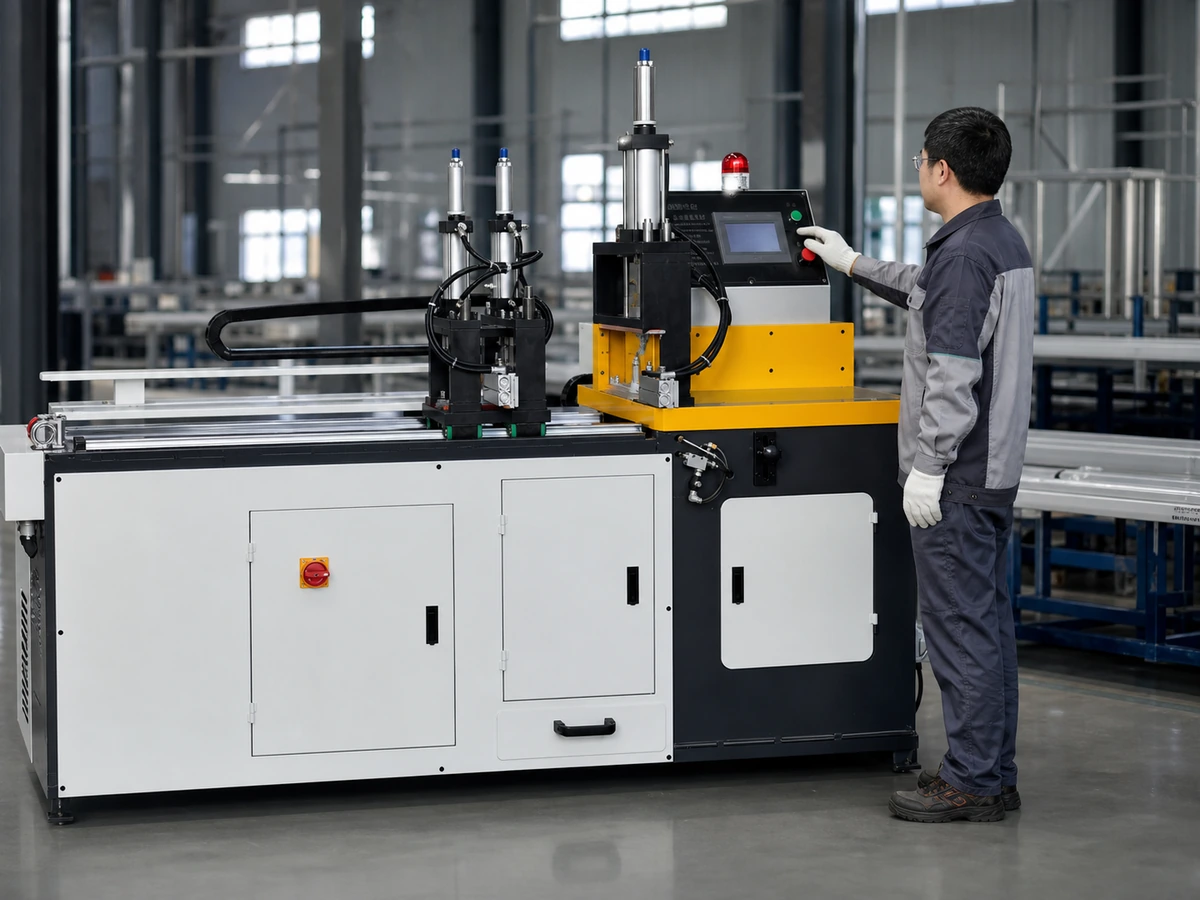
The owned Jiurun video below shows a related aluminum saw and clamping sequence. Watch it as an equipment-context example. It does not show a scanner, job-to-recipe mapping, a controller acknowledgement, or the acceptance test described here.
Make a mismatch visible before cutting
Use a witness test with the supplier or integrator. First load the released label for Job A and record the displayed job, program revision, length and angle fields, selected stock, and controller-ready state. Then present a valid label for Job B while Job A is still in memory. The acceptance question is whether the system clearly changes all required fields or holds the machine in a defined non-production state until the new record is accepted. Do not assume a screen title proves that the controller has updated.
Next, use a deliberately invalid or superseded identifier in a controlled, supplier-approved test. The requested evidence is a clear rejection or exception path and a record of what remains active. The test should never depend on defeating guarding or bypassing machine safety functions. The correct safe-state design belongs to the machine builder and risk assessment for the actual installation.
Rockwell Automation’s PanelView Component manual illustrates why a recipe selection needs a read-back: it documents distinct errors for no selected recipe, tag-read failure, incompatible data types and download limits. Those are examples from another HMI system, not claimed error codes or features of this saw. Ask the supplier to name the actual errors and recovery actions in the offered controls.
The first accepted cut closes the chain
Even a correct program acknowledgement does not prove that the physical stock matches the job. Check the section and orientation against the released drawing. Make an approved first cut and compare the retained part with the stated end datum, length and end condition using the buyer’s own acceptance method. If the part fails, hold that job’s output and preserve the scanned code, selected recipe revision, observed controller values and measured result for diagnosis. A barcode label must not become a substitute for part inspection.
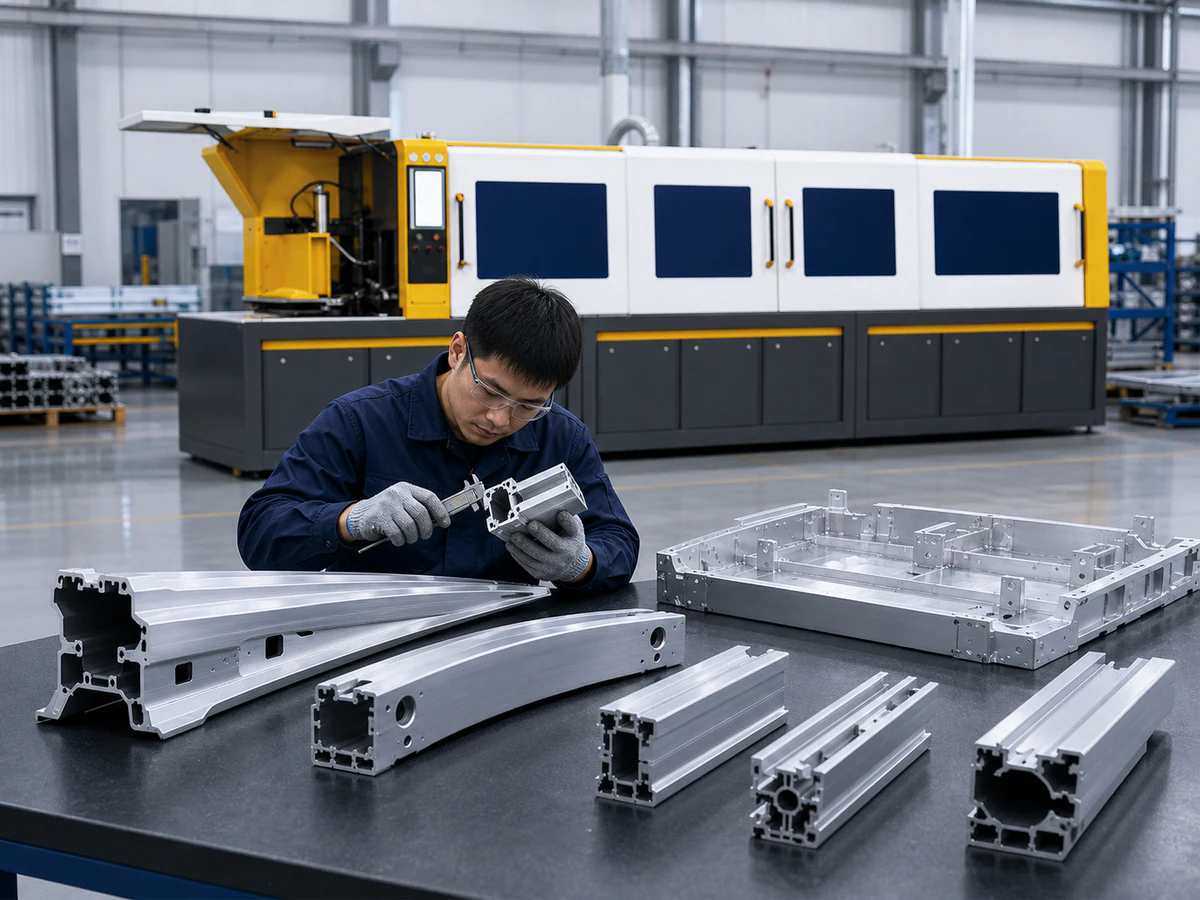
For the purchase decision, request one traceable demonstration record for each of the two jobs: label value, resolved order and revision, selected program and parameter revision, controller acknowledgement, stock identity, first-piece result, exception response and the person who released production. Define who maintains the mapping after a drawing revision and who can restore a previously approved recipe. If the quotation covers only the saw, list the reader, software, data integration and validation work as separate responsibilities.
Send Jiurun your representative aluminum profiles, released drawings and proposed scan-to-program sequence through the contact form. We can review the saw portion of the cutting requirement and identify which barcode, software and control-interface questions need confirmation for a quoted configuration. Do not treat the example images or video as proof that this integration is already present.