
3D printer enclosure door frame cutting is a member-level purchasing decision. A door may be part of an approved enclosure, a bought-in module, or a frame assembled from separately cut aluminum profiles. Before asking for a saw quote, identify which route your factory actually owns. A clean cut blank is useful evidence for the metal member; it cannot approve the door, its hinges, panels, ventilation, fire response or the printer installation.
Use the current enclosure drawing and the responsible supplier’s instructions for the real project. The seven checks below help a buyer specify an aluminum door-frame blank and review a representative saw trial. They do not prescribe a universal enclosure profile, gap, tolerance, safety function or printer operating condition.
Contents
- Confirm the door supply boundary
- Release the actual profile and finish
- Define the blank and its datum
- Control handed ends and corners
- Protect the mating and visible faces
- Approve traceable first-off members
- Compare quotes at the same handover
1. Confirm the door supply boundary
Begin with the enclosure model, revision and approved door layout. Is the order for a complete door, a door frame kit, prepared profiles with holes, or simple saw-cut blanks? Ask the enclosure owner which of these is released for manufacture. A buyer who already purchases a completed door should not count its members as an in-house cutting workload without evidence that the supply route is changing.
The Alveo3D enclosure catalog illustrates custom enclosures using aluminum profiles and describes door alternatives including framed and unframed arrangements. Jelineq’s enclosure profile series shows another extrusion-based route. These are examples of differing product systems, not interchangeable instructions for this article’s door. Obtain the current released details for the selected enclosure before cutting any trial piece.
Keep the fixed enclosure frame and moving door frame as separate identities. A similar-looking extrusion on the fixed body may have a different end joint, access feature or finish condition. Mark which assembly receives each cut part, and who approves the door’s final operation.
2. Release the actual profile and finish
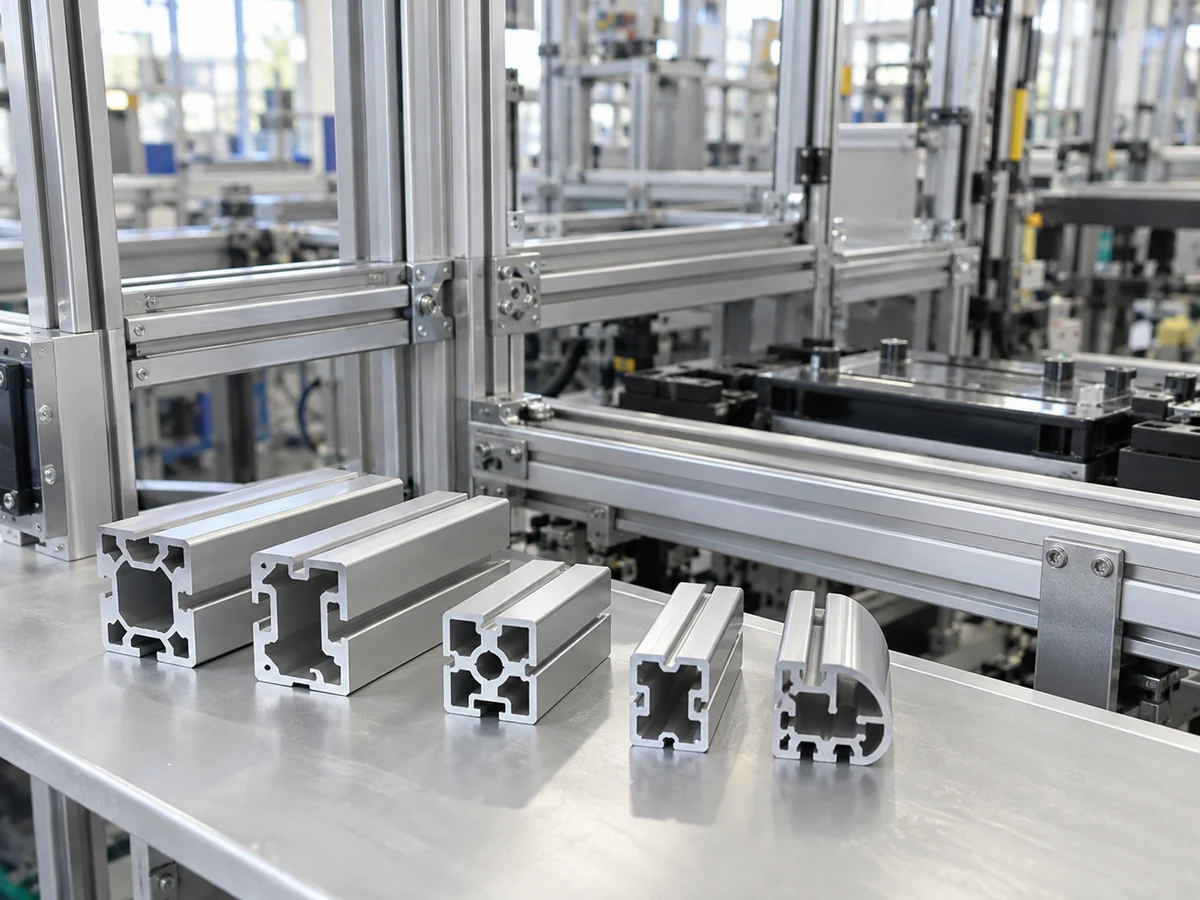
Give the saw supplier a profile drawing, part code and physical stock sample. Record the section envelope, wall and slot geometry, incoming length, material designation and surface state from the purchasing record. If the door uses more than one extrusion, label the hinge stile, latch stile, head and sill separately. Their nominal widths may match while their slots and mating faces differ.
State whether the profile arrives mill finished, coated or anodized and which faces must stay free of clamp marks. If a plastic strip, gasket, insert or panel is already fitted, show it in the incoming-stock definition. A saw trial on bare extrusion does not qualify a finished assembly. Conversely, do not force a saw vendor to cut a complete door module if the actual purchase is only long stock.
3. Define the 3D printer enclosure door frame cutting datum
For each member, list the released cut length, allowable deviation, end angle and measurement method. Identify the physical reference face that touches the stop. Is length measured between square faces, between miter tips or from a slot feature to one end? A correct number measured from the wrong datum can create a frame that does not assemble.
Ask the enclosure engineer to supply a marked drawing or first article for every member family. Do not derive the blank length from a published enclosure outside dimension or printer build volume. Door reveal, hinge clearance, panel retention and corner connectors belong to the approved system design. The saw supplier needs the resulting member schedule, not authority to improvise that schedule.
4. Control handed ends and corners
A moving door commonly has different left and right edges or a specified hinge side. Mark the face toward the enclosure, the visible outer face, the top end and the hinge or latch side on the cut list. For mitered parts, draw the long point and short point. For square ends, still identify any handed hole or slot that will be added later. Separate saw-cut geometry from drilling, tapping or connector insertion in the route sheet.
Run a representative set through the actual planned sequence. Check whether flipping a profile to cut its second end reverses a slot or exposed face against the stop. If a pair is cut from one stock length, record the orientation and offcut rule. A photograph of a single neat miter cannot establish that all four door members were cut with the right hand and datum.
5. Protect the mating and visible faces
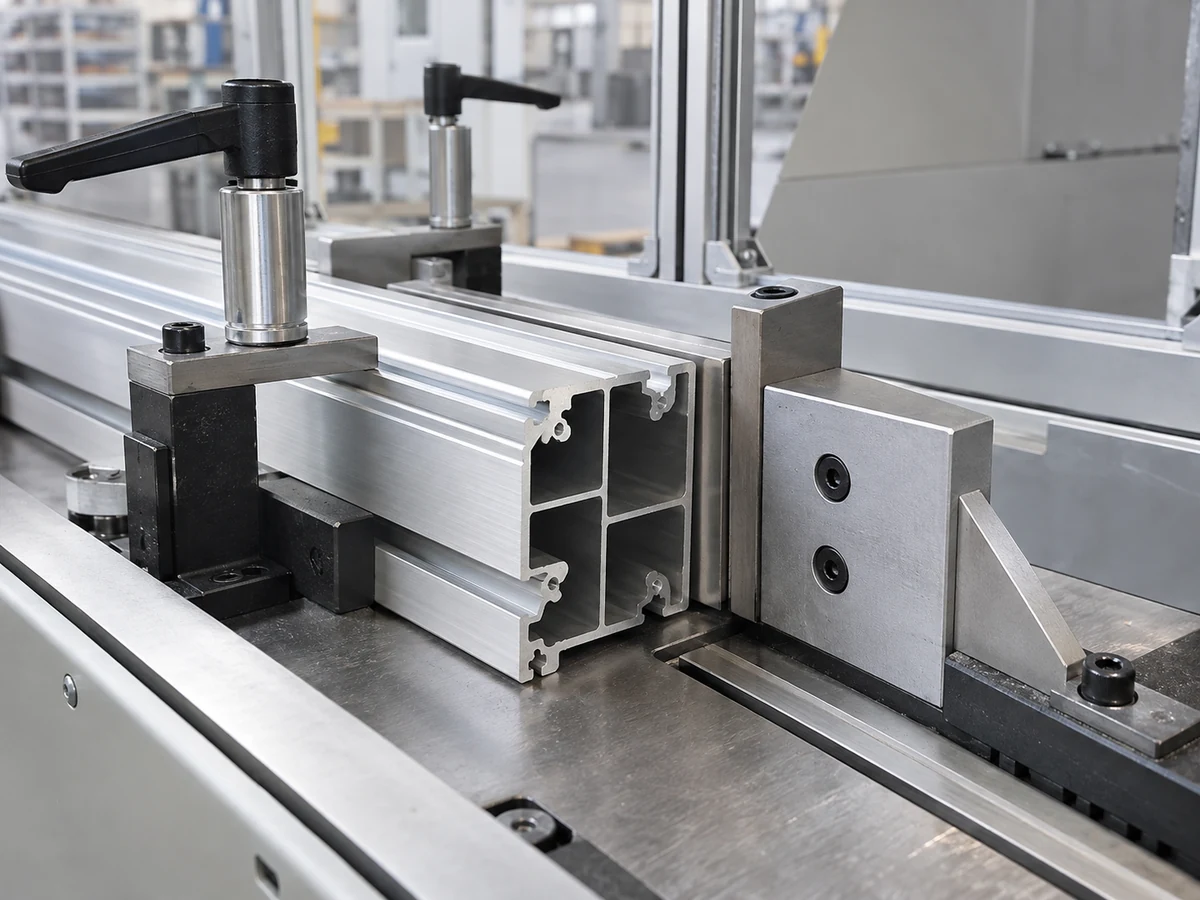
For 3D printer enclosure door frame cutting, inspect the locating side in a stopped setup, jaw pads, hold-down face, blade clearance and outfeed support. A hollow extrusion may need support against deformation; a narrow lip or finished face may need a different contact point. Request the actual profile and finish for the trial. Long stock can lift or twist differently from a short demonstration piece.
Record any burr, scratch, crushed wall or residue on the edge that will receive a panel, gasket, hinge or connector. The enclosure owner sets acceptance criteria for those downstream interfaces. The saw vendor should show what its fixture and cut deliver, and list pads or nests included in the quoted machine package. Do not treat a sample with an unidentified profile as a validated door setup.
6. Approve traceable first-off members
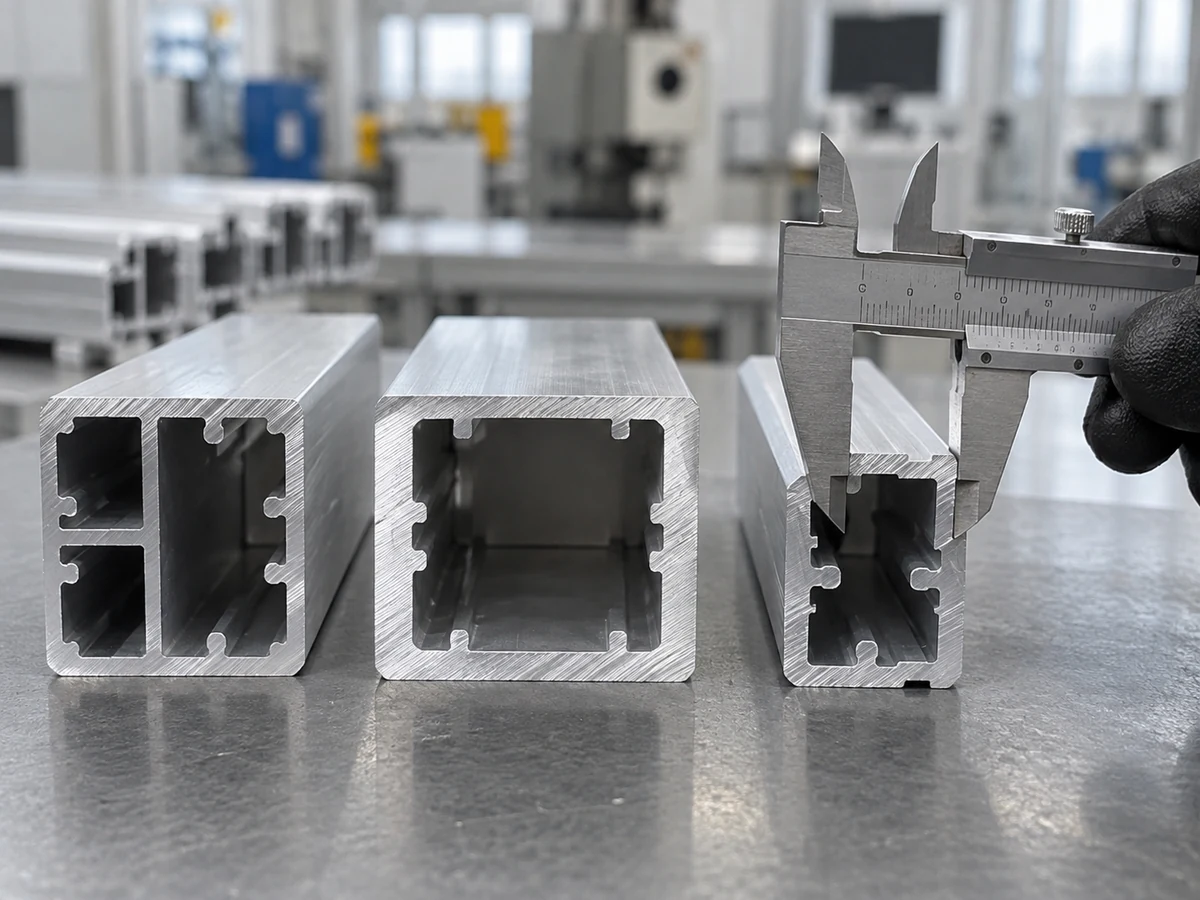
Ask for a first-off set covering each released section, handed end and finish state. Label it with the door variant, member code, drawing revision, stock batch, machine setup and cut order. Measure the agreed datum and angle, then inspect end faces, wall shape and protected surfaces. Keep the readings and observations with the samples. The cut feature can pass while the assembled door still requires separate review.
Send the accepted cut set to the enclosure assembler for fit checks with the real corner connectors, panel, hinges and latch. If the trial fails, record the deviation, tooling or locating change and repeated result. If a design revision changes the door opening or hinge arrangement, repeat the affected member and assembly checks. Do not quietly trim a length until the door appears to close; that can hide a wrong drawing or datum.
7. Compare quotes at the same handover
Send each supplier the same pack: released door drawing, member schedule, actual extrusion samples, surface restrictions, orientation marks, expected batch mix, first-off method and downstream owner list. Ask the supplier to state the blade, stops, guards, pads, handling support, setup and training included with the saw. If a quote assumes drilling, tapping, mitering or kit labeling, identify those operations separately.
Compare accepted cut blanks to accepted cut blanks, or complete prepared kits to complete prepared kits. A faster catalog cycle is not decisive if changeover, handling or rejection dominates the real door mix. A large saw envelope does not replace a suitable fixture for a small profile. Ask for evidence on the actual section and end sequence before selecting equipment.
For a machine starting point, see JiurunCut’s CNC aluminum cutting machine overview. To discuss a specific trial, send the released door member drawings, sample stock and acceptance method. JiurunCut can review the saw-cut requirement after receiving those inputs; the enclosure owner remains responsible for the finished door and system.
Related aluminum saw demonstration
Video from Jiurun Machinery’s own channel shows a related aluminum saw. It illustrates equipment operation only; it is not a test of the particular door frame, enclosure, customer project or safety performance discussed here.
Frequently asked questions
Can a saw-cut sample approve the complete 3D printer enclosure door?
No. It can verify the measured features and surface condition of the tested metal member. Door operation, enclosure panels, ventilation and safety decisions require separate approval by the responsible system owner.
Should every door member be cut on the same setting?
Only if the released sections, orientation, ends and acceptance method justify that setting. Record distinct setups where a hinge stile, latch stile or finished surface needs different location or protection.
What should the first RFQ include?
Provide the door variant and revision, profile samples, member cut list, length datum, end orientation, finish restrictions, output stage and first-off acceptance method. Identify who adds holes, panels, hinges and latches after cutting.