
Preloaded T-slot profile cutting is a different buying question from cutting bare aluminum stock. A steel nut, screw, stop, or other installed part may be near the proposed cut plane even when the extrusion drawing looks familiar. Before a saw quotation or trial, identify the actual delivered stock, mark every installed item, and ask the machine and blade suppliers to approve the complete cut path in writing. Do not assume that an aluminum saw or an aluminum-rated blade can cut through a steel insert.
This guide is for buyers and production planners defining an RFQ. It does not approve a particular Jiurun machine, blade, configuration, or mixed-material cut. The approved drawing, supplied specimen, machine documentation, blade maker, and qualified site team control the final method.
Start with the material state that will reach the saw
Three jobs can share the same extrusion section but require different process reviews: bare profile cut before hardware installation; a profile with nuts already inside a T-slot but outside the cut zone; and a preassembled member whose hardware or bracket intersects the proposed cut zone. Record which state is real for each part family. A purchase order saying only “T-slot aluminum profile” does not settle this distinction.
Ask the supplier for the section drawing, the current hardware bill, and a representative piece at the same assembly stage as production. Identify the insert material and part number rather than inferring it from the aluminum extrusion. For example, Bosch Rexroth lists zinc-plated steel T-nuts as separate connection elements for aluminum framing; their presence is a separate material fact, not part of the aluminum section designation. Bosch Rexroth aluminum framing catalog.
Preloaded T-slot profile cutting: map nut and kerf
On the released drawing or marked sample, show the intended finished ends, the cut plane, the full blade path, and the position of each preloaded item. Include the position tolerance or movement range if a nut can slide within the slot. A nominal end-to-nut distance alone may hide a moving nut. State which profile face is supported and clamped, since projecting hardware can also change how a piece rests against a stop or jaw even if it never reaches the teeth.
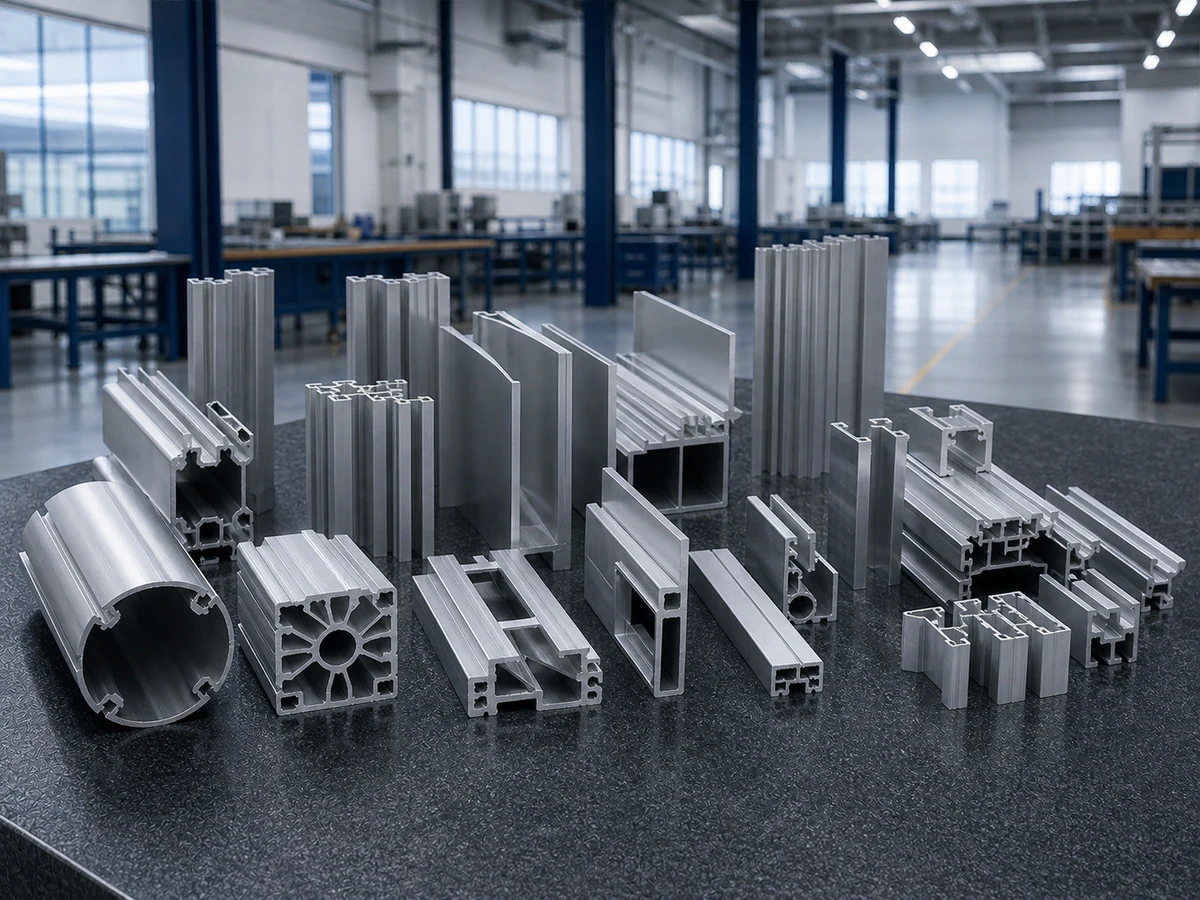
Separate two questions: can the specified hardware remain in the profile at the saw handoff, and will the finished member still accept or retain that hardware after cutting? A former question is about the cut and workholding; the latter is about assembly access. Our T-slot end-access guide addresses the later entry route. Keep both decisions on the same traveler without treating them as one approval.
Keep blade and machine approval tied to the whole job
Blade application labels are material-specific. Bosch describes its PRO Aluminium blade as designed for aluminum and nonferrous metals; that product description does not certify a Jiurun saw cutting a preloaded steel nut. Bosch blade application page. Conversely, a blade advertised for several materials does not automatically fit a particular machine, guard, spindle, speed range, clamp arrangement, or mixed cut. Obtain written compatibility for the exact machine, blade, stock condition, and any proposed hardware contact before a trial. Do not substitute a blade on the strength of a broad “multi-material” label.
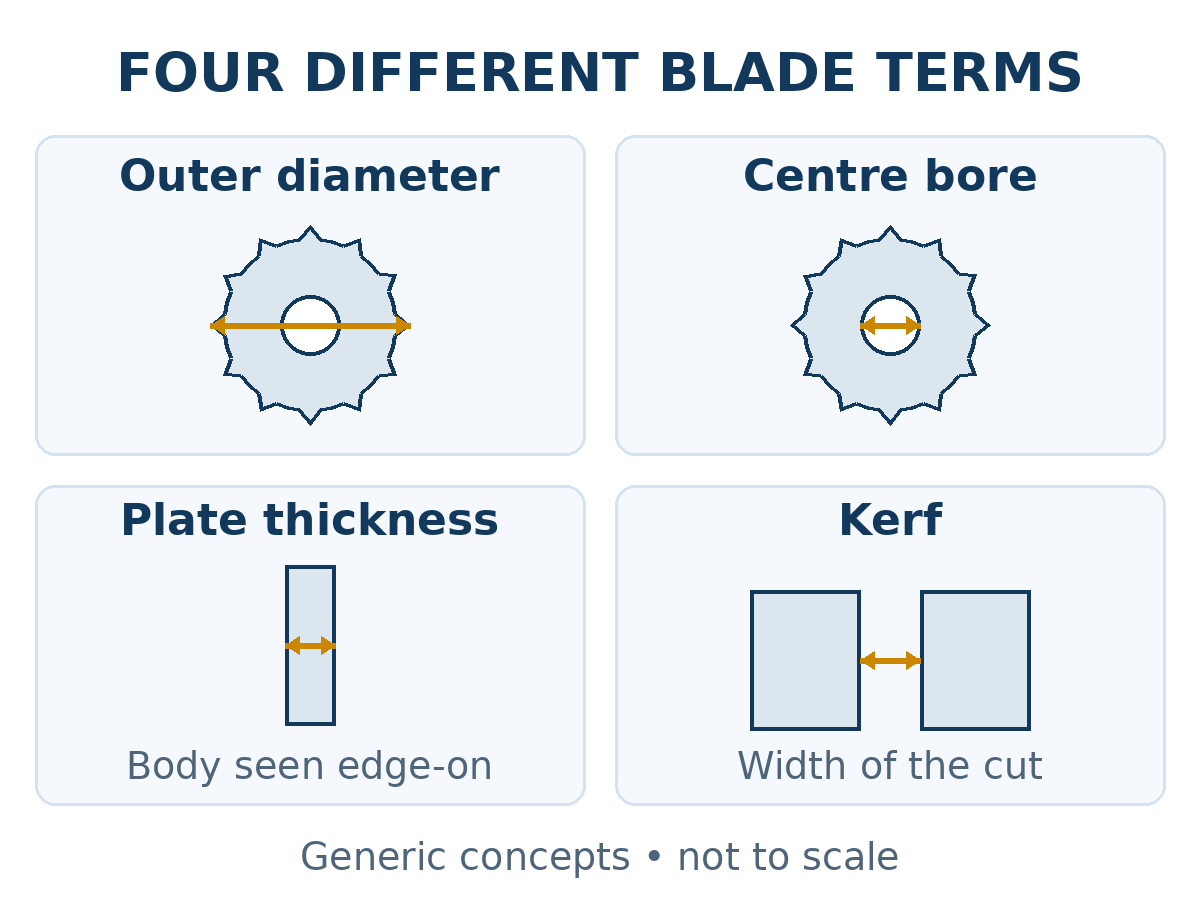
The blade interface is only one part of approval. Ask who confirms the guard and containment, extraction or chip handling, workholding, safe access, and the receiving inspection for this specific stock condition. A generic machine video or profile photo cannot replace those approvals. If the configuration is not documented, hold the job at the RFQ stage instead of treating a sample cut as permission for production.
Choose a deliberate delivery route
- Cut bare stock, then install hardware: quote the clean extrusion blank and separately define the downstream insertion or assembly work. Confirm the required end access and final hardware location.
- Cut with preloaded hardware clear of the path: document the location control and independent workholding review. The buyer still needs written approval of the actual condition.
- Hardware intersects the proposed cut path: request an engineered alternative or a separately qualified process. Do not assume the installed nut may be cut merely because the carrier profile is aluminum.
- Buy prepared members: compare a supplier-delivered, already accepted member with retained in-house cutting. Count the actual receiving requirement, not just the saw cycle.
For preloaded T-slot profile cutting, the right route depends on the approved product design and how the hardware arrives. Item’s profile technology describes T-slot nuts as components inserted into profile grooves and used for fasteners, which is why installation stage belongs in the part specification. item profile technology overview. Do not generalize its assembly sequence to every profile or nut.
What should a representative trial release?
In preloaded T-slot profile cutting, once the machine, tooling, and process owners have approved a proposed route, use a representative specimen with the correct extrusion, hardware state, length, orientation, and support. Record whether the hardware stayed where the drawing requires, whether finished ends meet the specified cut and fit criteria, and whether the next operation can still assemble the member. Record any change to the blade or workholding as a new review condition. A first cut of clean stock does not validate a later batch with preloaded nuts.
The receiving record should identify the revision, hardware part number and material, location relative to the intended cut, chosen delivery stage, responsible approval, and the first accepted part. Keep the agreed rejection and segregation route for any uncertain stock. This is a purchasing and acceptance framework, not an operating procedure or a promise of a specific tolerance.
Equipment view and RFQ handoff
The Jiurun video below shows a JR-455Q machine presentation and general upper-lower cutting equipment. It does not show T-slot stock with preloaded hardware, authorize cutting steel nuts, establish the blade or guard configuration for this article, or prove a customer trial or performance result.
For a useful quotation, send the released section and end drawings, marked stock photographs or a representative piece, hardware identity and installation stage, proposed cut position, quantity and batch mix, and the acceptance criteria for finished ends and later assembly. Ask the supplier to state the compatible scope and any missing information before quoting. Contact JiurunCut with the actual stock and drawing for a machine-scope discussion; request written approval before any mixed-material trial.