
Aluminum exhibition monitor stand frame cutting starts with a released member list, not a photograph of a completed pedestal. A display builder may order saw-cut uprights and crossmembers while sourcing the monitor bracket, panels, shelf, door and graphics separately. The buyer needs to know which faces, lengths and connection points the saw supplier must deliver before comparing quotes.
Two aluminum extrusion display pedestals and a monitor stand with a shelf illustrate the scope difference. Their listed assemblies include an aluminum frame plus other parts, and the pedestal and shelf versions do not have identical component lists. These commercial examples are context for an RFQ; they are not Jiurun projects, stock specifications or evidence that one saw setup fits every display.
Define the approved frame members
Ask the display designer for a section drawing and part schedule. Identify each upright, top and bottom rail, shelf support and door or panel carrier by part number and revision. Record the actual supplied profile, alloy or material designation, finish state, stock length and quantity per finished stand. Do not infer a hidden connector or wall thickness from a rendered sales image.
Distinguish a cut blank from a fabricated member. A blank may still need holes, threaded inserts, milling, corner hardware or surface finish. A panel slot or accessory channel seen in a profile can make orientation important at the cut. Mark the reference face and which end is “top” before combining left and right members into one batch.

Aluminum exhibition monitor stand frame cutting: seven RFQ checks
- Section and finish: specify the released extrusion drawing and whether saw cutting occurs before or after anodizing, coating or other finish.
- Member length datum: dimension between named faces or cut planes. A finished pedestal height is not automatically an upright cut length.
- End form: state square or angled cuts, the hand of each part and the permitted burr or edge condition. Set a drawing-based angle rather than copying a catalog image.
- Channel orientation: mark the face that must align with a panel, door, shelf or mounting insert. Include a sample section when a symmetric sketch hides a real orientation feature.
- Retained operations: identify who makes bracket holes, inserts, locking hardware seats, panel grooves and any later machining. A saw quote covers only its named scope.
- First article: inspect cut length, angle, visible surface condition and mating fit using the actual profile and approved gauge or joining sample.
- Kit identity: label members by stand configuration, graphic or finish variant and drawing revision; protect visible faces during shipment.
A useful supplier response states which checks are included, which are excluded and who signs off the first article. A low price per cut is not comparable to a labeled kit with inspection and protective packing unless the deliverables are normalized.
Confirm joint fit before the full batch
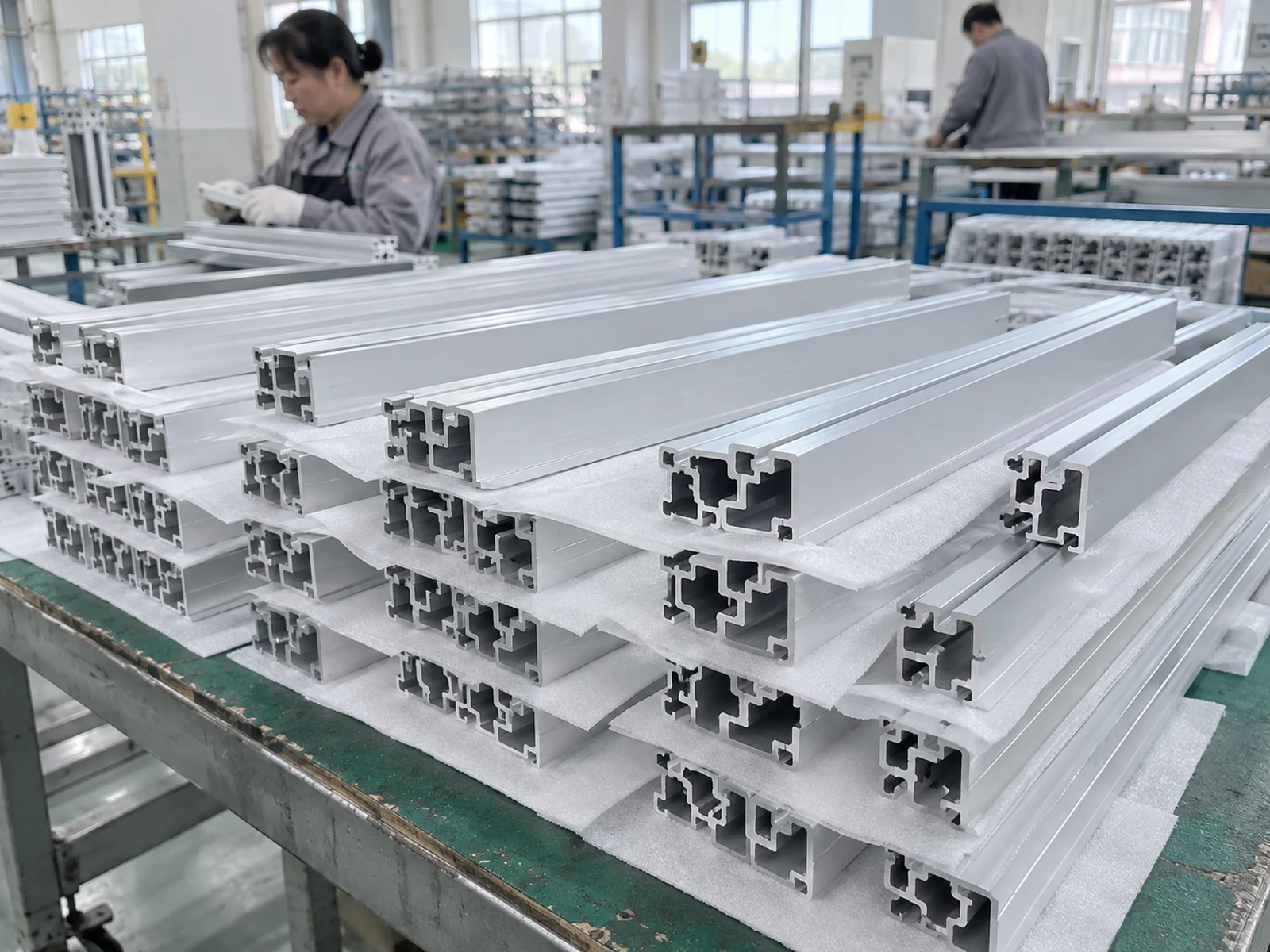
Set a small trial using the real extrusion. Check how its accessible faces contact the saw clamp and infeed support, and whether the channel or thin wall is at risk of marking. Agree a datum, then measure the cut at that datum. Inspect both ends for burrs, pushed material, scratches and trapped chips before fitting a supplied corner connector or gauge.
For a frame that carries a door or panel, record whether a small end error accumulates at a visible seam. If a connector requires a particular insertion depth, the assembly designer should provide that dimension and acceptance method. The saw supplier should not invent it from a stand photo. Keep fit evidence tied to the member drawing and revision used in the trial.
Separate display integration from saw-cut supply
The completed monitor stand also depends on a screen bracket, mounting fasteners, panels, shelf or door, routing for cables and the stability of the assembled unit. The display builder owns fit, load rating, tip resistance, electrical routing and installation decisions. Cut members by themselves do not certify a finished stand or confirm compatibility with a particular screen.
The locking pedestal example has a door and enclosure panels; the shelf version includes a shelf and bracket. Those parts may change rail positions and interface details even if an aluminum section looks similar. Request a configuration matrix when the buyer has multiple stand sizes or accessory options. A common saw blank may serve several variants, but only the released part list can establish that.
Compare blank, inspected member and kit offers
For each bidder, ask for the accepted output stage: loose saw-cut blanks, inspected and marked members, or a packaged frame kit. Clarify whether deburring, end protection, sample setup, measurement reports and rejection handling are included. Record supplied stock length, expected order mix and packaging unit before discussing machine throughput. Quoting one display frame as though every part has the same section and end condition hides real setup work.
Jiurun supplies circular saw equipment for aluminum profiles and other nonferrous stock. A machine choice must be checked against the actual extrusion section, cut length and angle range, fixture contact limits and first-article requirements. A general equipment video cannot establish suitability for an unnamed display design.
Related Jiurun equipment video
The following Jiurun Machinery channel clip shows aluminum cutting equipment in operation. It is a general equipment view, not this monitor-stand material, project, machine configuration, customer trial or proof of cut performance.
Send the member schedule
For an equipment discussion or sample-cut plan, send Jiurun the released member drawings, a profile sample, cut and finish schedule, expected quantity by configuration and the first-article fit check. Identify which company will approve the completed stand and monitor mounting.