
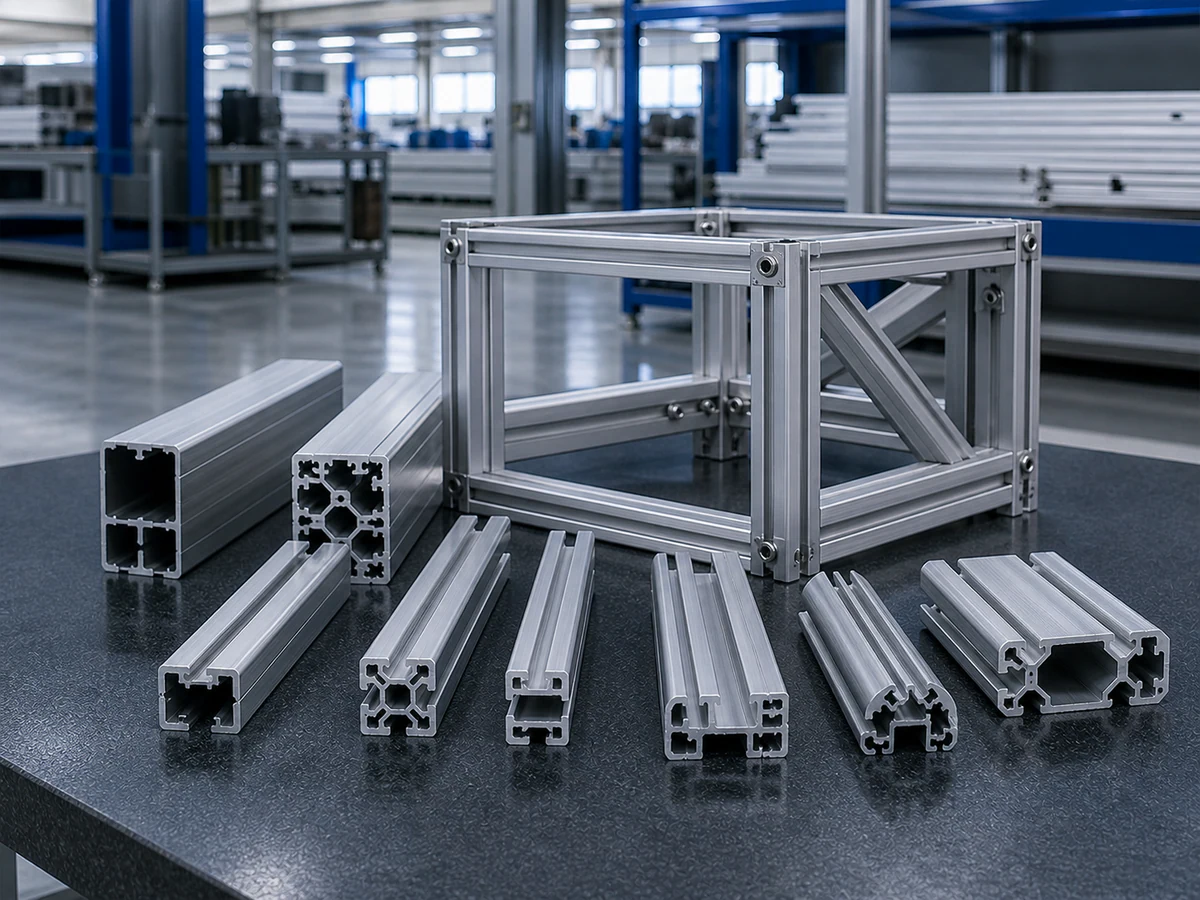
01
Machine & Automation Frames
CHALLENGE
Assembly lengths and end faces must follow the same datum.
WHAT WE REVIEW
Section drawing · finished length · mating reference
Send Frame DrawingsINDUSTRIAL ALUMINUM CUTTING ENGINEERING
Send the profile sections and cutting list for your production mix. JiurunCut reviews positioning, workholding and changeovers before recommending a cutting setup.
Start with: Profile sections · Finished lengths · Quantities · Tolerance · Changeovers
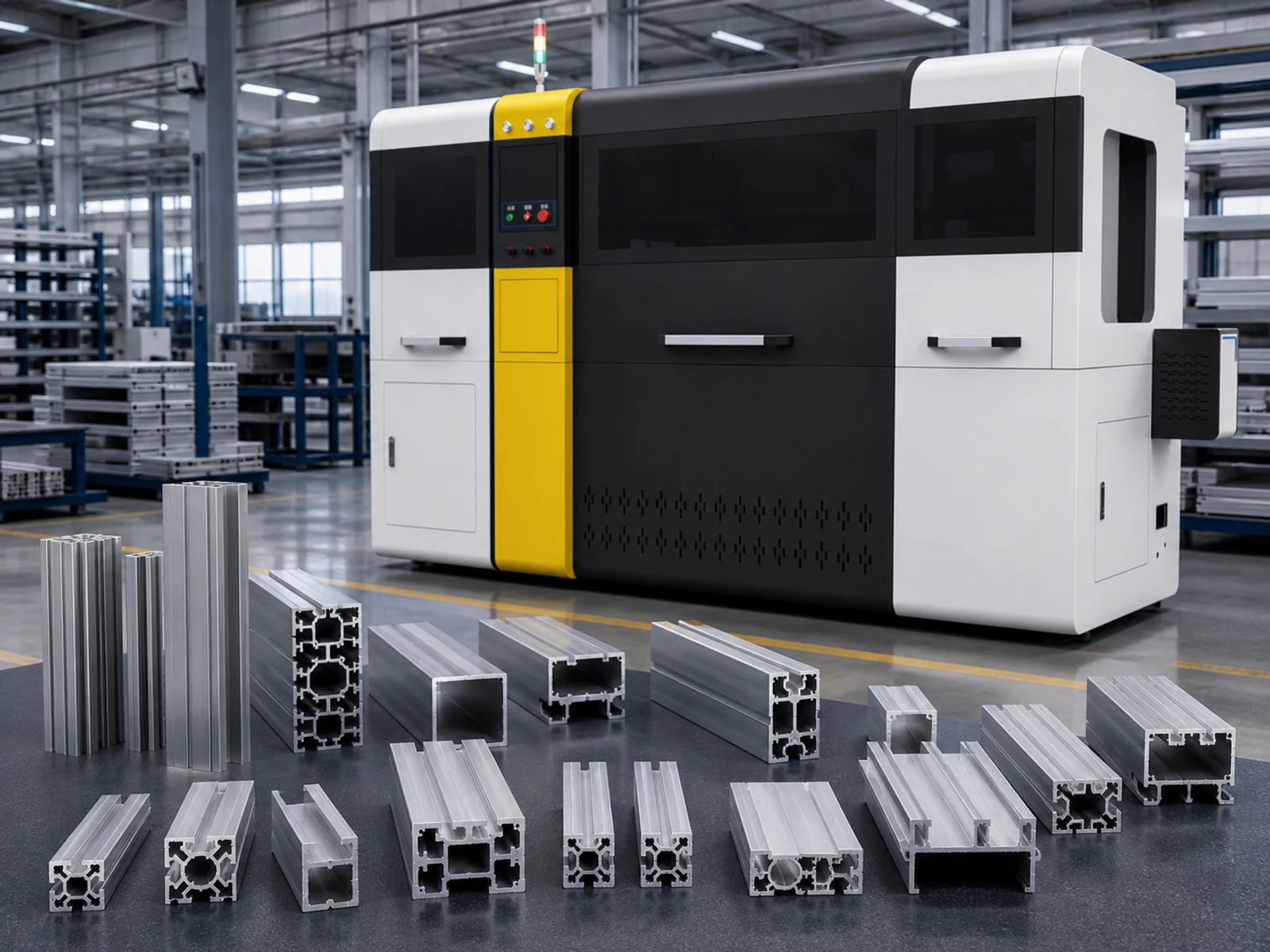
01 — UNDERSTAND THE PART
ENGINEERING INPUTS
Cross-sections · walls · cavities
Finished length · mating surface · inspection origin
Lengths · quantities · recurring orders
Fixture compatibility · program recall · production mix
BUYER FIT
Start with the profile families and the production work they need to share.
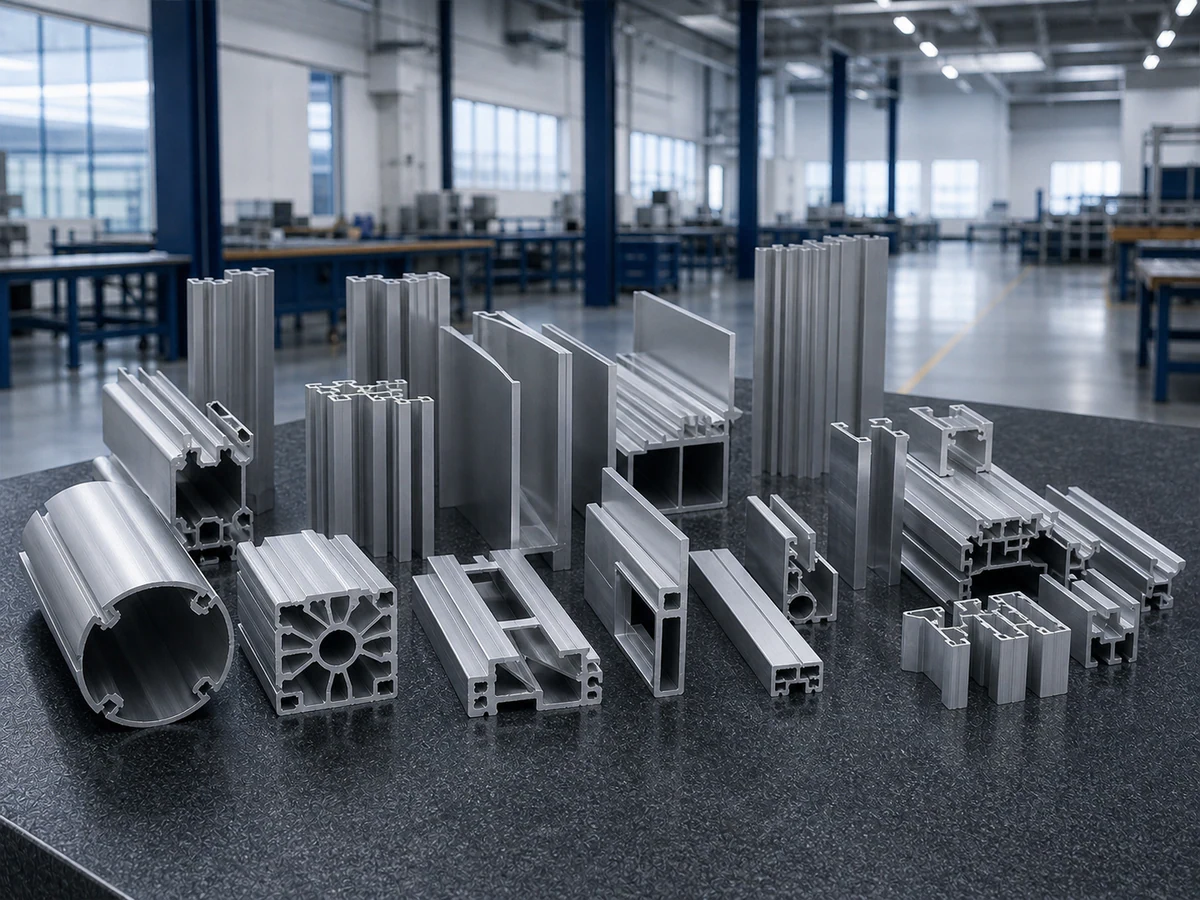
Machine frames, automation structures, equipment enclosures, furniture and appliance aluminum parts, and custom extrusions.
Multiple sections and lengths, mixed orders, fixture changes, batch consistency and visible surfaces.
Profile-specific positioning and workholding, circular-saw cutting and inspection across the production mix.
Selected after reviewing the full profile range, cut list, tolerance, output and changeover requirements.
Section drawings, finished lengths and quantities, stock length, visible faces, tolerance and change frequency.
TYPICAL INDUSTRIAL PARTS
The profile family and job mix determine support, positioning, changeovers and inspection.
CHALLENGE
Assembly lengths and end faces must follow the same datum.
WHAT WE REVIEW
Section drawing · finished length · mating reference
Send Frame Drawings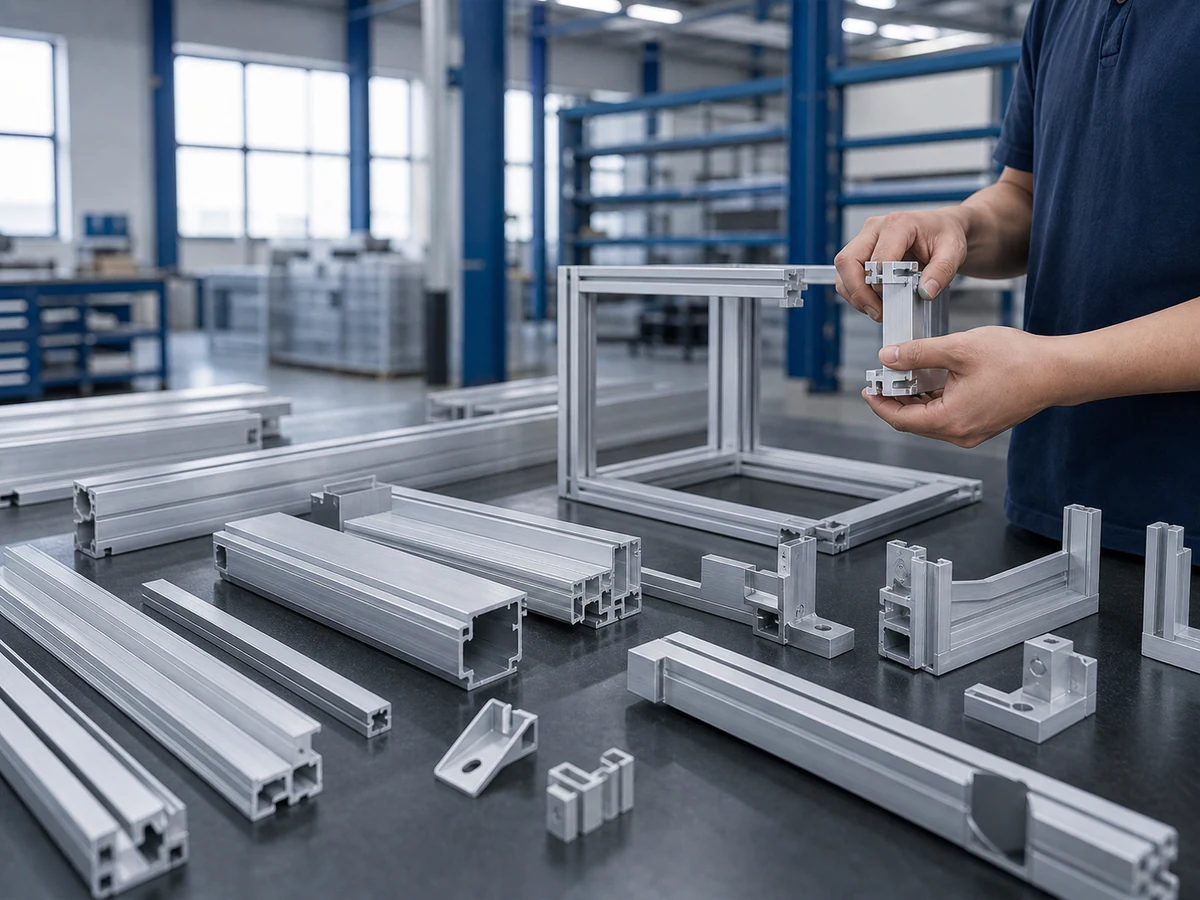
CHALLENGE
Visible faces and assembly interfaces need controlled contact.
WHAT WE REVIEW
Protected surfaces · fixture contact · joint details
Send Enclosure Drawings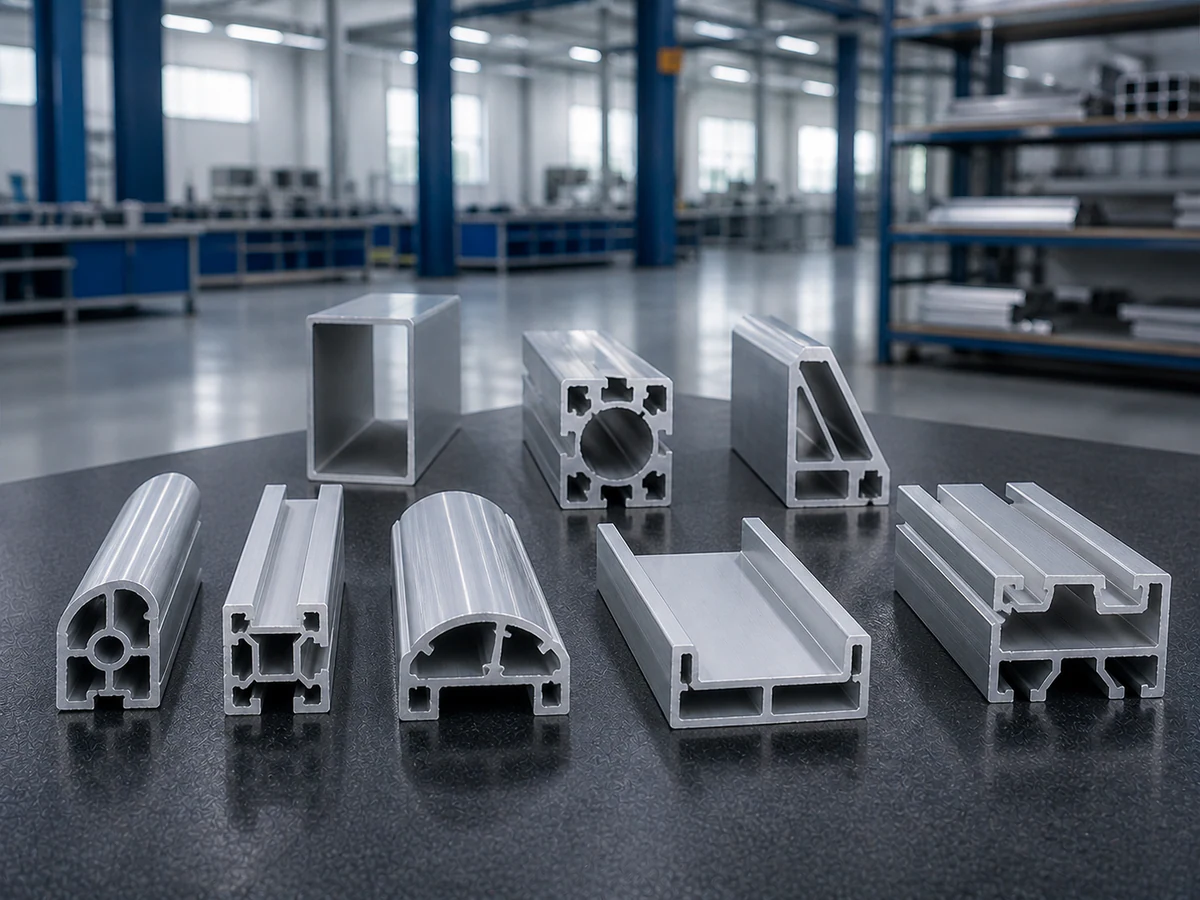
CHALLENGE
Cavities, thin walls and asymmetric sections need stable support.
WHAT WE REVIEW
Profile range · safe contact zones · wall thickness
Send Profile Sections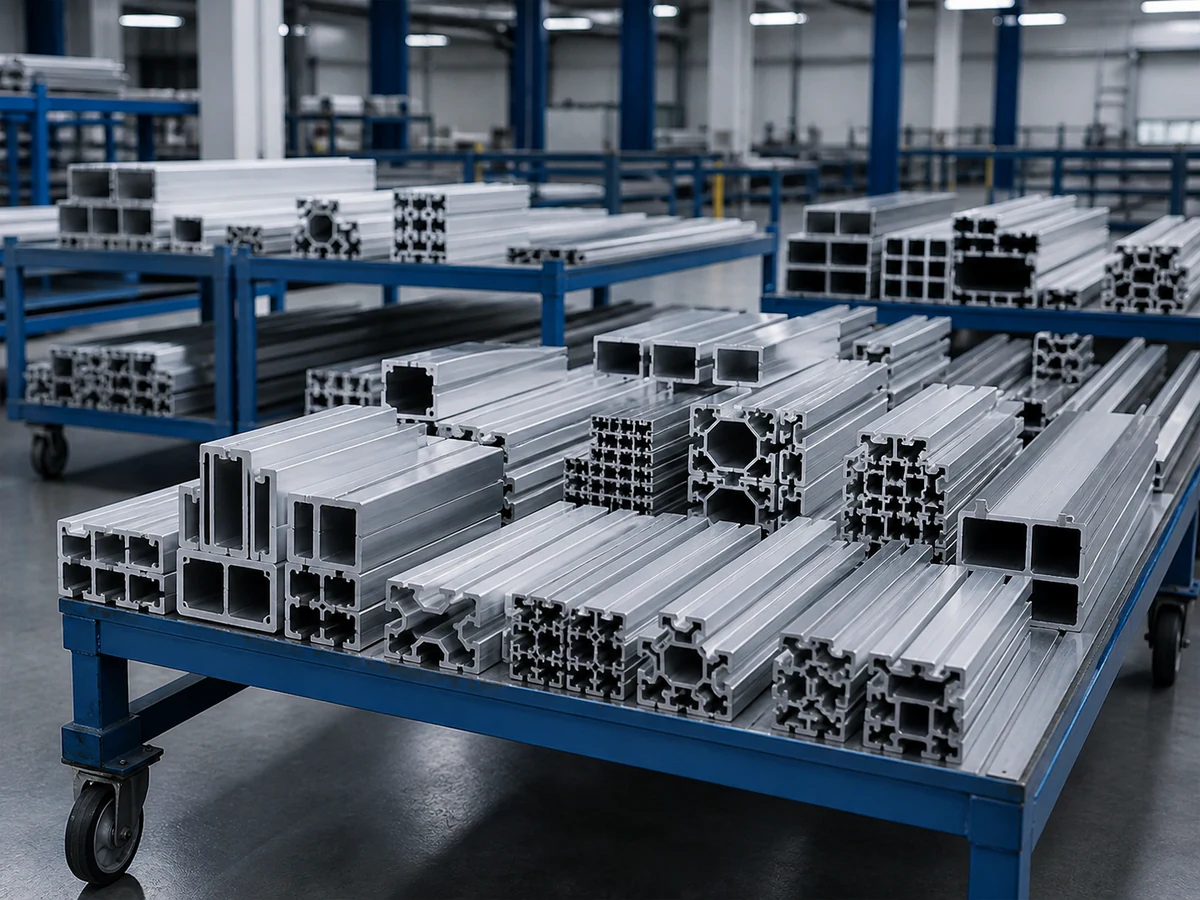
CHALLENGE
Changing lengths and quantities need clear order identification.
WHAT WE REVIEW
Full cut list · quantities · grouping · change frequency
Send Your Job ListENGINEERING DECISIONS
Check what changes with the section, the setup and the production order.
THE RISK
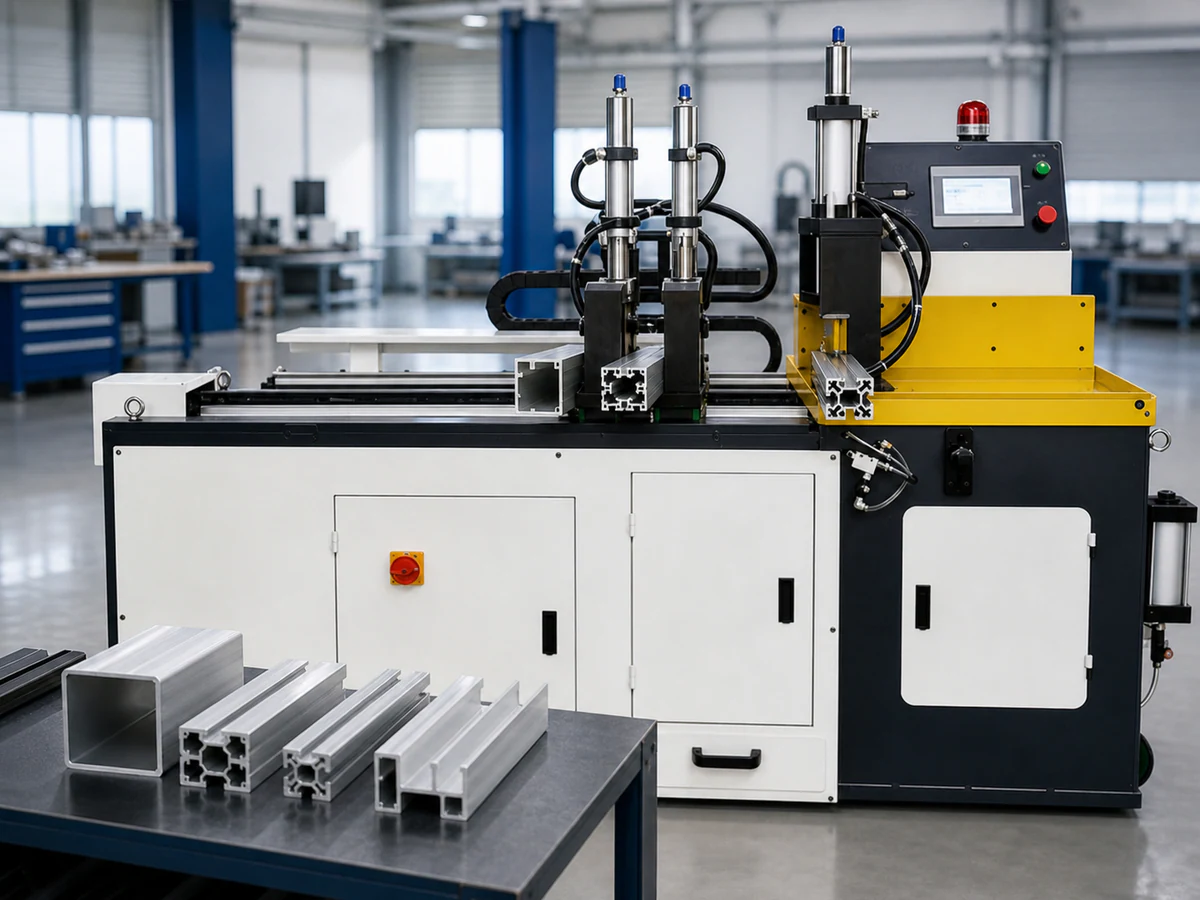
A fixture suitable for one section can mark or destabilize another.
JIURUN ENGINEERING RESPONSE
Review support height, safe contact areas and clamp direction for every important family; verify holding and surface condition.
THE RISK
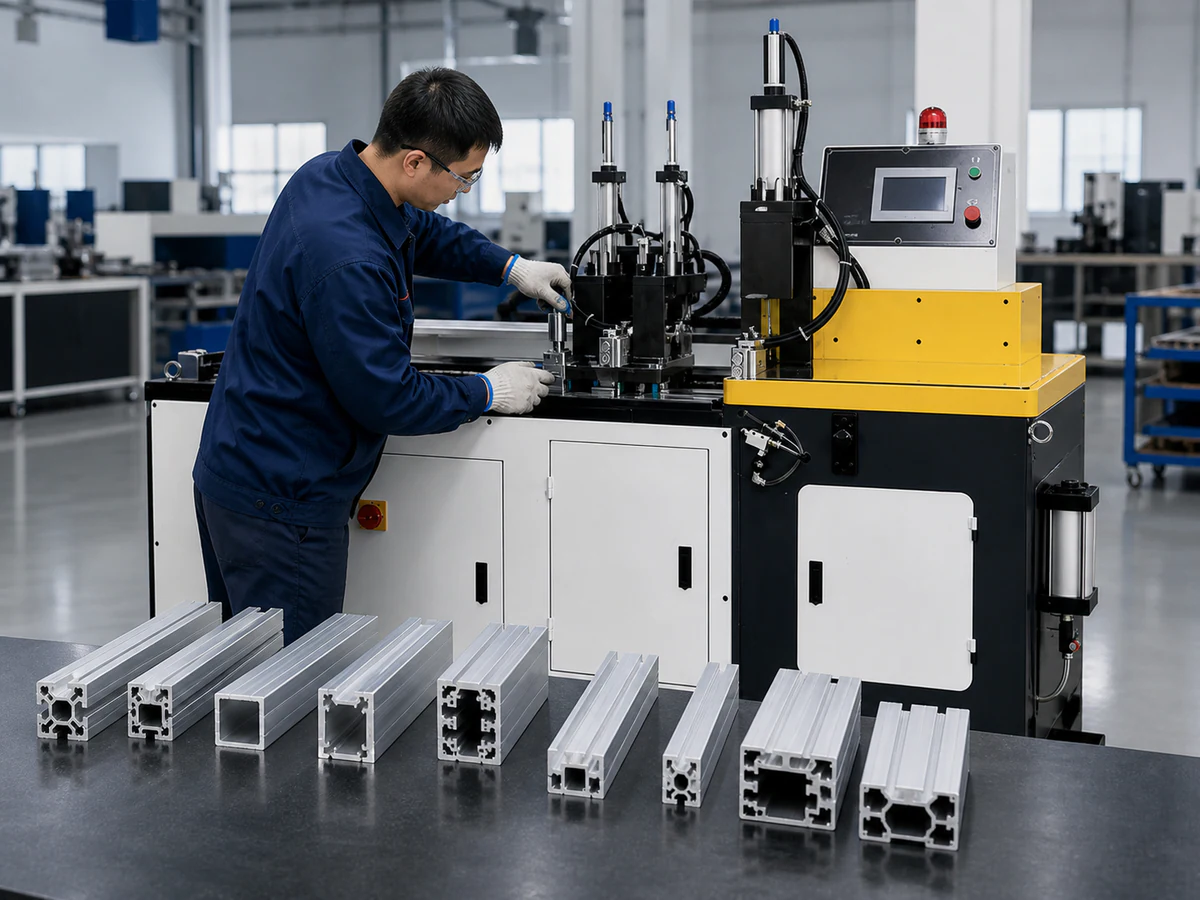
Recalling a length program does not make the physical fixture compatible.
JIURUN ENGINEERING RESPONSE
Group profiles by support and clamping compatibility, identify setup changes and verify the recalled program with its correct fixture.
THE RISK
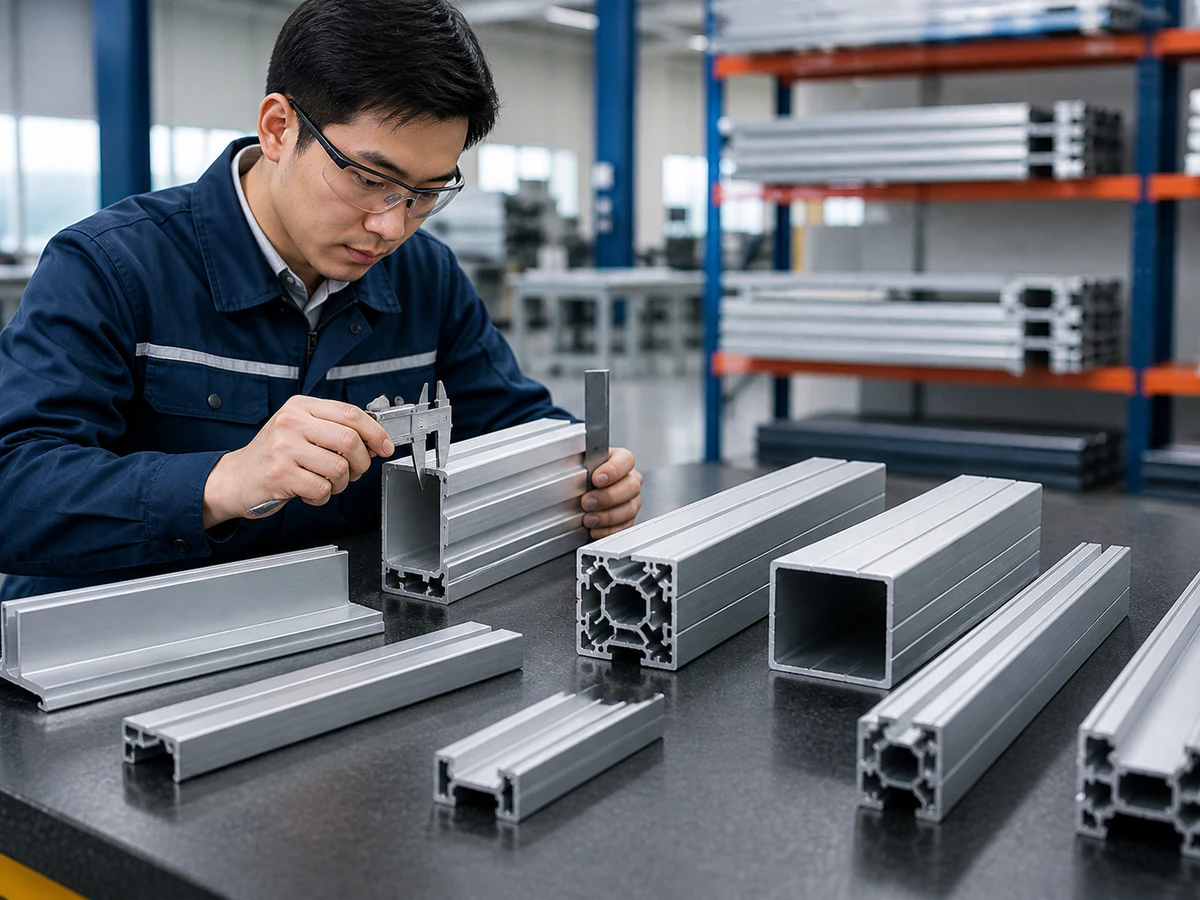
A clean-looking cut can still miss the required length or end-face relationship.
JIURUN ENGINEERING RESPONSE
Agree the datum and inspection method; check finished dimensions, cut face, perpendicularity and visible surfaces on representative parts.
THE RISK
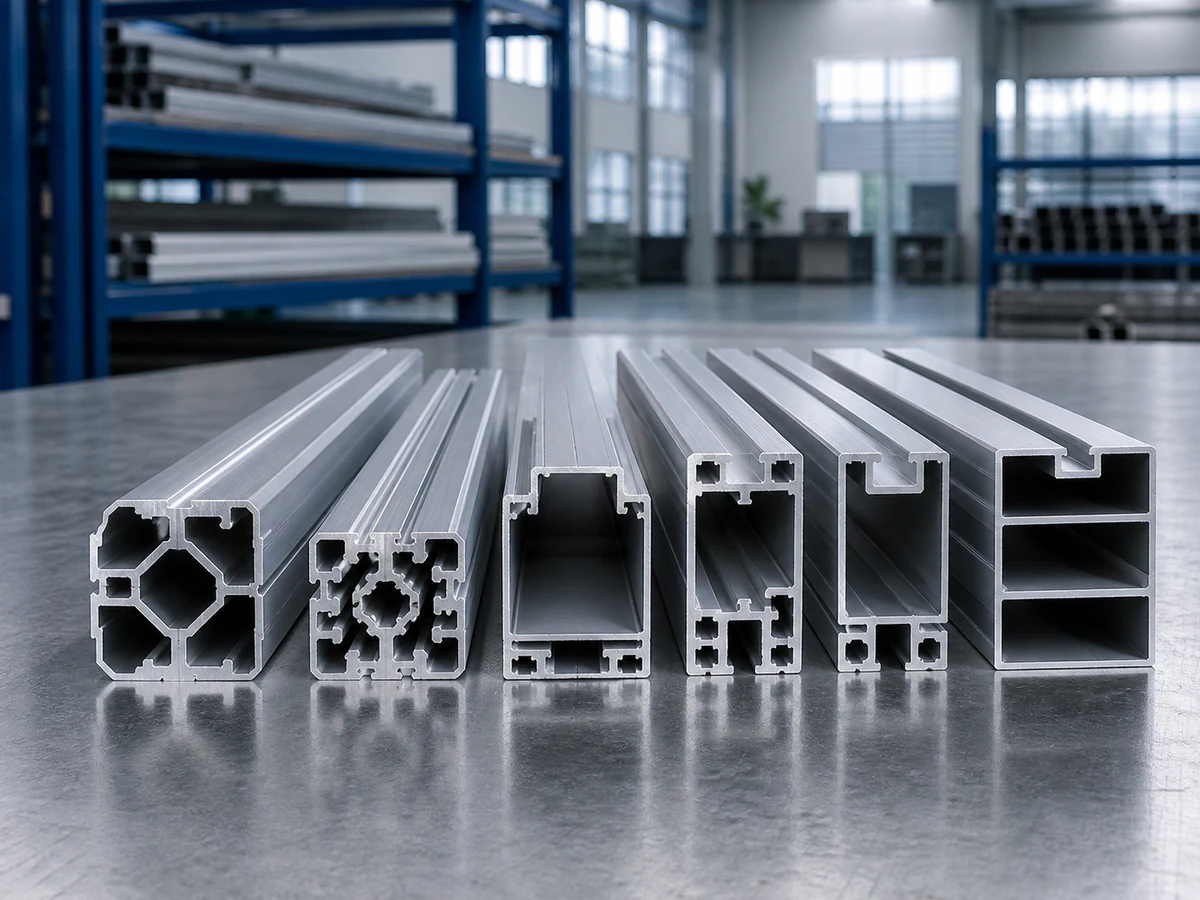
A varied production list cannot be accepted from one selected sample.
JIURUN ENGINEERING RESPONSE
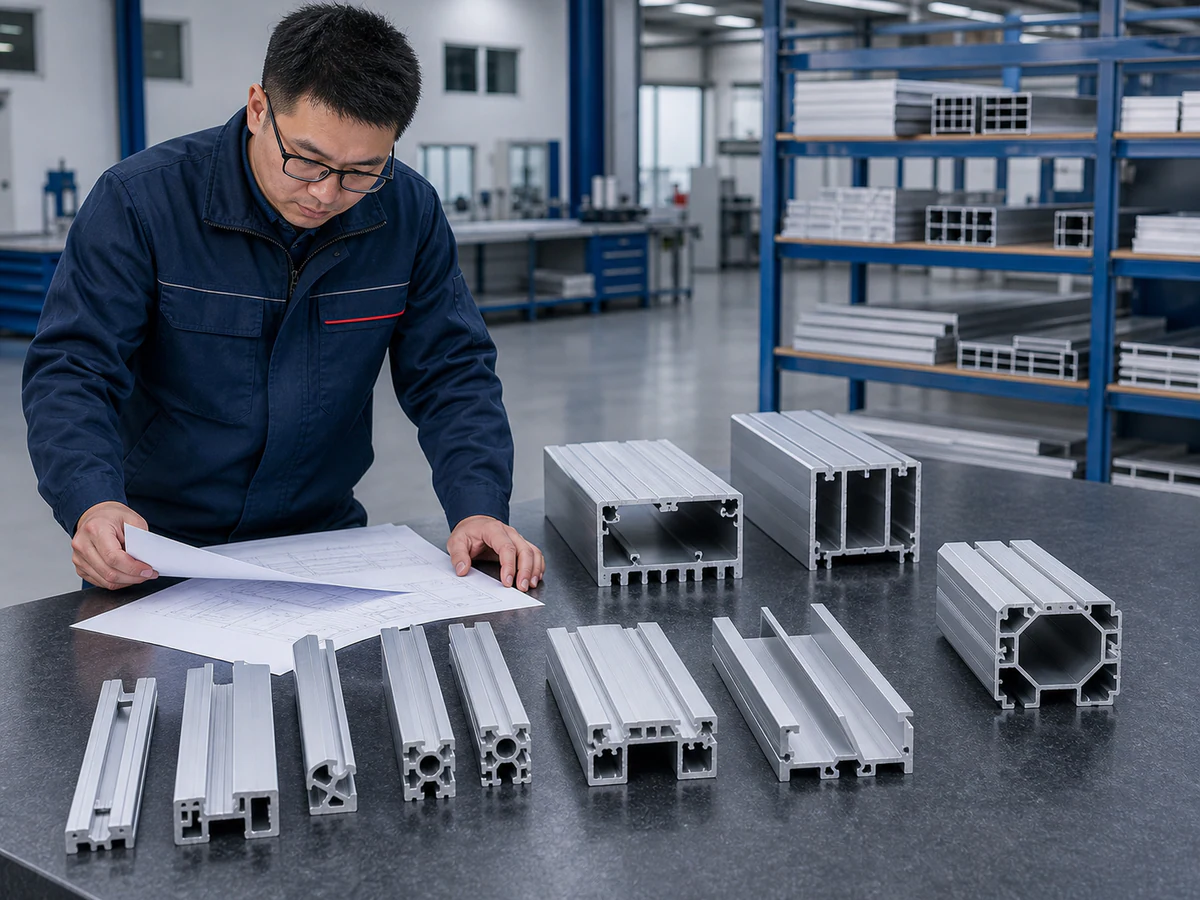
Repeat important lengths and programs, compare consecutive parts and verify classification. The image illustrates profile variety, not measured batch results.
02 — BUILD THE CUTTING STRATEGY
ENGINEERING DECISION PATH
Each decision follows from the real profile range, job list and inspection requirement.
We start with the profiles and the production mix.
Sections, cavities, walls and important future profiles.
Finished-length reference, mating faces and inspection origin.
Stable contact areas across the full profile family.
Force direction, wall support and protected visible faces.
Stock support, positioning, discharge and collection.
Length lists, quantities, repeat recipes and fixture compatibility.
Dimensions, cut face, repeatability and surface condition.
Configuration confirmed after the profile and production review.
CUTTING STRATEGY
Recurring batches, changing job lists and different profile families need distinct setup decisions.
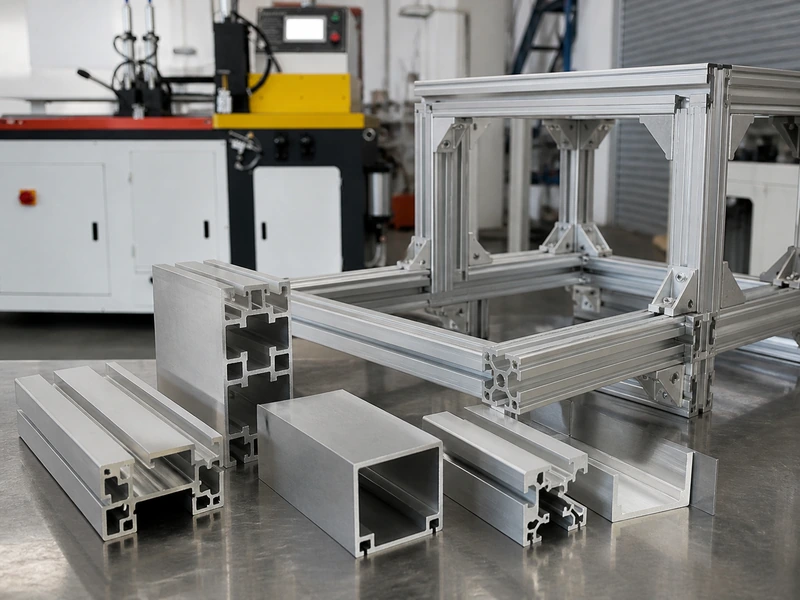
WHY THIS DIRECTIONRepeat the important programs and verify dimensions under the agreed production setup.
Discuss Batch Production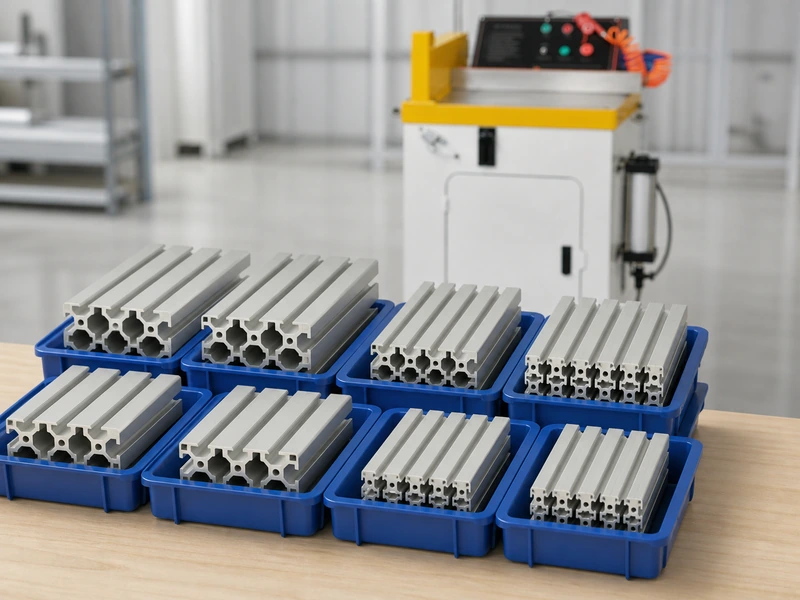
WHY THIS DIRECTIONReview stock lengths, finished quantities and change frequency before planning the workflow.
Request a Cut-List Review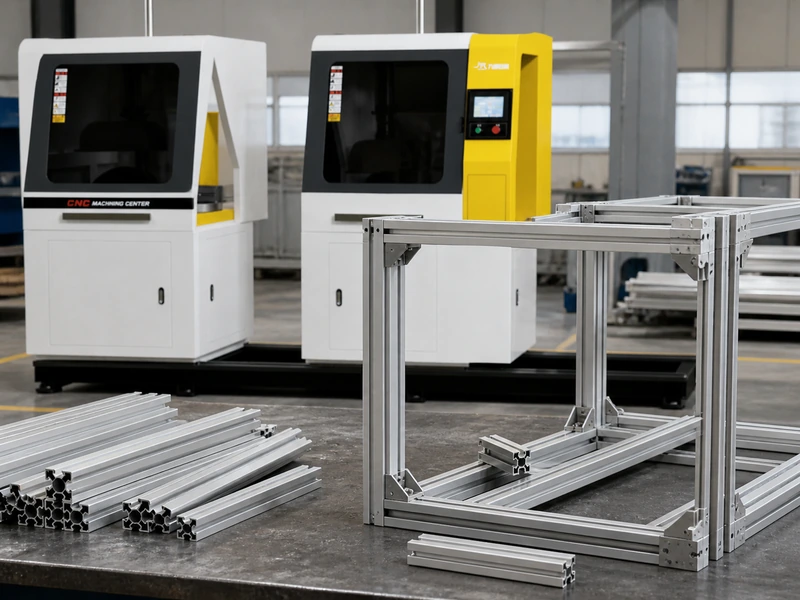
WHY THIS DIRECTIONGroup sections by physical support and clamping compatibility; a shared program alone is not enough.
Discuss Profile FamiliesMACHINE DIRECTION
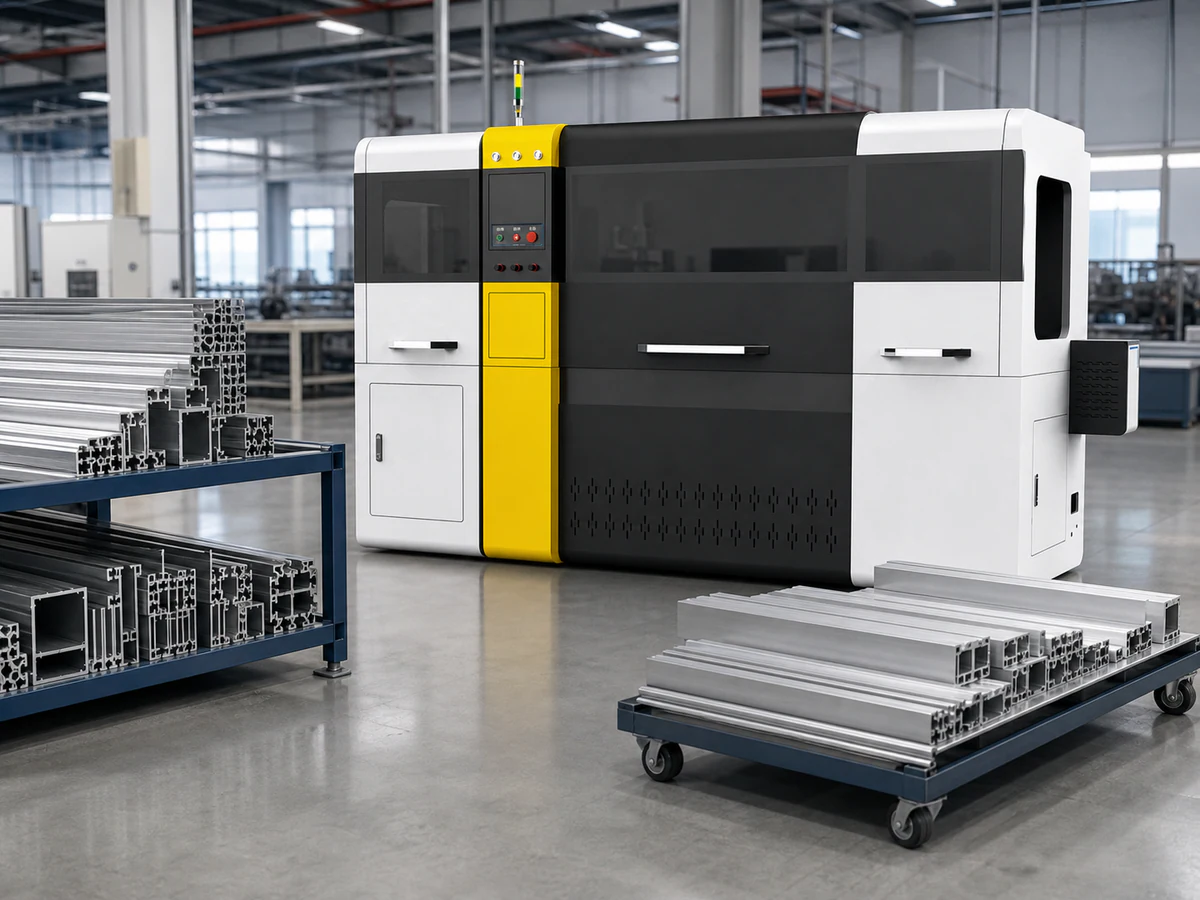
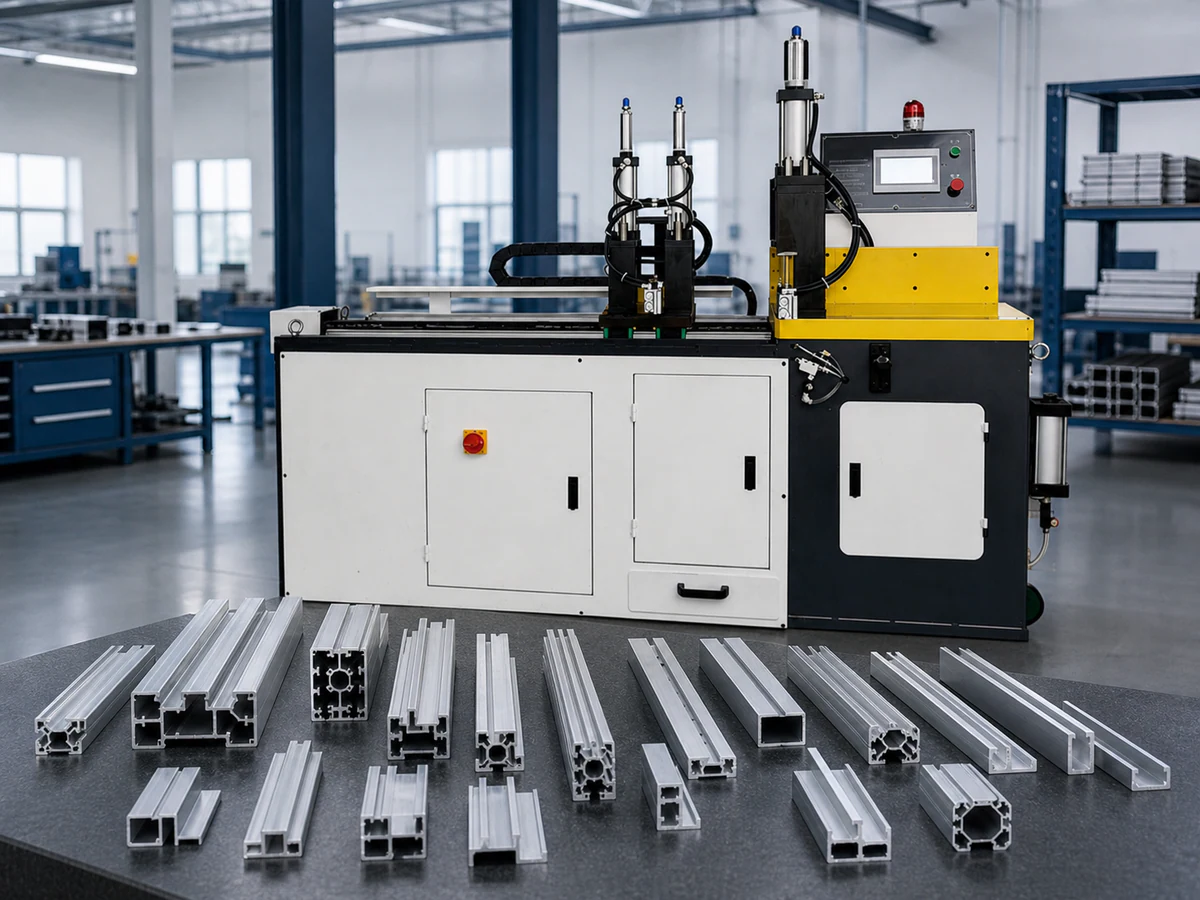
Two starting directions for discussion. Final configuration depends on the supplied profiles, workholding and production mix.
03 — VERIFY BEFORE PRODUCTION
ENGINEERING PROCESS
A practical review sequence for profile geometry, clamping, cutting and inspection.
Send important profile sections, stock and finished lengths, quantities and change frequency.
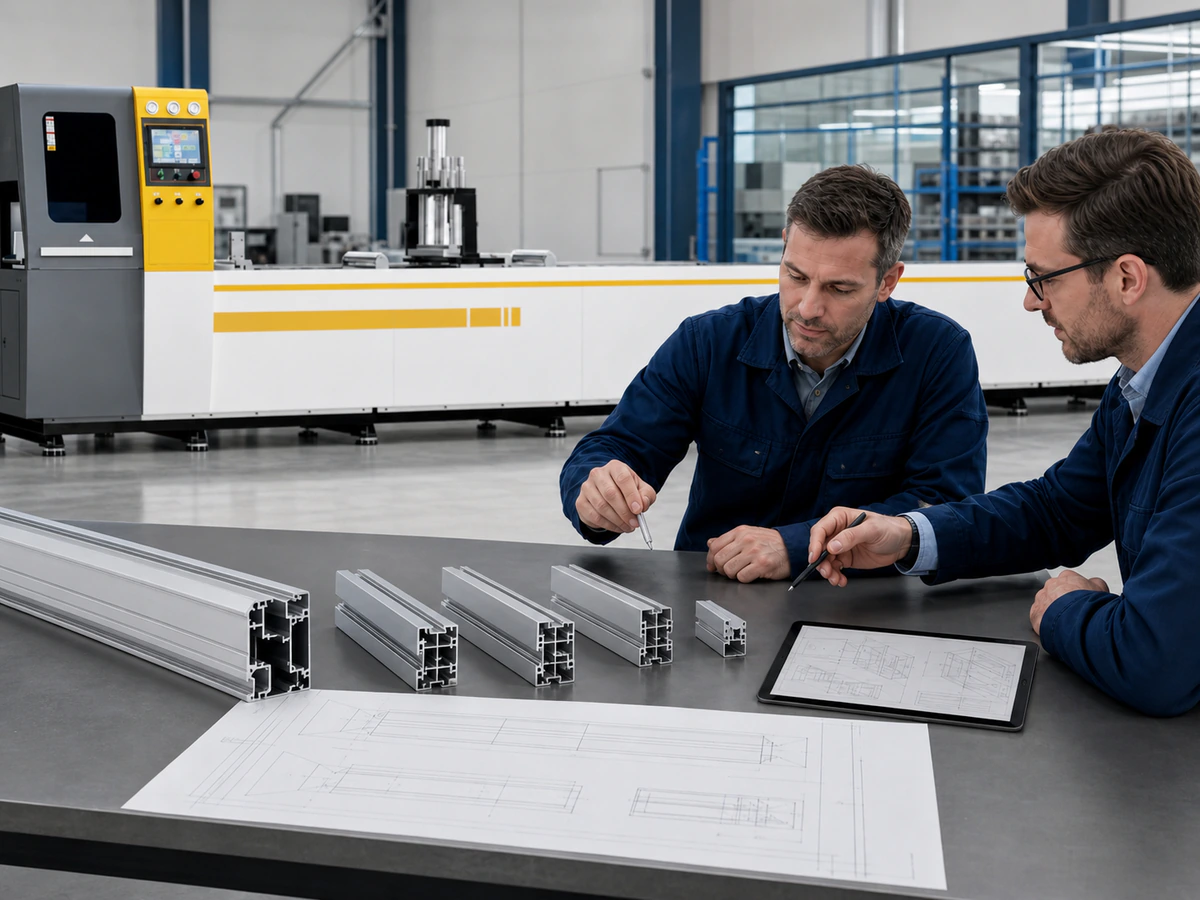
Review datums, compatible profile groups, visible surfaces and inspection requirements.
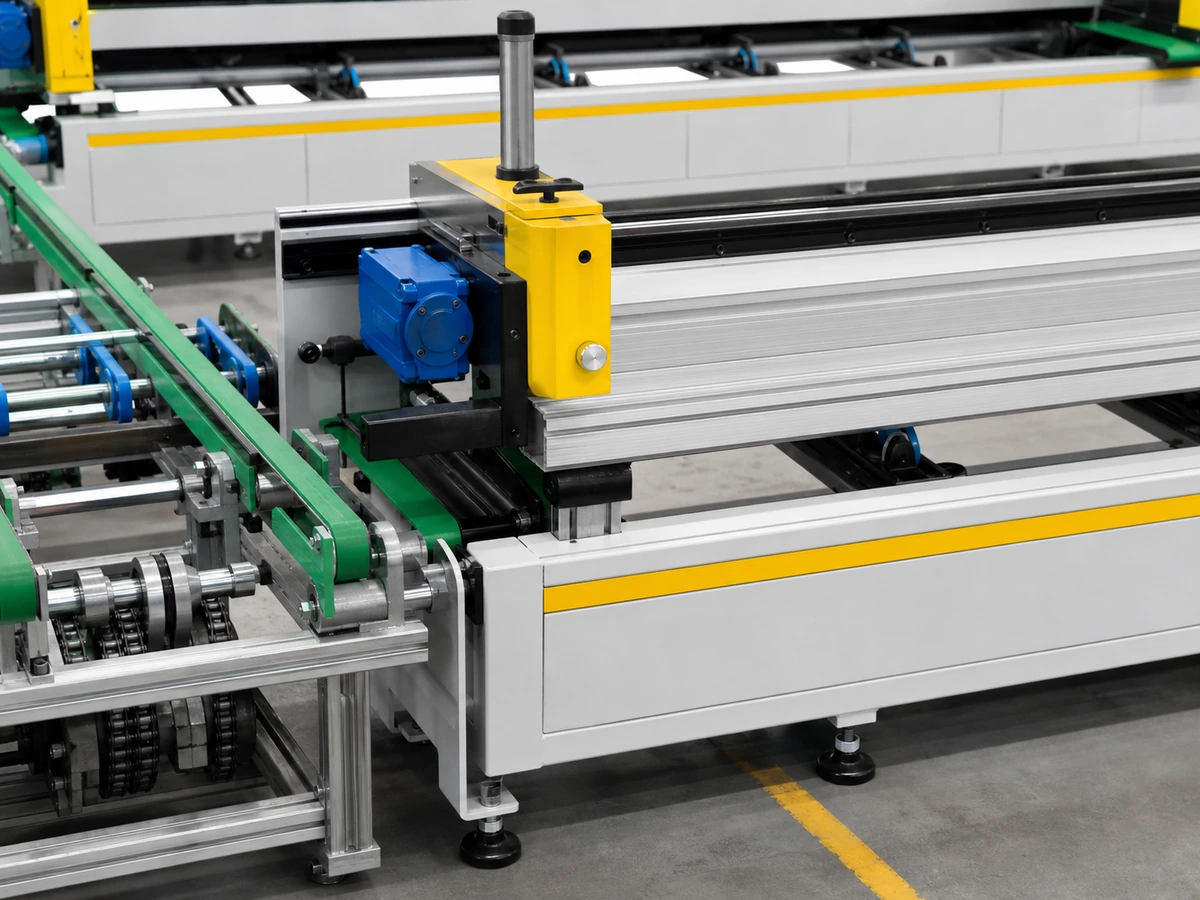
Plan feeding, positioning, workholding, program grouping and fixture changes.
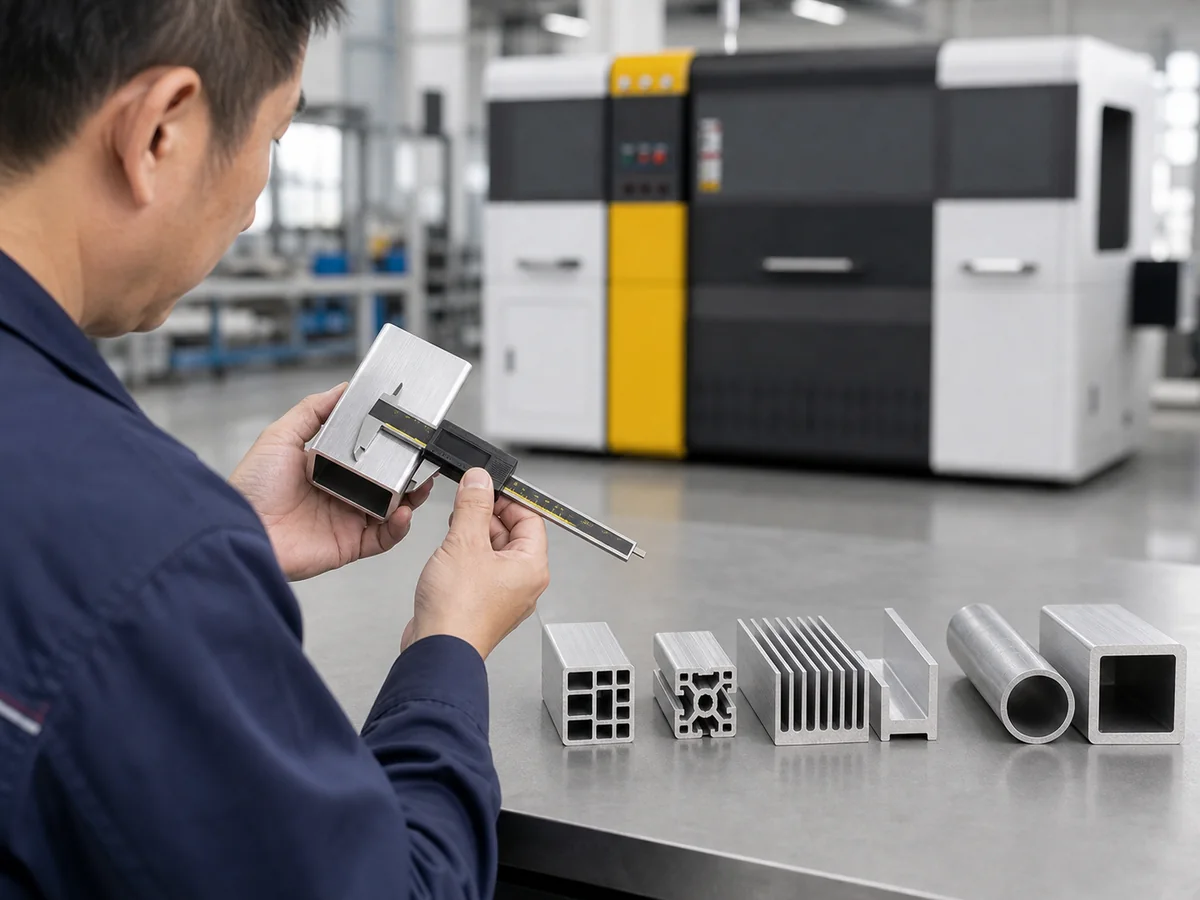
Check representative finished parts, repeated programs and changeover conditions.
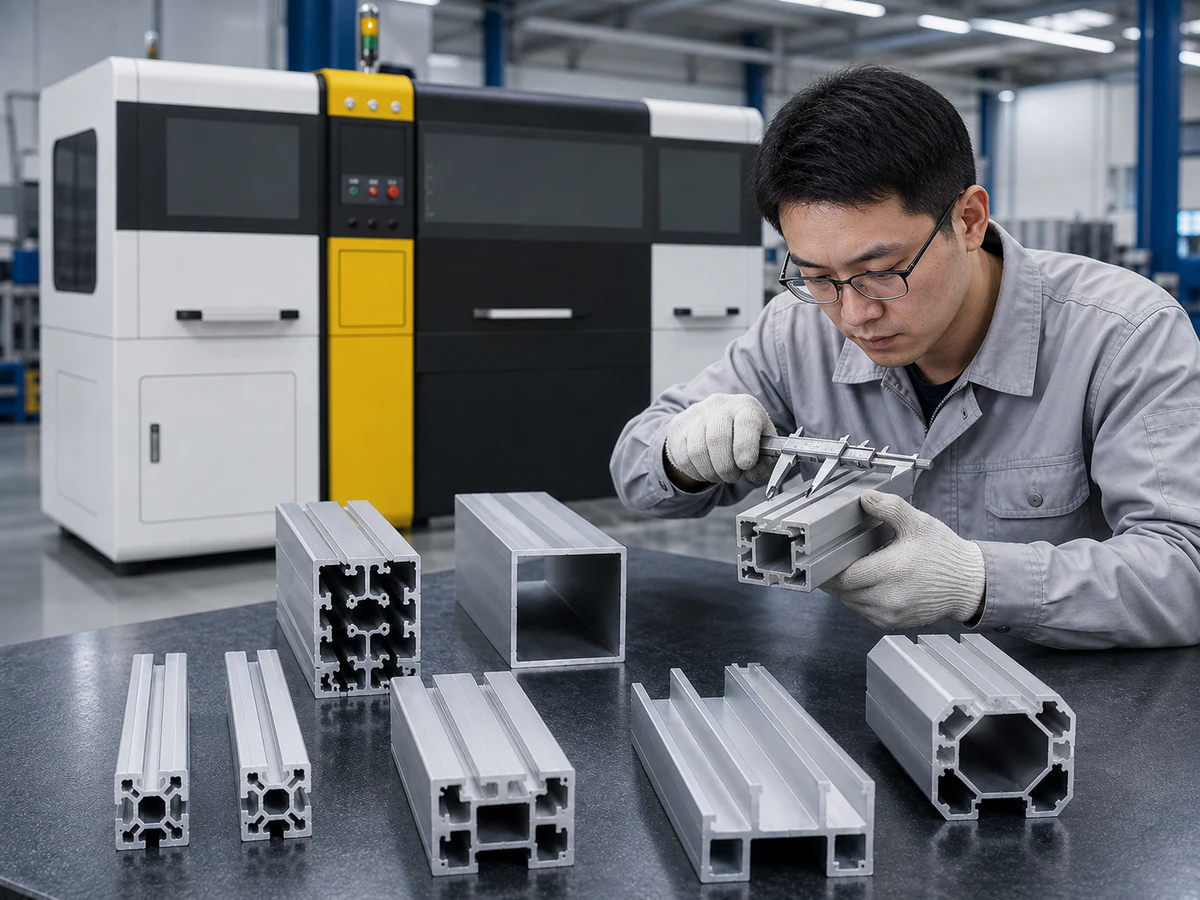
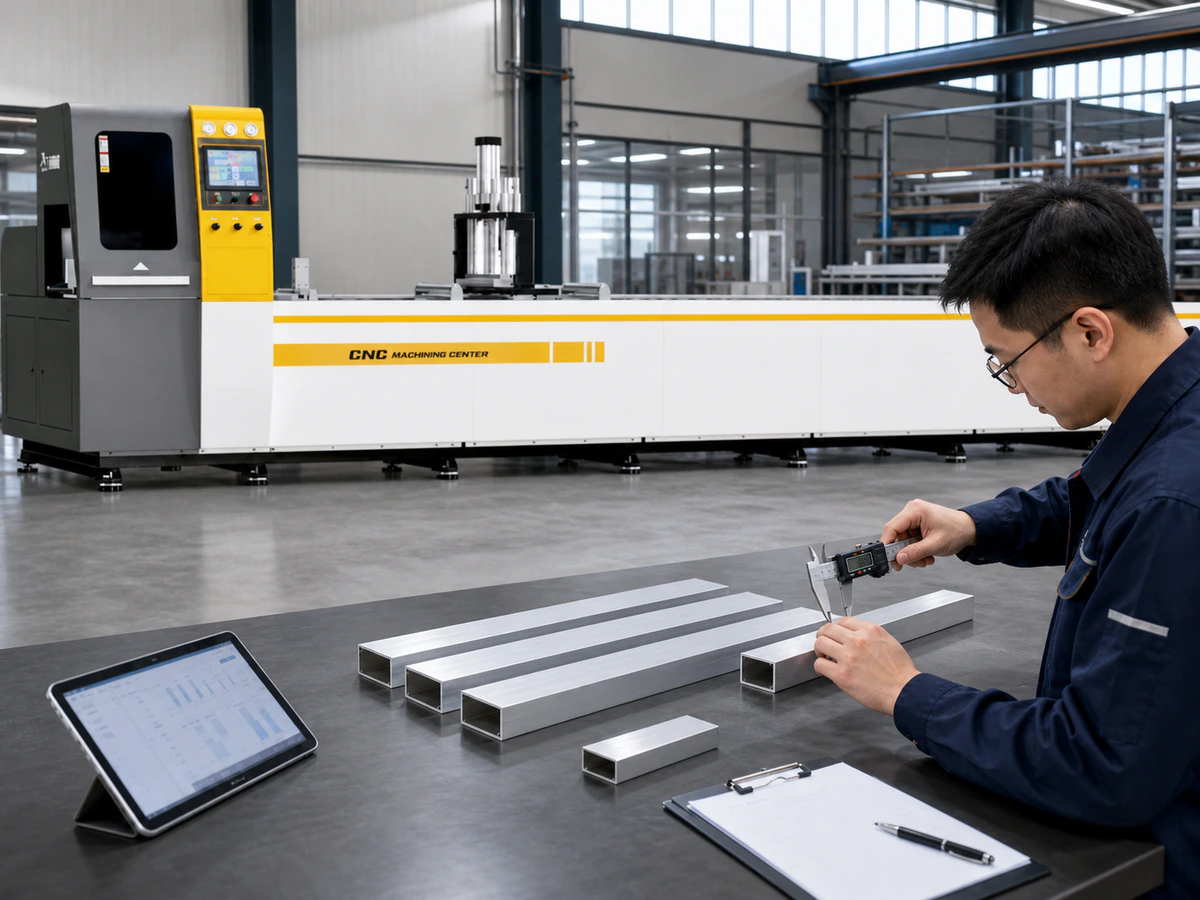
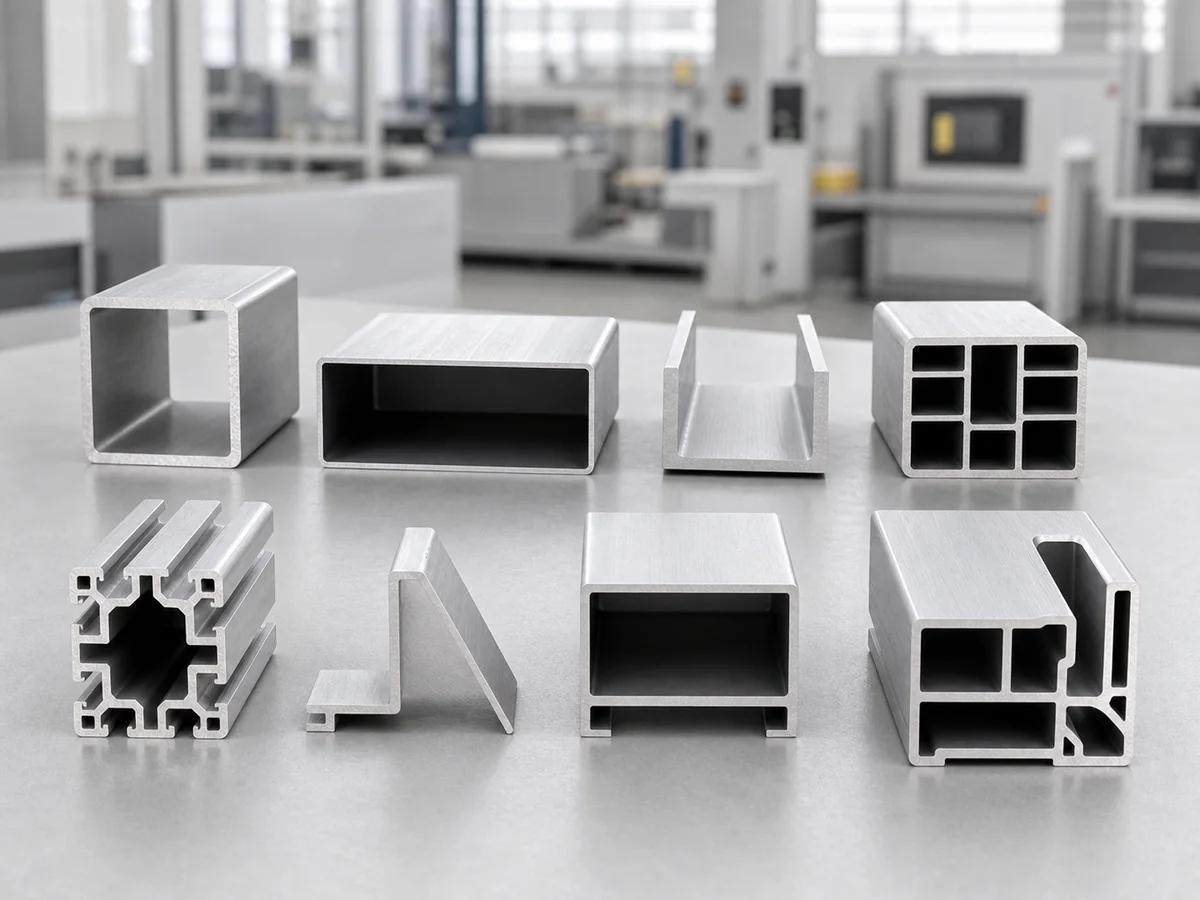
Engineering and production images illustrate review topics; they are not documented customer acceptance results.
PROVE BEFORE PRODUCTION
Agree representative sections, finished lengths and the inspection method before sample cutting. Include difficult profiles and recurring jobs.
A Representative Test Should Include
Inspect burrs, end-face condition and visible surfaces.
Measure from the agreed datum with the agreed method.
Repeat important recipes with the correct physical setup.
Compare consecutive pieces across important finished lengths.
Check support, contact and results after a profile-family change.
BEFORE SHIPMENT
FASTER ENGINEERING REVIEW
Available inputs help the engineering team review the complete workload without assuming every profile shares one setup.
Drawings or clear end-face photos for the important profile families.
Mark datums, mating details and protected visible faces.
Include units, incoming stock and the actual length range.
List each profile, finished length and quantity.
State the dimensional requirements and measurement method.
Share output, recurring orders and profile change frequency.
BUYER FAQ
Direct technical answers based on the profile family, cutting list and production requirement.
It may, provided the profiles fit the cutting capacity and a practical support, feeding and clamping plan can be designed for each family. JiurunCut asks for several cross-sections because one easy extrusion cannot represent thin-wall, multi-cavity, asymmetric and appearance-critical parts. The review groups profiles by compatible contact geometry and identifies where dedicated inserts or setup changes are needed. Final machine selection depends on the full range, finished lengths, quantities, tolerance and change frequency rather than a general statement that the machine cuts aluminum profiles.
Multiple lengths are organized as a cut list with quantities, sequence and repeat requirements. A CNC or automatic direction may store programs and change positioning between parts, but the best workflow also depends on stock length, part identification and whether the profile changes during the same order. JiurunCut reviews the real list and proposes a representative test that includes short, long and repeated dimensions. Several consecutive samples are measured from the agreed datum so repeatability is checked, not assumed from a single finished part.
A cross-section change can affect support height, stable contact areas, clamp direction, wall deformation, guide clearance and the position of the finished-part datum. It can also change how the part enters, exits and is collected after cutting. A program change only updates motion or length data; it does not automatically make the fixture compatible. JiurunCut reviews each important section and identifies which parts of the setup can be shared, which need adjustment and which require dedicated contact components before a multi-profile recommendation is confirmed.
Fixture planning starts with the real section drawing and a clear indication of safe contact zones, visible faces and assembly datums. Support is placed where the extrusion can resist cutting and clamping load without collapsing thin walls or shifting across internal cavities. Clamp force and direction are then tested on representative material. JiurunCut does not prescribe one universal fixture from a catalog image. The proposed contact geometry is validated through sample cutting, dimensional checks and surface inspection using the customer’s agreed acceptance method.
A CNC or automatic machine direction may support stored programs, but the useful question is what each program represents and what physical setup it requires. JiurunCut reviews recurring profile families, finished lengths, quantities and operator workflow so programs are named and grouped logically. If a stored recipe is recalled for a different cross-section, the correct support and fixture must still be confirmed. During acceptance, repeat programs should be run more than once and consecutive parts measured to verify that the saved production method reproduces the agreed result.
The inspection origin is first defined from the finished-part or assembly drawing. JiurunCut then cuts several consecutive pieces under the representative production setup and measures them from that agreed datum using the agreed tool and method. Results are compared across the sequence, not only against one selected sample. Where the order uses stored programs or mixed lengths, important programs are repeated to check that the process returns consistently. Any tolerance claim remains tied to the supplied profile, setup, measurement method and operating conditions.
Yes, and that is the preferred approach when the machine must serve a mixed industrial workload. Send the cross-section, finished length range, quantities, tolerance, visible surfaces and current problem for each important family. Also identify the most frequent, most difficult and future profiles. JiurunCut can then build a compatibility matrix covering capacity, support, clamping, program and changeover requirements. Profiles that create a data conflict or require a different process direction are separated instead of being silently forced into one generic recommendation.
Yes, subject to representative material, drawings and an agreed test scope. The sample plan should include difficult sections and recurring high-volume parts, not only the easiest extrusion. JiurunCut and the customer agree the datum, finished lengths, cut-face expectations, visible-surface checks and repeatability method before cutting. Where multiple families are involved, the test can also review fixture changes and program recall. Final acceptance is based on documented finished-part results under the representative setup rather than on an unloaded machine demonstration. The agreed test record becomes the reference for final configuration and factory acceptance.
Send the sections and job list for an application review.
ALUMINUM CUTTING MACHINE QUOTE
Tell us what you need to cut. We’ll confirm the details with you, recommend a machine and prepare a quote.
Prefer to chat?
Chat on WhatsAppOnly your name or company and WhatsApp / phone are required. Everything else is optional.